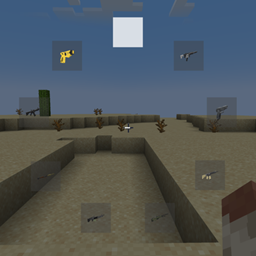
截图
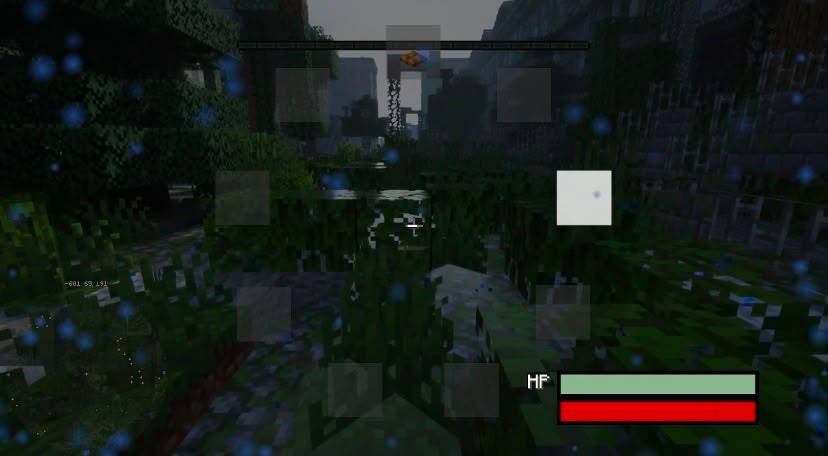
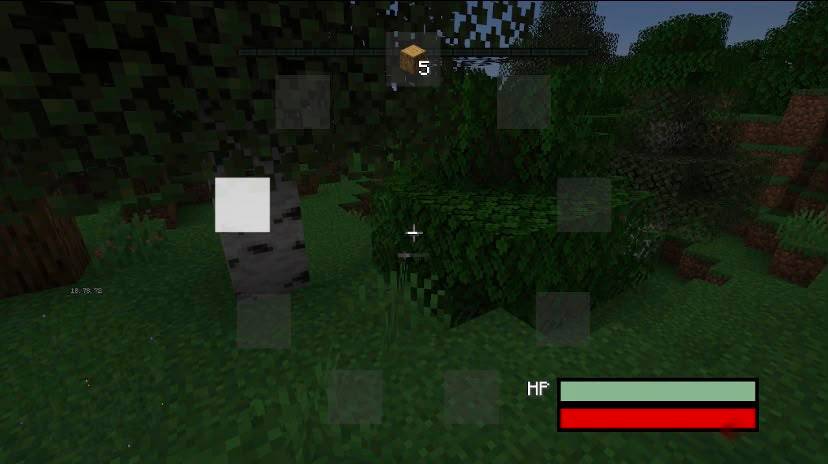
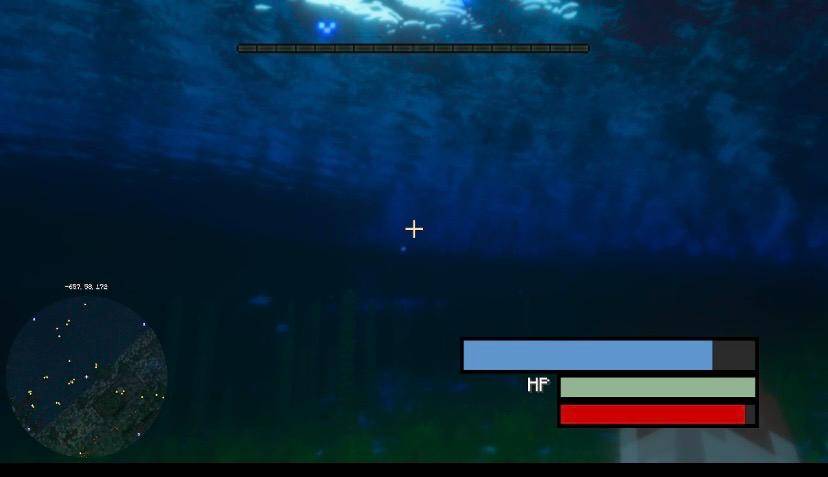
介绍
Wheel Hotbar – A Modern Hotbar for Minecraft Roleplay
Wheel Hotbar replaces Minecraft’s traditional hotbar with a modern circular item selection menu, designed especially for roleplay and GTA-inspired Minecraft servers.
Simply hold Tab to open the radial menu. While holding Tab, use your mouse wheel to cycle through your available items. Release Tab when you have selected the item you want and continue playing instantly.
🎮 Features
-
🔄 Circular Hotbar – Replaces the traditional hotbar with a clean and immersive radial menu while active.
-
🖱️ Mouse Wheel Selection – Scroll through your items quickly and intuitively using the mouse wheel.
-
⌨️ Hold Tab to Open – Press and hold Tab to bring up the radial menu at any time.
-
🎭 Made for Roleplay – Perfect for modern RP servers looking to create a GTA V-inspired experience.
-
🚗 More Immersive Gameplay – Quickly switch between weapons, tools, and other items without relying on the classic Minecraft hotbar.
-
⚡ Fast Item Selection – Access your items quickly without manually cycling through traditional hotbar slots.
-
🎮 GTA-Inspired Interface – Inspired by the radial menus commonly found in modern open-world and action games.
🌆 Built for Servers That Want More
Minecraft doesn’t have to feel like classic Minecraft. Wheel Hotbar was created for servers that want to deliver a modern, GTA-inspired roleplay experience.
Whether you’re running a Police RP, Gang RP, City RP, Military RP, or modern Survival server, the radial menu provides a more intuitive way to manage your items while helping your server feel closer to the interface and gameplay style of modern open-world games.
Hold Tab. Choose your item. Keep playing.
常见问题
WheelHotbar 支持哪些 Minecraft 版本?
WheelHotbar 支持 Minecraft Java 版 1.20.1,可用的加载器:Forge。下载时注意选择和你游戏版本一致的文件。
WheelHotbar 怎么安装?
先用 PCL2 或 HMCL 启动器安装对应版本的 Forge,再把下载的 .jar 文件放进游戏目录的 mods 文件夹,重新启动游戏即可。开启了版本隔离的,mods 文件夹在 versions/版本名 下面。

评论
登录后评论和评分