介绍
What I’m Pressing
This mod allows you to display the button you are currently clicking on the screen.
You also can customize it by the editor, and the editor can be accessed by clicking the shortcut key (default is “]”).
By default, the mod displays the WASD four keys in the upper left corner of the screen.
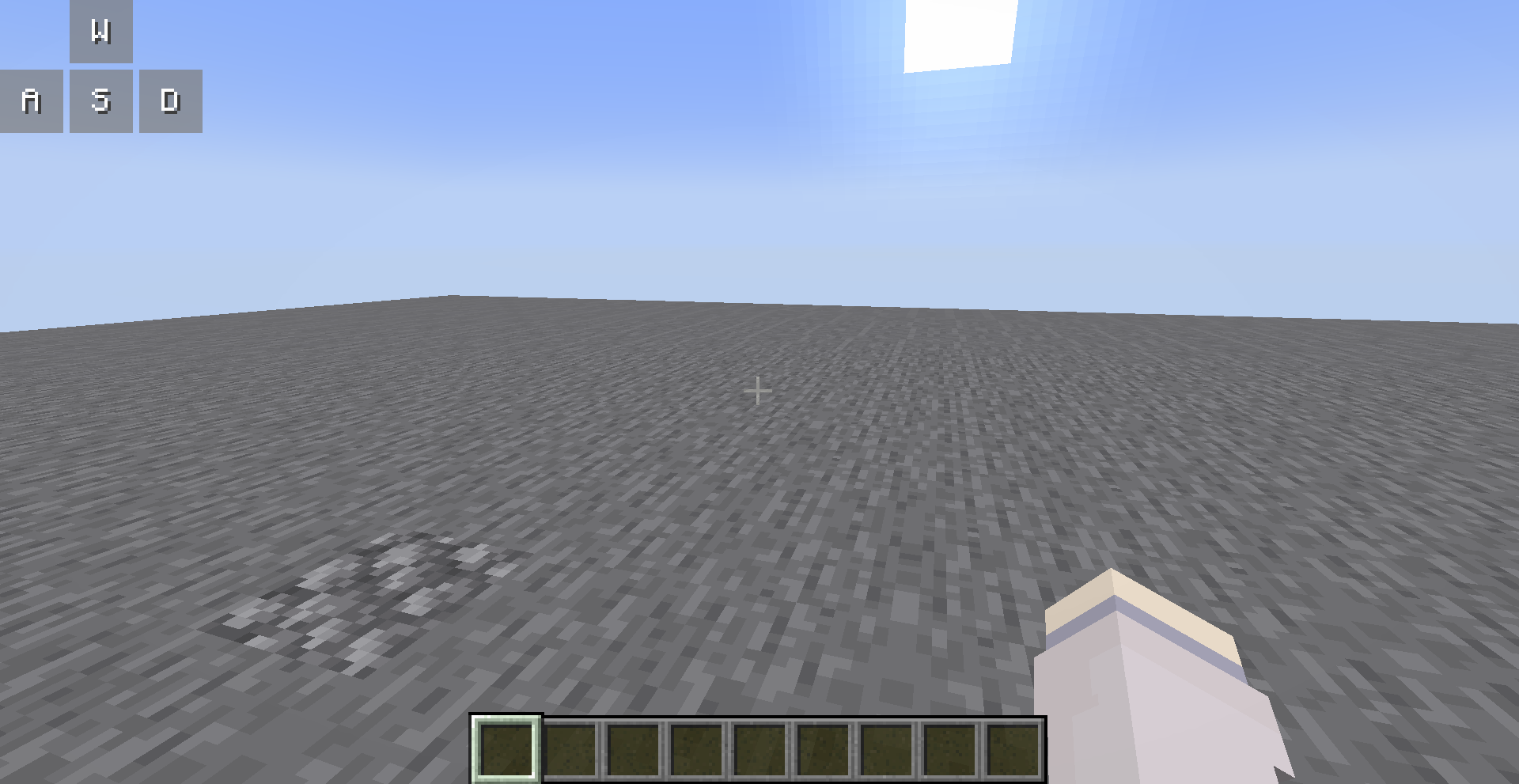
You can open the editor to customize them, all your changes are saved automatically.
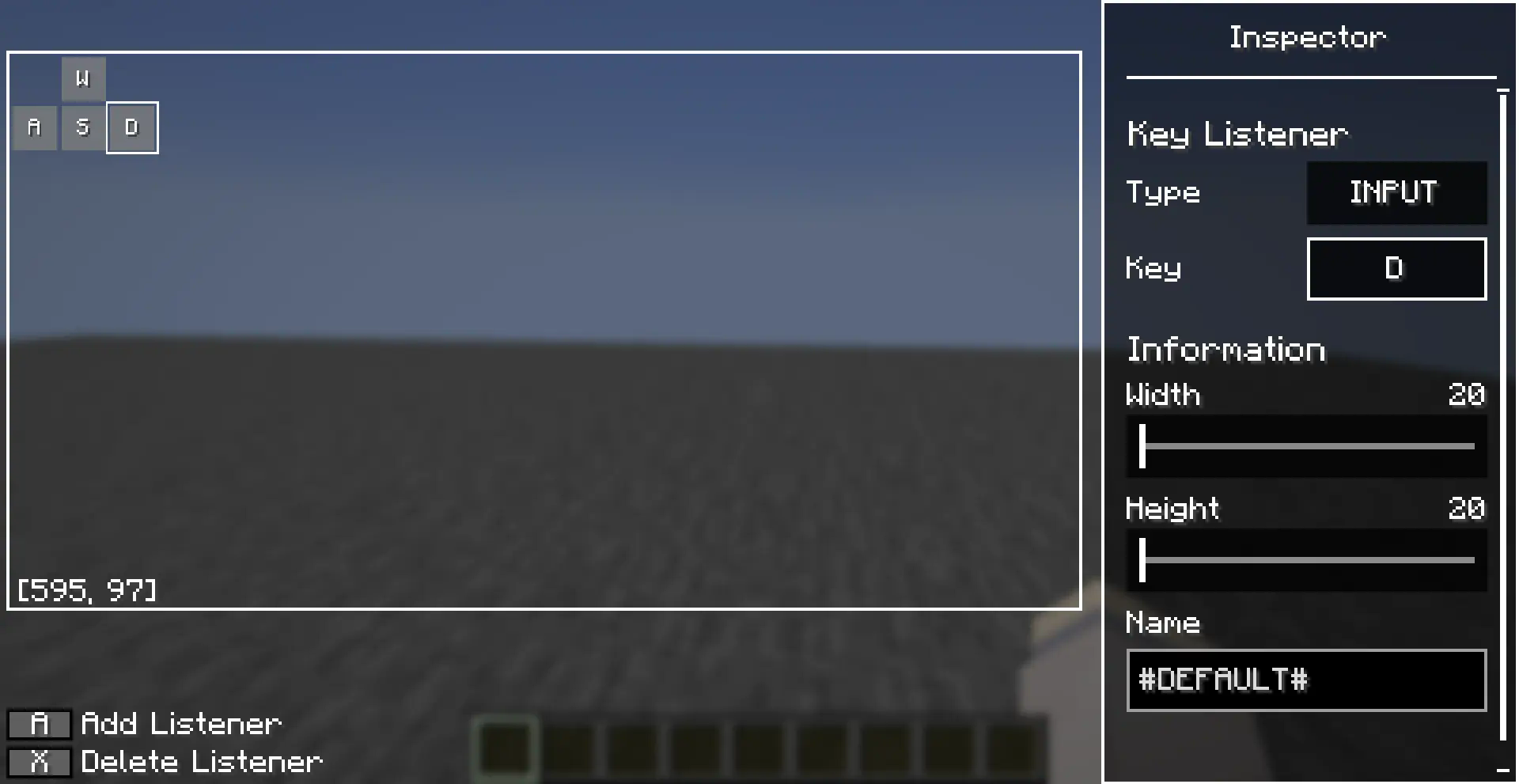
Editor Operations
You can use the left mouse button to select a key listener in the editor, and long press the left mouse button to drag it.
There are also many operations allowed in the editor, which you can perform with the following key combinations:
- [A]: Add a new key listener at the cursor
- [X]: Deletes the selected key listener
- [Ctrl + C]: Copies the selected key listener
- [Ctrl + V]: Paste the copied key listener at the cursor, or paste the copied style onto the selected key listener
- [Ctrl + R]: Resets the style of the selected key listener
- [up/down/left/right]: Move selected key listener
Inspector also supports copy-paste operations, after you selected a entries (left clicked or right clicked), you can use [Ctrl + C] to copy it and [Ctrl + V] to paste it.
常见问题
WhatI’mPressing 支持哪些 Minecraft 版本?
WhatI’mPressing 支持 Minecraft Java 版 1.20–26.2,共 12 个版本,可用的加载器:Fabric / Forge / NeoForge。下载时注意选择和你游戏版本一致的文件。
WhatI’mPressing 怎么安装?
先用 PCL2 或 HMCL 启动器安装对应版本的 Fabric / Forge / NeoForge,再把下载的 .jar 文件放进游戏目录的 mods 文件夹,重新启动游戏即可。开启了版本隔离的,mods 文件夹在 versions/版本名 下面。运行环境:仅客户端。
LouisQuepierts 的其他作品
查看全部 →
Simple Animator
This is an animator lib for player

EndfieldEarlywindowModule
This is a module for EndfieldPanorama to work correctly in NeoForge's early loading screen.

ThatSkyInteractions
Added player interactions from game "Sky:Children of the Light"

EndfieldPanorama
Brings loading screen from "Arknight: Endfield" to Minecraft
评论
登录后评论和评分