
截图
介绍
What did you see?
Threat Detection
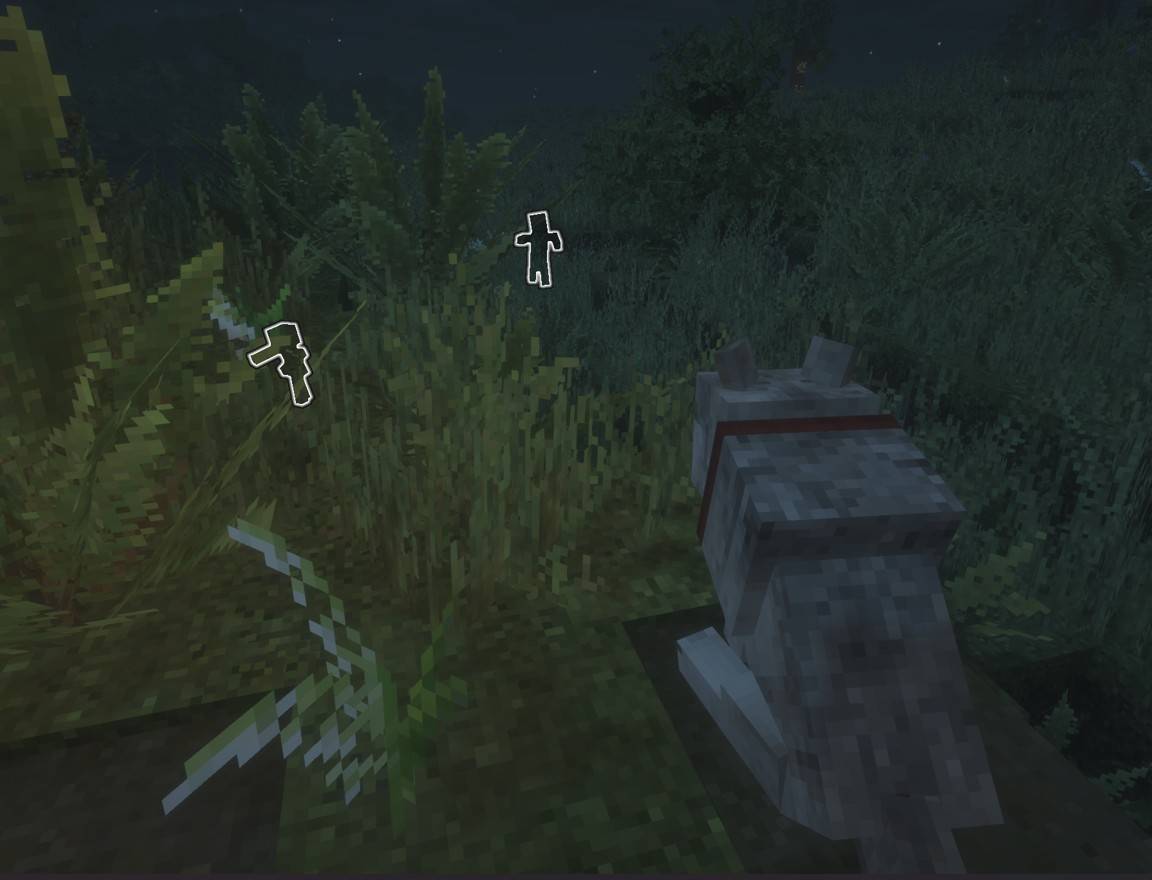
When a hostile mob spots a player, nearby tamed wolves will growl and reveal the monster with the Glowing effect while facing the direction of the nearest spotted monster.
If something is hunting you, your wolf will help you find it.
Guard Mode
Sitting wolves enter Guard Mode.
While guarding, wolves continuously watch the surrounding area and reveal nearby hostile mobs with the Glowing effect.
When a threat is spotted, the wolf will face the monster and bark an alert to warn nearby players.
This allows wolves to function as:
• Village guards
• Camp sentries
• Perimeter alarms
Place wolves around your base, village, or favorite building and they’ll keep watch while you’re busy doing other things.
Iron Golem Integration
Monsters revealed by wolves become targets for nearby iron golems.
Wolves spot the threat.
Iron golems deal with it.
Together they create an effective village defense system.
Emergency Response
If a player takes damage, their sitting wolves will immediately stop sitting and come to their aid.
Your guard dogs won’t stay planted on the ground while you’re getting chased by zombies.
Chat Commands
Communicate directly with your wolves using chat commands.
• Sit — Orders nearby tamed wolves to sit.
• Come — Calls nearby tamed wolves to follow you.
Petting
Show your companions some affection.
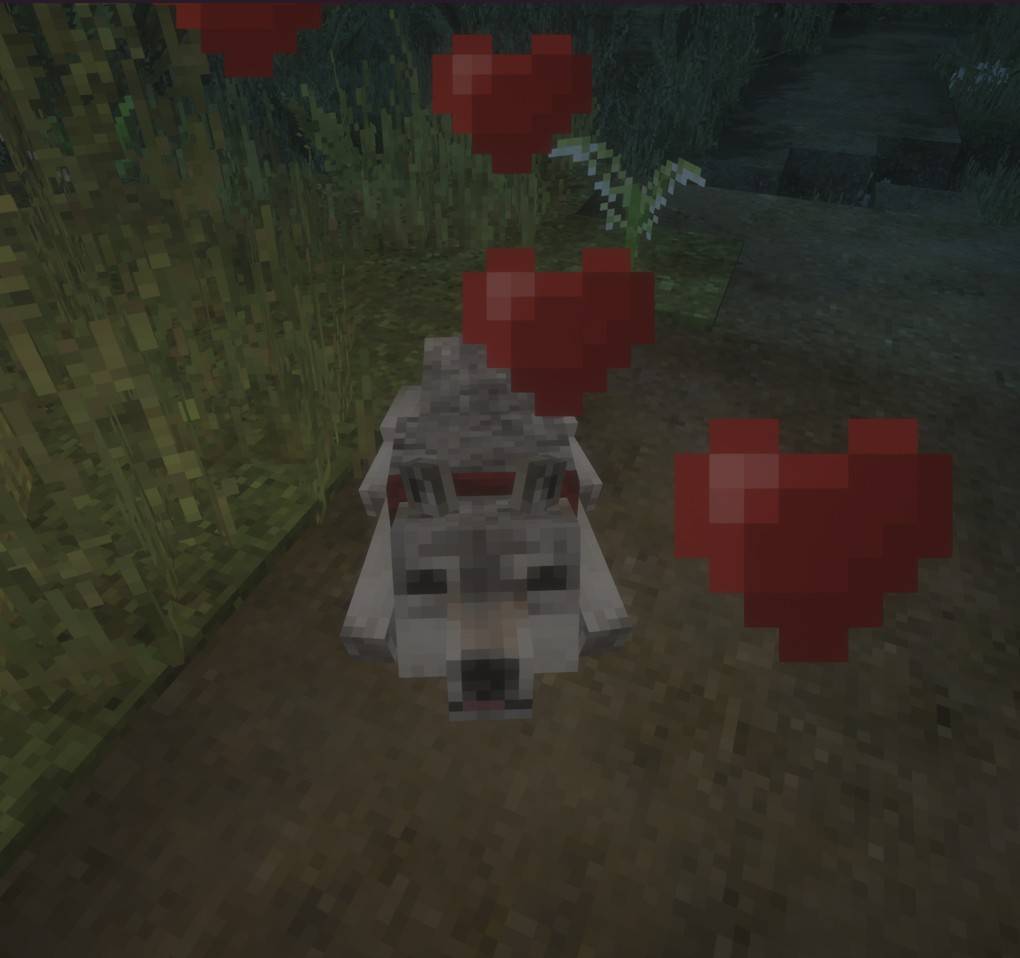
• Left-click a calm tamed wolf to pet them, causing heart particles and a happy sound.
Because every dog deserves pets.
Quality of Life Improvements
• Wolves no longer bark randomly.
• Tamed wolves are immune to damage from players.
• Wolves can still be interacted with when hidden by grass and similar plants.
常见问题
What did you see? 支持哪些 Minecraft 版本?
What did you see? 支持 Minecraft Java 版 1.20.1,可用的加载器:Forge。下载时注意选择和你游戏版本一致的文件。
What did you see? 怎么安装?
先用 PCL2 或 HMCL 启动器安装对应版本的 Forge,再把下载的 .jar 文件放进游戏目录的 mods 文件夹,重新启动游戏即可。开启了版本隔离的,mods 文件夹在 versions/版本名 下面。
somepolarbear 的其他作品
查看全部 →
Let Nature Take Its Course.
一款原版增强模组,仅使用原版方块填充 Minecraft 中空旷的世界生成内容。兼容性强,可与材质包和世界生成模组搭配使用。

And you will know us by the trail of the dead.
Draggable/burnable corpses, stealth system, persistence. Zombies hunt animals, destroy barricades, crawl through gaps, investigate light/sound.

Above the earth, below the sky.
Build campsites far from home with functional sleeping bags, chair, lantern, cooler, backpack, radio, medkit, flashlight and thermos.

The earth is not a cold dead place.
Adds intuitive vanilla+ crafting recipes, fuels, composts, material recovery, and uncraftable recipes that feel like they should already exist.
评论
登录后评论和评分