
Weeder Continued
An unofficial continuation of the original Weeder mod by cesca, updated for Minecraft 1.21.x. Adds cannabis as a crop with edibles, smoking items, hemp fabric, tray crafting, and dealer NPCs. All credit to the original author.
截图
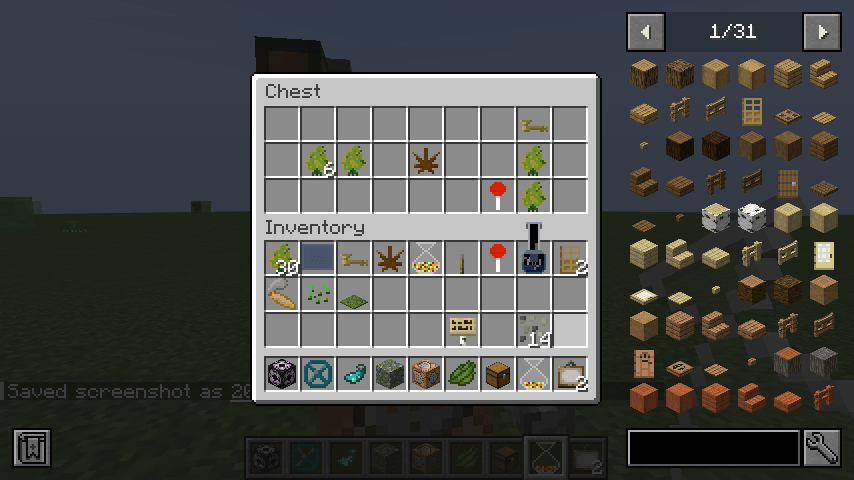
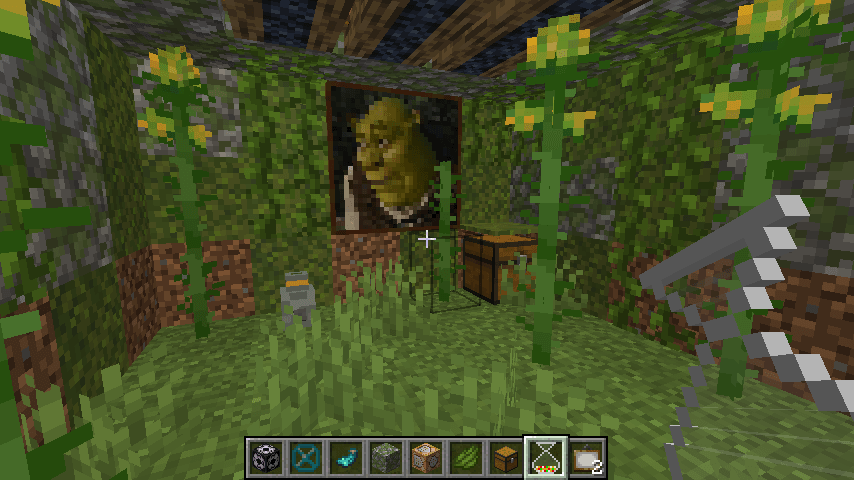
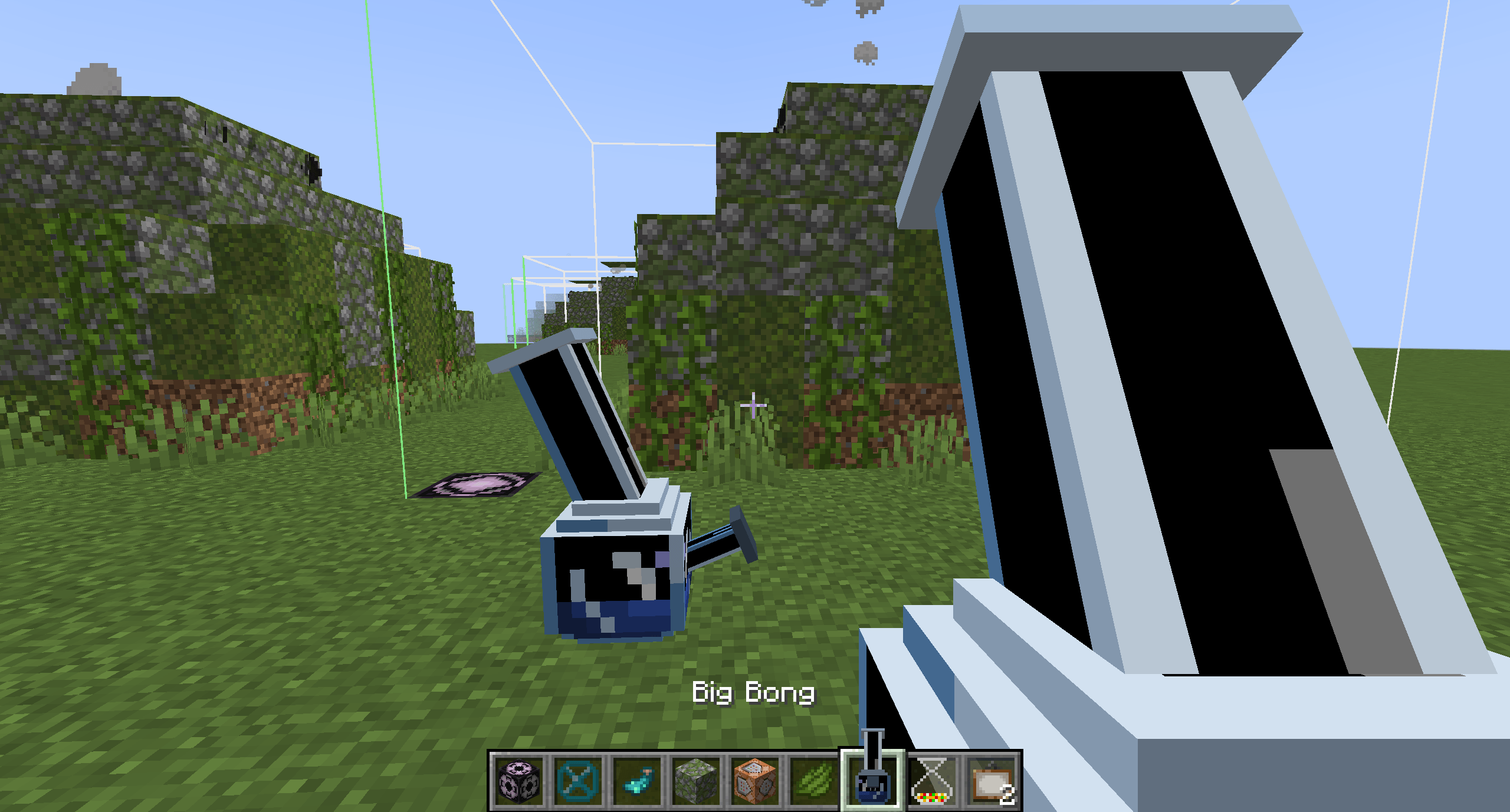
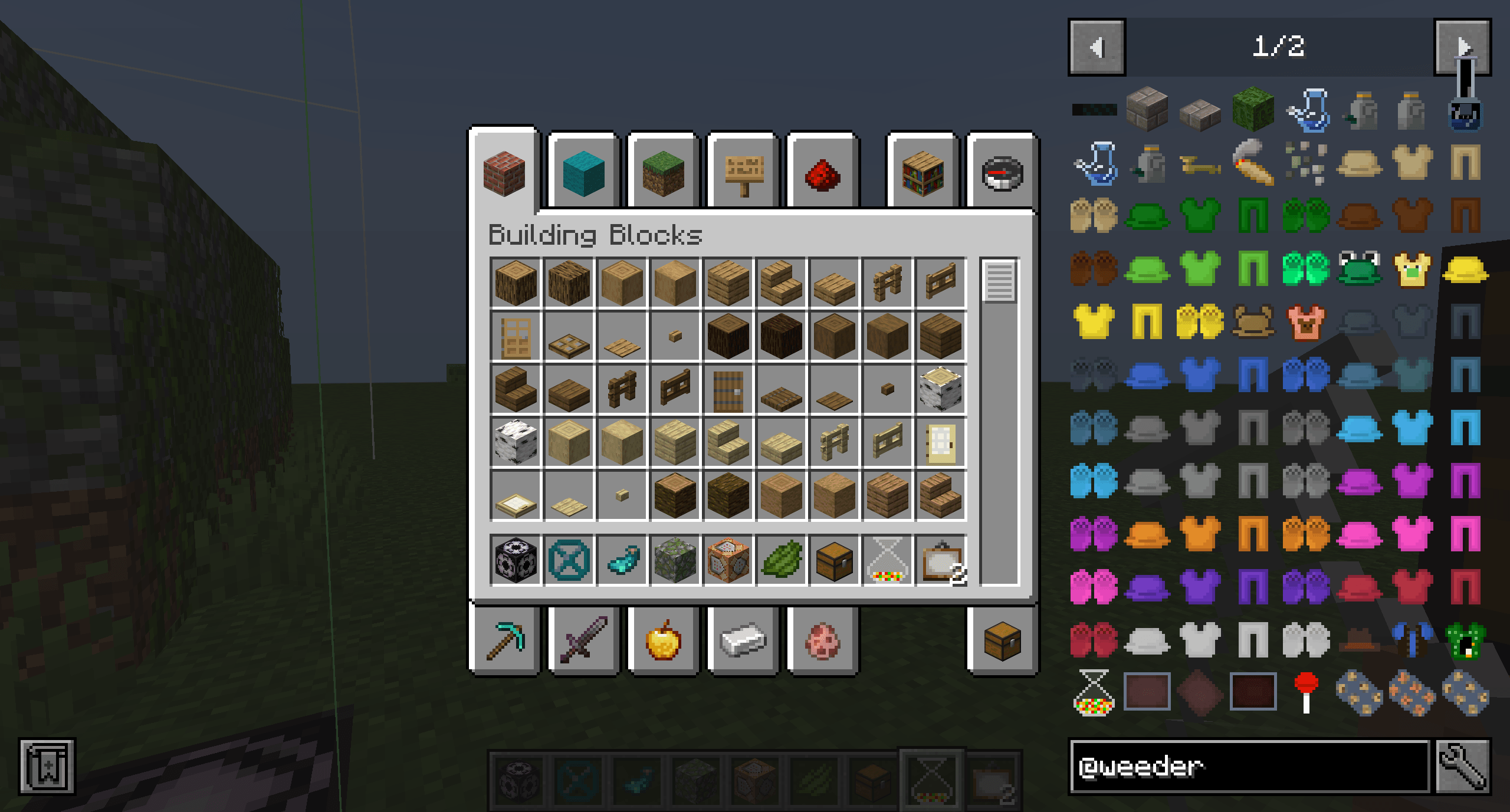
介绍
Weeder Continued
Weeder Continued is an unofficial fork of the original Weeder mod by cesca, updated for Minecraft 1.21.x. This fork exists solely to keep the mod alive for newer versions — all original content, concepts, and credit belong to cesca. This fork was created with explicit permission from the original author.
What is Weeder?
Weeder is a mod built around cannabis as a functional crop, with a surprising amount of depth. Current features include:
🌿 Cannabis Crop — A new growable plant with a wide variety of uses.
🥘 Tray Crafting — A new tray-based crafting system that expands on vanilla crafting and cooking. Tray cooking takes longer than a furnace but rewards you with more XP and a more immersive experience.
🍪 Edibles — Bake edibles using the metal tray item for unique consumable effects.
💨 Bongs, Pipes & Blunts — Recreational smoking items that double as decoration. The method you choose to smoke affects how it impacts your character!
🧑💼 Dealers — Special NPCs that spawn occasionally in the world with randomized trades, offering an easy way to pick up recreational goods.
🧵 Hemp — Harvest hemp to craft string and fabric. Hemp fabric can be used to create a variety of clothing items — pairs great with the Cosmetic Armor Reworked mod!
What Changed in This Fork?
- Ported to Minecraft 1.21.x
- No content changes — this is a maintenance fork at this time
Credits
All original mod content, design, and assets are the work of cesca. Please visit the original Weeder mod page to view their work. This fork was made with their permission.
常见问题
Weeder Continued 支持哪些 Minecraft 版本?
Weeder Continued 支持 Minecraft Java 版 1.21.1–1.21.8,共 2 个版本,可用的加载器:NeoForge。下载时注意选择和你游戏版本一致的文件。
Weeder Continued 怎么安装?
先用 PCL2 或 HMCL 启动器安装对应版本的 NeoForge,再把下载的 .jar 文件放进游戏目录的 mods 文件夹,重新启动游戏即可。开启了版本隔离的,mods 文件夹在 versions/版本名 下面。
评论
登录后评论和评分