
截图
介绍
中文介绍正在准备中,下面暂时显示原文。
WeCode
Plot Searching
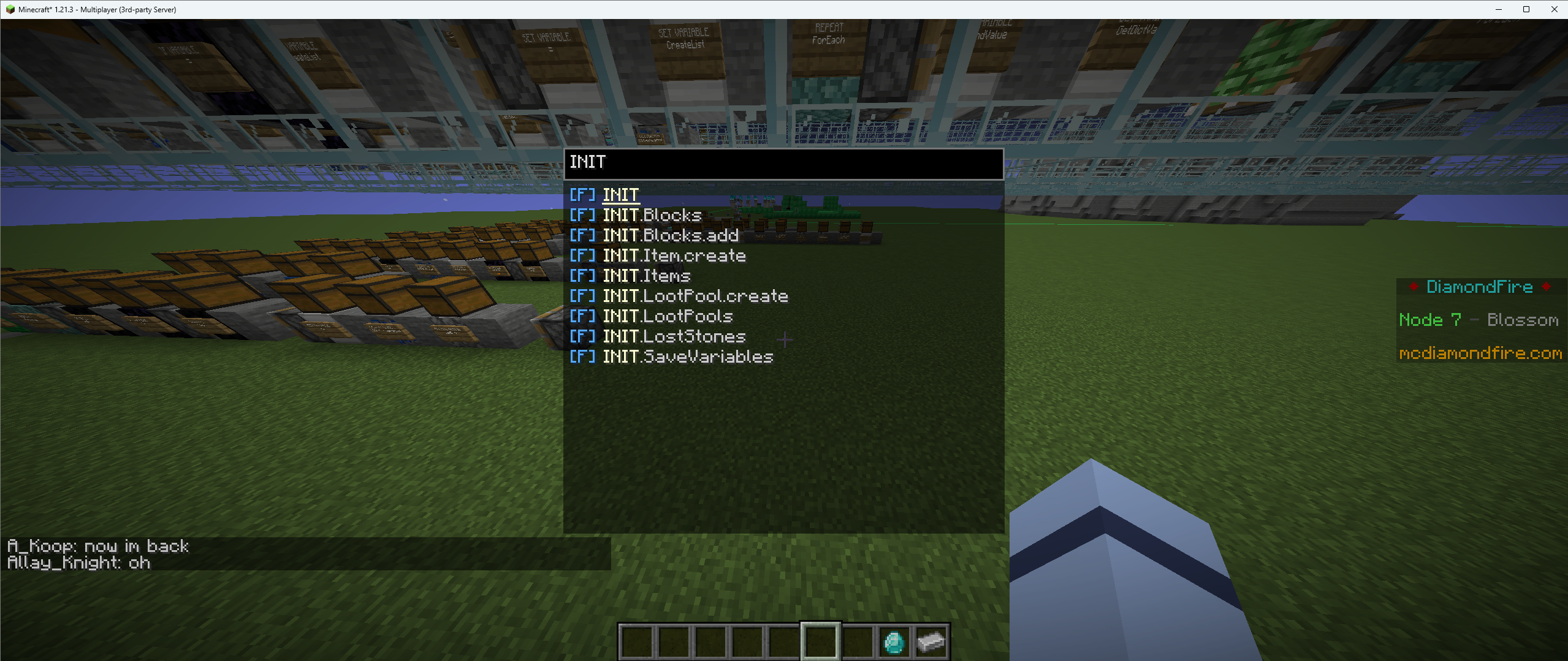
- CTRL + F by default to search the entire plot for functions/processes/events
Commands
- /exp
- good way to quickly write %math expressions
- /batchtag \ \ \ \ […]
- /pjoin \
- Joins the plot that player is on
- /sjoin \
- /speedjoin set \ \<id/handle
- /speedjoin list
- /smallcaps \<text
- Gives you a qxeii’ied version of the input text
- /dev \ OR /dev \
- /build \ OR /build \
- /cs (explained later)
- /inv save AND /inv load
- /dtp \
- Runs /dev and then /ctp \
- /test (don’t run, does stuff for testing)
Colorspaces (/cs)
- /cs list
- Lists your colorspaces
- /cs create \
- Creates a new colorspace under the given name
- /cs delete \
- Deletes the given colorspace
- /cs add \ \ \
- Adds a named color to a colorspace
- /cs remove \ \
- Removes a named color
- /cs setactive \
- Sets your active colorspace to the given space
- /cs export \
- Copies the given colorspace to your clipboard
- /cs importclipboard \
- Imports a colorspace from your clipboard (and saves it under the given name)
When writing in chat (or running commands) every tag in the form of <<name>> gets
replaced with the corresponding color from your active colorspace (or from the "global" colorspace)

Example:
/cs create example
/cs add example test #FFFF88
/cs setactive example
/txt <<test>>Woahie!
^^ That command gives you a /txt <#FFFF88>Woahie!
Keybinds
- Show Tags
- Pin Item Tooltip
- Pin Template Preview
- There is a template peeker and this allows you to freeze it in place
- Flight Speed Toggle Normal \ Fast (Normal and Fast are defined in the config)
Other
- Lagslayer Display in the top left
- Custom Notifications
- Moves all DF errors and successes to a fancy display in the top right (can be toggled in config)
常见问题
WeCode 支持哪些 Minecraft 版本?
WeCode 支持 Minecraft Java 版 1.21.3–1.21.11,共 3 个版本,可用的加载器:Fabric。下载时注意选择和你游戏版本一致的文件。
WeCode 怎么安装?
先用 PCL2 或 HMCL 启动器安装对应版本的 Fabric,再把下载的 .jar 文件放进游戏目录的 mods 文件夹,重新启动游戏即可。开启了版本隔离的,mods 文件夹在 versions/版本名 下面。运行环境:仅客户端。

评论
登录后评论和评分