
截图


介绍
中文介绍正在准备中,下面暂时显示原文。
Remotely send commands to your server using a websocket.
Created to be used along side streamer.bot.
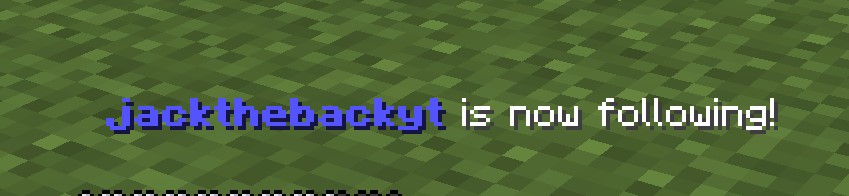
- Setup alerts directly in the game.
- Have the livestreams chat in minecrafts chat.
- Setup channel rewards that spawn mobs on the player
How to use with Streamer.bot
In streamer.bot go to “Servers/Clients” then “Websocket Clients”. Right click and click “add”. Give the client a name. Replace the endpoint with ws://_Your servers IP_:25735/. Enable Auto Connect and Reconnect if you want then press “Ok”. You may have to right click the client and press “Connect”. Use C# in Streamer.bot to send the commands. Example:
CPH.WebsocketSend("/summon zombie 0, 100, 0");常见问题
WebSocket Commands 支持哪些 Minecraft 版本?
WebSocket Commands 支持 Minecraft Java 版 1.20.4–1.21,共 3 个版本,可用的加载器:Fabric / NeoForge。下载时注意选择和你游戏版本一致的文件。
WebSocket Commands 怎么安装?
先用 PCL2 或 HMCL 启动器安装对应版本的 Fabric / NeoForge,再把下载的 .jar 文件放进游戏目录的 mods 文件夹,重新启动游戏即可。开启了版本隔离的,mods 文件夹在 versions/版本名 下面。运行环境:仅服务端。

评论
登录后评论和评分