
WebScreen
作者:wiliel
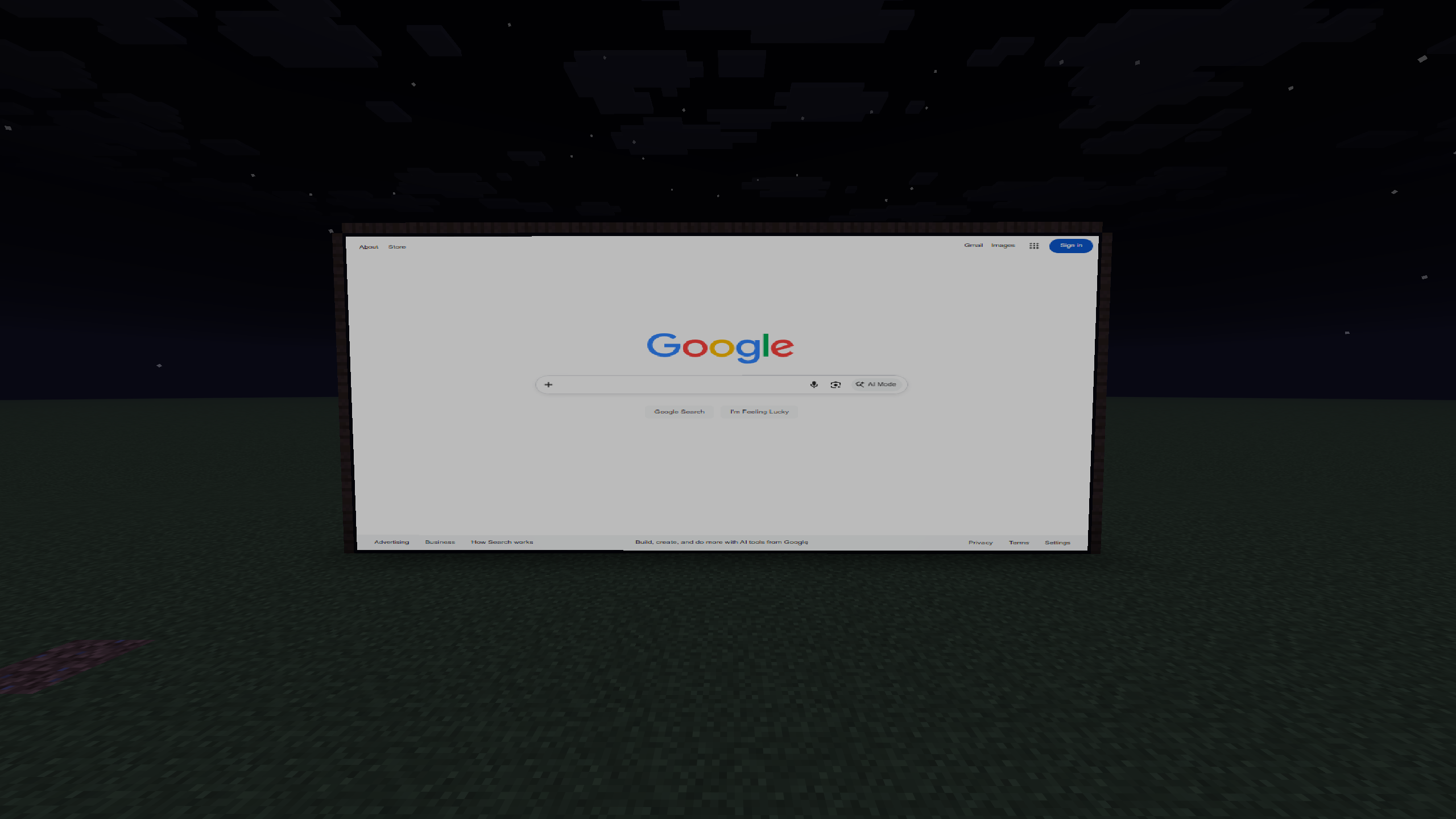
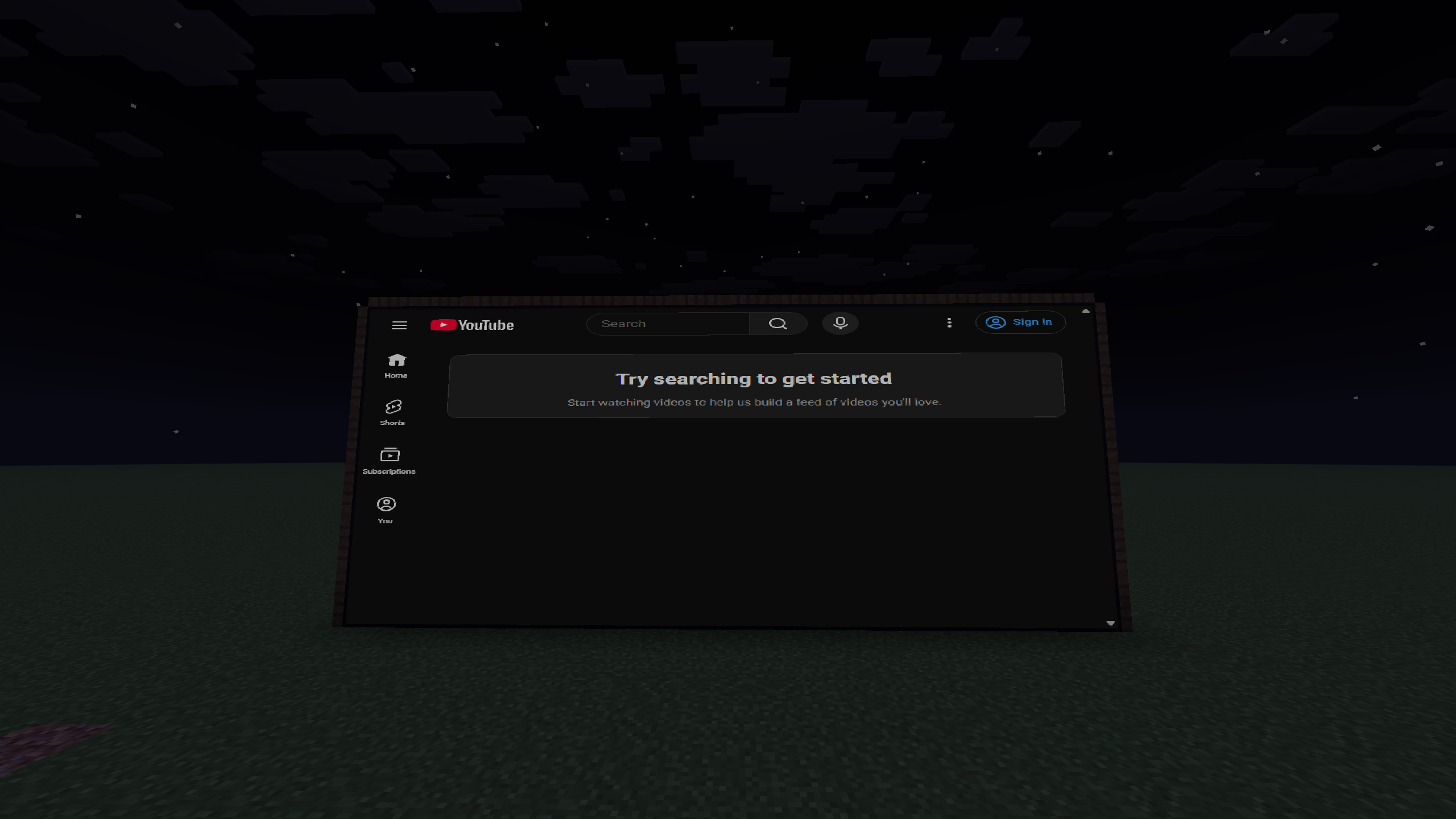
Renders a real Chromium web browser on a screen block inside Minecraft — click links, type, scroll, build multi-block screens, and browse together in multiplayer.
截图
介绍
中文介绍正在准备中,下面暂时显示原文。
WebScreen
A real web browser on a block, right inside Minecraft. WebScreen renders a
full Chromium browser onto a screen block — you can click links, type, scroll,
and browse actual websites in-game.
Features
- Real browser — powered by Chromium (JCEF), not a fake mockup.
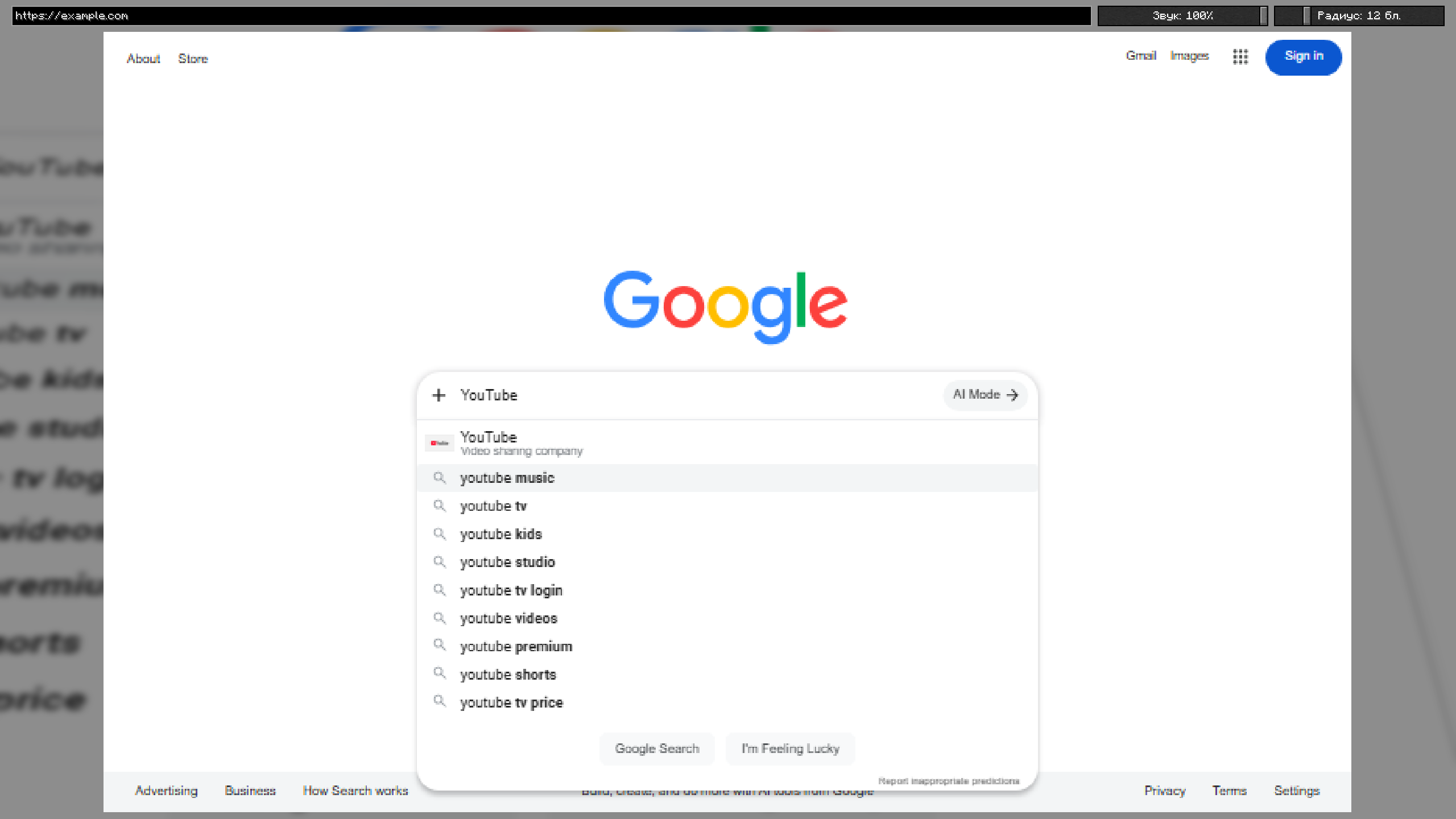
- Full interaction — click links, type on the keyboard, scroll, zoom (Ctrl+scroll), and an address bar with search.
- Remote control — right-click the screen with the Remote item to open the browser menu.
- Multi-block screens — place screens in a grid to build one big seamless wall.
- Per-screen audio — volume and falloff radius sliders; sound fades with distance from the block.
- Multiplayer — browse together. Navigation and input sync between players, and audio settings are shared.
How to use
- Craft or
/give @s webscreen:web_screenand/give @s webscreen:web_remote. - Place the screen block facing you.
- Right-click it with the Remote to open the browser, type a URL, press Enter.
Requirements
- Minecraft 26.2, Fabric loader, Fabric API, Java 25.
- On first launch the mod downloads the Chromium engine (~200 MB) automatically — give it a minute the first time.
Notes
- Each player runs their own browser instance; pages sync by URL and input, not by pixels, so live/dynamic content may differ slightly between players.
常见问题
WebScreen 支持哪些 Minecraft 版本?
WebScreen 支持 Minecraft Java 版 26.2,可用的加载器:Fabric。下载时注意选择和你游戏版本一致的文件。
WebScreen 怎么安装?
先用 PCL2 或 HMCL 启动器安装对应版本的 Fabric,再把下载的 .jar 文件放进游戏目录的 mods 文件夹,重新启动游戏即可。开启了版本隔离的,mods 文件夹在 versions/版本名 下面。运行环境:客户端和服务端都要装。
评论
登录后评论和评分