
Way too many binds
Search your keybinds by name and press them from a search box, instead of hunting through the controls menu. (too many binds plus ported to newer versions)
截图
介绍
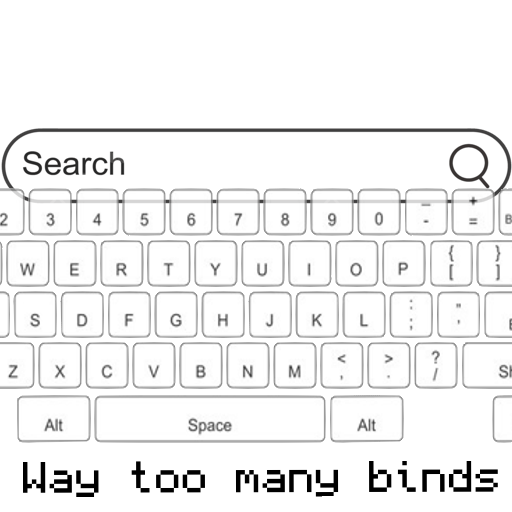
Way Too Many Binds
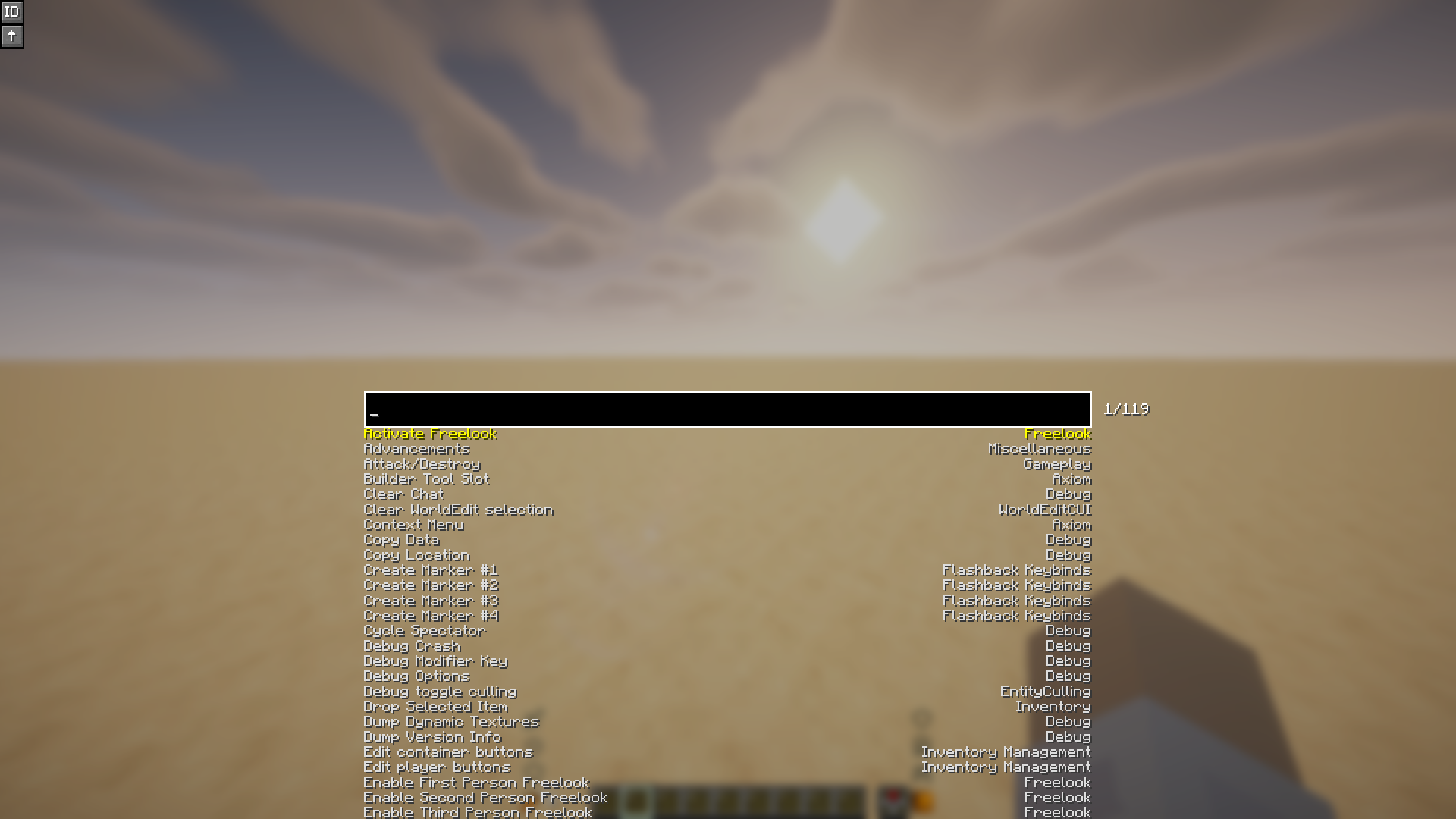
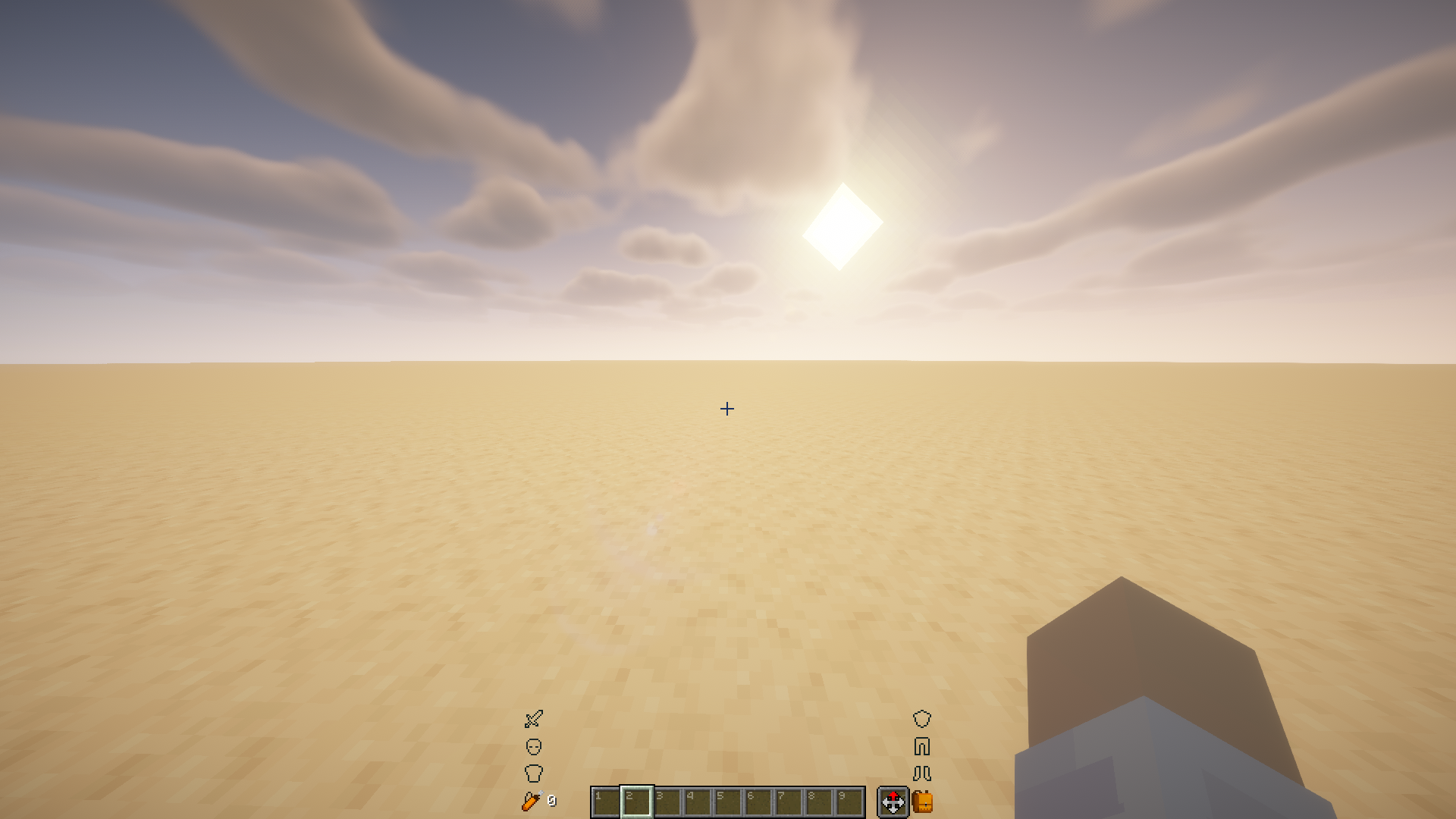
Search your keybinds by name and press them from a search box,
instead of hunting through the controls menu.




Once you have enough mods installed, the controls menu turns into a scroll
marathon and every convenient key is already taken. This mod gives you one key
that opens a search box: type part of a keybind’s name, press Enter, and it
fires the bind for you.
Handy for anything you use too rarely to justify a key of its own.
Usage
| Keybind | Default | What it does |
| — | — | — |
| Search Keybinds | Enter | Opens the search screen |
| Reload Config | unbound | Re-reads the config file without restarting |
Inside the search screen:
| Input | Action |
| — | — |
| Type | Filter the list |
| Up / Down, scroll wheel | Move the selection |
| Tab | Move down one entry |
| Enter, or click an entry | Press the selected bind and close |
| Escape | Close without pressing anything |
The search matches a bind’s name and category, and their translation keys too,
so key.inventory finds the same entry as Open/Close Inventory.
Two toggles sit in the top-left corner of the screen:
| Button | What it does |
| — | — |
| ID | Shows the raw bind and category ids beneath each entry |
| ↑ | Also draws entries that scrolled off above the search box |
Configuration
Both toggles are saved to config/waytoomanybinds/config.json.
| Key | Default | Effect |
| — | — | — |
| showBindIDs | false | Show raw ids beneath each entry |
| drawUndeflowSuggestions | false | Draw entries above the search box |
The misspelling in the second key is part of the file format, so leave it
written as it is here.
Supported versions
| Minecraft | Java | Notes |
| — | — | — |
| 26.2 | 25 | Minecraft ships unobfuscated, so Loom does not remap the mod |
| 1.21.11 | 21 | Built against Mojang mappings and remapped to intermediary |
Client-side only, so nothing is needed on the server. Requires Fabric API.
Building
The project uses Stonecutter to target
several Minecraft versions from a single source tree. Version-specific code is
selected with //? comments, and each target has its own properties in
versions/<version>/gradle.properties.
./gradlew buildAll          # build every supported version
./gradlew ":26.2:build"     # build a single version
Each version writes its jar to versions/<version>/build/libs/. There is no jar
in the repository root — the root project is only the Stonecutter controller.
To switch which version the IDE resolves against, edit the
stonecutter.active(...) call in stonecutter.gradle, or run the generated
stonecutterSwitchTo<version> task.
Adding a version
- Add it to
versions(...)insettings.gradle. - Create
versions/<version>/gradle.propertieswithminecraft_version,fabric_versionandjava_version. - Add it to the
minecraftmatrix in.github/workflows/build.ymland.github/workflows/publish.yml.
Credits
Based on TooManyBinds by
Ryhon0, licensed GPL-3.0.
Not associated with NebelNidas and dzwdz’s
too-many-binds. The upstream mod
this one is based on was given permission to use the name “Too Many Binds”; this
one goes by “Way Too Many Binds”. If you want support for Minecraft versions
older than 1.20, use that mod instead.
常见问题
Way too many binds 支持哪些 Minecraft 版本?
Way too many binds 支持 Minecraft Java 版 1.21.11–26.3,共 3 个版本,可用的加载器:Fabric / Quilt。下载时注意选择和你游戏版本一致的文件。
Way too many binds 怎么安装?
先用 PCL2 或 HMCL 启动器安装对应版本的 Fabric / Quilt,再把下载的 .jar 文件放进游戏目录的 mods 文件夹,重新启动游戏即可。开启了版本隔离的,mods 文件夹在 versions/版本名 下面。运行环境:仅客户端。
Ancar 的其他作品
查看全部 →
Redstone Additions
Best redstone&tech datapack, Super optimized, 55+ blocks (Block breaker, block placer, filters, conveyors, item pipes, breeder, generators, gates, chunk loader, wireless redstone, multiblocks, jetpacks and so much more ! )

Any Hat
Simple hat datapack ! Wear any item as a hat with a trigger command. It is easy to use and secure hat datapack for servers. Is updated and supports all versions 1.16-26.3 /hat (/trigger hat) vanilla,

Sunburn
When exposed to the sun you get sunburns and take damage

Redstone Additions
Adds breeders, block breaker, conveyors, block placers, and more !!! Vanilla friendly
评论
登录后评论和评分