
WatchInGame
作者:real_eldho
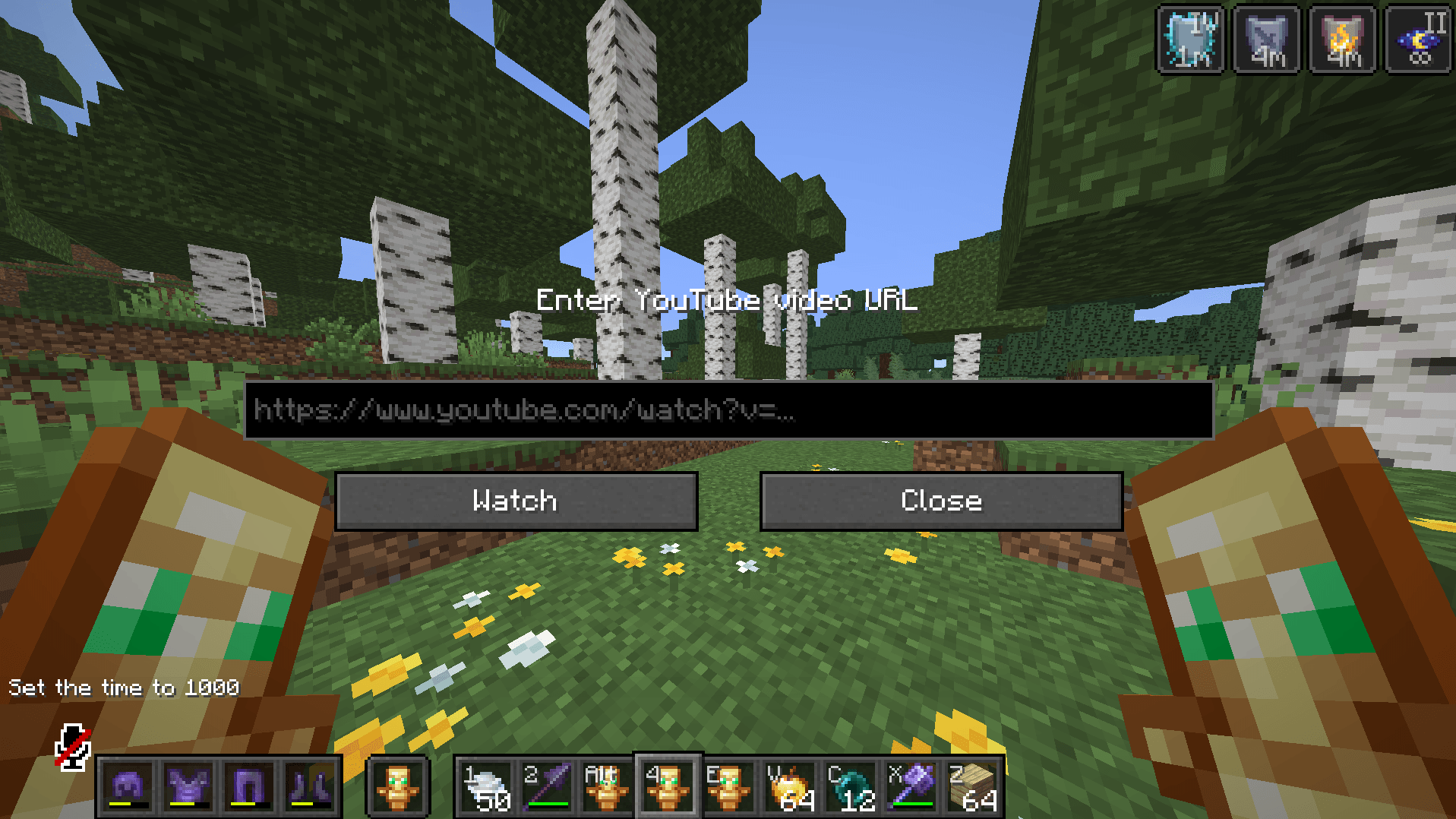
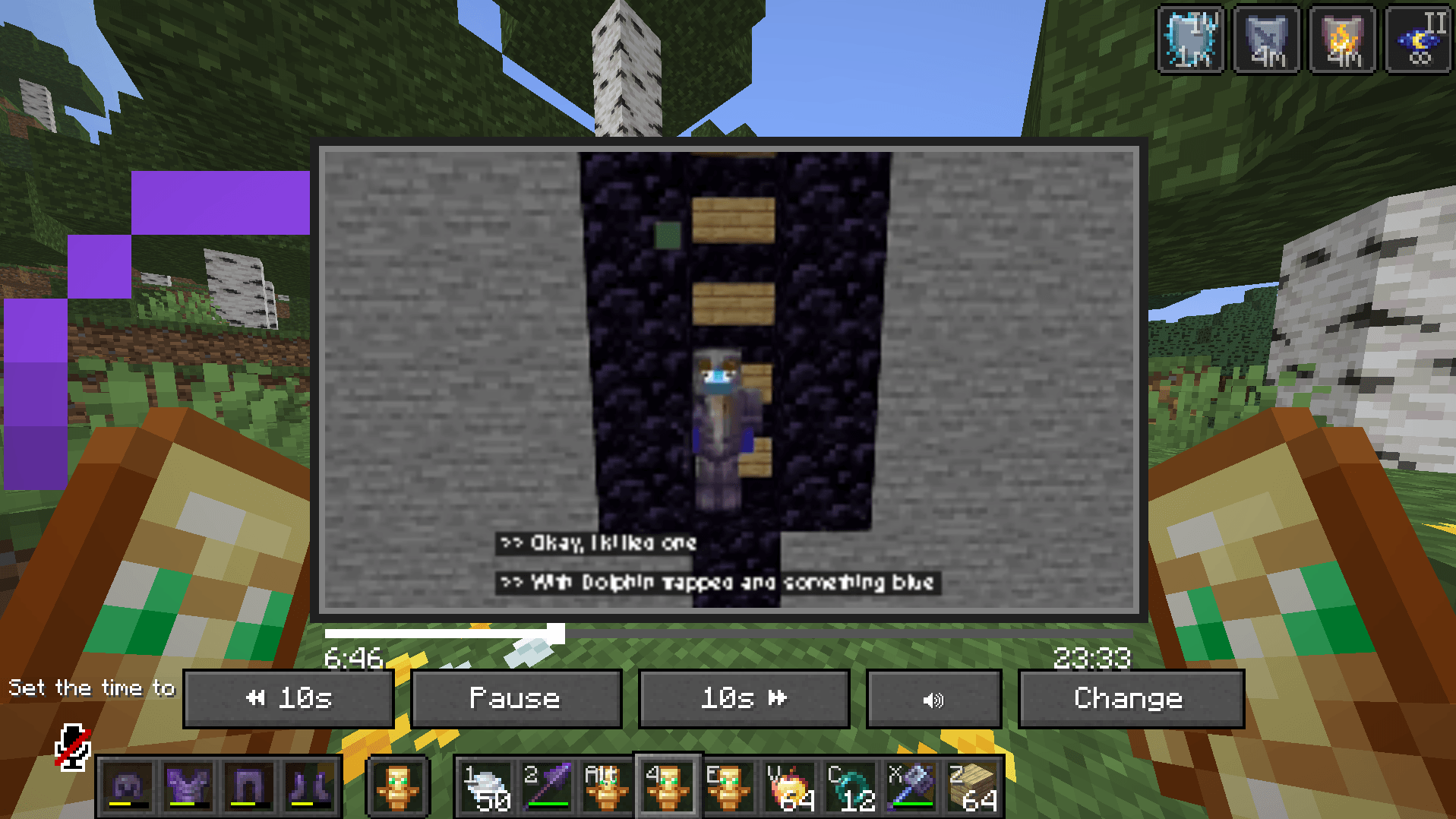
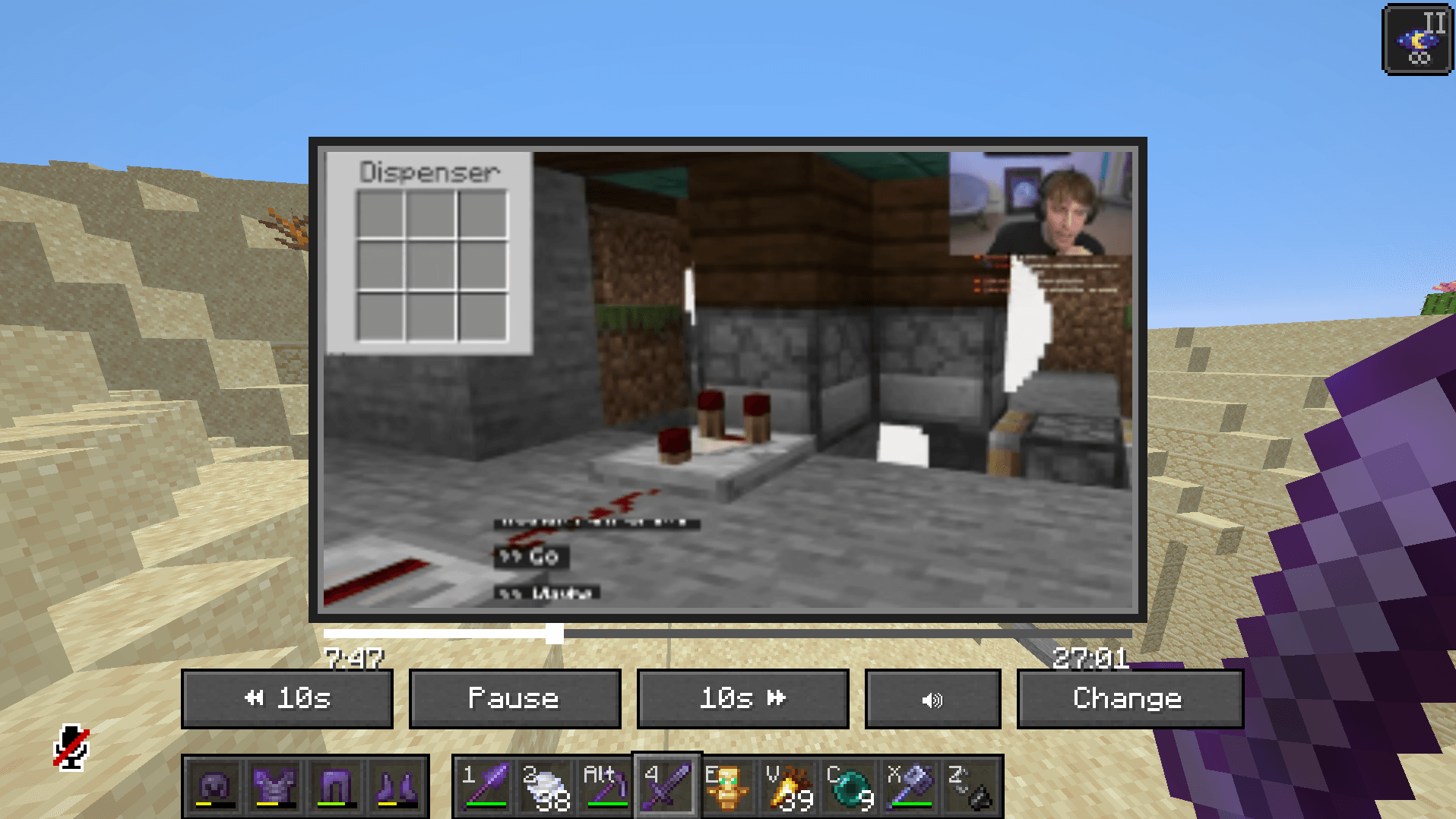
Watch YouTube videos directly inside Minecraft with a clean, lightweight in-game player.
截图
介绍
中文介绍正在准备中,下面暂时显示原文。
WatchInGame 🎬
Watch YouTube videos directly inside Minecraft without leaving your game.
WatchInGame is a lightweight Fabric mod for Minecraft 1.21.11 that brings an in-game YouTube player to your Minecraft client.
✨ Features
- 🎥 Watch YouTube videos inside Minecraft
- ▶️ Play / Pause
- ⏪ Rewind
- ⏩ Forward
- 🔊 Volume control
- 📍 Timeline / seeking
- ⌨️ Press Y to open WatchInGame
- 🎮 Singleplayer and multiplayer support
- ⚡ Lightweight and optimized
- 🎨 Clean Minecraft-style interface
🎮 Controls
| Key / Action | Function |
|---|---|
| Y | Open WatchInGame |
| ESC | Close the video screen |
| Mouse | Use video controls |
📦 Requirements
- Minecraft 1.21.11
- Fabric Loader
- Fabric API
- MCEF Modern
⚠️ MCEF Modern is required for WatchInGame to function.
CurseForge may not currently list the required MCEF Modern version as a selectable dependency, so it must be installed separately.
🛠️ Installation
- Install Fabric Loader for Minecraft 1.21.11.
- Install Fabric API.
- Install MCEF Modern for Minecraft 1.21.11.
- Place the WatchInGame
.jarfile into yourmodsfolder. - Launch Minecraft.
- Press Y to open WatchInGame.
🎯 Compatibility
- Minecraft: 1.21.11
- Mod Loader: Fabric
- Environment: Client-side
👤 Author
REAL_ELDHO
Watch. Play. Explore. 🎬⛏️
常见问题
WatchInGame 支持哪些 Minecraft 版本?
WatchInGame 支持 Minecraft Java 版 1.21.11,可用的加载器:Fabric。下载时注意选择和你游戏版本一致的文件。
WatchInGame 怎么安装?
先用 PCL2 或 HMCL 启动器安装对应版本的 Fabric,再把下载的 .jar 文件放进游戏目录的 mods 文件夹,重新启动游戏即可。开启了版本隔离的,mods 文件夹在 versions/版本名 下面。

评论
登录后评论和评分