
Wanderer’s Discovery
Discover structures with themed banners, contextual sounds, named villages and persistent exploration progress.
截图
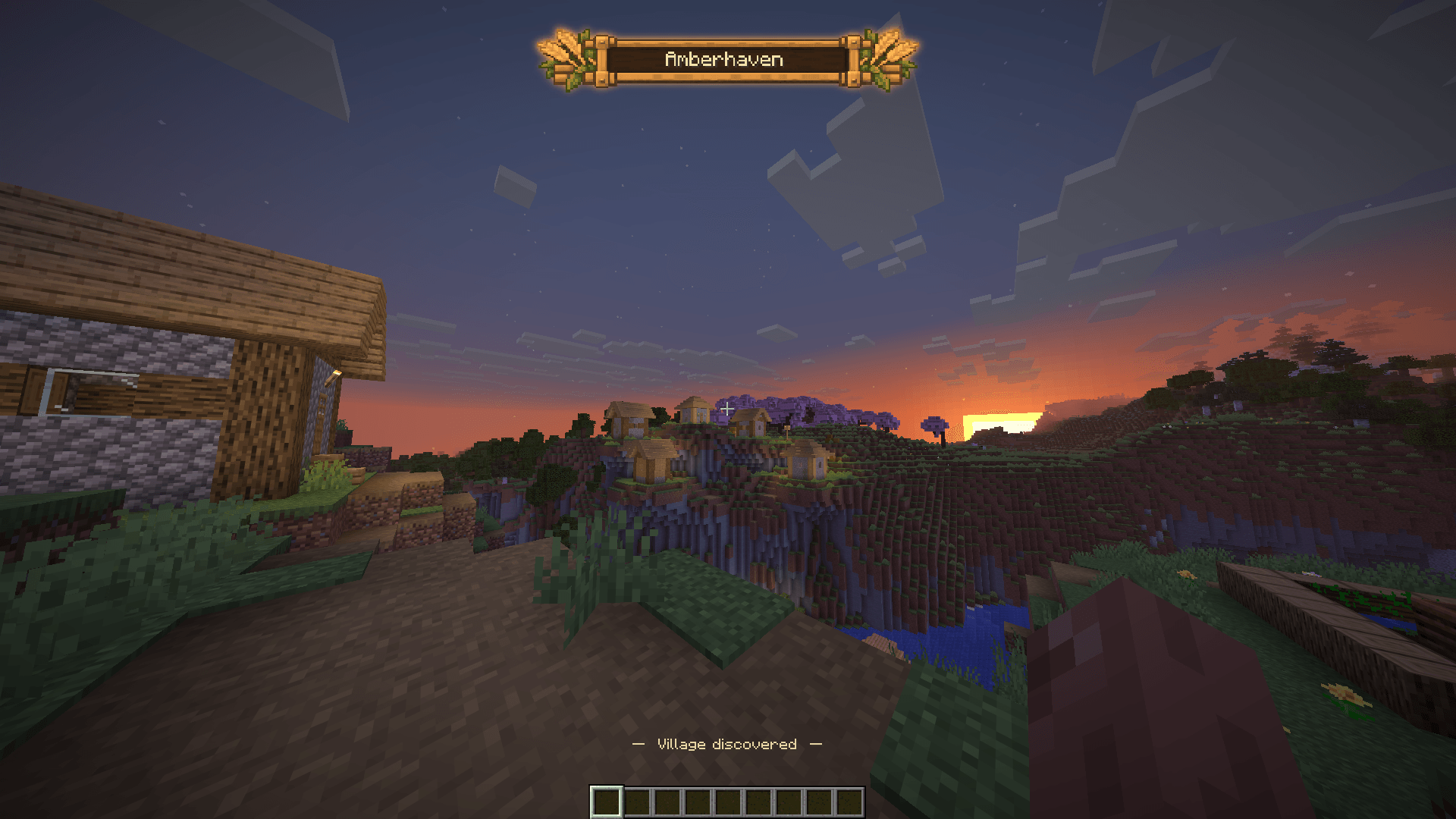
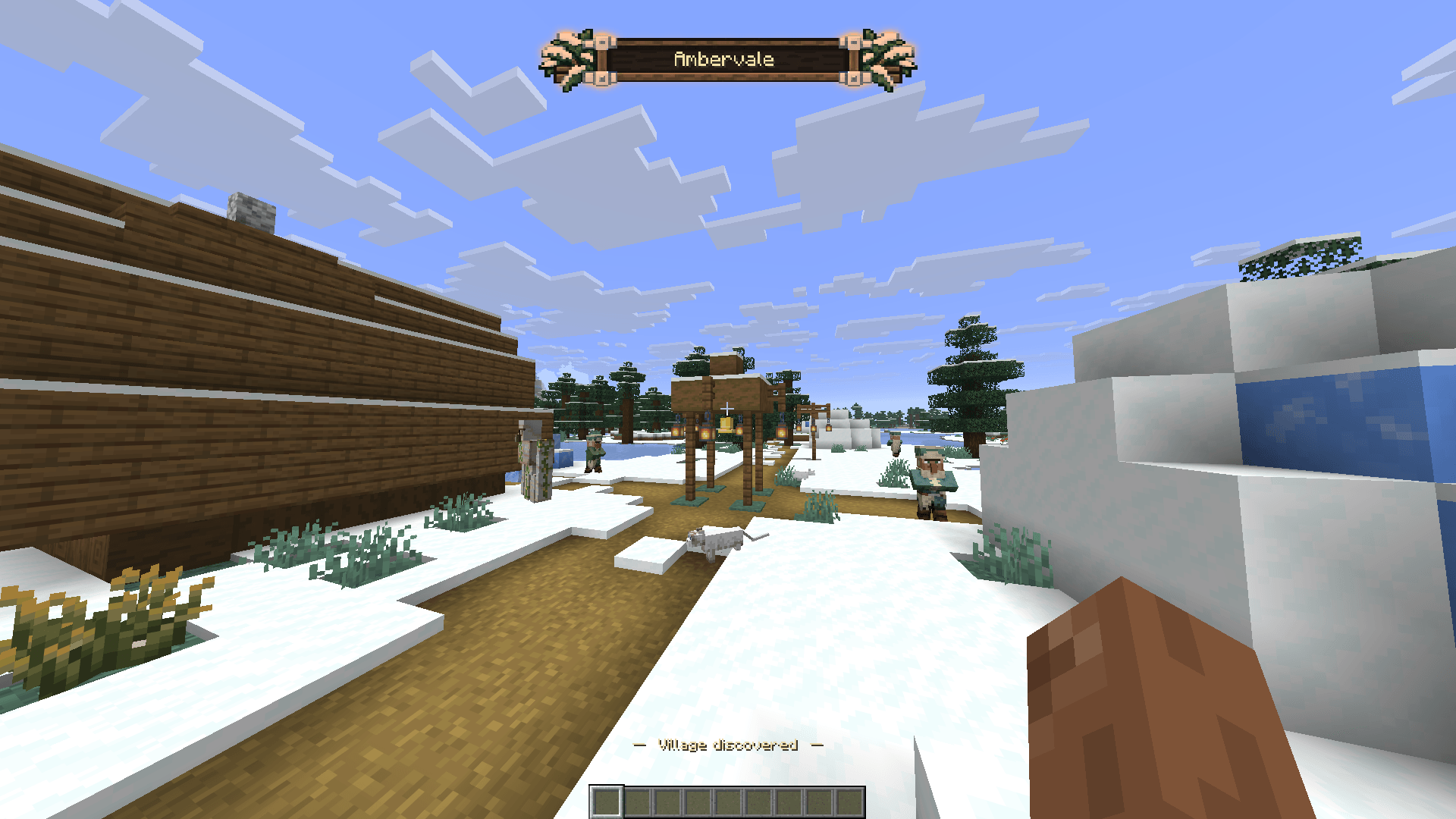
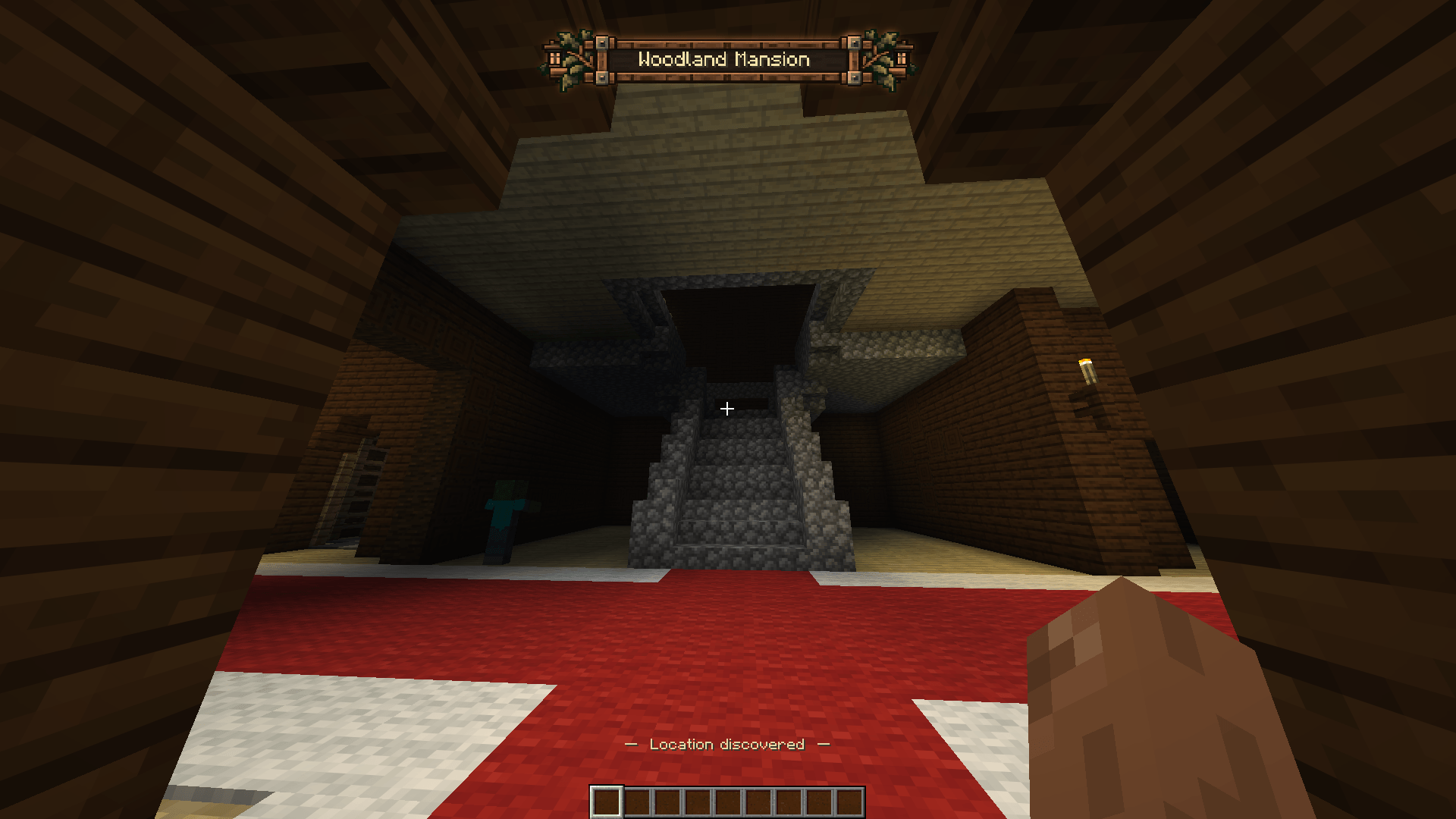
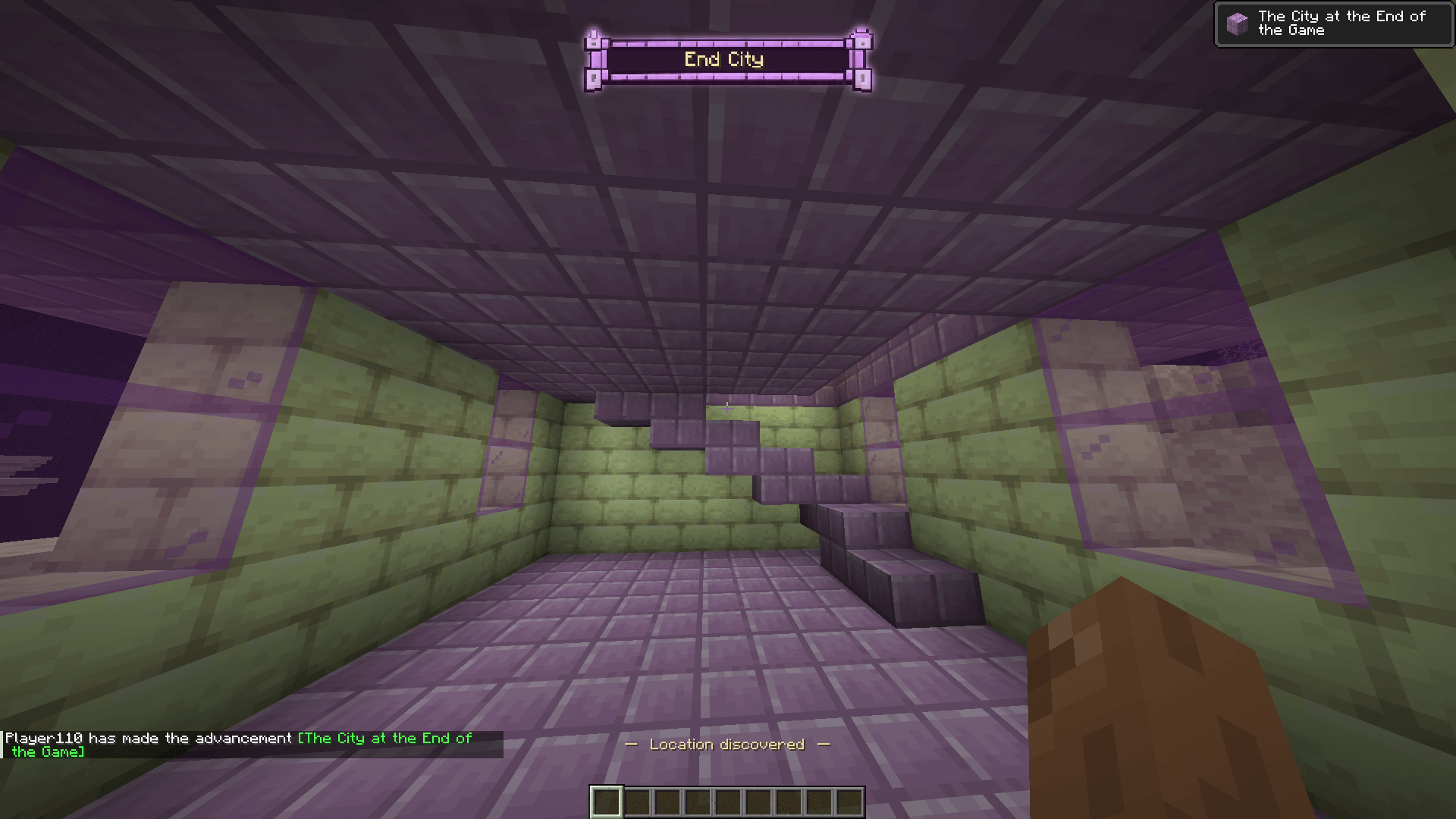
介绍

Turn exploration into moments worth remembering.
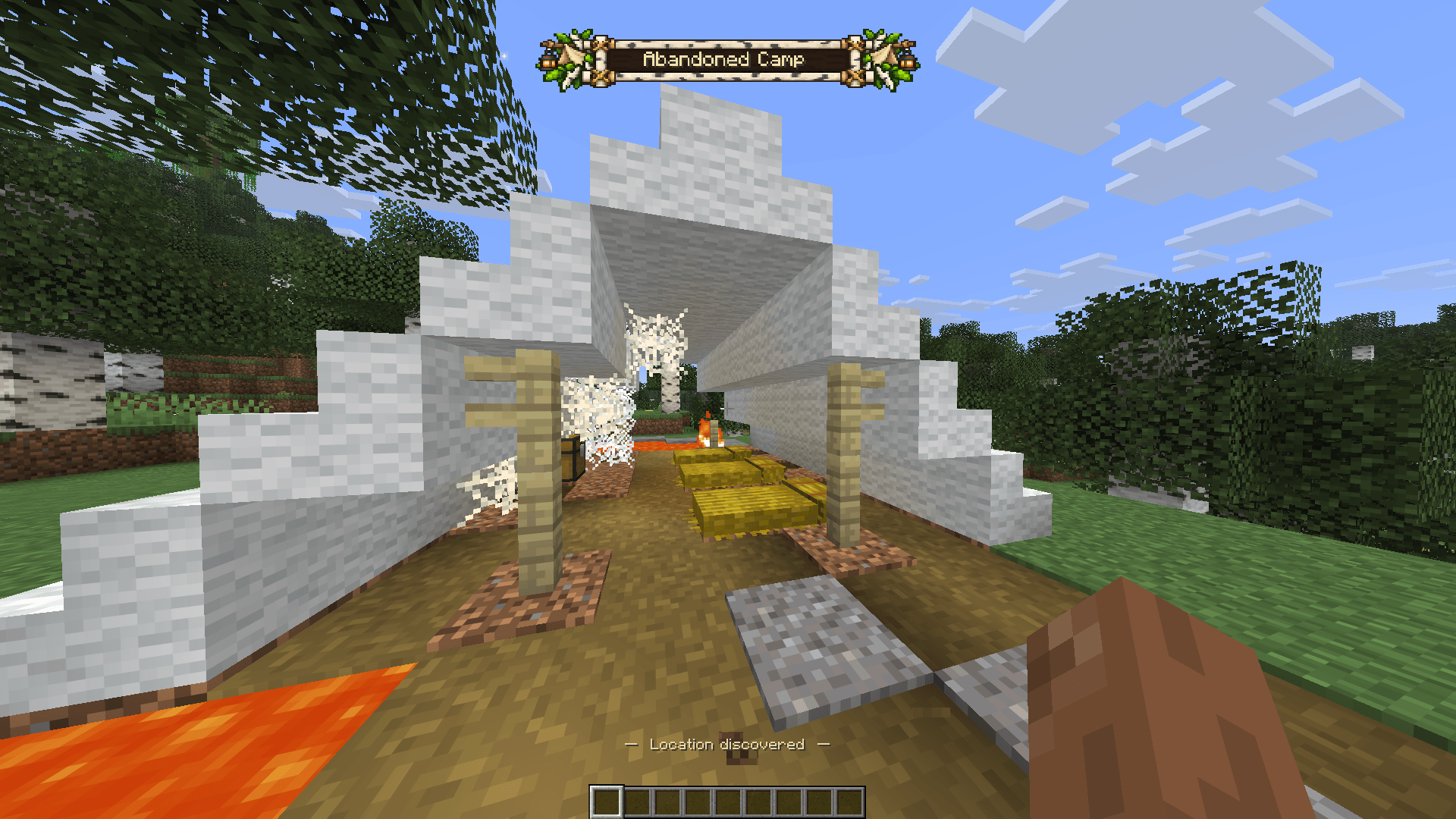
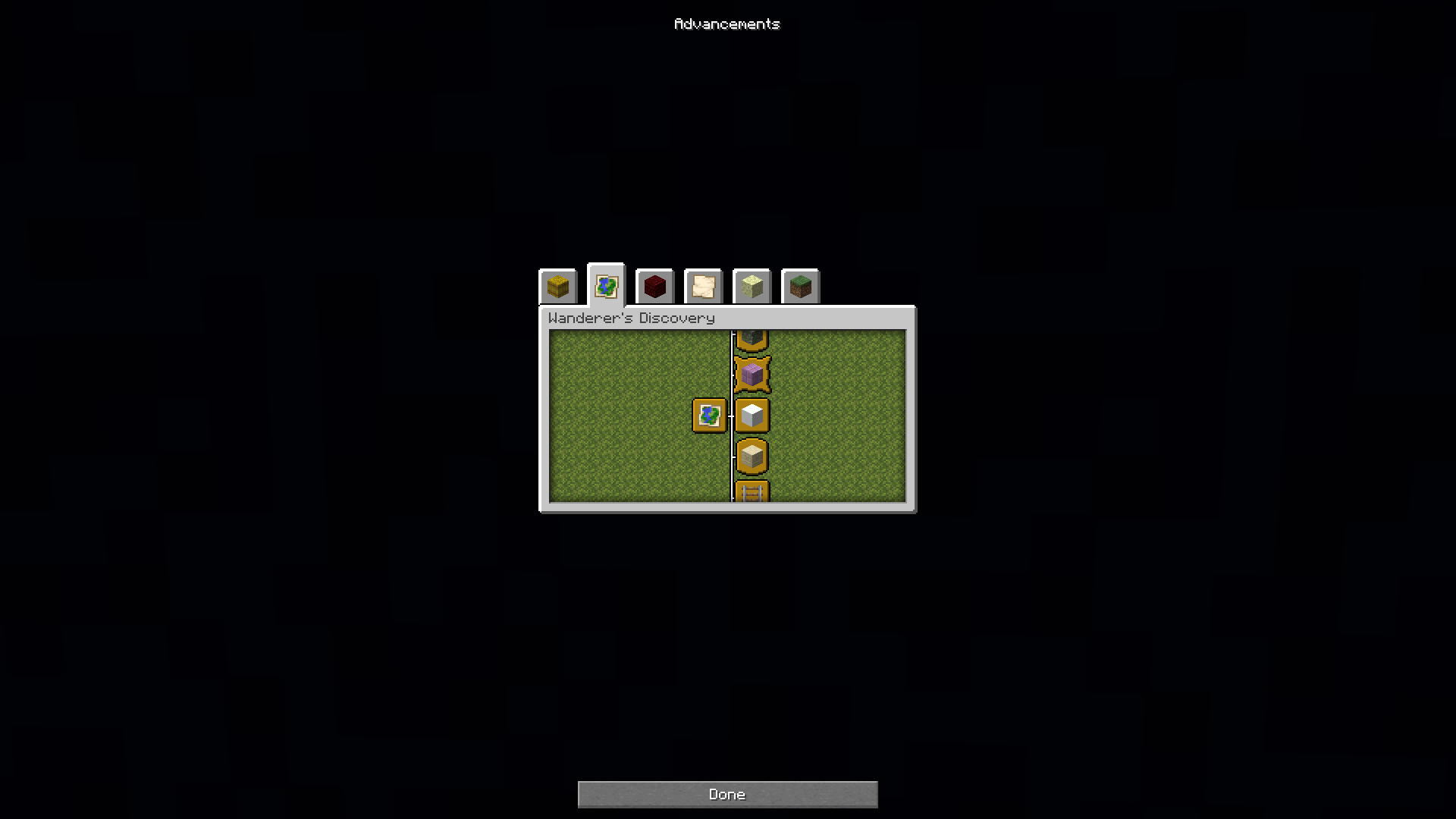
Wanderer’s Discovery turns Minecraft locations into lasting discoveries. Enter a supported location for the first time to reveal a themed banner with contextual sound and earn an exploration advancement.
Your discoveries are remembered. Returning to the same location does not replay its presentation, while a compact label can still identify the location above your hotbar.
Features
- Persistent discovery history for each world, with individual player records on multiplayer servers
- Distinct pixel-art banners
- Structure-specific sounds
- Stable, generated village names
- Exploration advancements and a completion sound
- Support for vanilla structures and features
- Custom discoveries through datapacks, with optional resource packs for original assets
- Singleplayer and dedicated server support
Supported locations follow the selected Minecraft version.
Make it your own
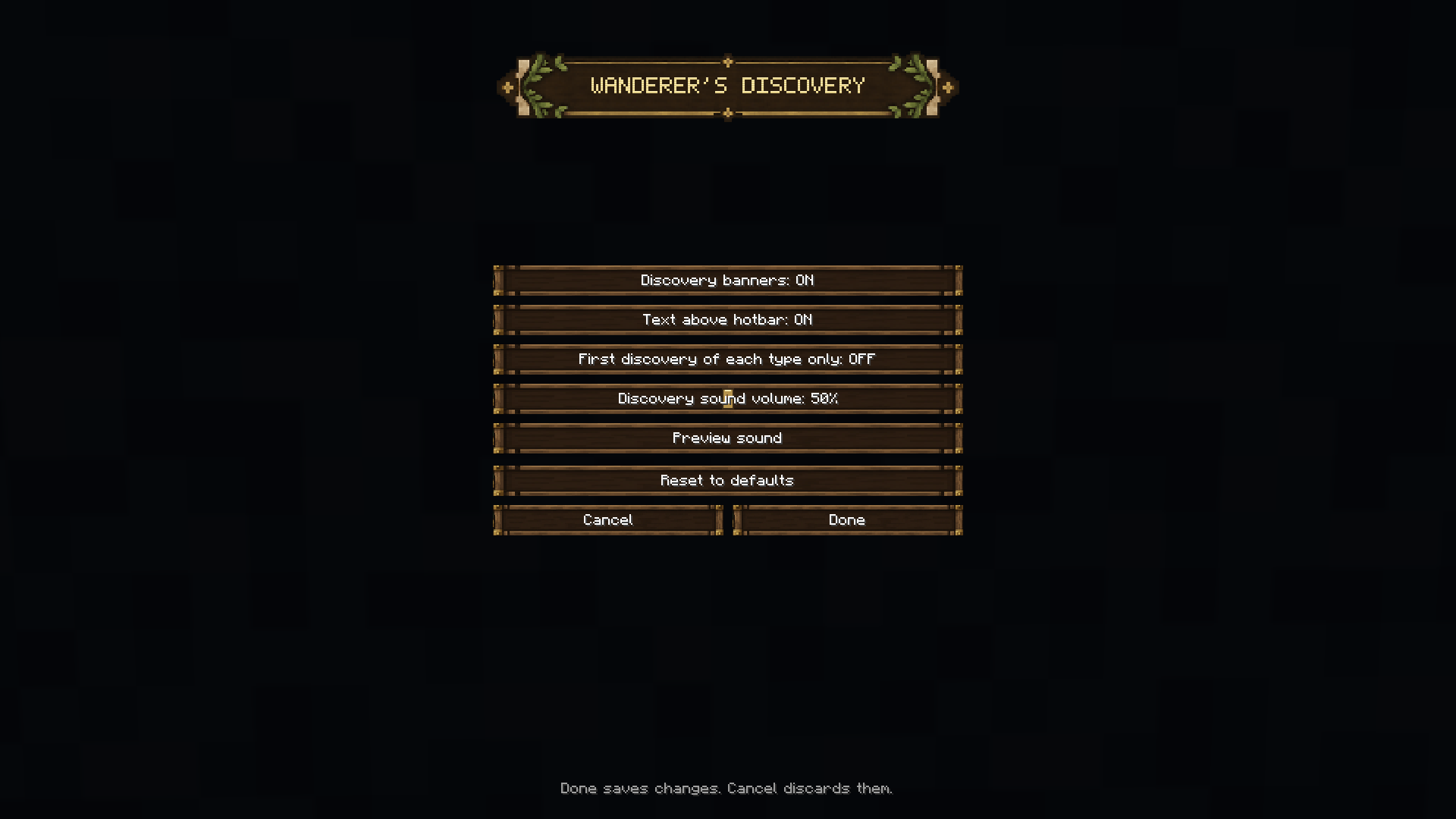
Open the configuration through Mod Menu or /wdconfig to:
These settings control presentation without disabling discovery history or advancement awards.
Custom discoveries
WD datapacks define how existing structures/features are presented: names, headings, banners, sounds, advancements and matching rules.
WildTrack API handles structure recognition and world observations. The target structure must already exist; WD does not add world generation. Standard registered structures can be integrated through datapacks without writing Java code.
Custom banners use one fixed 256 × 44 pixel layout with a shared, centered text panel.
Installation
Requires Fabric API and WildTrack API.
Choose matching downloads for your Minecraft version. Install WD and its required dependencies on both the client and server.
Mod Menu is optional and provides access to the configuration screen.
Links
常见问题
Wanderer’s Discovery 支持哪些 Minecraft 版本?
Wanderer’s Discovery 支持 Minecraft Java 版 26.1–26.3,共 5 个版本,可用的加载器:Fabric。下载时注意选择和你游戏版本一致的文件。
Wanderer’s Discovery 怎么安装?
先用 PCL2 或 HMCL 启动器安装对应版本的 Fabric,再把下载的 .jar 文件放进游戏目录的 mods 文件夹,重新启动游戏即可。开启了版本隔离的,mods 文件夹在 versions/版本名 下面。

评论
登录后评论和评分