Wall Peek
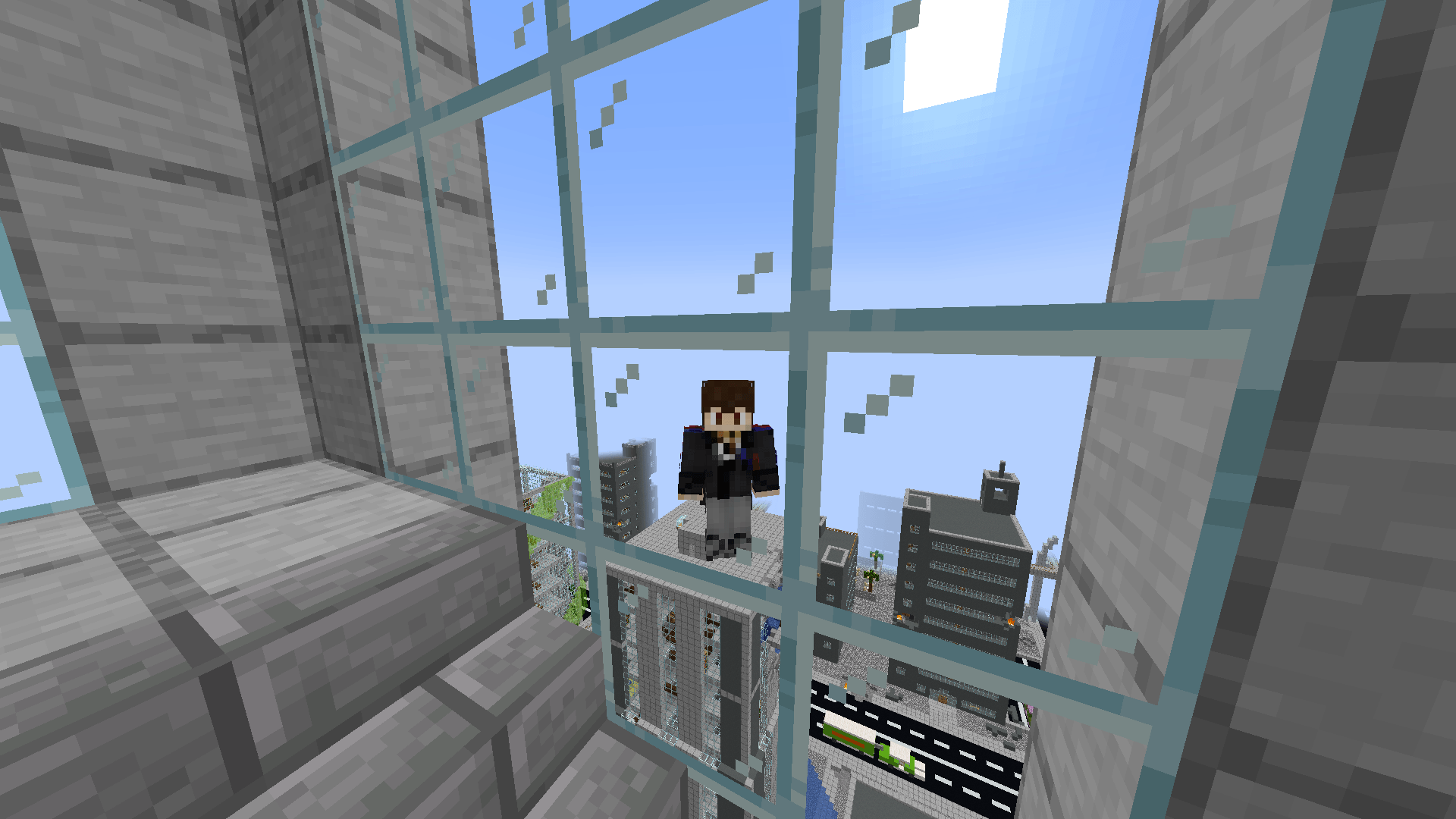
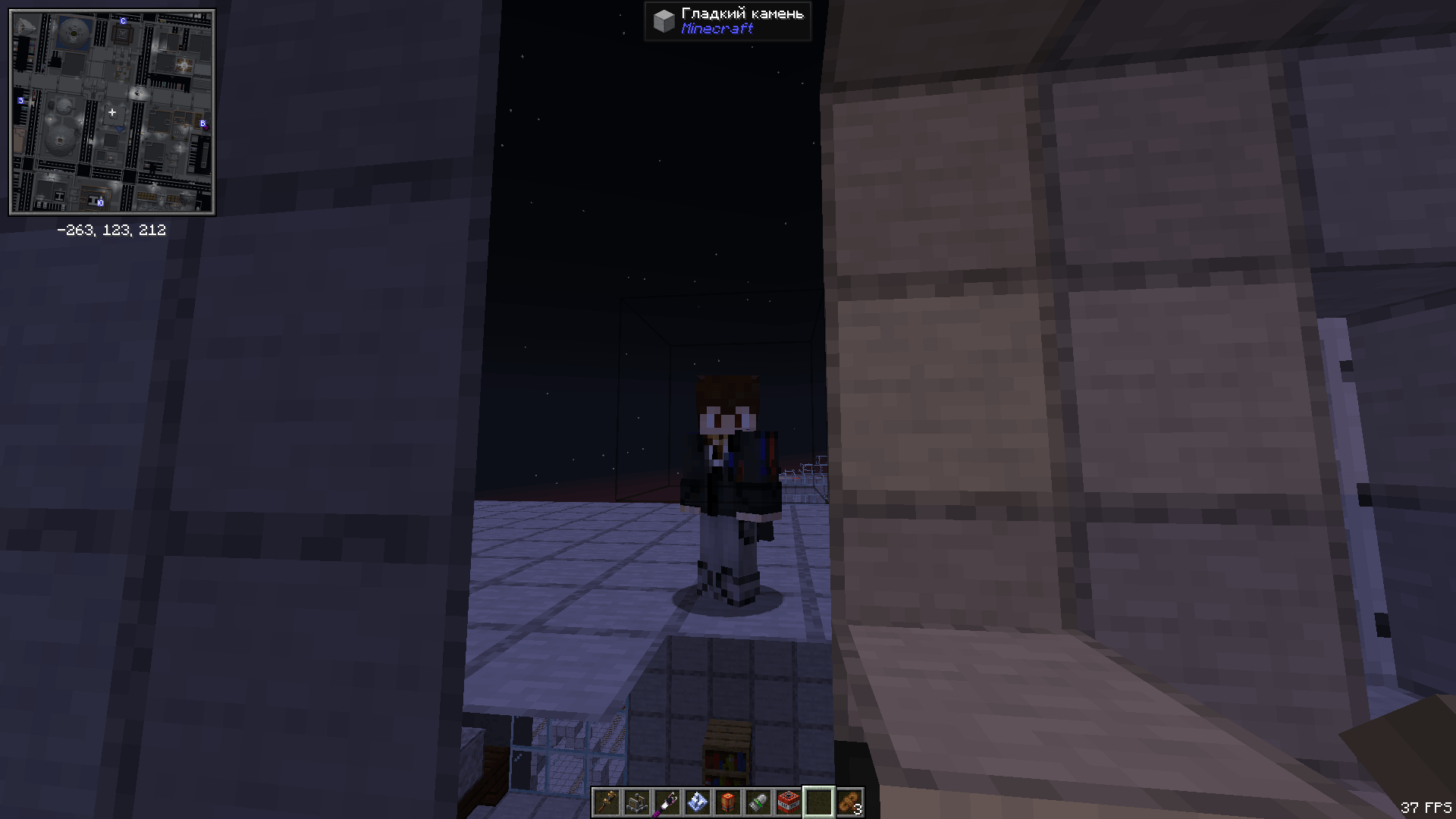
Allows the third-person camera to pass through obstacles (walls, ceilings, etc.) instead of colliding with them.
截图
介绍
Wall Peek — Third-Person Camera Through Walls
Not a cheat. Not ESP. Not X-Ray.
Wall Peek reveals nothing hidden — it simply lets the camera sit where it actually wants to be, instead of letting blocks push it into your face.
What the mod does
Vanilla Minecraft’s third-person camera works like this: the engine picks a desired distance behind the player, then fires a raycast toward that point. If the ray hits a block, the camera gets pulled closer. That raycast is exactly why the camera constantly snaps to the back of your head whenever you stand near a wall, walk through a narrow corridor, or crouch under a low ceiling.
Wall Peek cancels that raycast while the feature is enabled. The camera stays where it should be. Blocks do not become transparent — you see them normally, the camera just physically sits behind them.
Features
- Camera clips through walls. Blocks no longer push the camera toward the player in third-person view.
- Both third-person views supported. Classic over-the-shoulder view and front-facing view (F5 twice) — both work, each can be toggled independently via config.
- Toggle key bind. Instantly enable or disable mid-game. Unbound by default — assign any key in Options > Controls > Key Binds > Wall Peek.
- Action bar feedback. “Wall Peek: ON” or “Wall Peek: OFF” appears above your hotbar whenever you toggle.
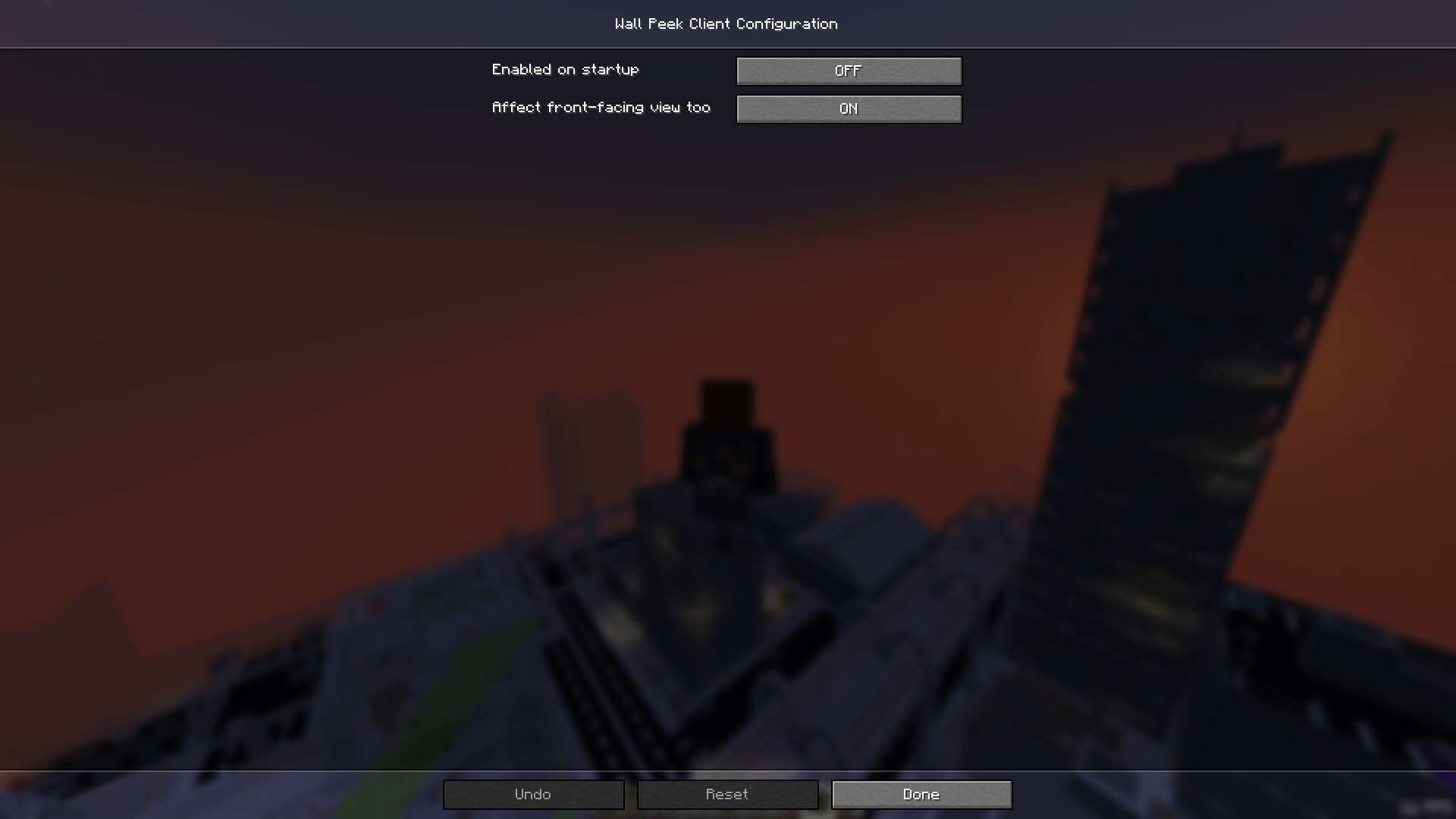
- In-game config screen. Open the Mods menu, select Wall Peek, and click Config. No file editing required.
- Client-side only. Install it for yourself — the server needs nothing.
- No extra dependencies. Just NeoForge, nothing else.
Settings
Enable on startup
Option enabledByDefault (default: false).
Set to true and the effect will be active as soon as you load a world, without pressing the toggle key first.
Affect front-facing view
Option affectFrontView (default: true).
The front-facing view is when you press F5 twice and see your character’s face. Disable this and Wall Peek will only affect the classic over-the-shoulder view, reverting to vanilla when the camera is flipped.
Config file
All settings are stored in config/wallpeek-client.toml. You can edit it manually, but the in-game screen is easier.
Is this a cheat?
No — and here is why that distinction matters.
- You cannot see through walls. Blocks remain fully opaque. You cannot see ores, mobs, or other players behind them.
- You gain no hidden information. All the mod does is let the camera be behind a block — exactly like standing a bit further from a wall.
- The effect is purely visual. No changes to damage, movement speed, player collision, or any other game mechanic.
- Nothing is sent to the server. This is a client-side change only. The server doesn’t know the mod is installed.
Think of it as “removing camera autofocus”, not “making walls into glass.”
On servers with rules against client-side mods, check with the administrators first. Wall Peek provides no gameplay advantage, but policies vary from server to server.
How it works
The mod uses a Mixin — NeoForge’s standard mechanism for surgically modifying vanilla behavior without replacing it wholesale. It injects into the method Camera#getMaxZoom(float), which is responsible for the wall-collision raycast that limits camera distance. When Wall Peek is active, the method returns early with the original distance unchanged — the raycast never runs and the camera stays put. No other methods, classes, or systems are touched.
Requirements
- Minecraft: 1.21.1
- Mod loader: NeoForge 21.1.x
- Side: Client-only
- Java: 21 or newer
常见问题
Wall Peek 支持哪些 Minecraft 版本?
Wall Peek 支持 Minecraft Java 版 1.21.1,可用的加载器:NeoForge。下载时注意选择和你游戏版本一致的文件。
Wall Peek 怎么安装?
先用 PCL2 或 HMCL 启动器安装对应版本的 NeoForge,再把下载的 .jar 文件放进游戏目录的 mods 文件夹,重新启动游戏即可。开启了版本隔离的,mods 文件夹在 versions/版本名 下面。
Mr_Lan123 的其他作品
查看全部 →
Auto Totem
自动将不死图腾从背包移至副手。可通过快捷键切换(默认:O,26.2 及以上版本:J)。设置菜单(按 B 或通过模组菜单打开)提供统计信息 HUD 和图腾使用通知 HUD。PvP 助手,生活质量改进模组。Fabric
Fullbright (Night Vision)
全亮度。在任何服务器上都能看清黑暗,无需权限或药水。按 G 即可切换真正的客户端夜视效果,而非原版药水效果。夜视伽马。

[KSE] Keyboard Sound Effects
这个模组会为按键和鼠标点击添加音效,并内置了悦耳的声音。你也可以直接在游戏设置菜单中加载自己的音频文件。
Just Auto Totem
自动将不死图腾从物品栏移至副手。通过快捷键(默认:O)切换开/关
评论
登录后评论和评分