
VulkanMod-Next
Experimental Vulkan terrain renderer for Minecraft Replaces OpenGL by mirroring vanilla chunk VBOs to Vulkan and compositing the results back into the framebuffer via GPU external-memory interop.
截图
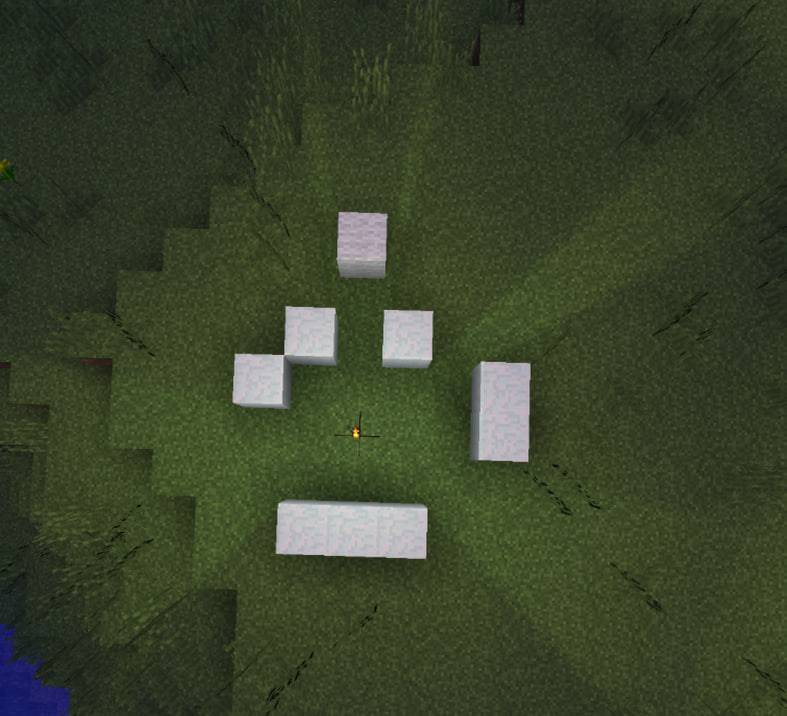
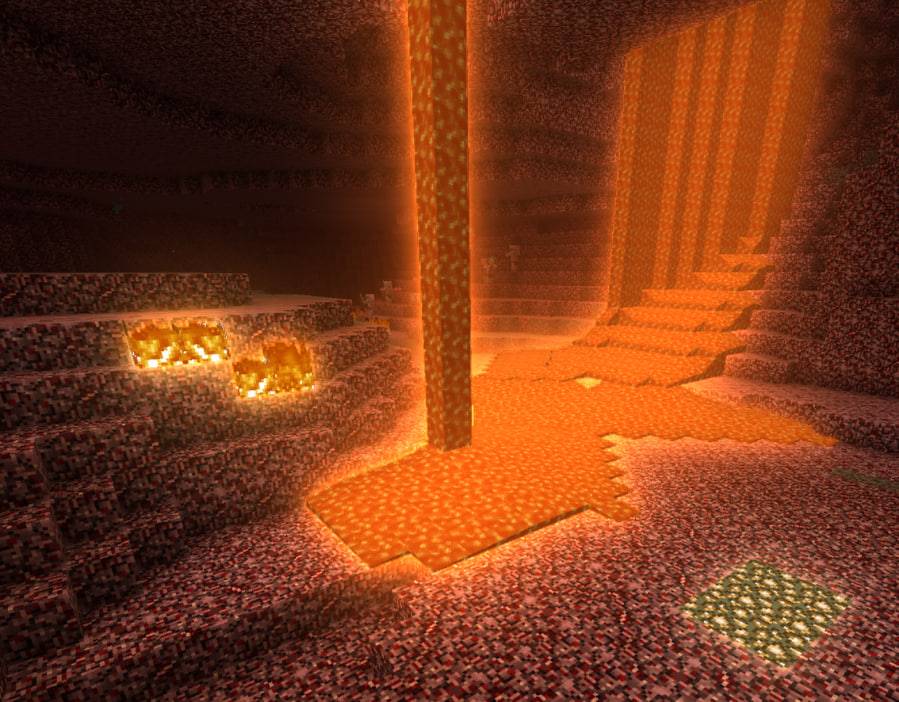

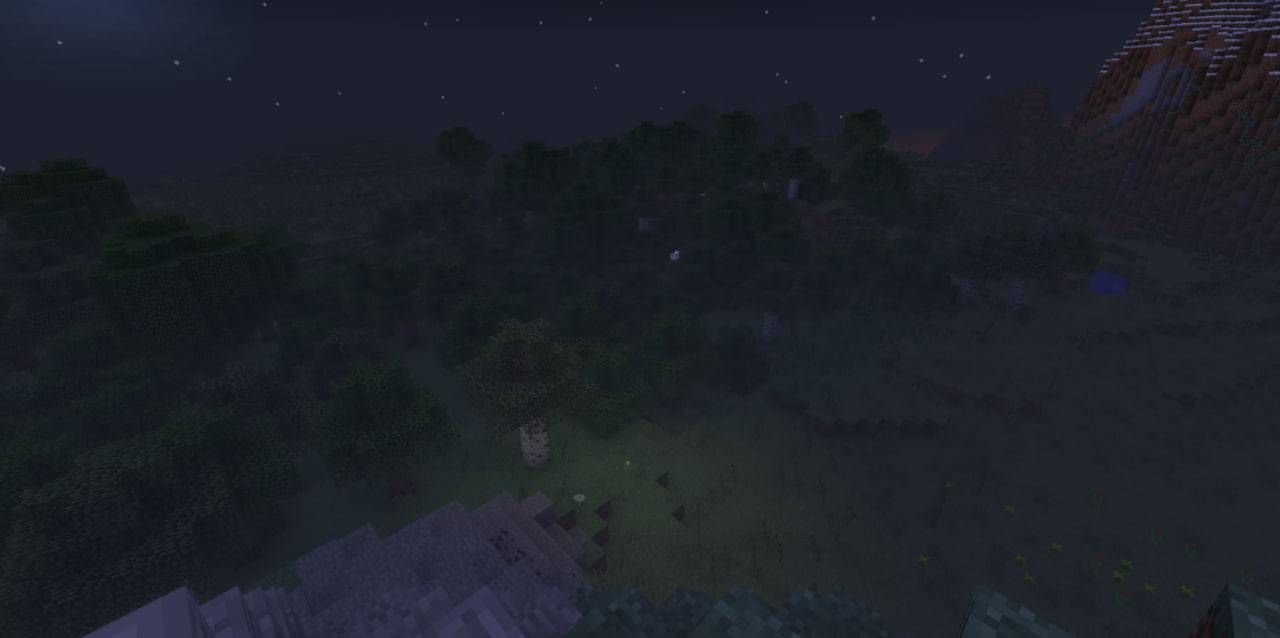
介绍
VulkanMod Next
Minecraft draws its world with Vulkan instead of OpenGL.
More frames at high render distances, a menu of effects you assemble yourself, and the
performance settings the game never had. Without Vulkan, it renders exactly as it
always did and tells you why.
1.12.2 is the build that works and the one to install — still being worked on, not a
final version. A 1.16.5 build has been started and is early: it draws the world and none
of the effects yet. It is not published here; it lives in the repository.Updating from 0.10.0 or earlier keeps your settings — the first launch carries your old
configuration file over by itself.
In short
- More frames, especially at high render distances.
- Effects with a slider each — waves, reflections, refraction, bloom, ambient
occlusion, swaying grass, ray-traced shadows. Every one off by default. - Dynamic lights — a torch in hand, one dropped, a mob on fire.
- Settings the game never had: entity draw distance, animated-texture control, a
background cap, render distance to 64, hold-to-zoom. - Steps aside if anything goes wrong — no Vulkan, an old driver, mismatched cards.
You need MixinBooter in your mods folder. No launcher installs it for you.
What you actually see
Blocks and creatures are drawn by Vulkan; the rest stays with the game, sharing one
depth buffer so everything lines up.
Options → Video Settings → VulkanMod Next Settings…, or F6 — each setting shows its
processor/GPU/VRAM cost. Presets: Stable, Beautiful, Balanced, Performance,
Potato.
Effects
- Water — waves, fresnel, bank reflections, refraction.
- Ray-traced shadows — sun, hand torch, fire, wall torches; the one effect that costs frames.
- Bloom — light off lava, torches, glowstone, modded light blocks.
- Ambient occlusion — shadow in corners and under overhangs.
- Swaying grass and flowers.
- Grass lit like a bush, not two flat boards.
- A round sun and moon, size and warmth on sliders.
- Frame averaging — smooths traced-shadow grain.
- The whole picture graded — contrast, warmth, the shader-pack look.
- Sun and moon glinting off water.
- Ice, caustics, wet rain, warm fog, tinted clouds.
- Your own time of day and weather, client-side.
Speed
- Entity and block-entity draw distance — biggest win in mob farms and busy servers.
- Animated textures stop updating off-screen.
- Background framerate cap for a minimised game.
- Render distance up to 64 chunks.
- Offscreen chunk preloading.
- One copy of the world instead of two — frees around a gigabyte of video memory.
- Cleaner distant snow.
- A budget for explosion particles — a large blast keeps one in eight.
- Hold-to-zoom on C, rebindable.
Honest limits
This is not a drop-in OptiFine replacement, and it is not finished.
- Not every effect reaches everything. The ones that run over the finished picture —
occlusion, contact and cloud shadows, god rays, grading — reach creatures, particles
and other mods’ content for free. The rest are computed while the blocks are drawn and
stop there. A burning creeper still doesn’t glow: what glows is recorded per block
while a chunk is built, and a creeper is not a block. - Creatures are drawn by Vulkan by default, which is what gives them a shadow of
their own shape instead of vanilla’s round blur, and puts them into the depth the
water reflects against. A mod that builds its creatures with its own drawing code
rather than out of the game’s model parts is left to the game, as are chests, signs
and machines. - Screen reflections reflect what is on the screen — that’s the whole of what the
technique can do, anywhere it’s used. Nothing off the edge of the frame, nothing
hidden behind something nearer. Treat this one as unfinished. - Chunk building dominates the frame while you move at high render distances.
Standing still is much faster than turning, and that’s the game’s own work rather
than this mod’s. - OptiFine and shader mods replace the same parts of the game this mod does. With
one installed, the Vulkan renderer simply doesn’t load, and you get that renderer plus
this mod’s settings and speed options. They can’t share the world. - No connected textures, and no shader pack support.
Requirements
- Minecraft 1.12.2 with Forge, or Cleanroom — both are tested
- MixinBooter 10.7 or newer — a required dependency, and no launcher installs it
- A 64-bit Vulkan driver on Windows or Linux. Almost any driver from the last
several years will do; without one the mod loads, says so in chat, and leaves the
world to OpenGL - On a machine with two graphics cards, both halves have to land on the same one — the
mod checks at startup and stays on vanilla rendering if they disagree
Where it is known to run
| Windows | Linux | macOS | |
|---|---|---|---|
| NVIDIA | ✅ run | ✅ run | ❌ |
| AMD | ✅ run | ✅ run | ❌ |
| Intel | ⚠️ untried | ⚠️ untried | ❌ |
✅ deliberately tested — AMD and NVIDIA use different depth-handoff paths. ⚠️ untried, no
known issue. ❌ macOS has no Vulkan driver.
Other optimisation mods
| Phosphor, Alfheim | 🟢 | Lighting engines. They work on the world, this works on the picture. Keep them. |
| FoamFix, LoliASM / CensoredASM | 🟢 | Memory. Nothing in common with this. |
| VintageFix | 🟢 | Resource and model loading, before a frame is ever drawn. |
| BetterFps, Clumps, FastFurnace, AI Improvements, RandomPatches | 🟢 | Server-side and tick-side work. Untouched by any of this. |
| Particle Culling, Chunk Pregenerator, RoughlyEnoughIDs | 🟢 | Run alongside; all three are in the pack below. |
| OptiFine | 🟡 | Replaces the same part of the game. The Vulkan renderer doesn’t load; its settings and speed options stay. |
| Shaders Mod (the old GLSL one) | 🟡 | Same as OptiFine, same outcome. |
| Celeritas, Actinium | 🟡 | Sodium ports — a second terrain renderer. This one steps aside. |
| Nothirium | 🟡 | Rewrites the chunk rendering engine. This one steps aside. |
| Vintagium, Relictium, Neonium | 🟡 | A Sodium port and two forks of it. Same story, same outcome. |
| Vulcanizator | 🟡 | A second Vulkan renderer that also takes over presentation. This one steps aside. |
| anything else | 🔴 | None known. No mod has yet been found that can’t be in the folder at all. |
| All the Mods 3 Remix — around 340 mods | 🟢 | Loads and draws its world through this renderer, on Beautiful with every effect on. |
🟢 runs alongside · 🟡 Vulkan renderer stands aside silently, rest of the mod stays · 🔴
cannot install together. Confirmed at that scale on All the Mods 3 Remix — frame cost
matched a bare instance.
Questions
Will this give me more frames? Usually yes, most at high render distances — effects
are separate, and each says its cost before you turn it on.
Will it work with my modpack, and with OptiFine? Everything has a fallback. With
OptiFine or a shader mod, the Vulkan renderer stands aside but this mod’s menu and speed
options still work — both can be installed, just not both drawing.
Will there be a version for a newer Minecraft? 1.14.4 and 1.16.5 are wanted, not
soon, no date — 1.12.2 comes first.
MixinBooter fails inside itself on an older pack? Some older library mods bundle their
own copy of Mixin, Forge hands the package to whichever jar sorts first by file name, and
MixinBooter loses. Renaming its jar aaa_mixinbooter-….jar settles it. True of any pack
that age, with or without this mod.
Something wrong, or nothing happened? Missing MixinBooter is the usual cause of
nothing happening. For a bad picture or a crash, send logs/latest.log after about a
minute of play.
About this mod
Written with AI assistance under a person’s direction — every decision, every
measurement and every release is a person’s. Source public under the LGPL.
Named after VulkanMod, a Fabric mod for 1.17+
that replaces the renderer outright — this one is not a port of it. Written for Forge
1.12.2, leaves the game holding its window, and shares no code with the original; only
the idea, checked against its public fixes.
Licence
GNU LGPL v3.
常见问题
VulkanMod-Next 支持哪些 Minecraft 版本?
VulkanMod-Next 支持 Minecraft Java 版 1.12.2,可用的加载器:Forge。下载时注意选择和你游戏版本一致的文件。
VulkanMod-Next 怎么安装?
先用 PCL2 或 HMCL 启动器安装对应版本的 Forge,再把下载的 .jar 文件放进游戏目录的 mods 文件夹,重新启动游戏即可。开启了版本隔离的,mods 文件夹在 versions/版本名 下面。
评论
登录后评论和评分