
Vulkan Border Fix
Fixes a bug where the world border is invisible when using Vulkan Mod!
截图
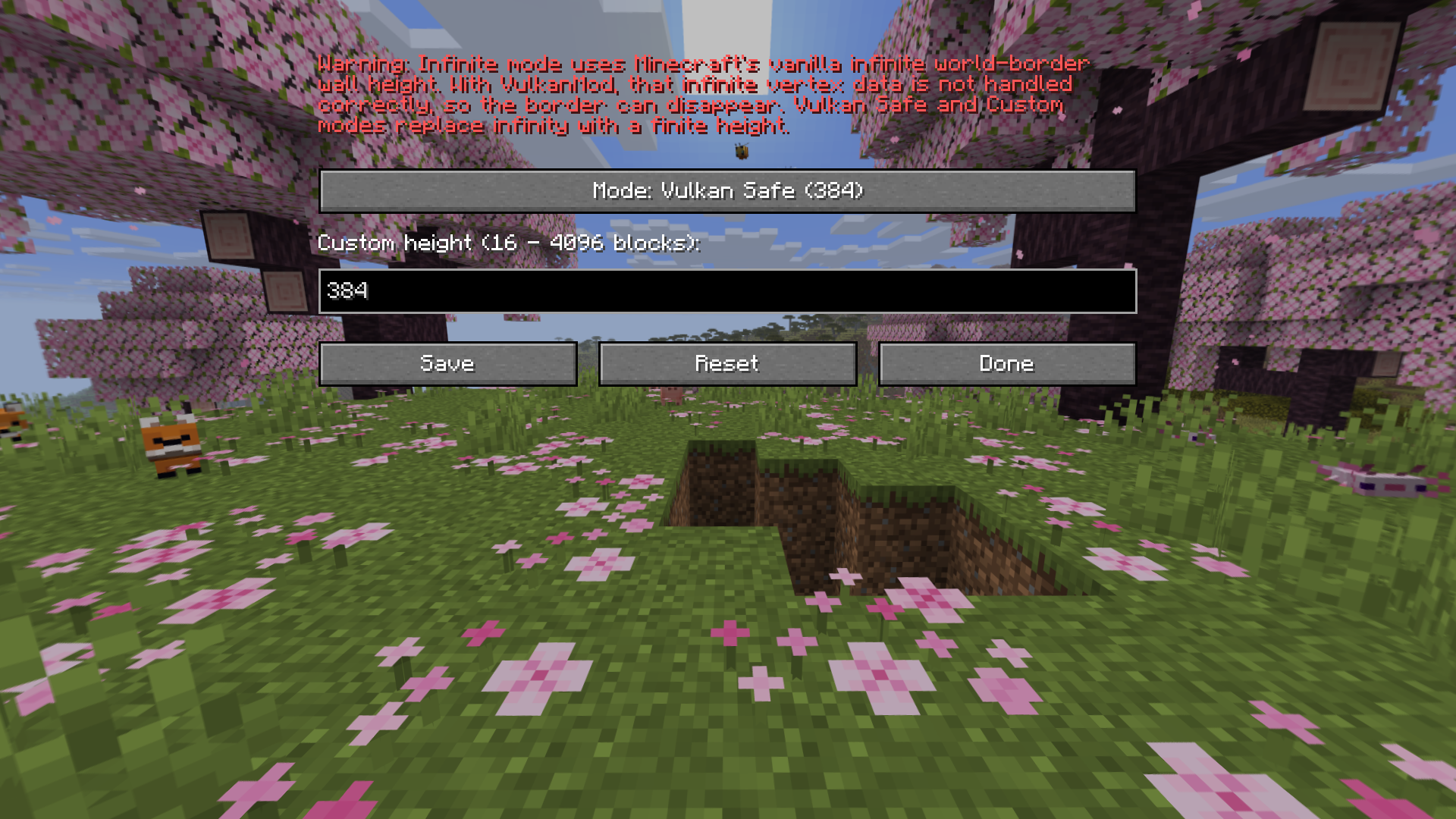
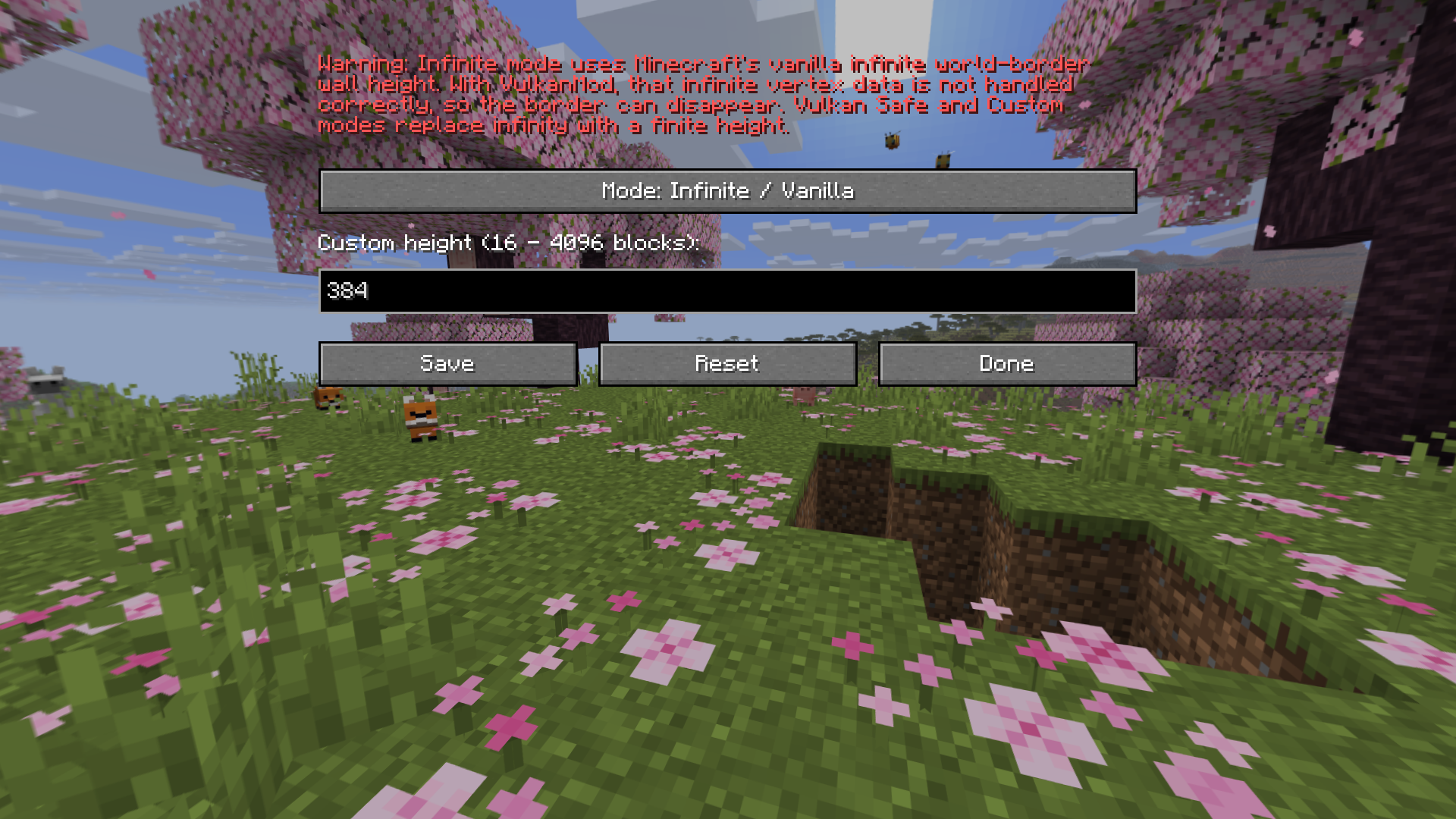
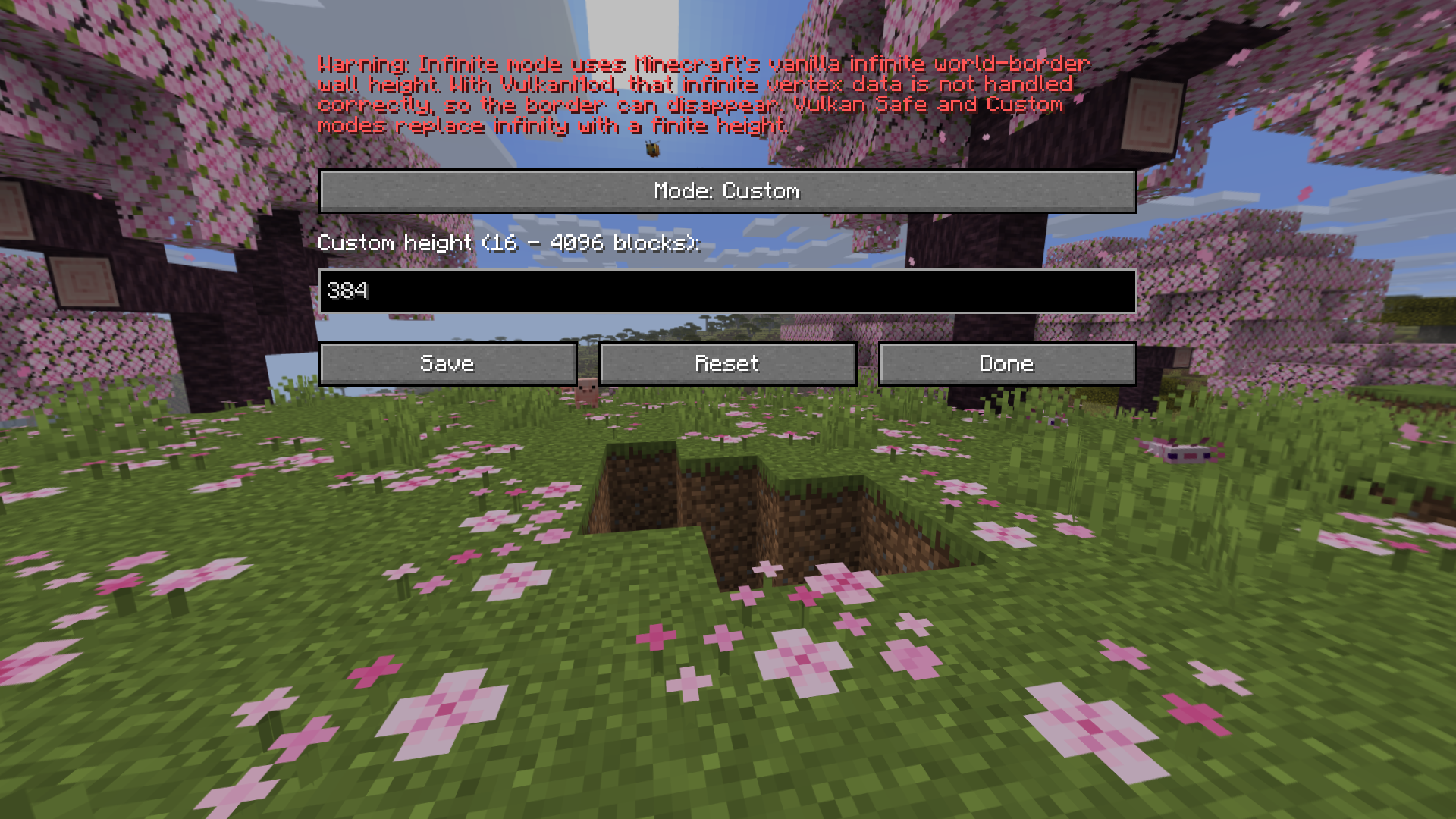
介绍
Vulkan Border Fix:
• VulkanMod introduces a brand new rendering engine to Minecraft in order to bring performance and graphical improvements, but it suffers from a visual bug that is a bit unknown: the world border becomes completely invisible.
Why this happens:
• Minecraft’s vanilla world border height is mathematically infinite. When running VulkanMod, this infinite vertex data is not handled correctly by Vulkan, causing the engine to make the border disappear.
Solution:
• This mod fixes the issue by capping the world border at a finite height, allowing VulkanMod to correctly process and render the vertex data.
Features:
• Brings back the vanilla world border while running VulkanMod.
• Allows you to customize the world border’s height.
常见问题
Vulkan Border Fix 支持哪些 Minecraft 版本?
Vulkan Border Fix 支持 Minecraft Java 版 26.1–26.1.2,共 3 个版本,可用的加载器:Fabric。下载时注意选择和你游戏版本一致的文件。
Vulkan Border Fix 怎么安装?
先用 PCL2 或 HMCL 启动器安装对应版本的 Fabric,再把下载的 .jar 文件放进游戏目录的 mods 文件夹,重新启动游戏即可。开启了版本隔离的,mods 文件夹在 versions/版本名 下面。运行环境:仅客户端。

评论
登录后评论和评分