
截图
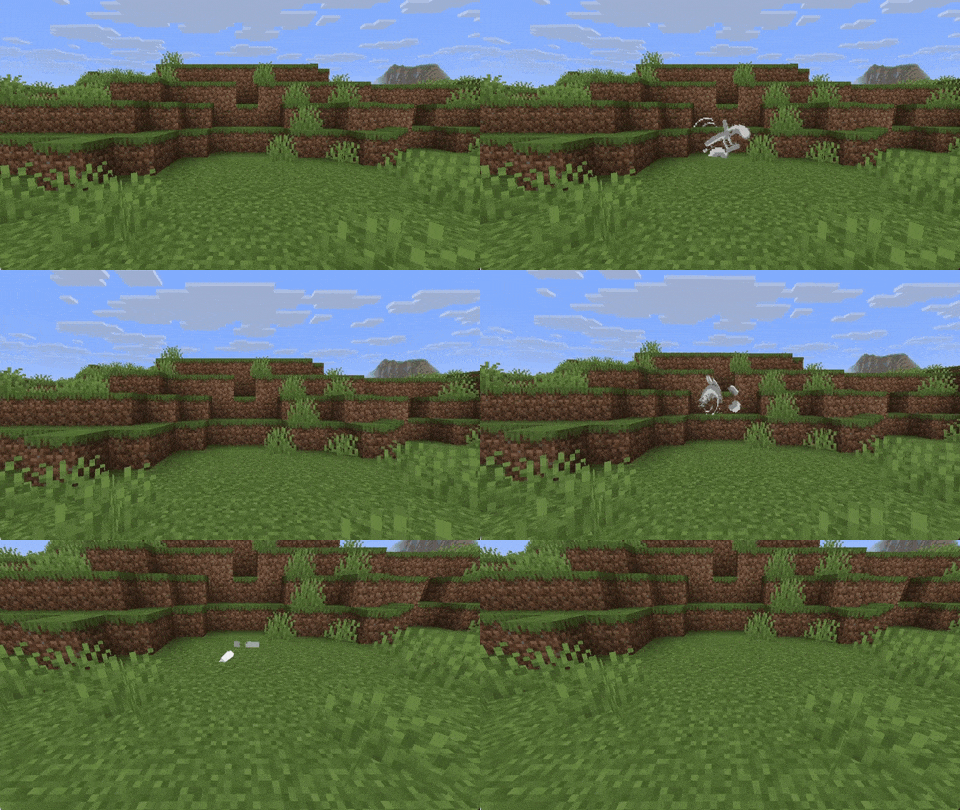
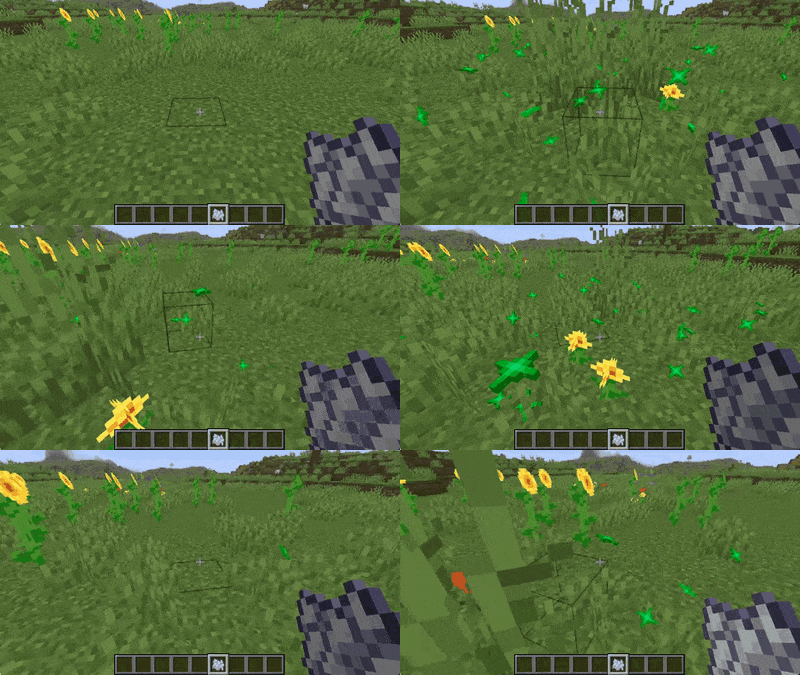
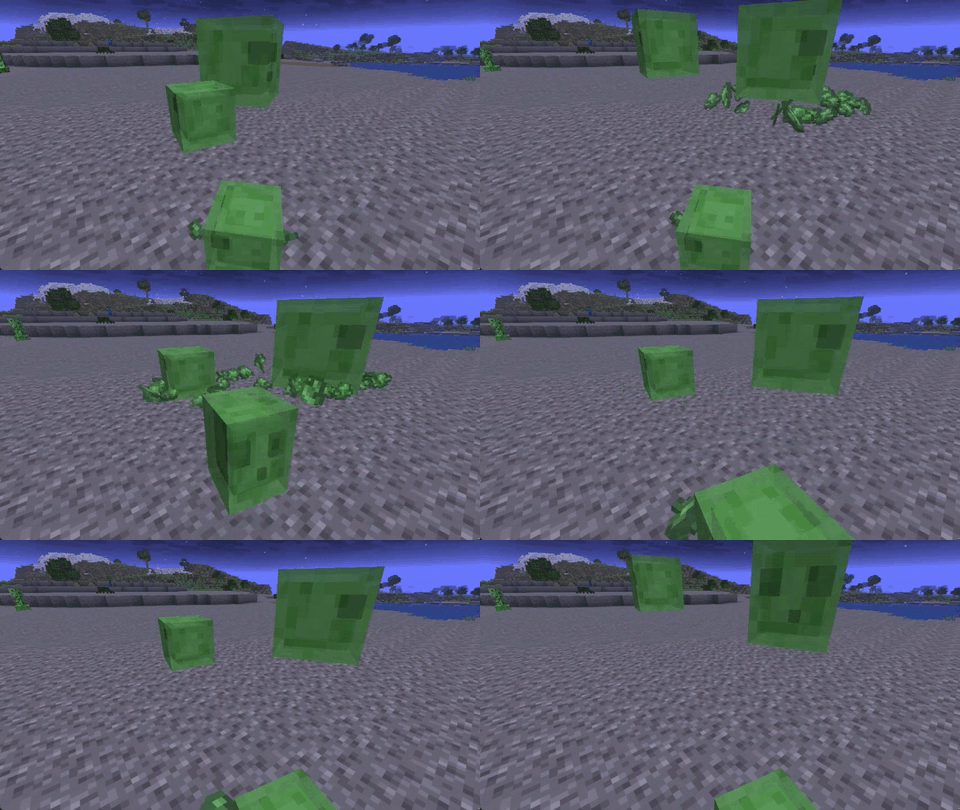
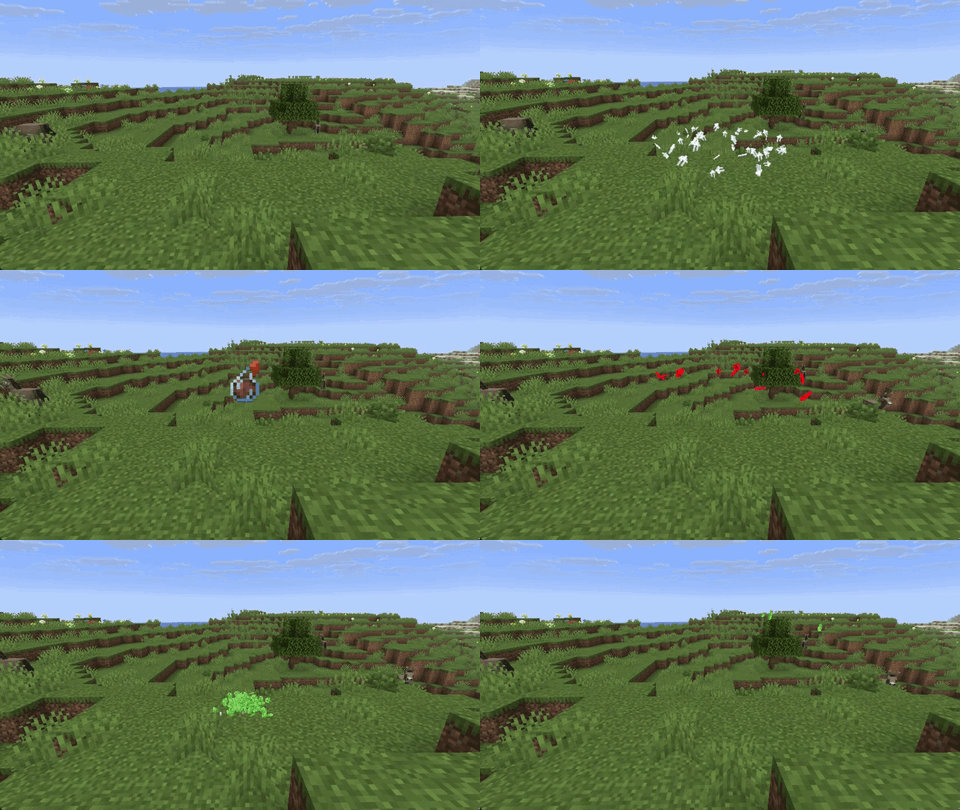
介绍



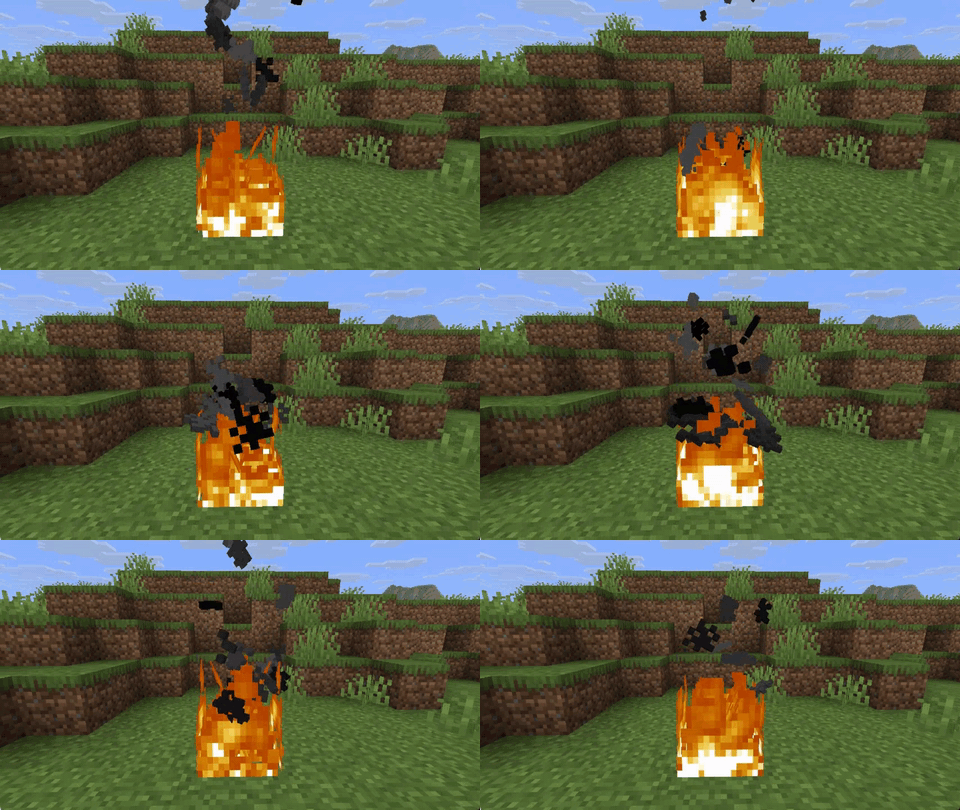
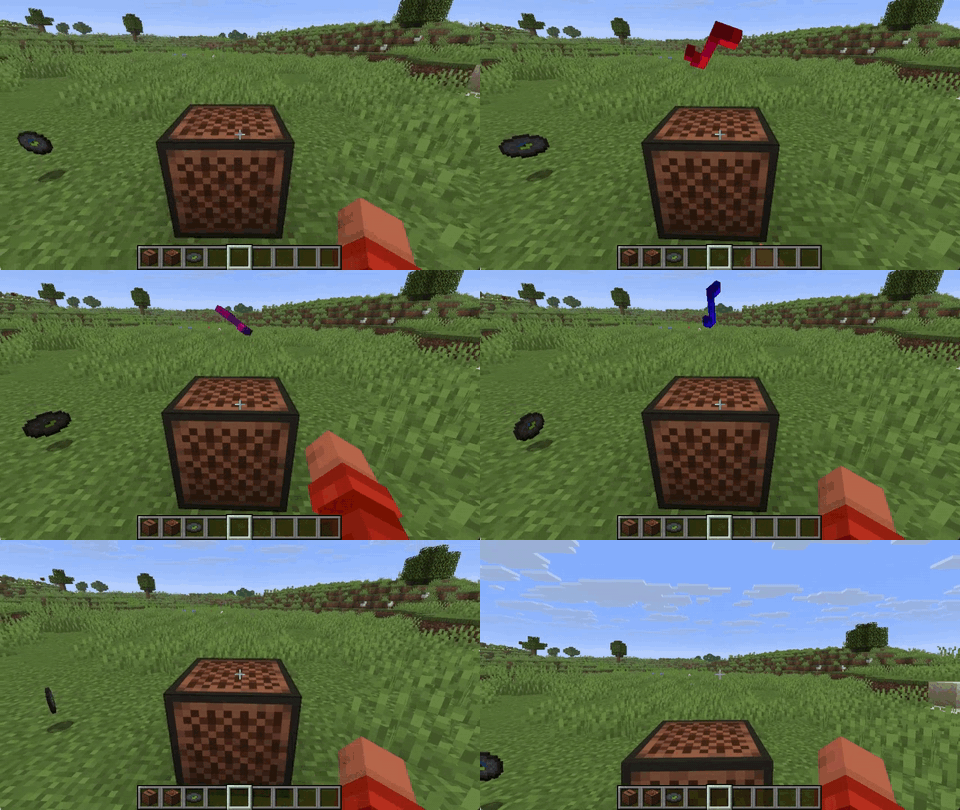
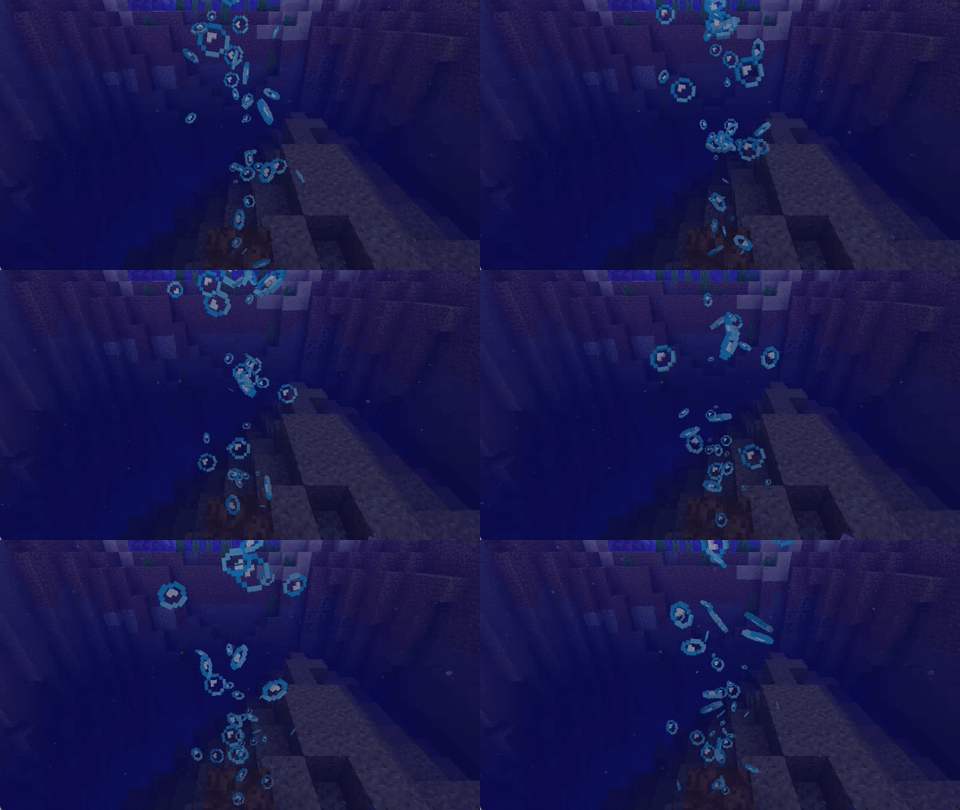
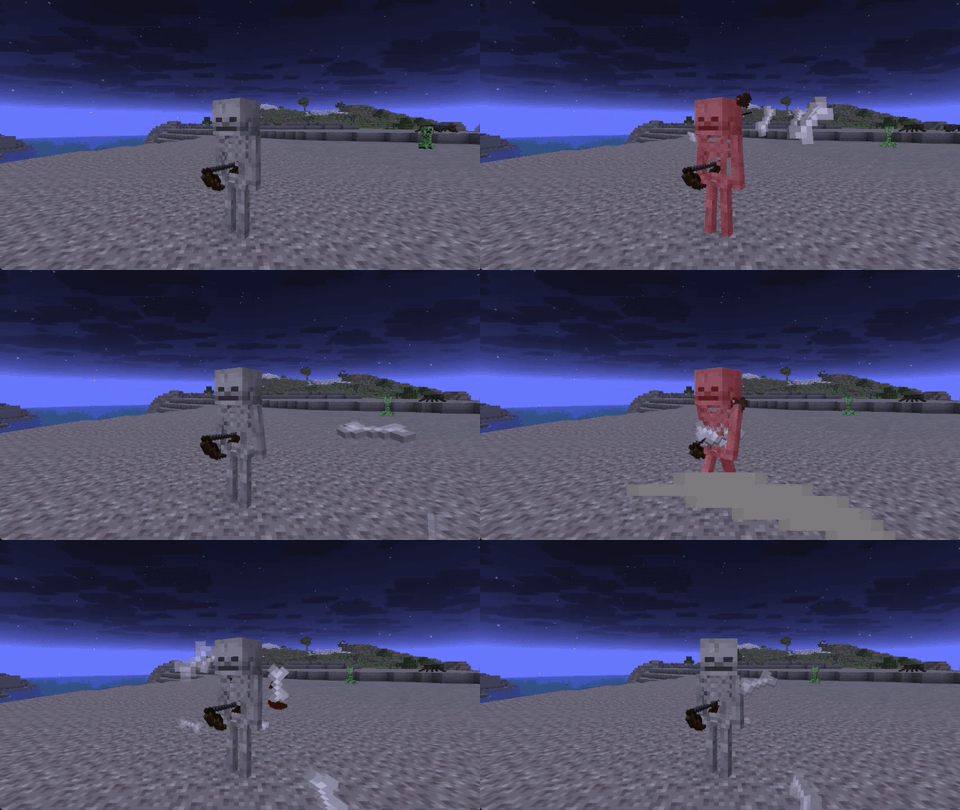
Vanilla particles are flat cards that always face the camera. Voxel Particles turns each one into a small 3D model built from the sprite’s own pixels.
Every sprite particle, vanilla or modded, is picked up automatically (even resourcepacks).
Showcase
Break block particles

Campfire smoke with real depth

Crumbs of the food you eat

Potion effect particles

Modded particles (example: Fire Staff from Wizards)

On and off comparison

In-game settings
Features
- Any particle, any mod. Vanilla and modded sprite particles become 3D with no extra support.
- Real crumbs. Block and item particles keep their own piece of the texture and its shape.
- Four motions. None, gentle sway (default), spin and tumble.
- Physical debris. Falling crumbs tumble in the air and land flat on the ground.
- Any resource pack. Custom textures turn 3D just like the vanilla ones.
- Knows when to back off. Distant and tiny particles stay flat, meshes are cached, and a watchdog pauses the effect for a few seconds if it ever gets too expensive.
Compatibility
| Mod or content | Status |
|---|---|
| Sodium | Works |
| Iris and shader packs | Works |
| Custom resource packs | Works |
| Particles from other mods | Works |
One exception: particles that draw their own geometry instead of a sprite stay as they are. For example, the slash effects of Better Combat remain flat.
Configuration
Change settings in game through Mod Menu, or edit config/voxelparticles.json.
Global options
| Option | Default | What it does |
|---|---|---|
enabled |
true |
Turns the whole effect on and off |
maxResolution |
16 |
Detail: the largest model size per side, 4 to 64 |
lodDistance |
64 |
Particles farther than this many blocks are drawn flat, 0 for no limit |
excludedSprites |
see below | Sprite ids that always stay flat, * works as a wildcard |
Per-type options
Block, item and other particles each have their own section: blocks, items and particles. They take the same options:
| Option | Default | What it does |
|---|---|---|
enabled |
true |
Makes this kind of particle 3D |
motion |
SWAY |
BILLBOARD (faces the camera like vanilla), SWAY, SPIN or TUMBLE |
depth |
1.0 (3.0 for blocks) |
Thickness, 0.1 to 4. At 1.0 every pixel is a cube |
shading |
1.0 |
How much darker the sides are than the front, 0 to 1 |
motionSpeed |
1.0 |
Speed of sway, spin and tumble, 0 to 5 |
tumbleDebris |
true |
Crumbs tumble in the air and land flat (blocks and items only) |
Example:
{
  "blocks": { "depth": 3.0, "motion": "TUMBLE" },
  "items": { "depth": 1.0, "motion": "TUMBLE" },
  "particles": { "depth": 0.3, "motion": "SWAY" }
}
Keeping a particle flat
Big effects like sweeps and explosions look better flat, so a few sprites are excluded out of the box:
"excludedSprites": [
  "minecraft:sweep_*",
  "minecraft:sonic_boom_*",
  "minecraft:flash",
  "minecraft:explosion_*",
  "minecraft:shriek",
  "minecraft:vibration",
  "minecraft:missingno"
]
Add the id of any other particle sprite you want to keep flat, for example "somemod:glow".
Building from source
Gradle has to run on Java 25 (the Loom version used requires it). The mod itself targets Java 21 or 25 depending on the Minecraft version.
./gradlew dist                            # every target, jars go to dist/
./gradlew build -Ptargets=1.21.4-fabric # a single target| Path | Contents |
|---|---|
core/ |
Code that does not touch Minecraft |
mc/<name>/ |
API layers shared by several Minecraft versions |
loader/ |
Loader entry points |
versions/<minecraft>/ |
One target each; version.properties lists the layers it uses |
常见问题
Voxel Particles 支持哪些 Minecraft 版本?
Voxel Particles 支持 Minecraft Java 版 1.20.1–26.2,共 13 个版本,可用的加载器:Fabric / Forge / NeoForge。下载时注意选择和你游戏版本一致的文件。
Voxel Particles 怎么安装?
先用 PCL2 或 HMCL 启动器安装对应版本的 Fabric / Forge / NeoForge,再把下载的 .jar 文件放进游戏目录的 mods 文件夹,重新启动游戏即可。开启了版本隔离的,mods 文件夹在 versions/版本名 下面。
addavriance 的其他作品
查看全部 →
Enhanced Falling Trees
确保树木被砍伐时能以逼真的方式倒下。

TerraMath
使用数学函数和公式自定义地形,生成独特的程序化世界。

Cloth Config API Forge
Configuration Library for Minecraft Mods (Unofficial Forge Port)
评论
登录后评论和评分