
VoxelFX
A fully clientside library to animate block & item display entities with keyframes, easing functions, and much more!
截图
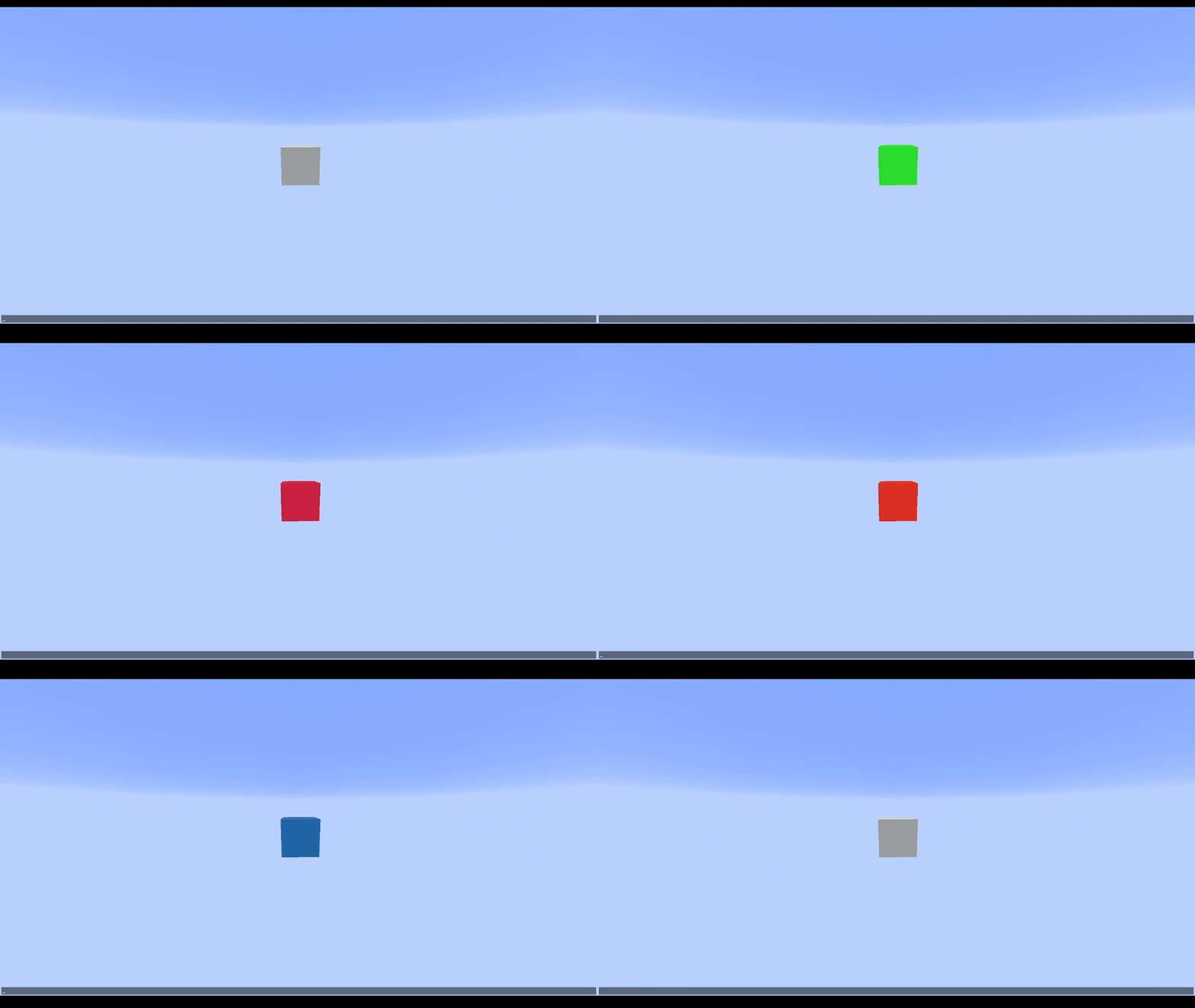
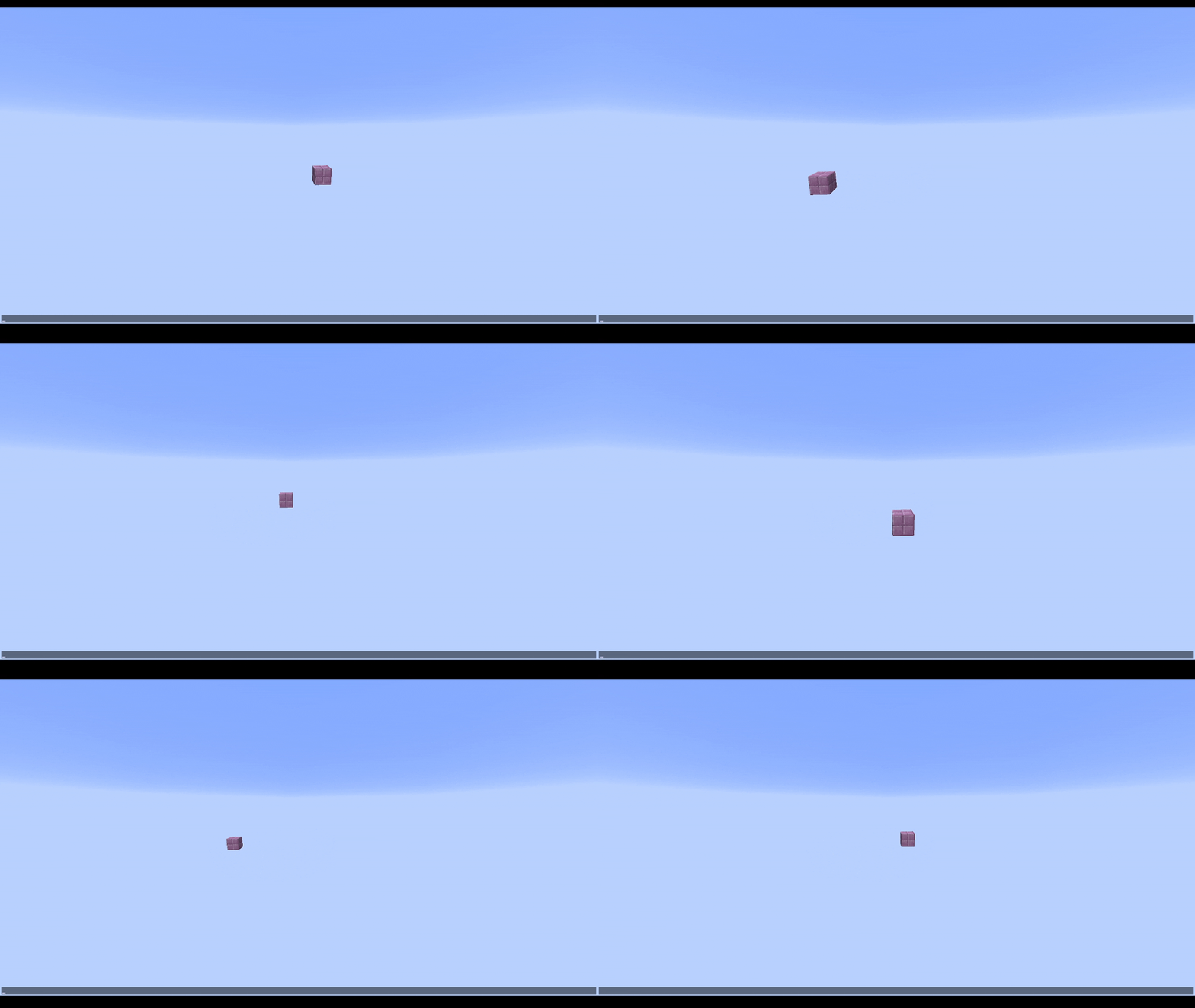
介绍
VoxelFX
Animate client-side block & item display entities with keyframes, easing functions, and much more!
Make cool VFX like this:
Features
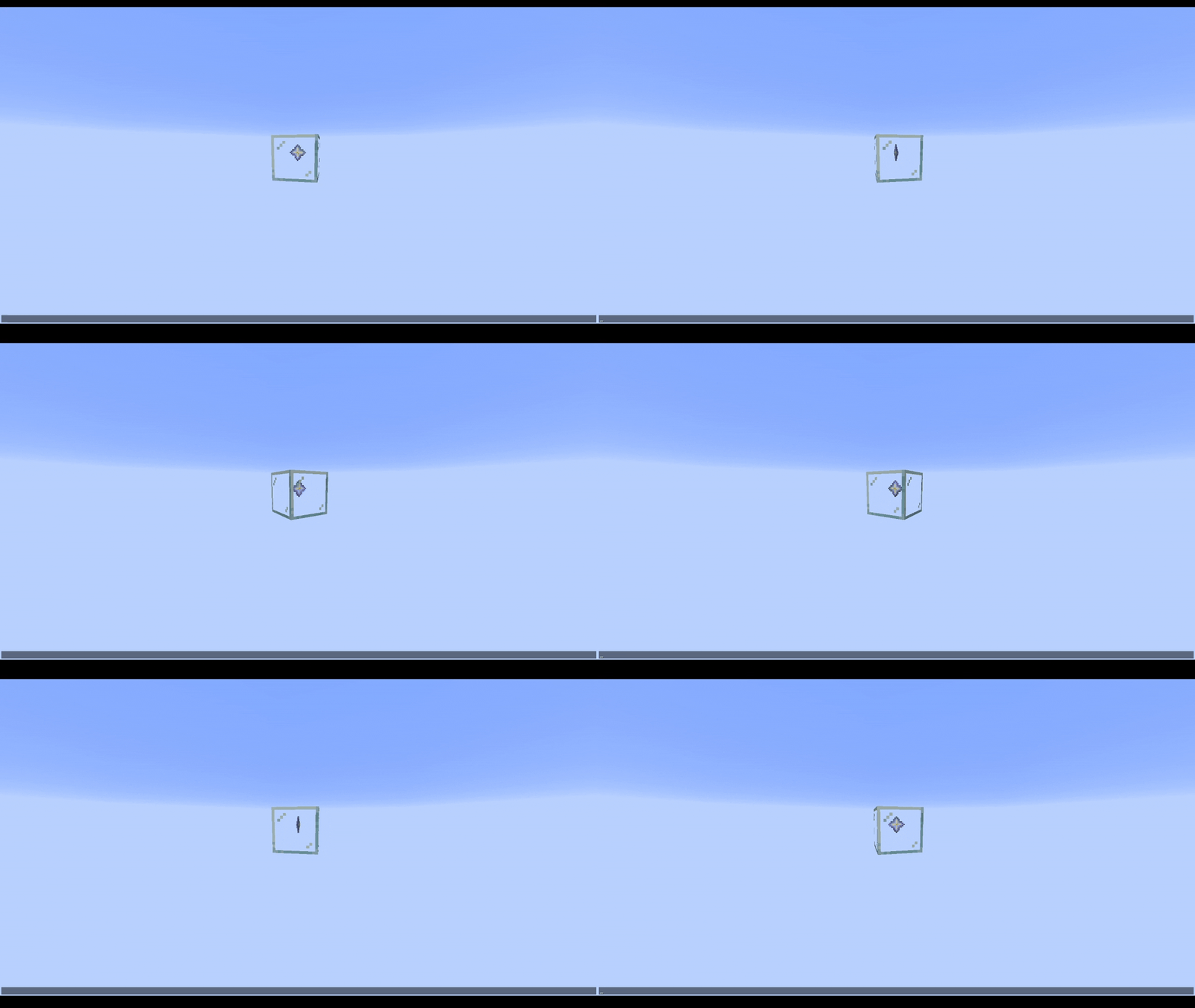
Animated Block & Item Displays
Animate block and item displays separately or together.
View Demo
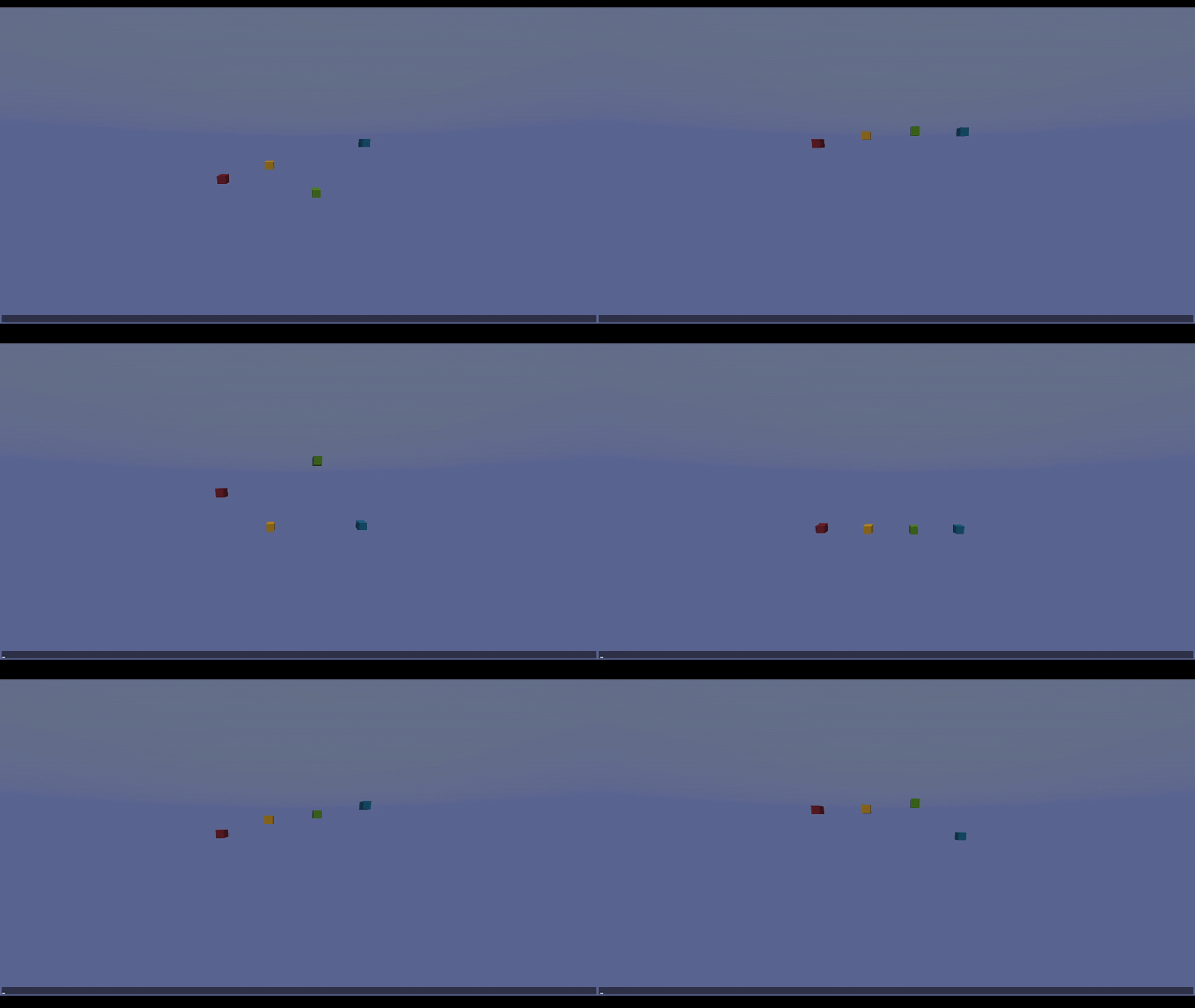
Keyframes & Easings
Use keyframes with easings to make super smooth animations for any movement you want. Reference easings.net to visualize easings, or test them out in game.
View Demo
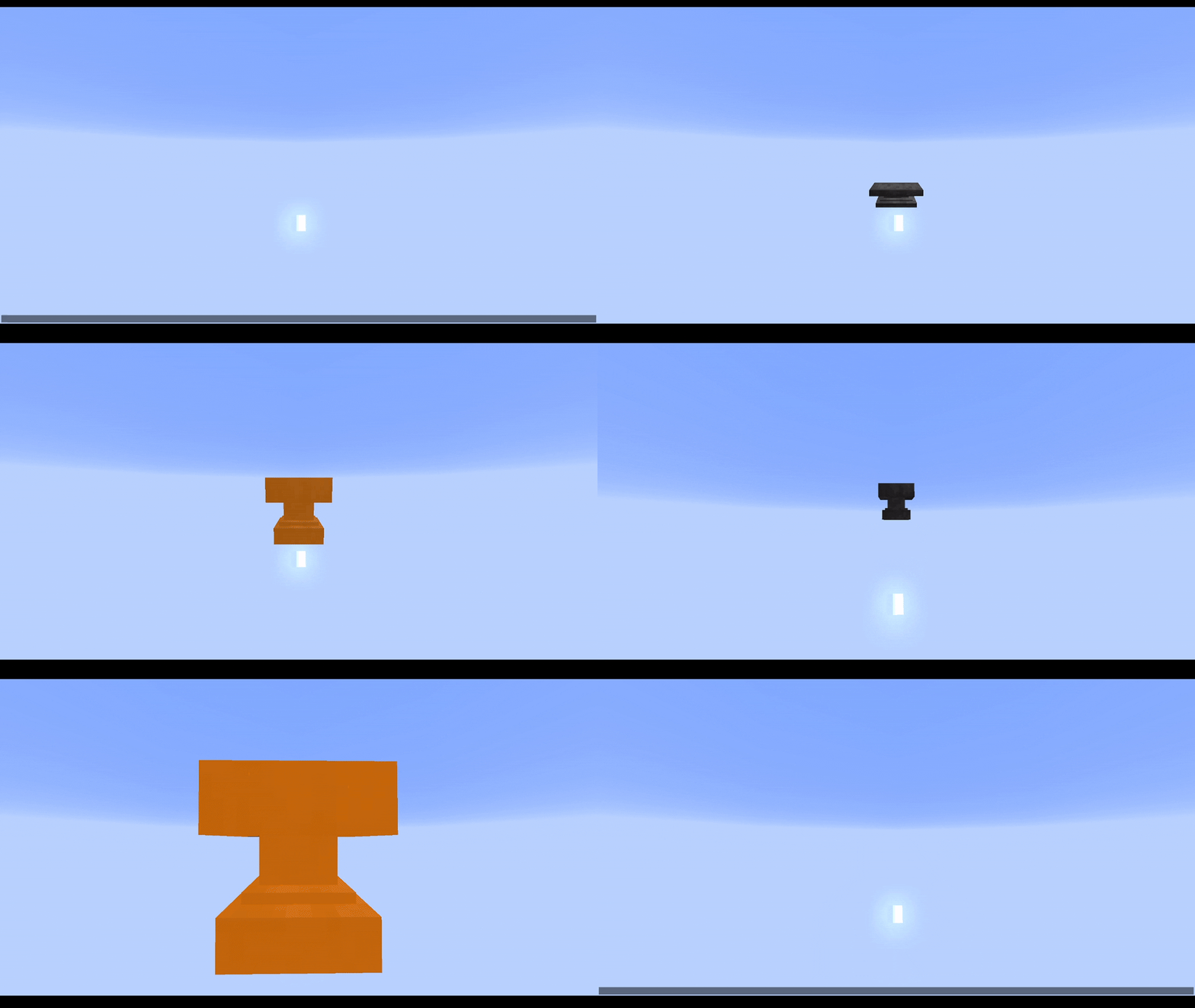
Overlays
Tint any block (including weird shapes like lecterns) any color. Intensity controls how opaque the tint is, and overlays support keyframes just like every other property.
Does not support items.
View Demo
Animation Queueing & Inheritance
Queue animations to play one after another, or override the current animation immediately. Animations can inherit properties from whichever animation played before them to reduce boilerplate.
View Demo
Looping & Callbacks
Loop animations a fixed number of times or infinitely. Hook into callbacks to trigger logic at any point in an animation’s lifecycle.
View Demo
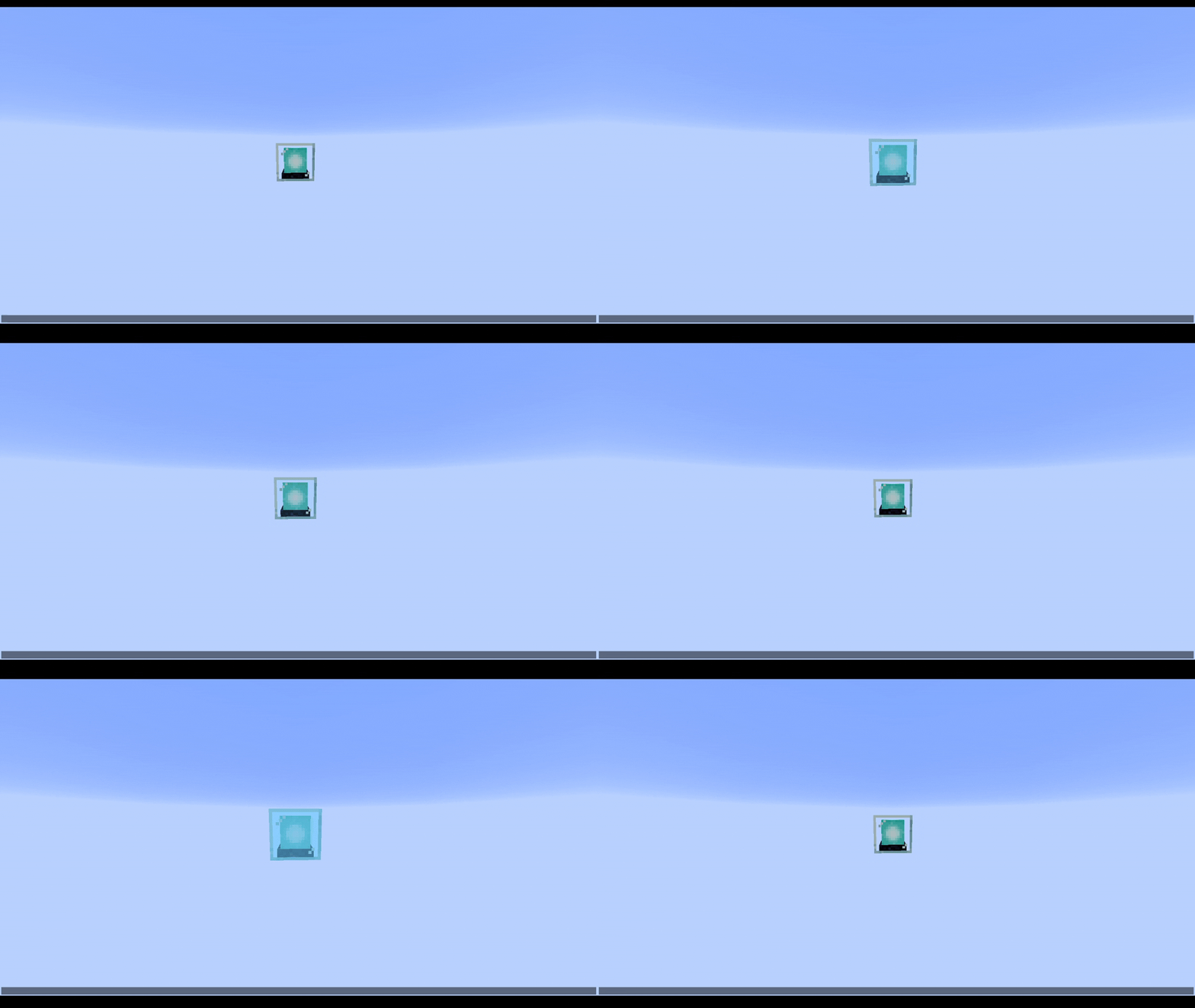
Per-Frame Modifiers
Apply custom per-frame modifiers on top of the keyframed values, for effects like wobble, sway, or pulsing that aren’t easily expressed as keyframes alone.
Note: These should be scaled by the context’s interpolatedTicks so everything stays consistent with any framerate.
View Demo
Entity Binding
Bind animations to follow entities with an optional offset. Can operate in either global or local space.
Showcased in above Nova Bomb video.
Builder API
A fluent builder that lets you construct animations declaratively, chaining translation, scale, rotation, overlay, and block/item channels with minimal boilerplate.
Limitations
NeoForge 26.1.2+
This mod is client-only, meaning all effects will have to be triggered with your own code. For instance, sending a packet from server -> client, telling the client to play that animation.
Animations are designed to be purely visual – do not try to alter the game state using them.
Also, due to the clent-only nature of the mod, display entities do not natively support being saved to the world/persisting animations. You’d have to write your own system for that.
General Use:
VoxelFX has some commands that can be run with /voxelfx. Most notably, the demo command can be used to run built-in demo animations.
Also important – the clear command will clear out the entity cache, removing all VFX entities in case anything breaks.
You can also pause, resume, stop, or set the play speed of all VFX entities.
This is not a global state – it applies only to the entities that exist when the command is run.
Documentation
See the GitHub wiki.
常见问题
VoxelFX 支持哪些 Minecraft 版本?
VoxelFX 支持 Minecraft Java 版 26.1.2–26.2,共 2 个版本,可用的加载器:NeoForge。下载时注意选择和你游戏版本一致的文件。
VoxelFX 怎么安装?
先用 PCL2 或 HMCL 启动器安装对应版本的 NeoForge,再把下载的 .jar 文件放进游戏目录的 mods 文件夹,重新启动游戏即可。开启了版本隔离的,mods 文件夹在 versions/版本名 下面。运行环境:仅客户端。
StasisTheShattered 的其他作品
查看全部 →
Cobblemon Spawn Alerts
一个高度可自定义的Cobblemon附属模组,可在特定宝可梦生成时提醒你

Immersive First Person
Render the player model in first person instead of just having a boring, floating hand

Dualist
Vanilla-style dual wielding / attacking with the offhand

SkyTrader
Sky Trader introduces a rare, skyfaring traveler who offers a new way to travel your world. Buy a Skyfare Ticket and hop aboard to the nearest village! But be nice to your captain...
评论
登录后评论和评分