
VoxelBuilder
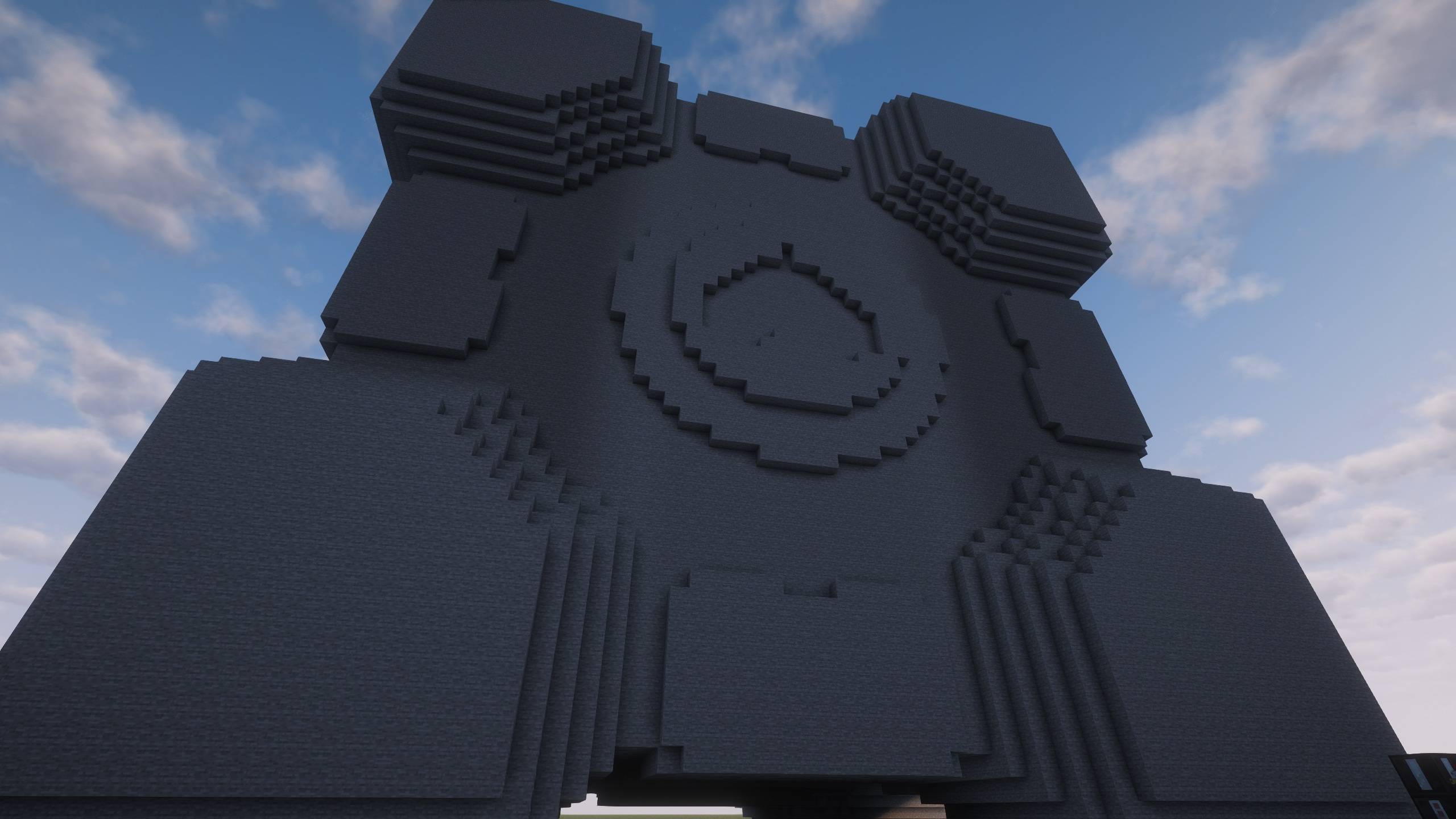
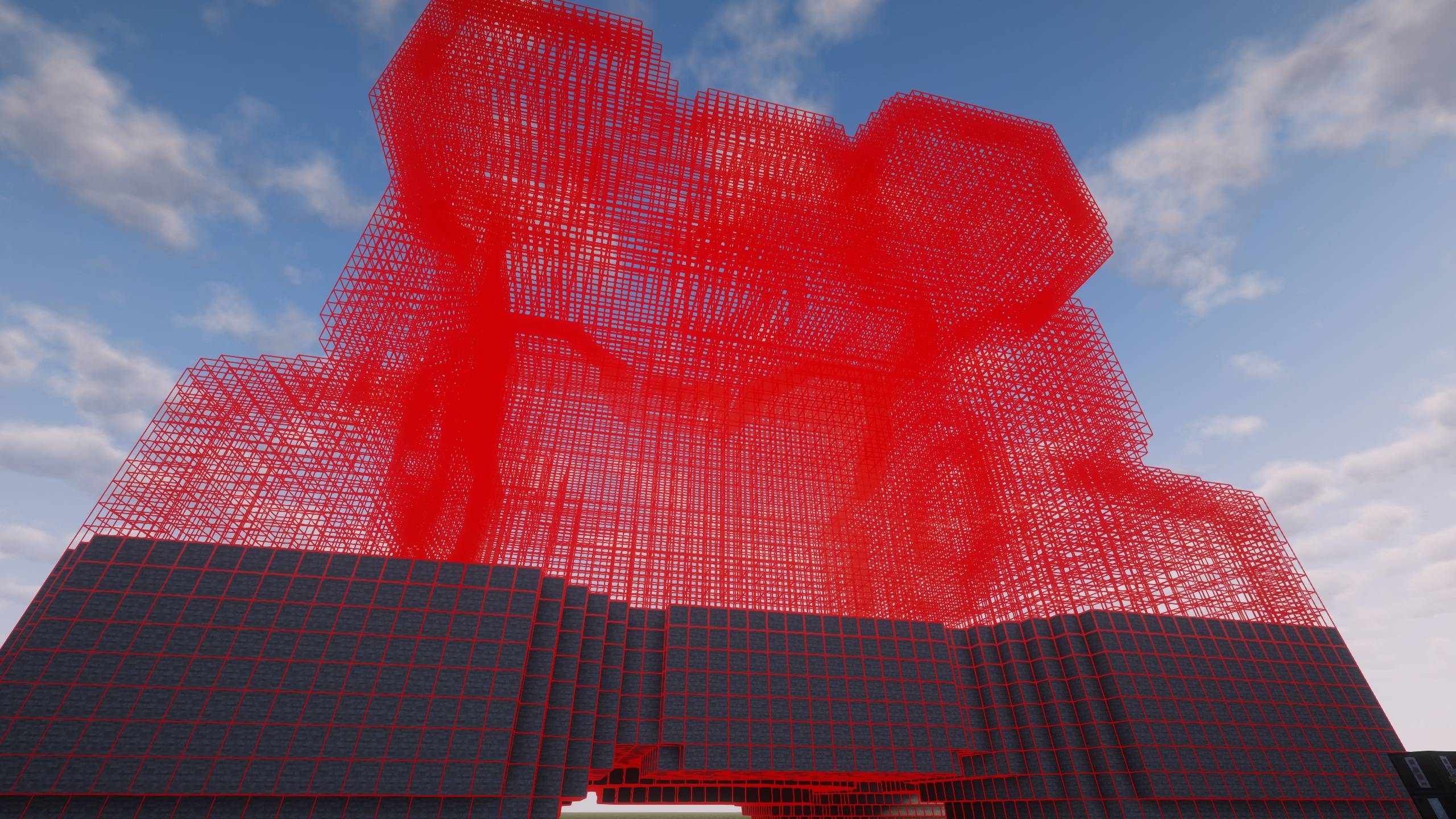
Transform 3D STL models into Minecraft structures with professional voxelization and automatic interior lighting
截图
介绍
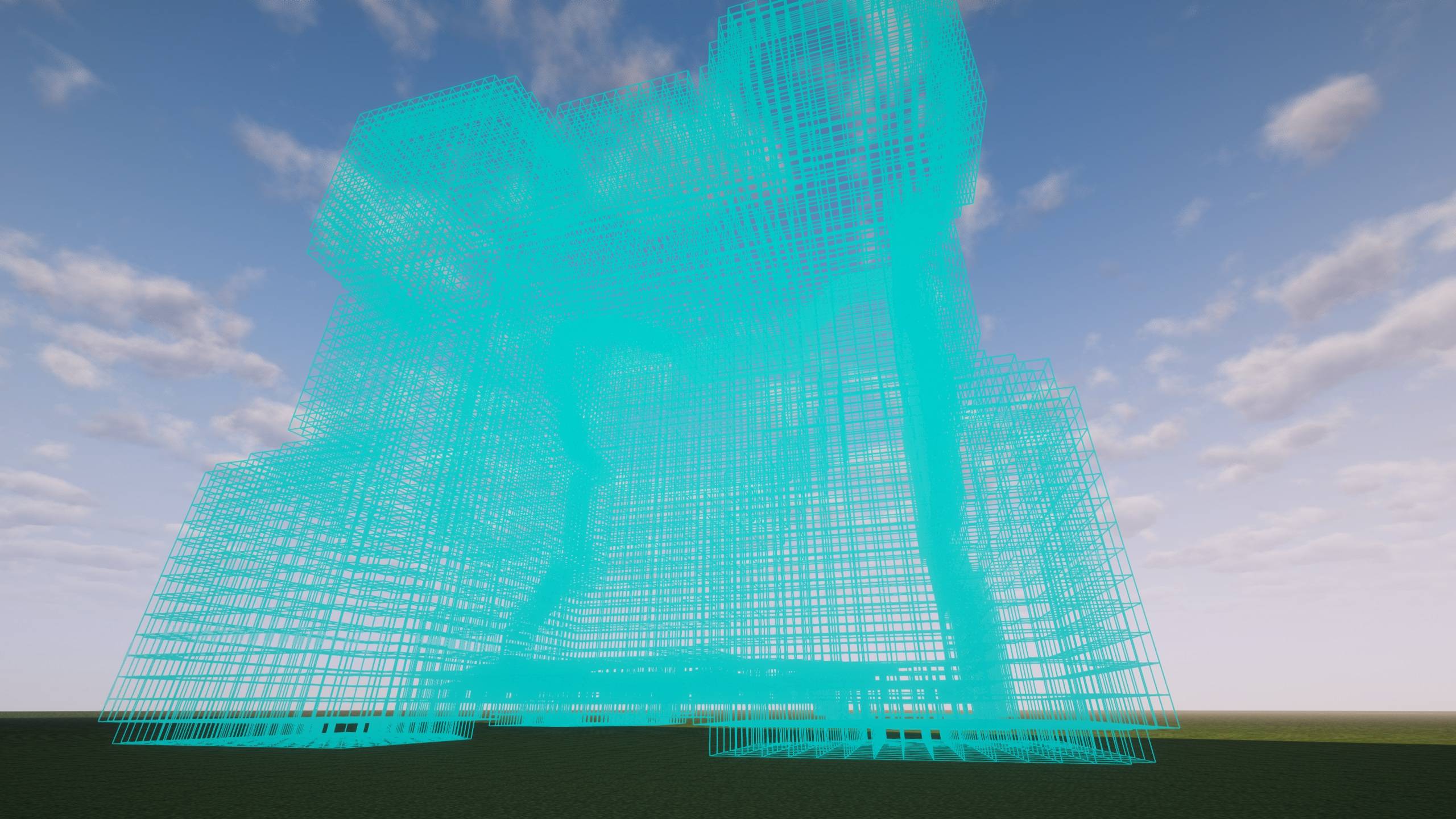
Transform your favorite 3D models into magnificent Minecraft structures with precision voxelization and intelligent block placement.
## Features
### Professional STL Voxelization
– Surface-accurate conversion using Separating Axis Theorem (SAT)
– Preserves fine details that other voxelizers miss
– Supports both ASCII and Binary STL formats
– Smart scaling to fit any model size
### Intelligent Build System
– Server-authoritative placement – perfect for multiplayer
– Tick-budget management prevents server lag
– Two-phase construction: Building + Interior Lighting
– Configurable performance settings
### Interior Lighting (Unique!)
– Automatically lights hollow interiors to prevent mob spawning
– Smart enclosed-air detection
– Fully configurable spacing and search radius
### Easy to Use
1. Craft the Voxel Builder Controller
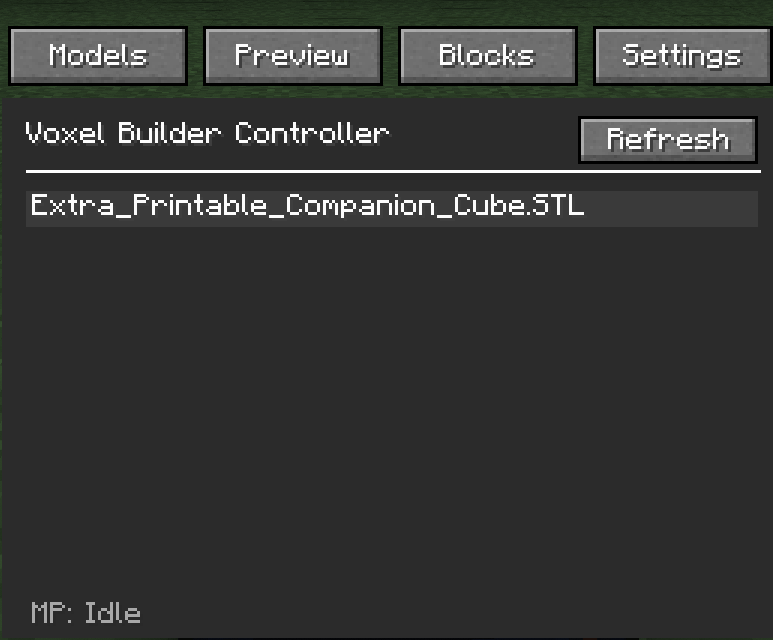
2. Right-click to open GUI
3. Select your STL file
4. Preview with real-time rotation
5. Place anchor and watch it build!
### Server-Safe
– Distance limits and dimension locks
– Per-player and global build limits
– Configurable extent caps
– Admin commands for monitoring
## How to Use
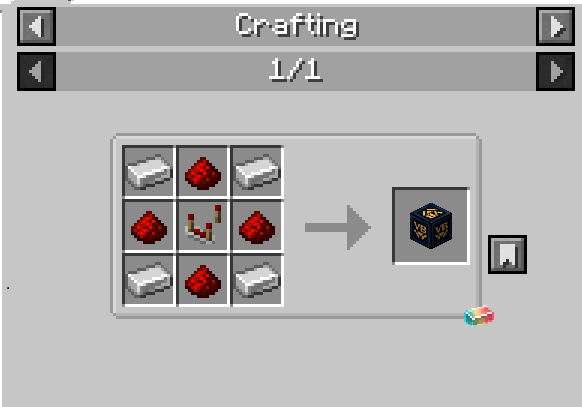
### Crafting Recipe
“`
I R I
R C R
I R I
“`
– I = Iron Ingot
– R = Redstone
– C = Comparator
### Basic Workflow
1. Place the Voxel Builder Controller block
2. Right-click to open the GUI
3. Load an STL file from `.minecraft/voxelbuilder/models/`
4. Customize rotation and detail level
5. Click “Place Build” and right-click a block to set anchor
6. Watch it build automatically!
## Commands (OP Only)
– `/voxelbuilder config` – View configuration
– `/voxelbuilder status` – Check active builds
– `/voxelbuilder cancel <player>` – Cancel player’s builds
– `/voxelbuilder cancelall` – Emergency: cancel all builds
## Configuration
Server config file: `<world>/serverconfig/voxelbuilder-server.toml`
Key settings:
– `globalBlocksPerTick` (300) – Performance budget
– `lightingEnabled` (true) – Interior lighting system
– `maxDistanceFromAnchor` (96) – Grief protection
– See full config documentation on GitHub
## Requirements
– Minecraft 1.21.1
– NeoForge 21.1.211+
– Java 21+
## ATM10 Compatible
Tested and working with All The Mods 10!
## Links
– [GitHub](https://github.com/BadMuthaJeffer/VoxelBuilder)
– [Report Issues](https://github.com/BadMuthaJeffer/VoxelBuilder/issues)
—
**Created by BadMuthaJeffer**
常见问题
VoxelBuilder 支持哪些 Minecraft 版本?
VoxelBuilder 支持 Minecraft Java 版 1.21.1–1.21.11,共 2 个版本,可用的加载器:NeoForge。下载时注意选择和你游戏版本一致的文件。
VoxelBuilder 怎么安装?
先用 PCL2 或 HMCL 启动器安装对应版本的 NeoForge,再把下载的 .jar 文件放进游戏目录的 mods 文件夹,重新启动游戏即可。开启了版本隔离的,mods 文件夹在 versions/版本名 下面。
评论
登录后评论和评分