
VisualControl
A lightweight utility to individually toggle animations, particles, and extra visual elements for better performance.
截图
介绍
VisualControl
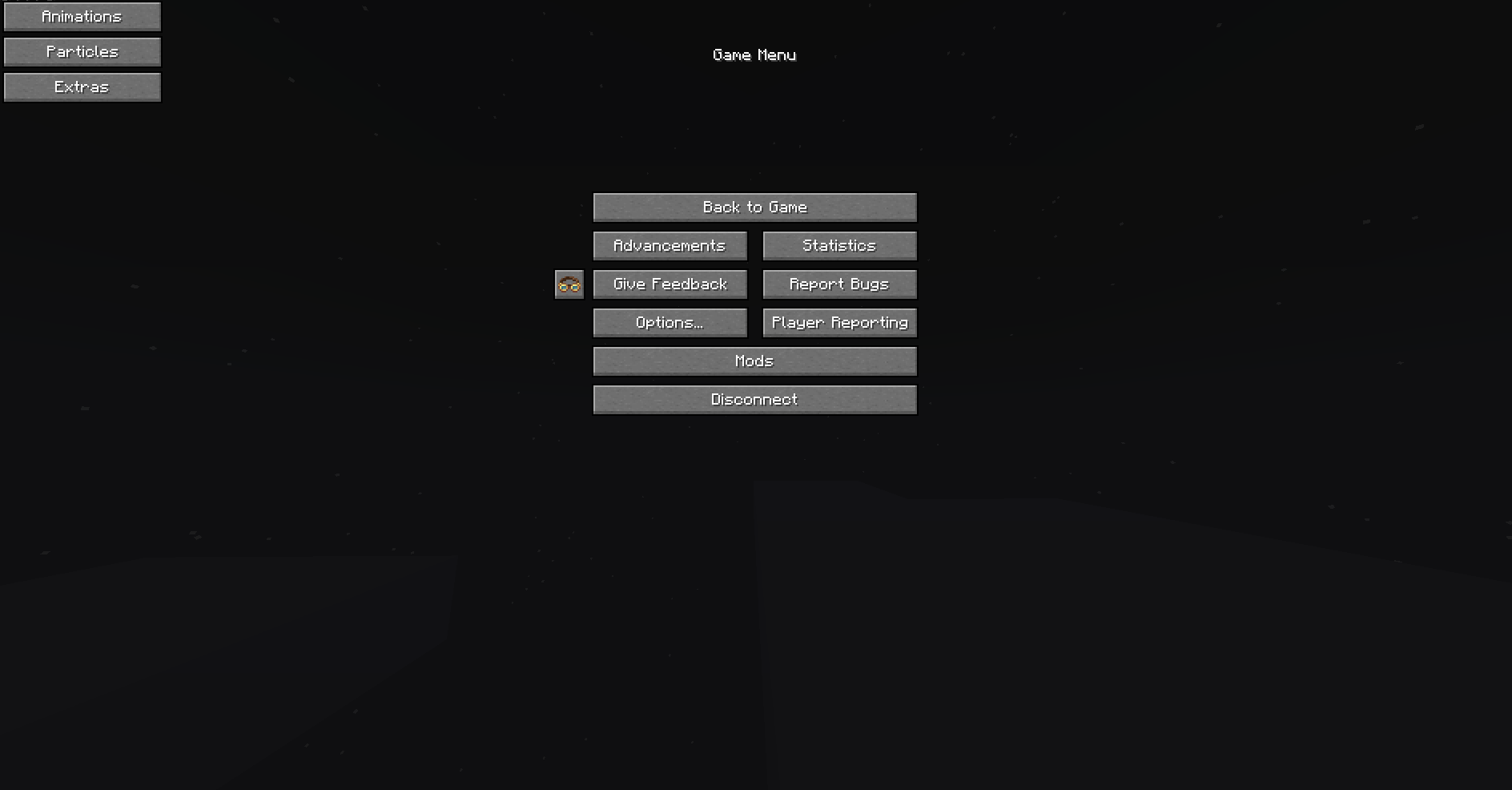
VisualControl is a utility mod for Minecraft Forge that allows you to individually toggle various rendering elements to improve performance or clear visual clutter. Allows toggling specific animations or particles in game as well as some other extra features such as fullbright. Menu for this mod can be found in the top left of the pause screen in game.
Features
🛠 Animations
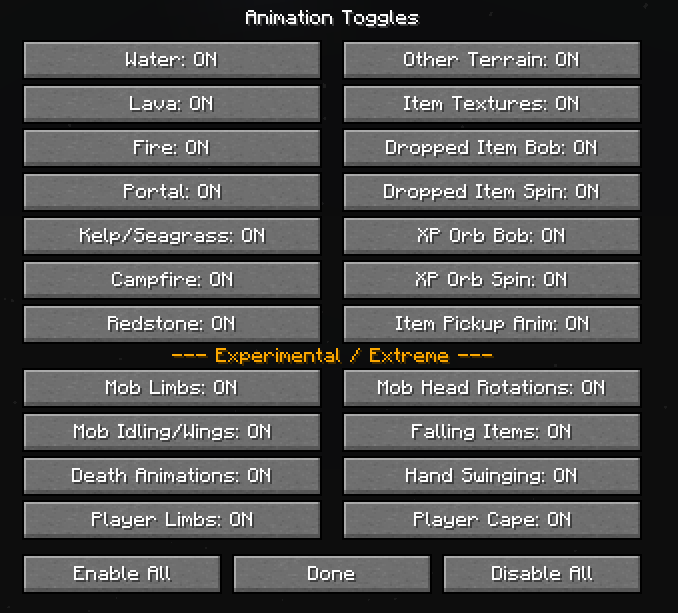
Individually enable or disable specific texture and entity animations:
– Environment: Water, Fire, Portals, Lava, Kelp, Seagrass, and Campfires.
– Entities: Item/XP bobbing, pickup effects, and mob limb movements.
– Players: Hand swinging, limb movements, and capes.
✨ Particles
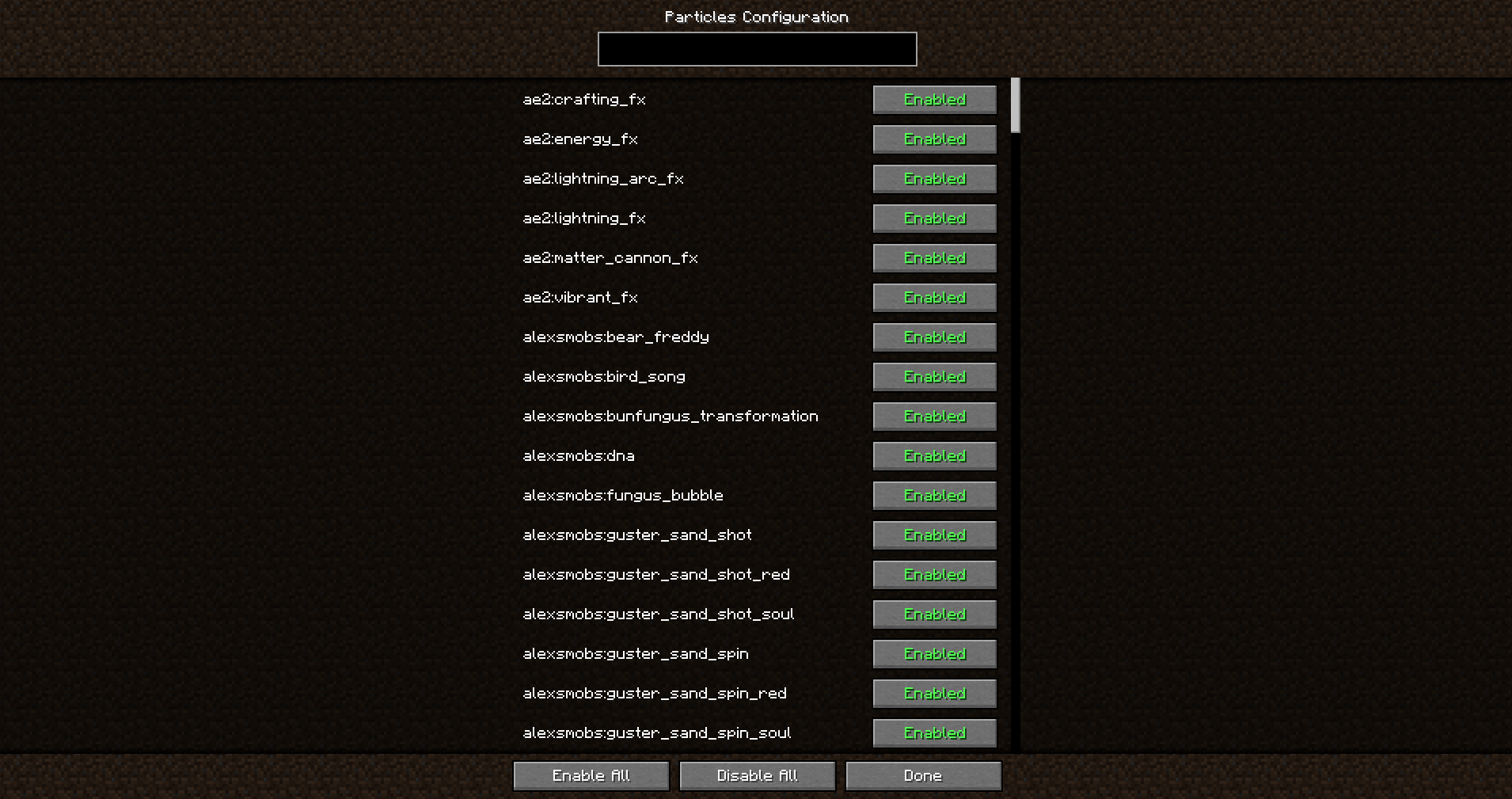
A revamped control system for all game particles:
– Searchable List: A menu listing every registered particle in the game (supports modded particles).
– Block Breaking: A dedicated toggle to disable particles created when breaking or hitting blocks.
– Bulk Actions: Buttons to enable or disable all particles at once.
⚙️ Extra Toggles
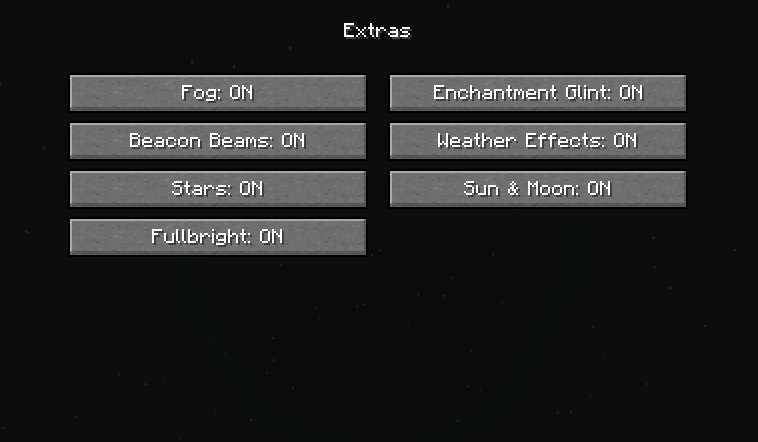
Additional visual and performance options:
– Fullbright: A simple max-gamma toggle.
– Enchantment Glint: Toggle the purple glow effect on items and armor.
– Beacon Beams: Toggle the visibility of vertical beacon beams.
– Atmosphere: Individual toggles for Fog, Rain/Snow, Stars, and the Sun/Moon.
– FPS Display & Coordinates Display: Toggle on/off a FPS and coordinates display.
常见问题
VisualControl 支持哪些 Minecraft 版本?
VisualControl 支持 Minecraft Java 版 1.20.1,可用的加载器:Forge。下载时注意选择和你游戏版本一致的文件。
VisualControl 怎么安装?
先用 PCL2 或 HMCL 启动器安装对应版本的 Forge,再把下载的 .jar 文件放进游戏目录的 mods 文件夹,重新启动游戏即可。开启了版本隔离的,mods 文件夹在 versions/版本名 下面。
评论
登录后评论和评分