
Visual Recipe Edit-World
This mod provides a visual GUI for editing various world interaction recipes. Rules can be added, modified, or deleted through menus, taking effect immediately and saved persistently.
截图
介绍
Overview
This mod provides a visual GUI for editing various world interaction recipes. Rules can be added, modified, or deleted through menus, taking effect immediately and saved persistently.
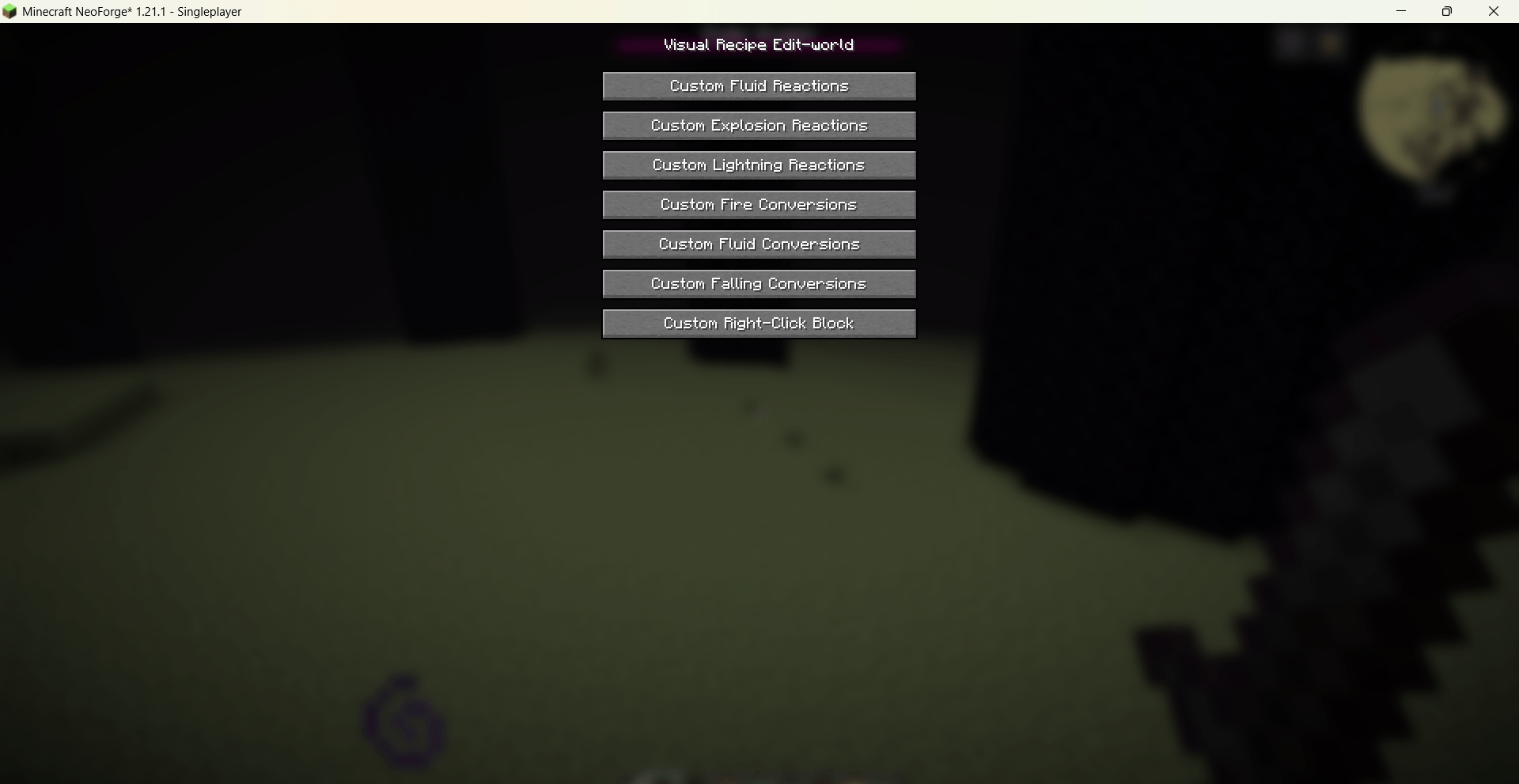
Use /vre world gui to open the main recipe management screen.
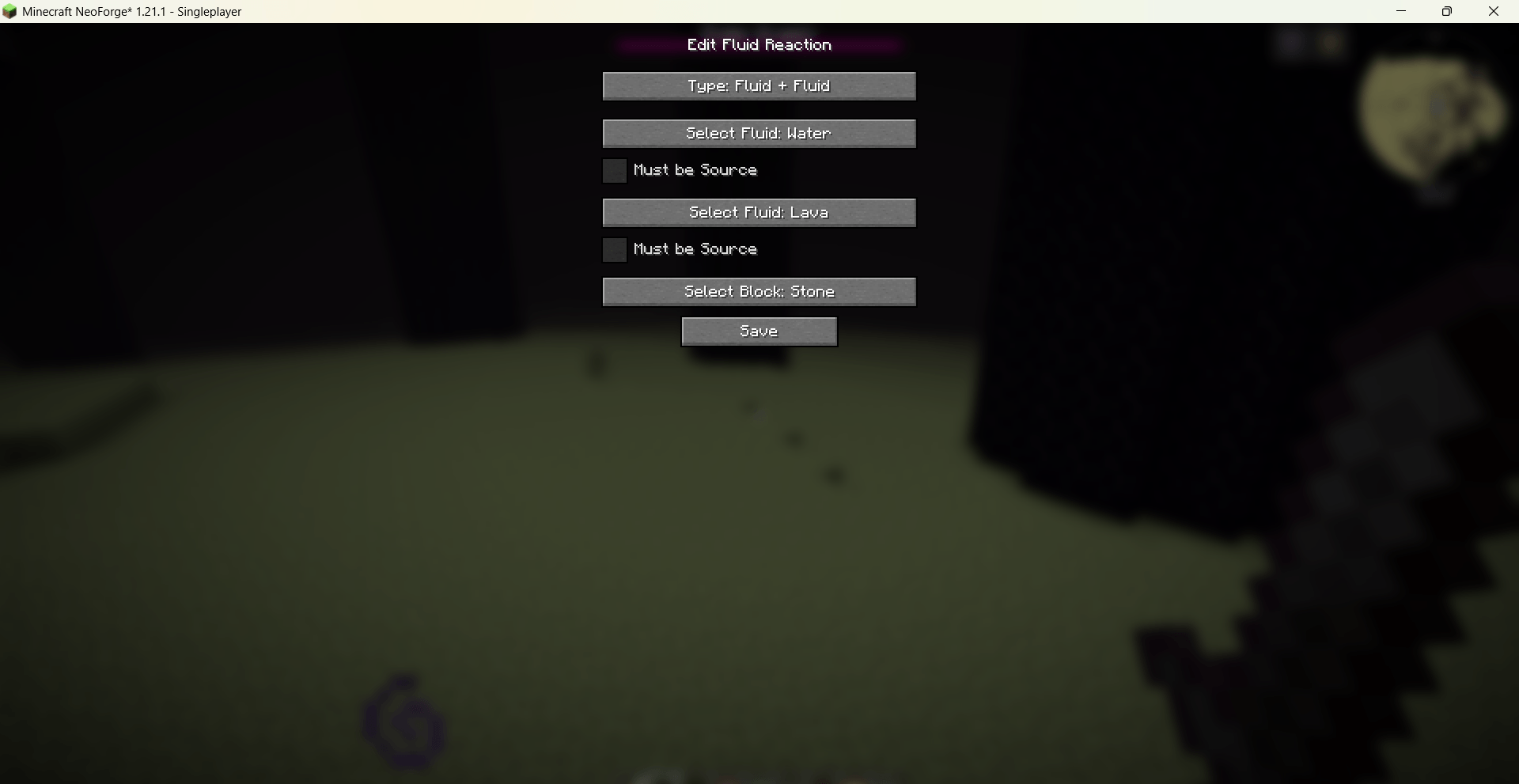
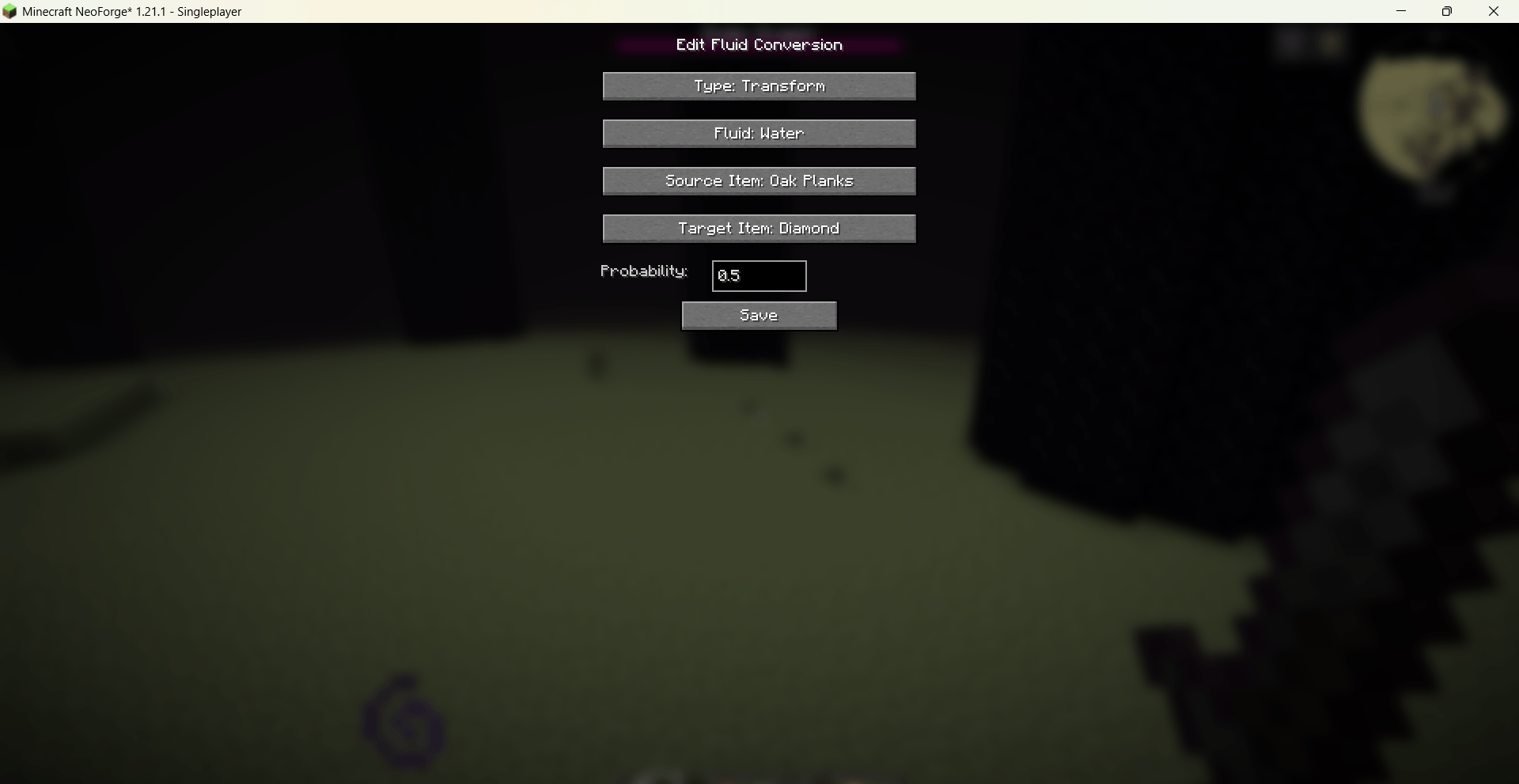
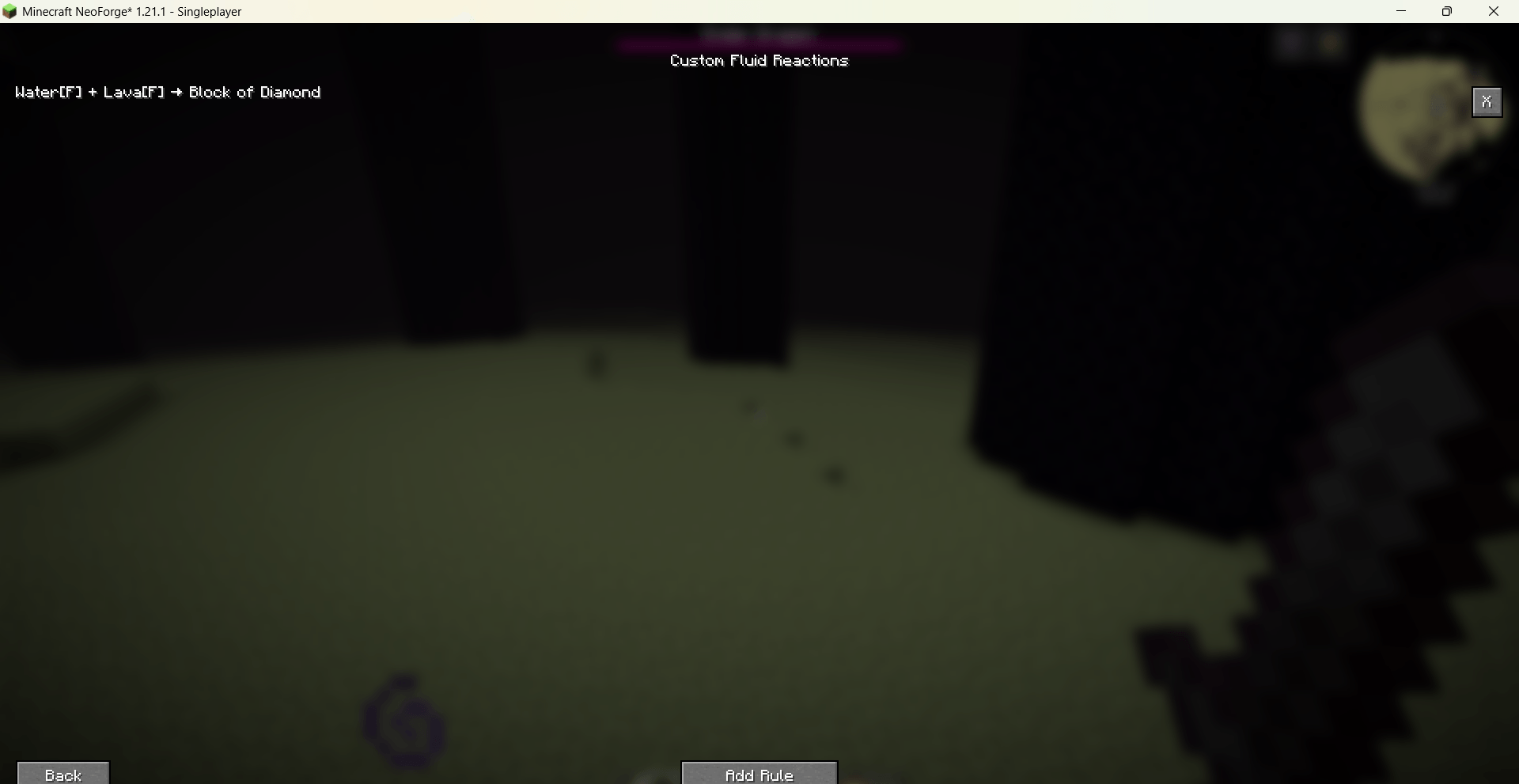
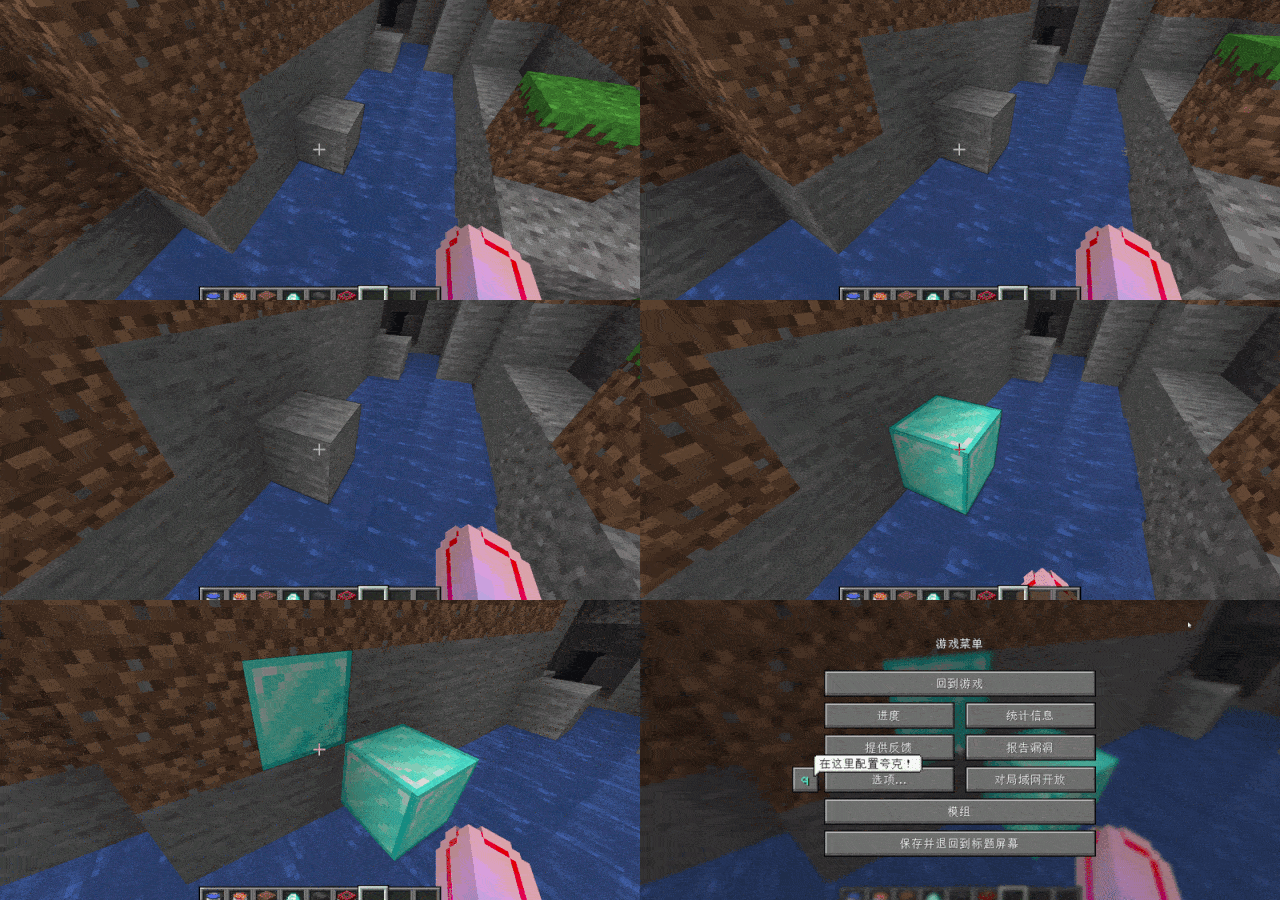
Fluid Reactions: Edit block results when fluids touch each other or blocks, with source-block conditions.
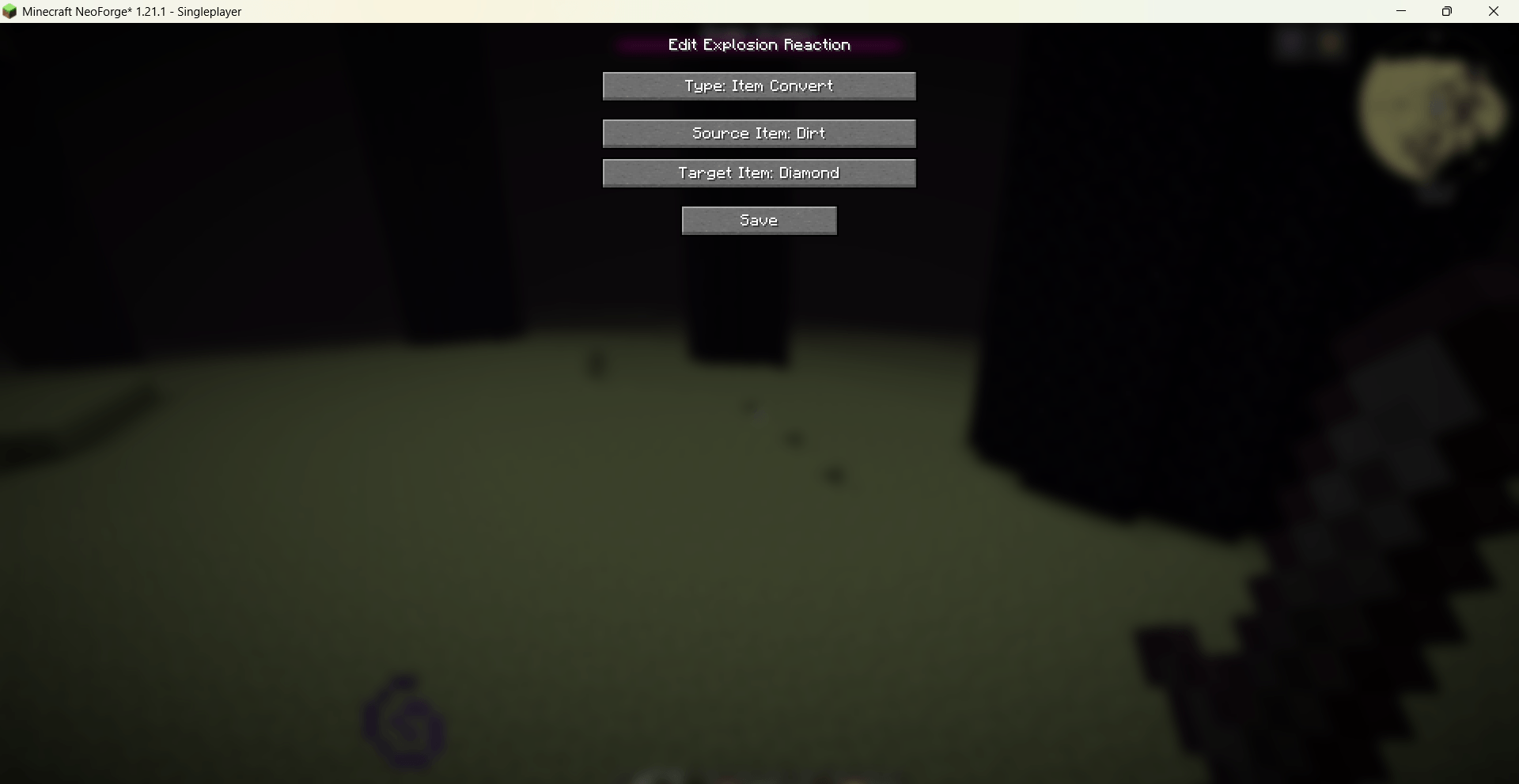
Explosion Reactions: Item conversion and block replacement triggered by explosions.
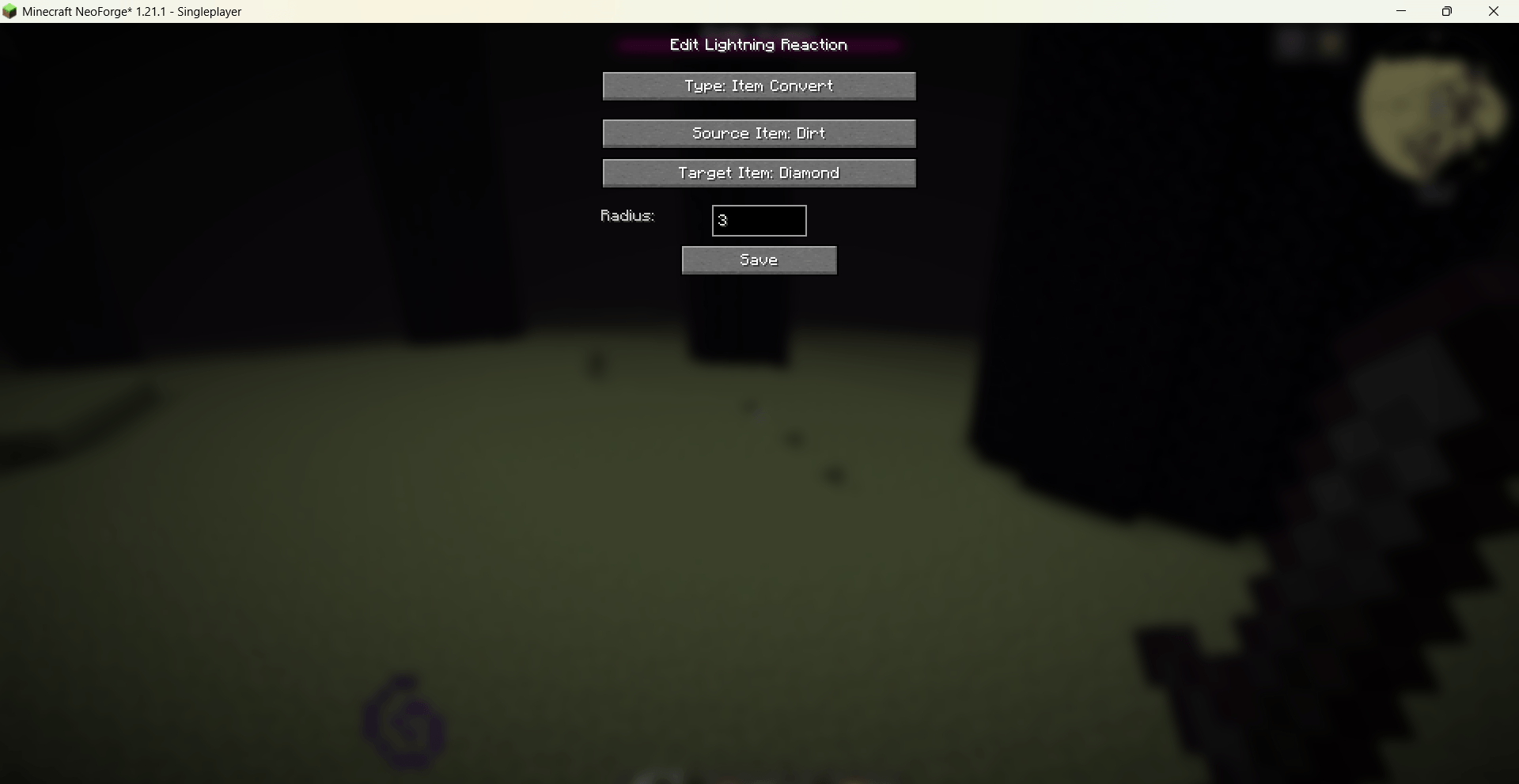
Lightning Reactions: Item or block conversion when struck by lightning, with configurable radius.
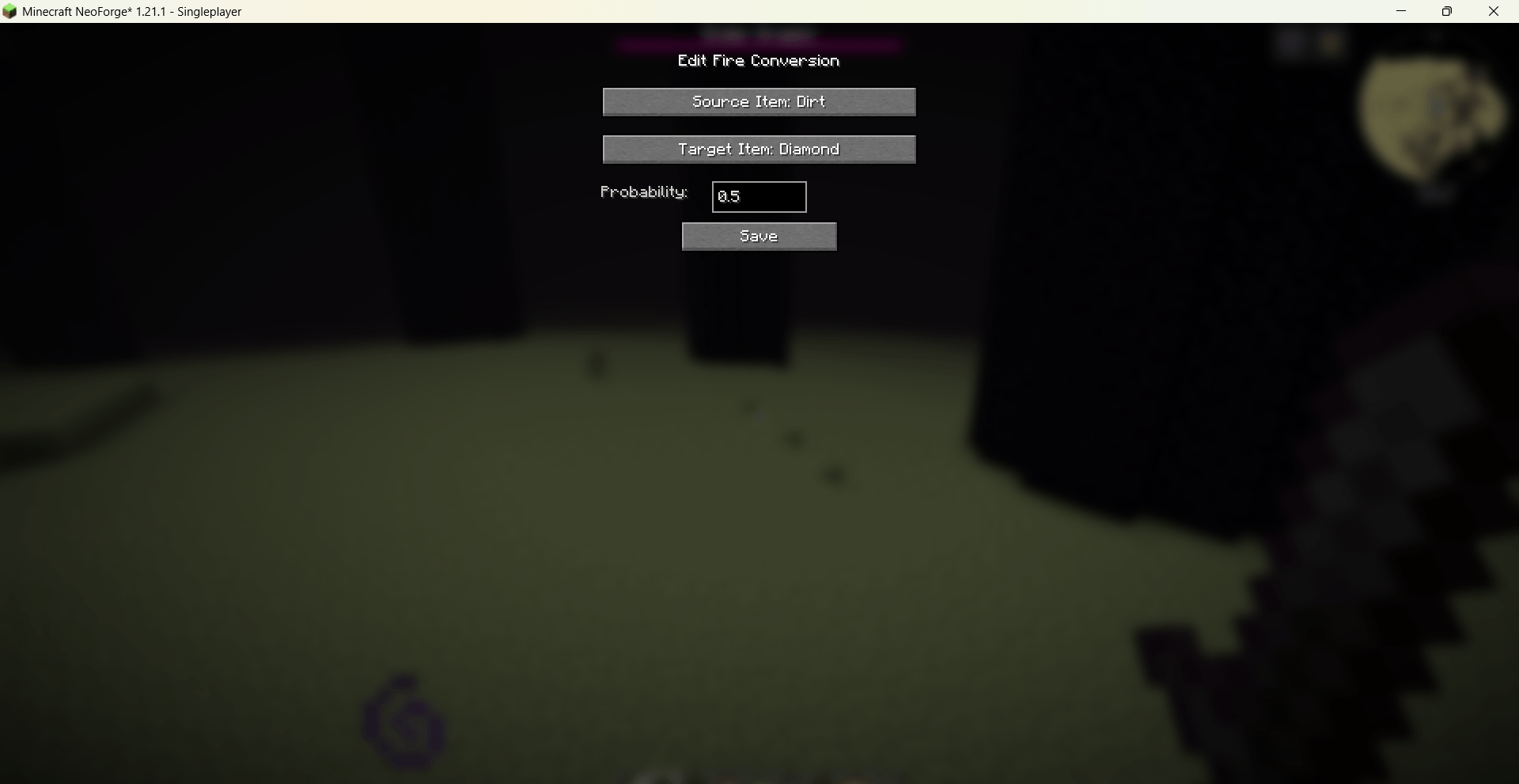
Fire Conversions: Items in fire transform into target items with a given probability, popping out of the fire.
Fluid Conversions: Items in specific fluids can transform (with probability) or craft (with multiple ingredients).
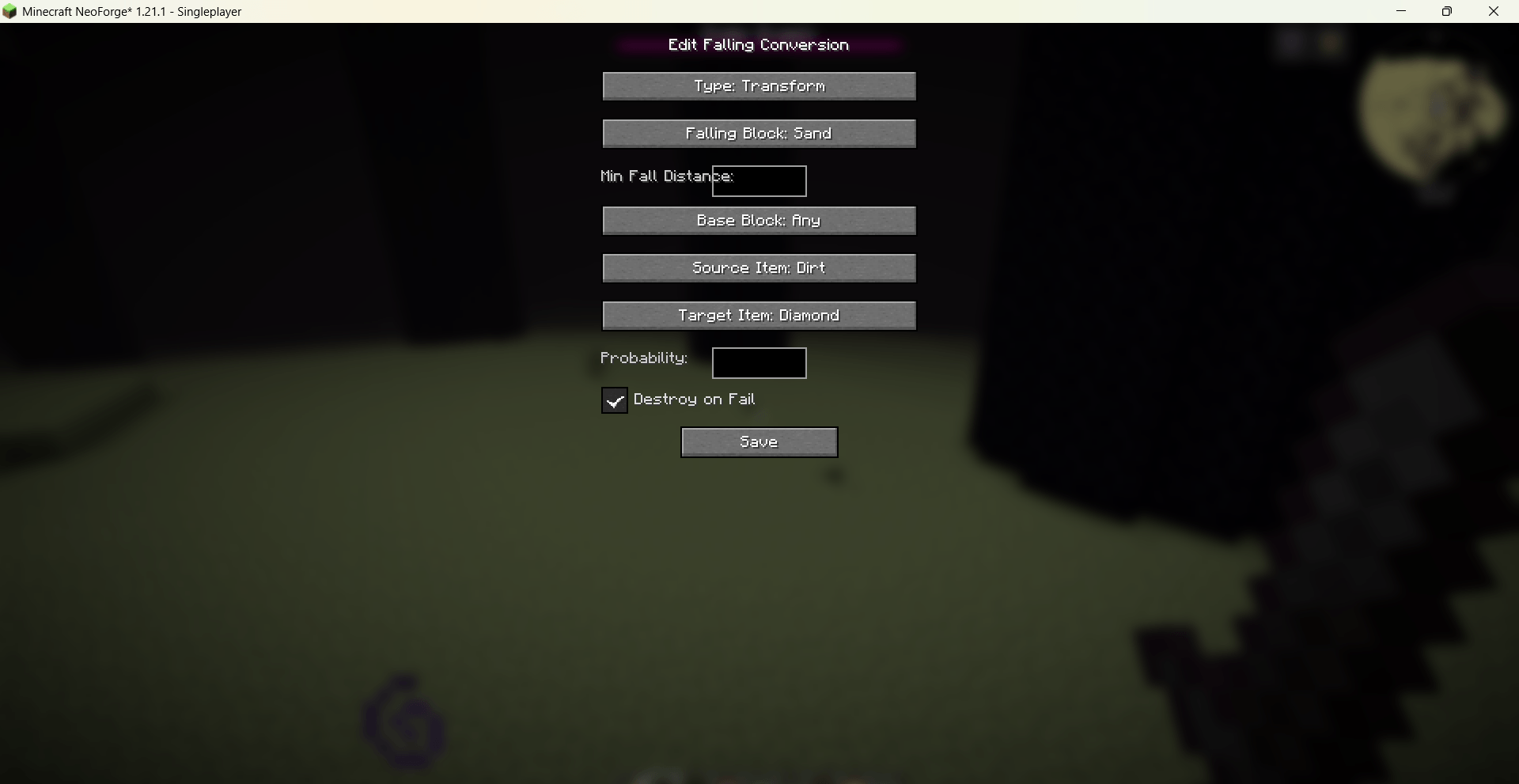
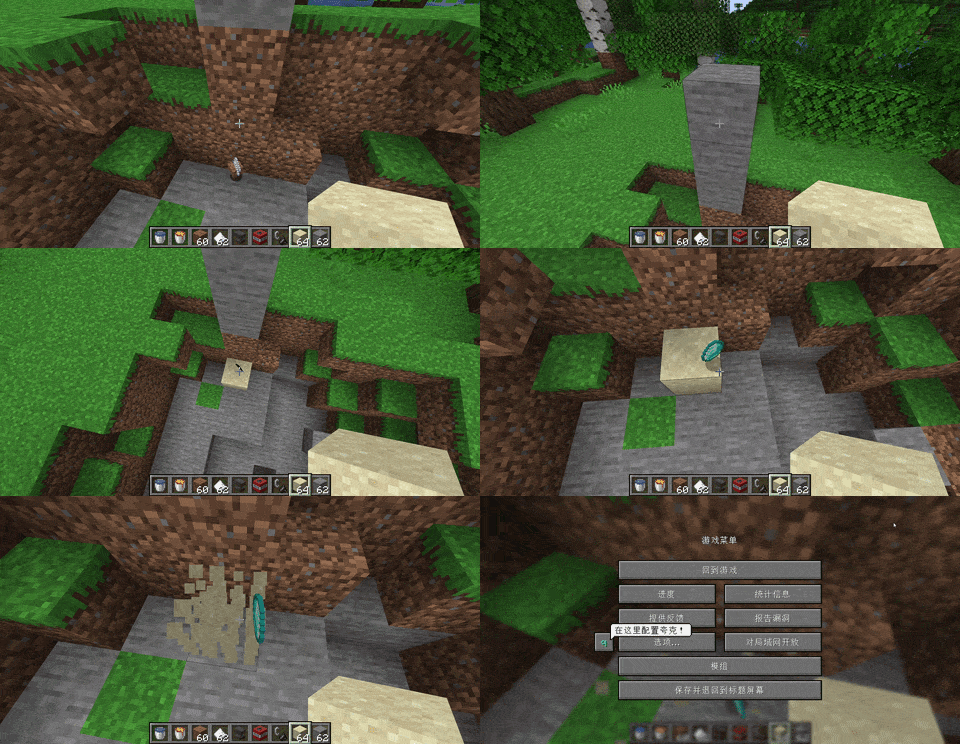
Falling Conversions: Gravity blocks falling onto items can convert or craft them, with minimum fall distance and base-block requirements.
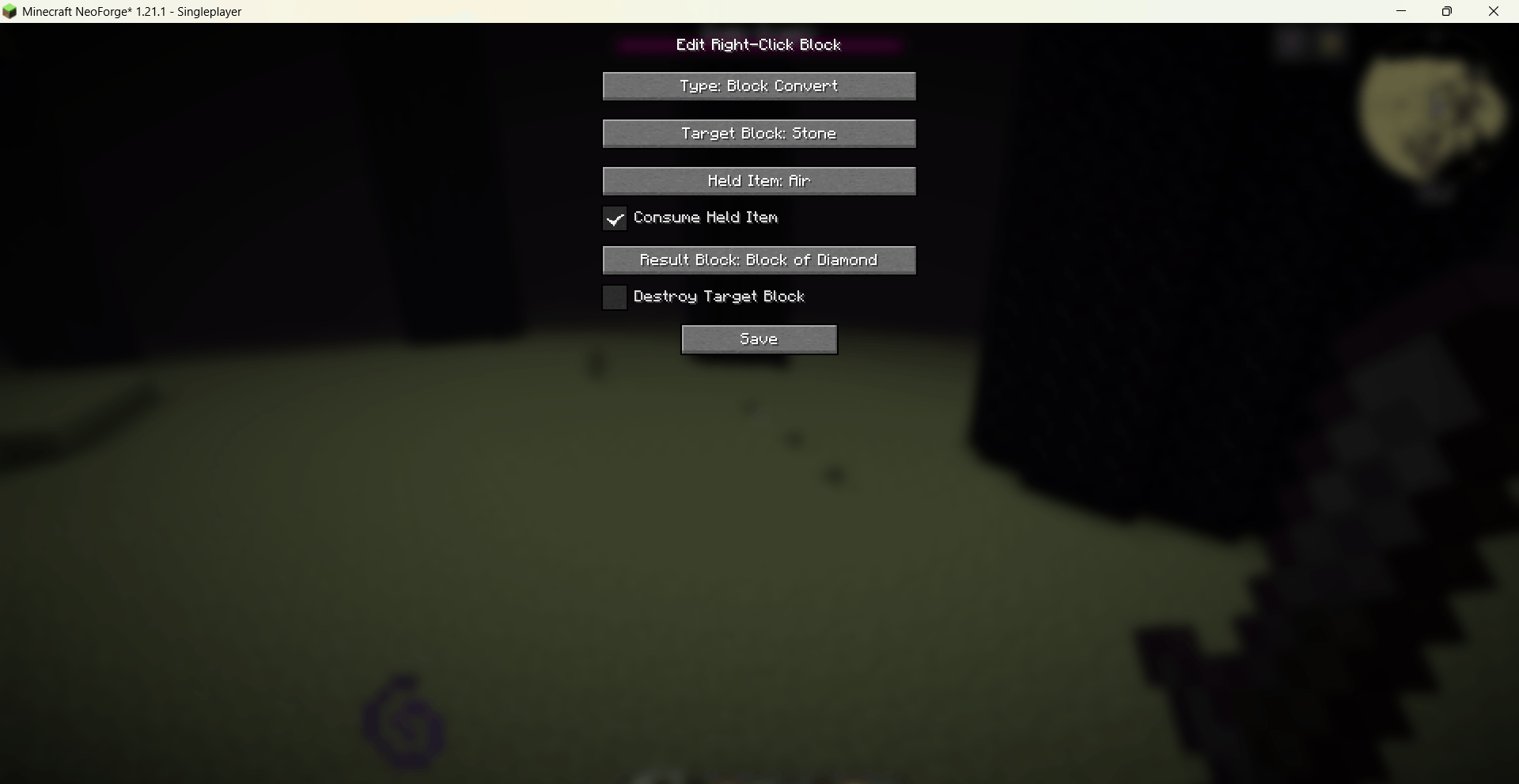
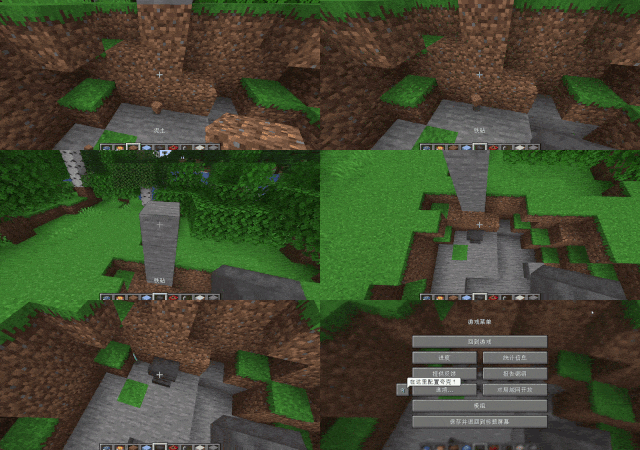
Right-Click Block Reactions: Right-clicking a block with a specific item (or empty hand) replaces the block or spawns items, with optional consumption.
JEI Integration: All custom recipes are automatically displayed in JEI.
Configuration: Rules are stored in config/visual_recipe_edit_world/ as separate JSON files per category.
Localization: Built-in Chinese and English language files, switching with the game language.
Commands
/vre world gui – Opens the recipe management GUI.
Changes take effect instantly after saving.
Porting Plans
Future support is planned for NeoForge 1.21.11, Fabric1.20.1 1.21.1, 1.21.11, and forge1.20.1.
常见问题
Visual Recipe Edit-World 支持哪些 Minecraft 版本?
Visual Recipe Edit-World 支持 Minecraft Java 版 1.21.1,可用的加载器:NeoForge。下载时注意选择和你游戏版本一致的文件。
Visual Recipe Edit-World 怎么安装?
先用 PCL2 或 HMCL 启动器安装对应版本的 NeoForge,再把下载的 .jar 文件放进游戏目录的 mods 文件夹,重新启动游戏即可。开启了版本隔离的,mods 文件夹在 versions/版本名 下面。运行环境:客户端和服务端都要装。
sal-fish 的其他作品
查看全部 →
Visual Mobs Edit
Visual Mobs Edit 提供了一个可视化 GUI,可用于编辑任何生物实体的属性、行为、抗性和生成条件,并支持基于 NBT 的可选定向,以实现精确控制。

[VSE]Visual Set Edit
这个模组提供直观易用的可视化界面,让你轻松编辑自定义套装效果。

Indestructible Enchantment(by sal_fish)
这个模组新增了一本名为「坚不可摧」的附魔书,可使附魔物品不消耗耐久度。

Lava Vision Enchantment
添加一个附魔,让你在岩浆中看得更清楚
评论
登录后评论和评分