
截图
介绍
Visual PIDS Editor

#

How to get started
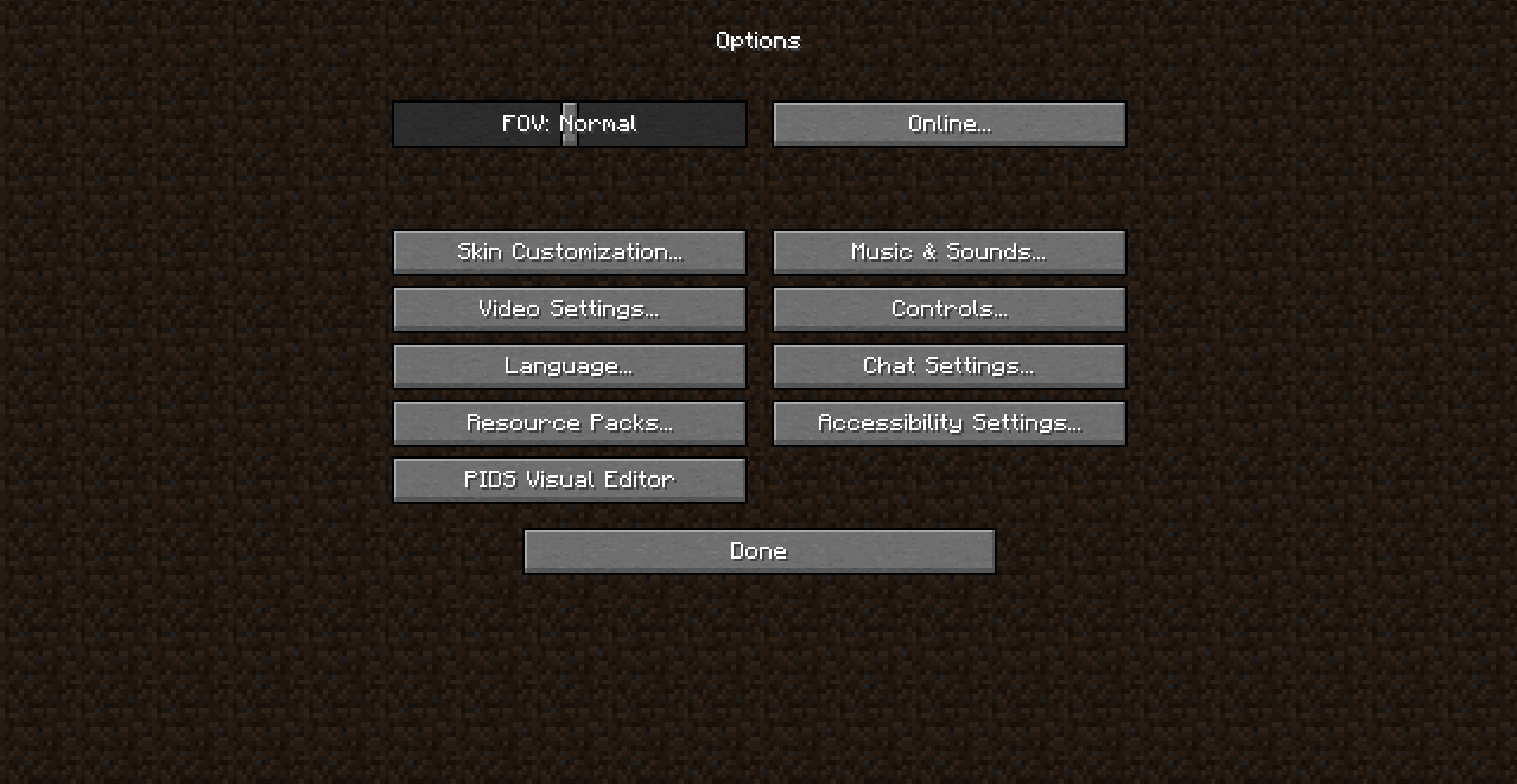
After launching the game, just click on “Options” > “PIDS Visual Editor”.
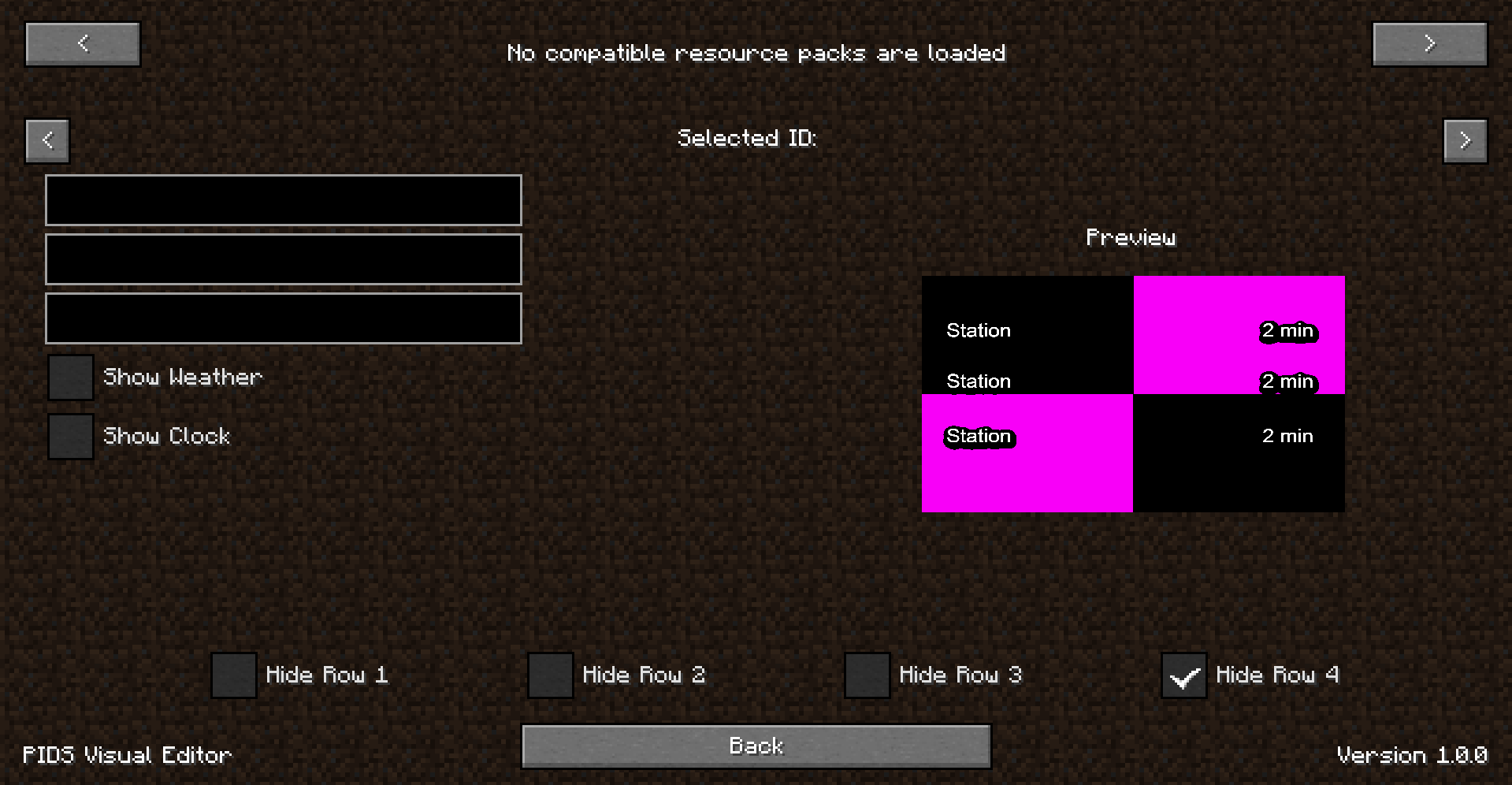
If no resource packs with JCM PIDS are loaded, you’ll see a screen informing you no compatible resource packs are loaded. If this appears but you do have a JCM PID resource pack, please create a bug report.
If you don’t have one, just go back to options and load the necessary resource packs, and then when you go to “PIDS Visual Editor” you should see it loaded it now!
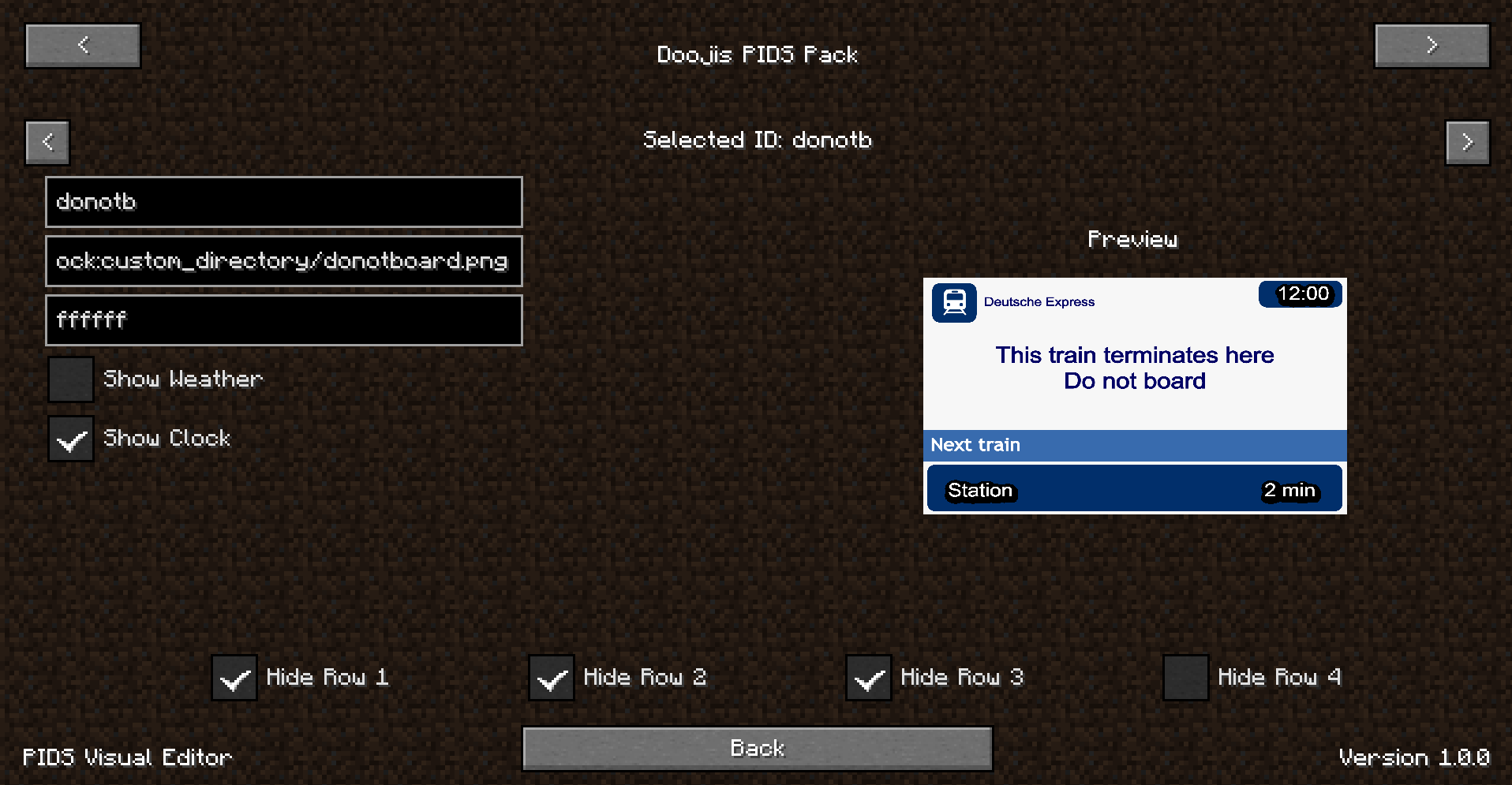
You should see something like:
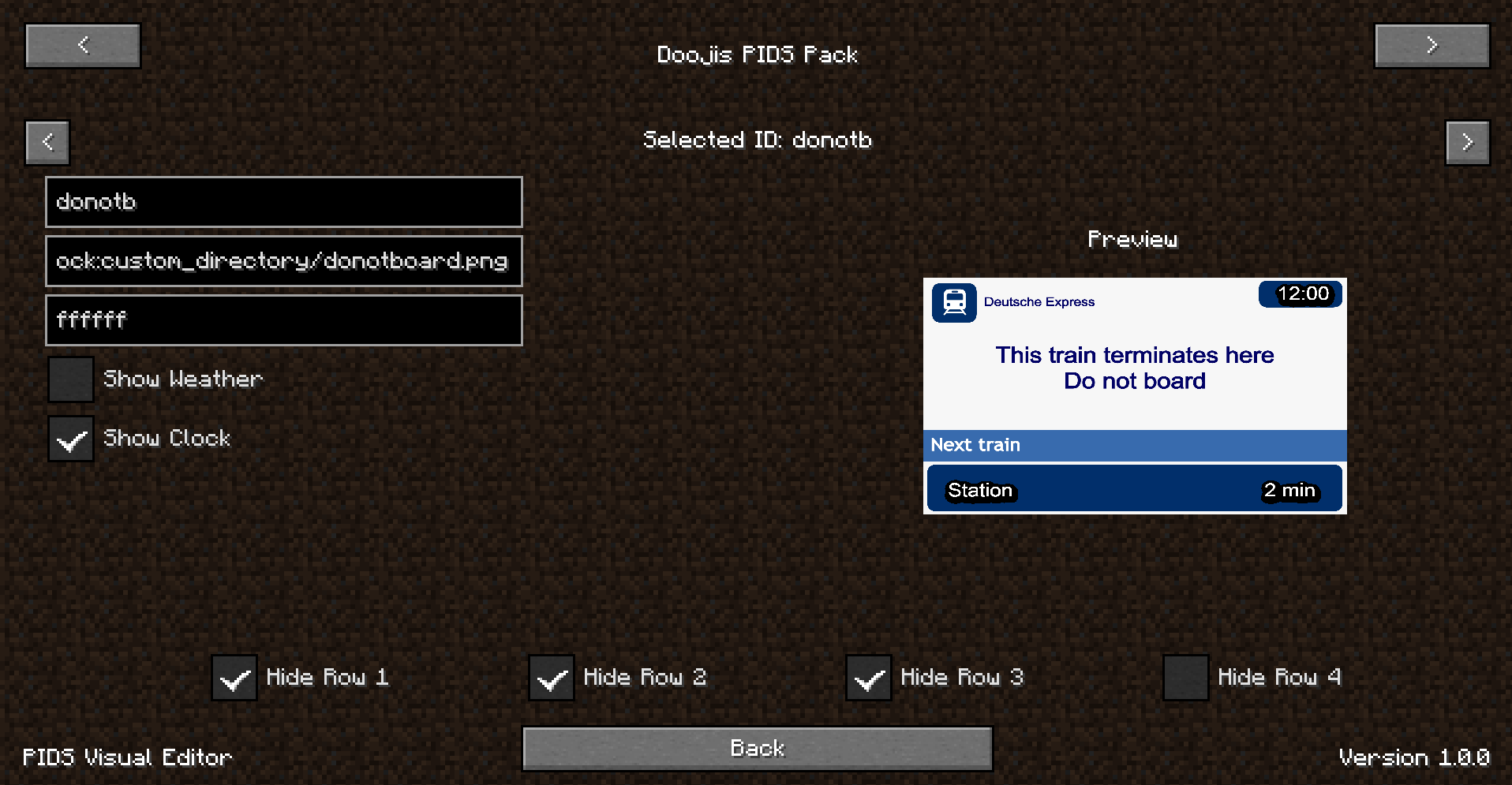
I have added some tooltips for the text fields to hopefully help you understand what they are.
The top two arrows are to cycle between different resource packs, and the second set of two arrows are to cycle between PID templates (“id”s).
There’s also a preview render of the current PID template!
Changes are automatically saved.
If you’d like to manually create a new PID template instead, for now please consider using the Visual PIDS Editor program. This will be available by this mod in the future too.
This mod should be used with Joban’s Client Mod but is not required. It is only compatible with JCM PIDS resource packs.
常见问题
Visual PIDS Editor 支持哪些 Minecraft 版本?
Visual PIDS Editor 支持 Minecraft Java 版 1.19.2,可用的加载器:Fabric。下载时注意选择和你游戏版本一致的文件。
Visual PIDS Editor 怎么安装?
先用 PCL2 或 HMCL 启动器安装对应版本的 Fabric,再把下载的 .jar 文件放进游戏目录的 mods 文件夹,重新启动游戏即可。开启了版本隔离的,mods 文件夹在 versions/版本名 下面。运行环境:仅客户端。
Dooji 的其他作品
查看全部 →
Underlay
把任何方块(比如地毯)放进任何东西里!

Omnilib
用于增强界面元素与自定义功能的框架
CraftSense
工作台自动补全!它会记录你的合成内容、推荐配方,还能让你直接从输出槽取走成品,不用再摆放其余材料!

PSX-Core Shader
一款PSX光影,具备仿射纹理映射、抖动、顶点吸附等特性!
评论
登录后评论和评分