Vista: Advanced Player
Adds an advanced player to Vista TVs, an audio system, and numerous fixes.
截图
介绍
A full-fledged media player in Vista? Now it’s possible!
Advanced Player’s key features:
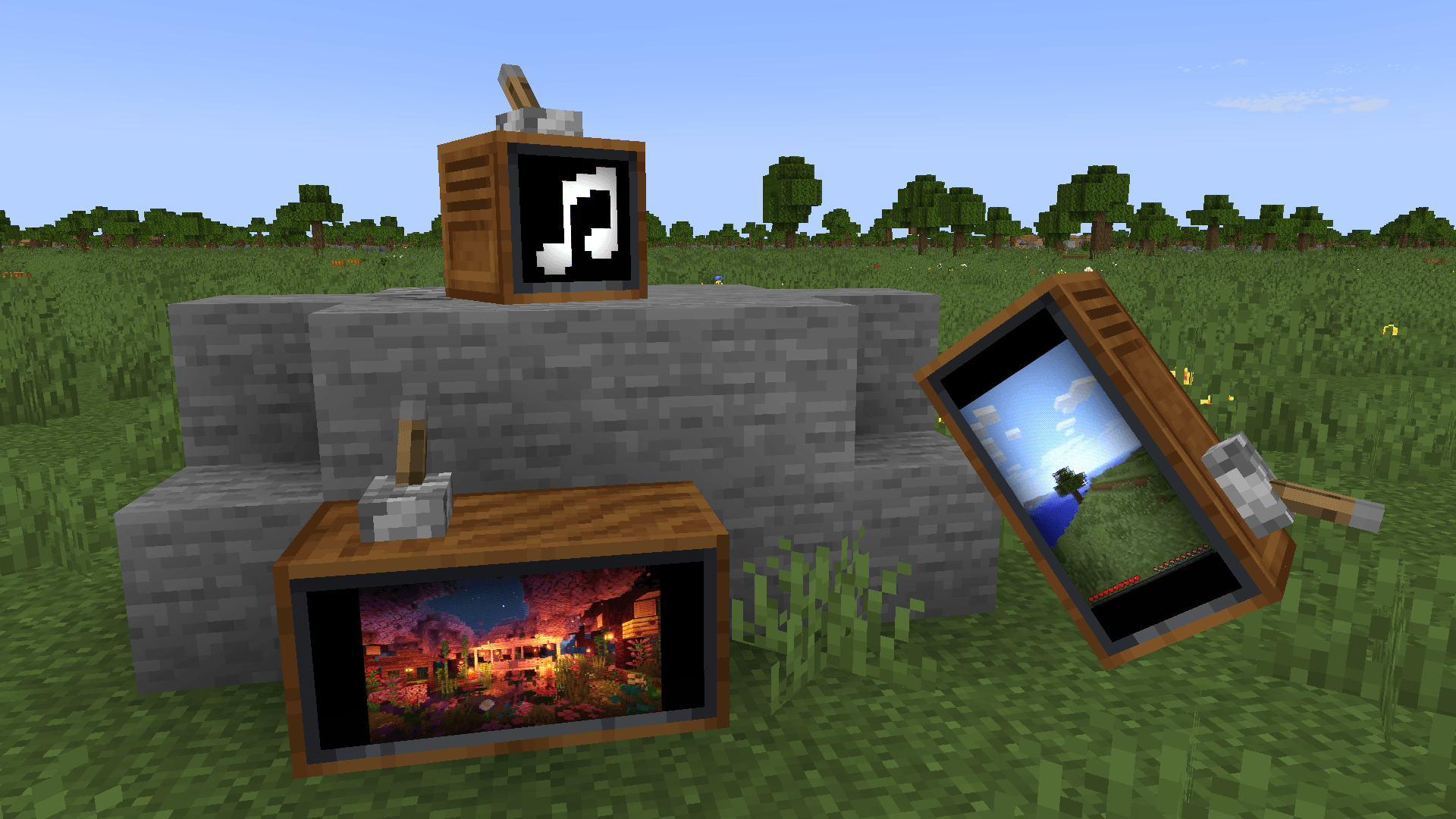
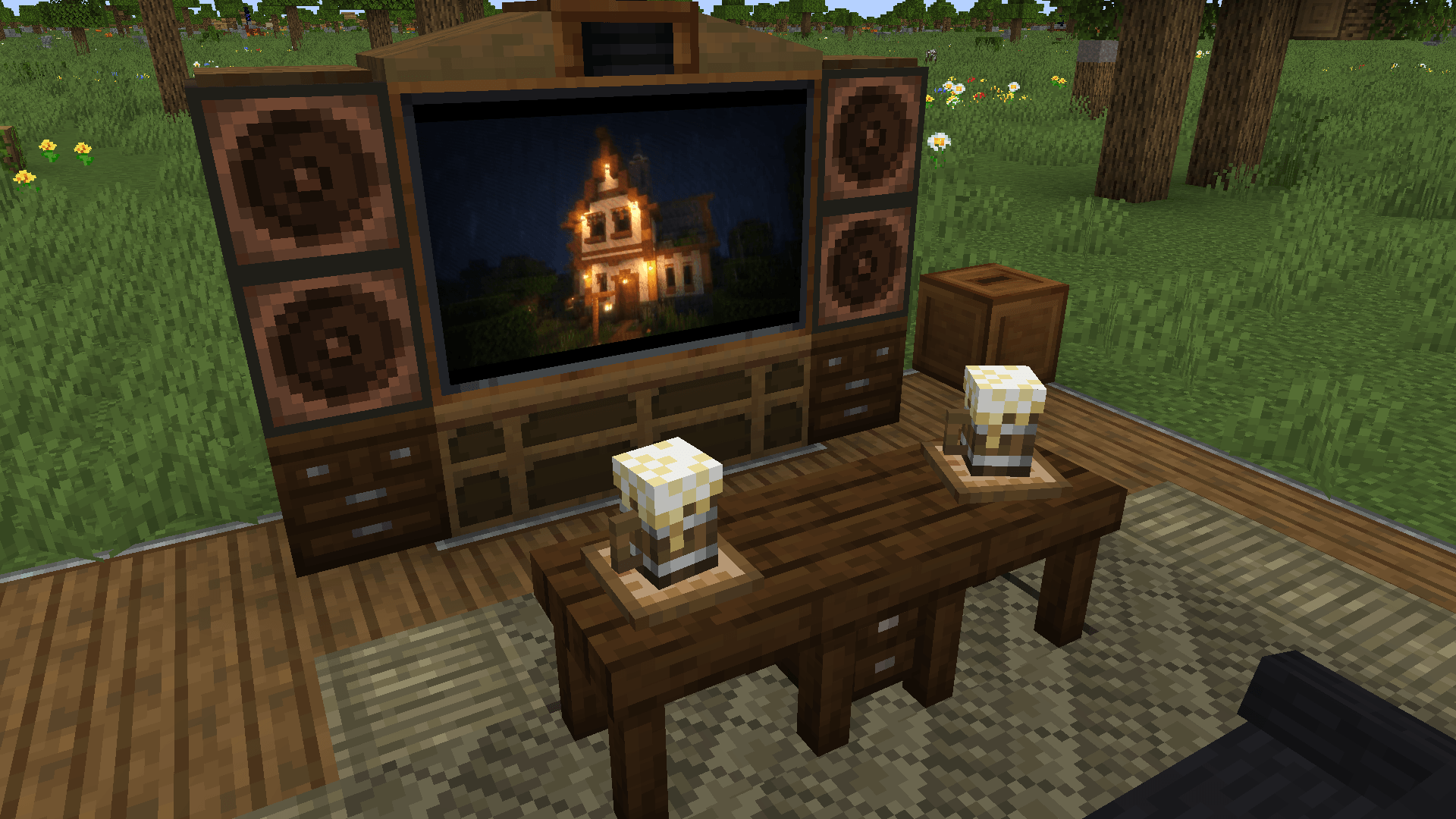
- Playback of videos, streams, music, online radio, images, and GIFs on Vista TVs;
- New audio system (compatible with Sable sub-levels). TVs can now play sound, and a music note icon appears when playing music;
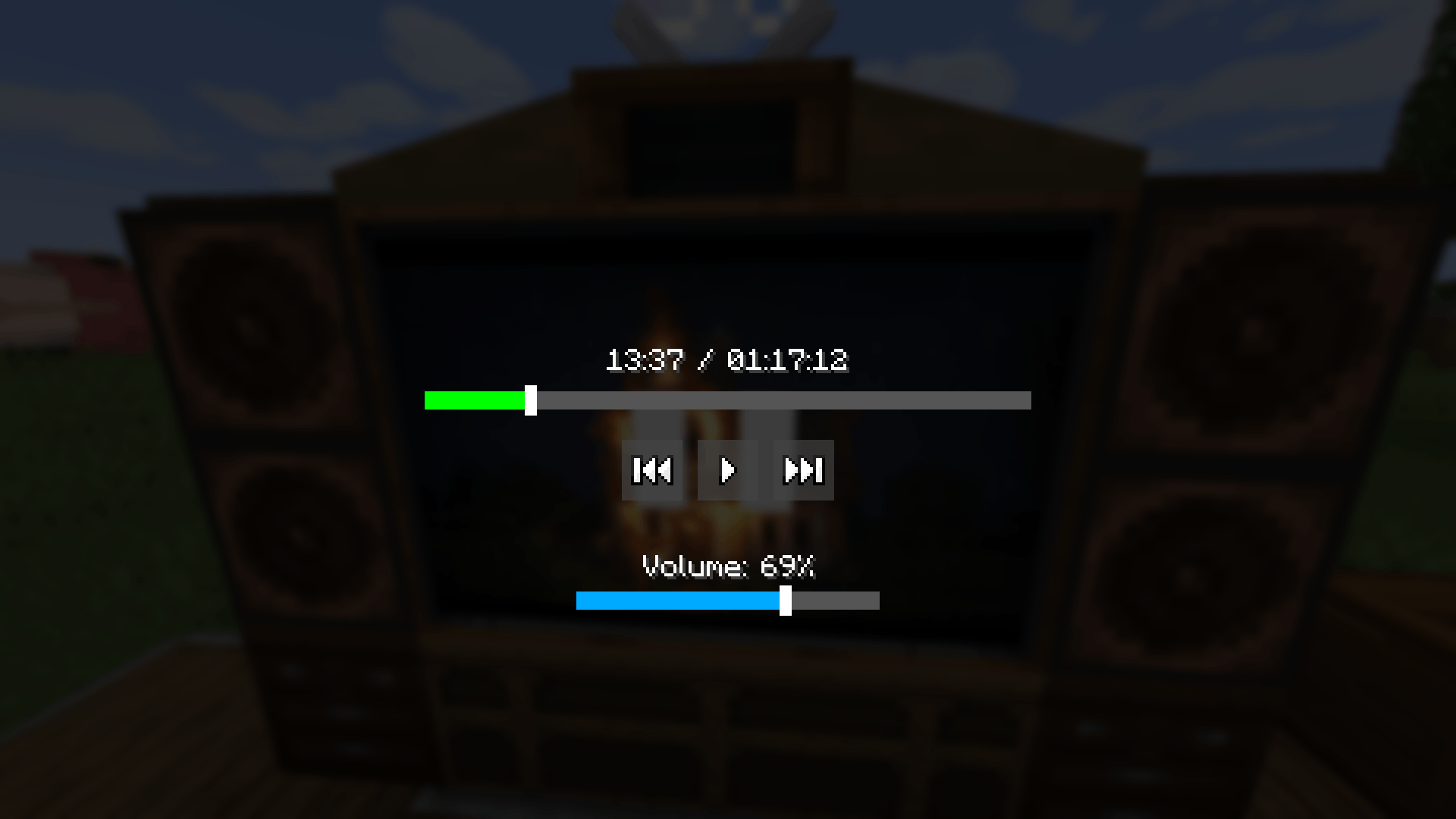
- New interface where you can rewind, pause, and adjust the volume in videos/music;
- Complete independence from WaterMedia;
- Full synchronization in multiplayer;
- Removed link restrictions when using URL cassettes from Glaiden’s Vista Improvements;
- A few fixes for Vista.
To open the interface, use Shift + Right-click during playback. You must use the actual media URL — usually obtained via Right-click > Copy URL or Share > Copy link.
This mod integrates deeply with Vista; there may be bugs that went unnoticed during testing. Please report any issues you encounter!
You may include the binary file of this mod in your modpacks, provided you include a link to the original mod page on Modrinth or CurseForge and credit the author.
常见问题
Vista: Advanced Player 支持哪些 Minecraft 版本?
Vista: Advanced Player 支持 Minecraft Java 版 1.21.1,可用的加载器:NeoForge。下载时注意选择和你游戏版本一致的文件。
Vista: Advanced Player 怎么安装?
先用 PCL2 或 HMCL 启动器安装对应版本的 NeoForge,再把下载的 .jar 文件放进游戏目录的 mods 文件夹,重新启动游戏即可。开启了版本隔离的,mods 文件夹在 versions/版本名 下面。
fr0nick 的其他作品
查看全部 →
Sable Dynamic Lights (Create: Dynamic Lights fork)
为 Create 机械装置和 Sable 子层级添加动态光照。

Sable Dynamic Lights (Create: Dynamic Lights fork)
为机械动力装置和 Sable 地下层添加动态光照。

CC:CBC Compact Mount
Adds a CC: Tweaked peripheral for CBC: Compact Mount.

CC:CBC Compact Mount
Adds a CC: Tweaked peripheral for CBC: Compact Mount.
评论
登录后评论和评分