
截图
介绍
Minecraft Virtual Camera Mod
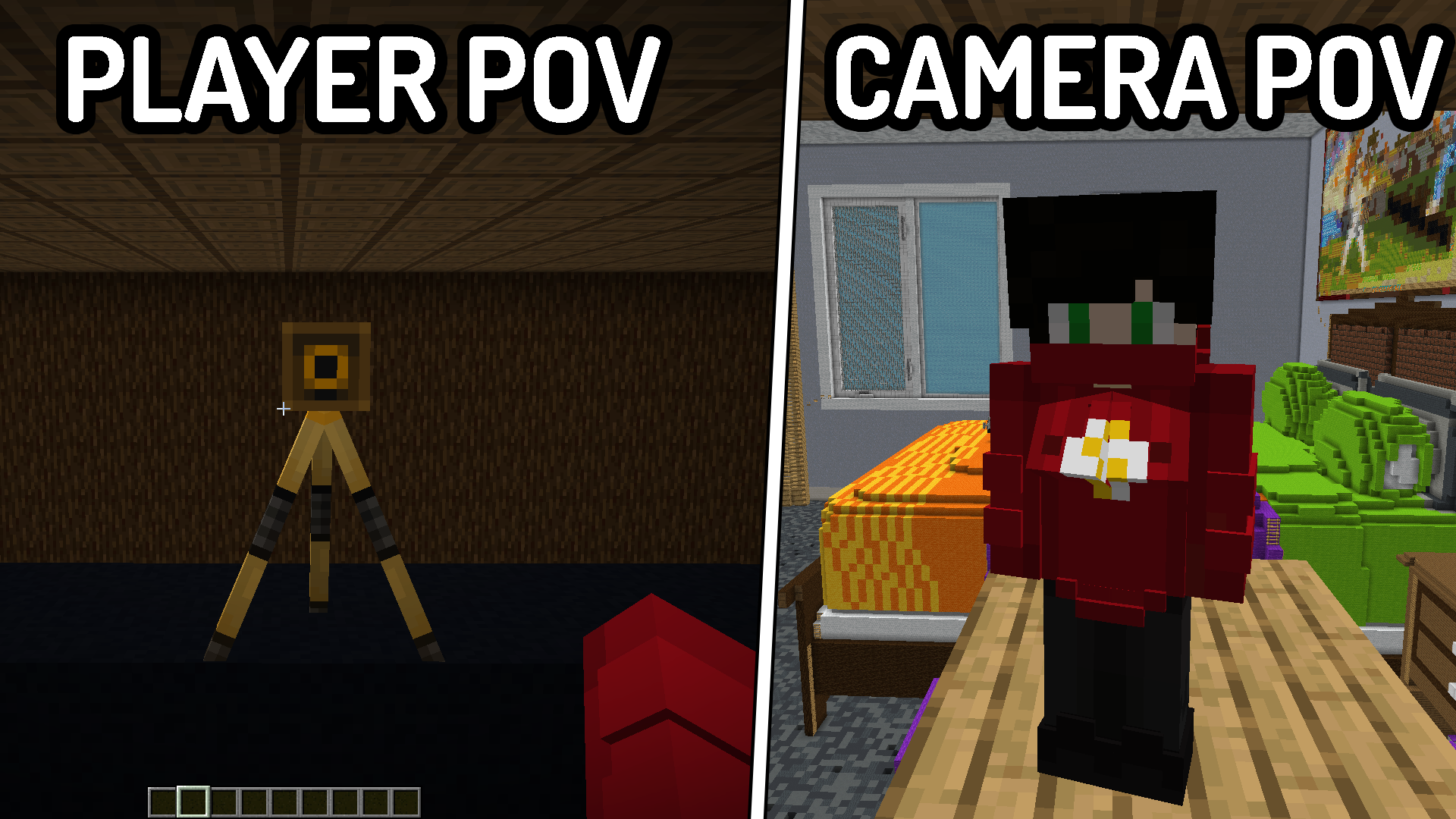
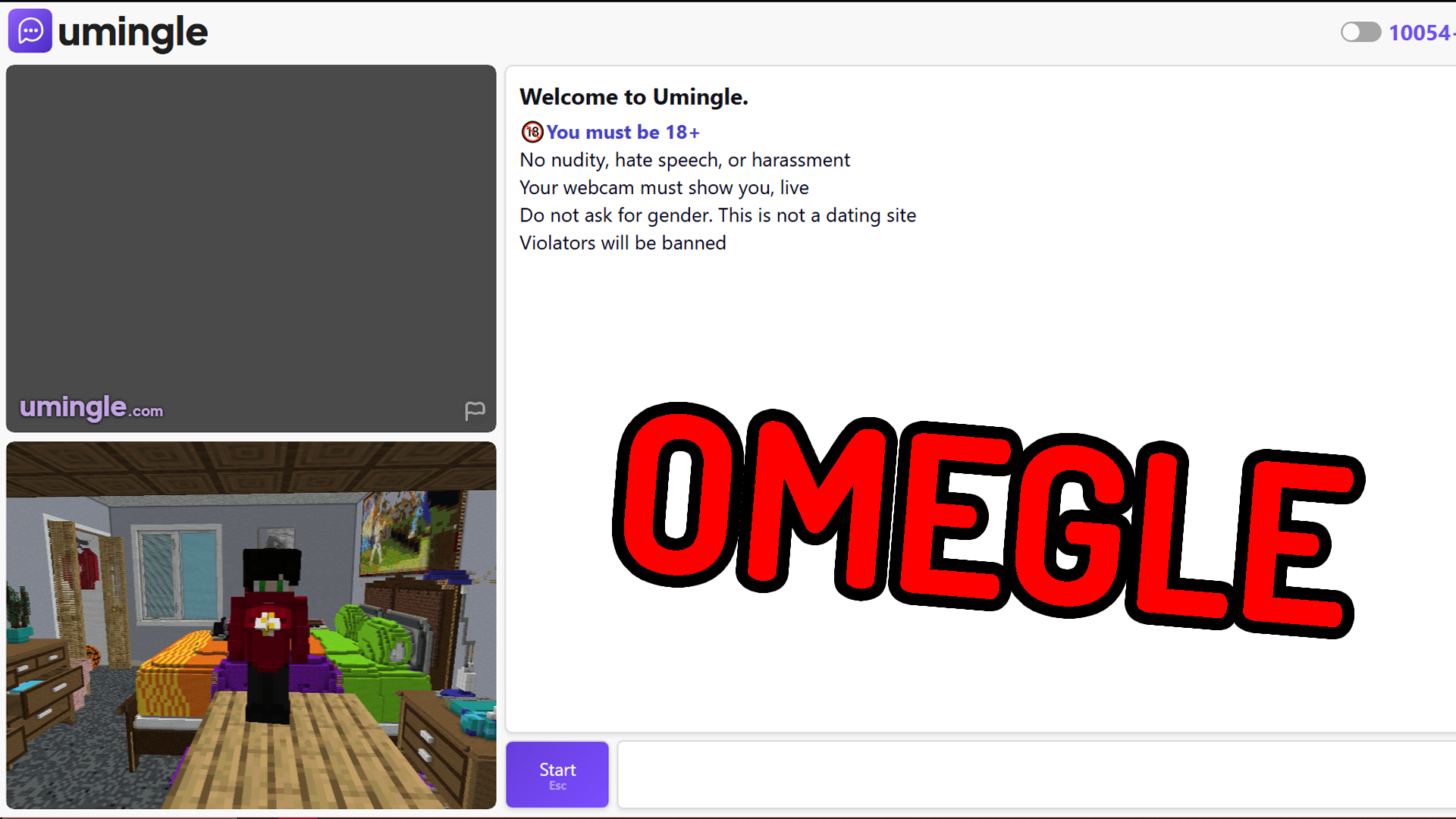
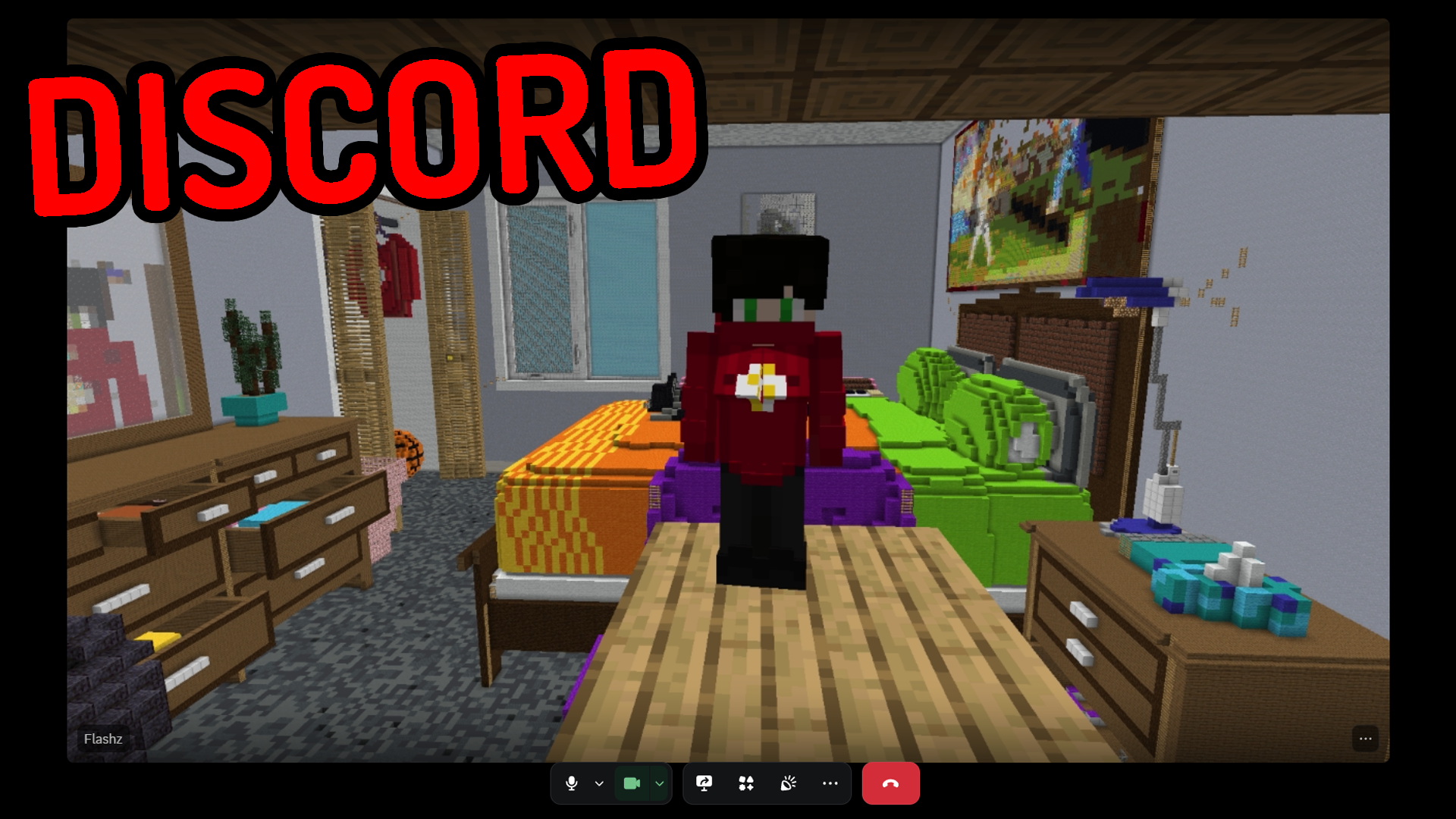
Minecraft Virtual Camera Allows you To Turn YOUR Game Into A Working, Real-time, Virutal Camera Feed! Instead of being limited to your player’s perspective, you can place cameras anywhere and switch between them!
This Project is Heavily Inspired By Flashz’s Video / Version Of This Mod
With Minecraft Virtual Camera, You Can
- Create A Virtual Webcam Of Your Game.
- You Can Use It In Singleplayer Worlds, Or Even Public Servers! (Client Side)
- Adjust The Camera Angle, FOV, Gravity, and Position.
- Make The Camera Follow You Directly From Any Angle Or Position.
- Heaps Of Customization Through Game Rules To Suit Your Needs.
Set Up The Mod In 3 Minutes!
How To Set It Up:
- Download and Install The Mod
- Once You’ve Launched the Game, You will be Prompted to Allow
Microsoft® Register Server, Which Installs the Virtual Camera Driver. - System Restart Your Computer To Finalise.
- Enter Your Minecraft World and Place A Camera Entity Down (From The Creative Menu)
- Right-click, The Camera Entity With The Camera Activator Tool
- Go To Any Software That Supports A Webcam And It Should Be There Labeled As ‘Minecraft Virtual Camera’
If you aren’t on Windows or this setup didn’t work, just use the mod with OBS virtual camera! Just add “_localhost:7236_” as a browser source and start the virtual camera, then you can use it with the name “OBS virtual camera” in any app.
To Uninstall The Virtual Camera Driver, just open:
%appdata%/.minecraft_cameramod/uninstall_camera.bat
Minecraft Screen Mod
If you want access to the working Minecraft Google Screen (similar to WebDisplays), it’s currently available exclusively through:
Both of these Options Also Include Early Access to Upcoming Content Releases.
THERE ARE BUGS!!
If you find anything, it would be greatly appreciated if you let me know in Flashz’s Discord in the support ticket channel, and we’ll get it fixed!
Known issues
- In some cases activating a Camera lowers the game’s fps to 2
- In some cases after setting up the Virtual Camera driver it isnt usable
- 1.21.9 and 1.21.11 dont start properly while they do in a dev enviroment
常见问题
Virtual Camera 支持哪些 Minecraft 版本?
Virtual Camera 支持 Minecraft Java 版 1.21.8–1.21.11,共 4 个版本,可用的加载器:Fabric。下载时注意选择和你游戏版本一致的文件。
Virtual Camera 怎么安装?
先用 PCL2 或 HMCL 启动器安装对应版本的 Fabric,再把下载的 .jar 文件放进游戏目录的 mods 文件夹,重新启动游戏即可。开启了版本隔离的,mods 文件夹在 versions/版本名 下面。运行环境:客户端和服务端都要装。
TGdoesCode 的其他作品
查看全部 →
Player Totem
makes the totem of undying be the player's skin

Brainrot
Overflowing with memes! My brain stopped braining

Brainrot UI
Brainrot Panorama, edition name, splashes, and more ui changed!

TG’s Player Totem
makes the totem of undying be the player's skin
评论
登录后评论和评分