
Villager Connect Four
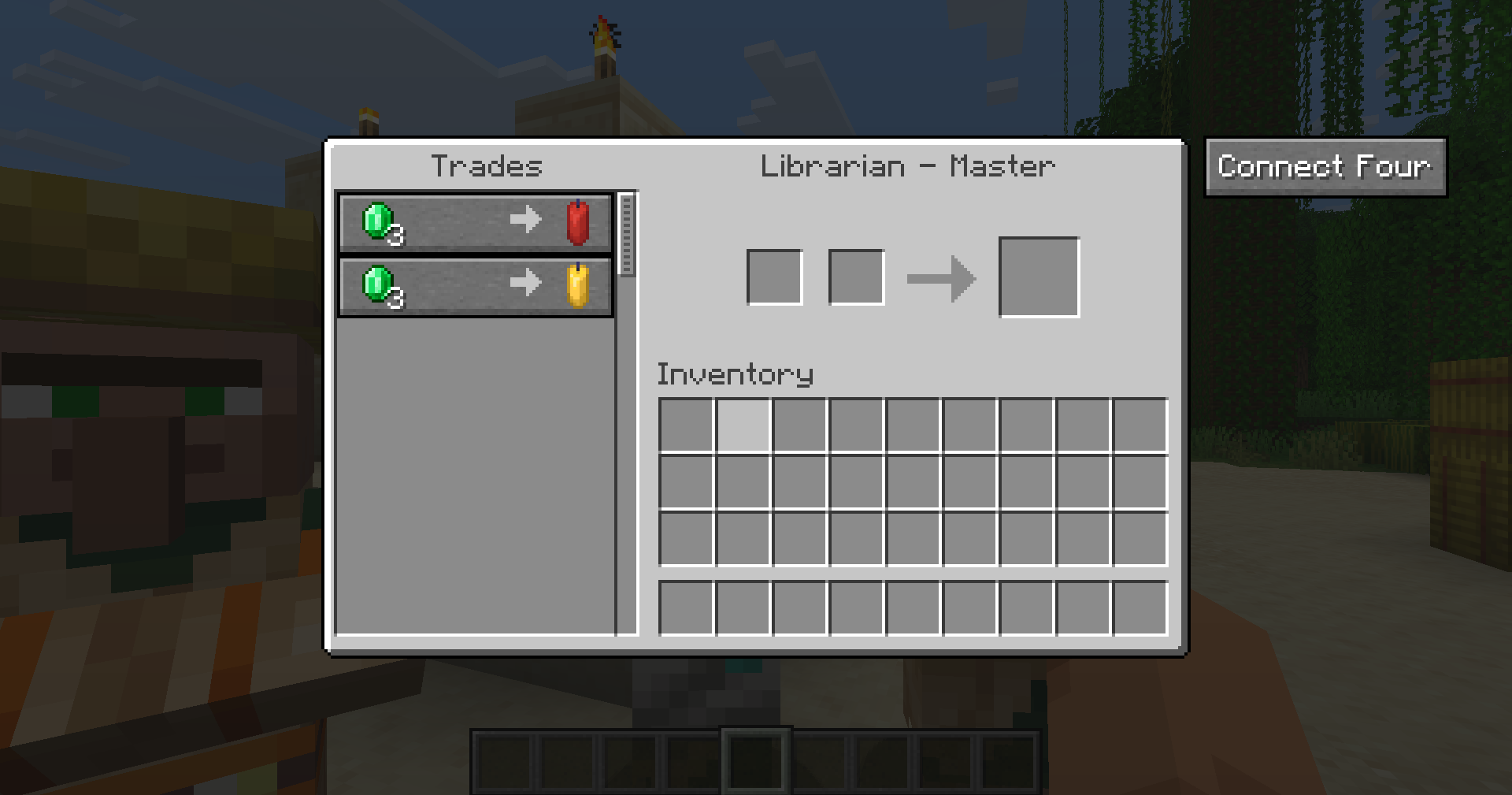
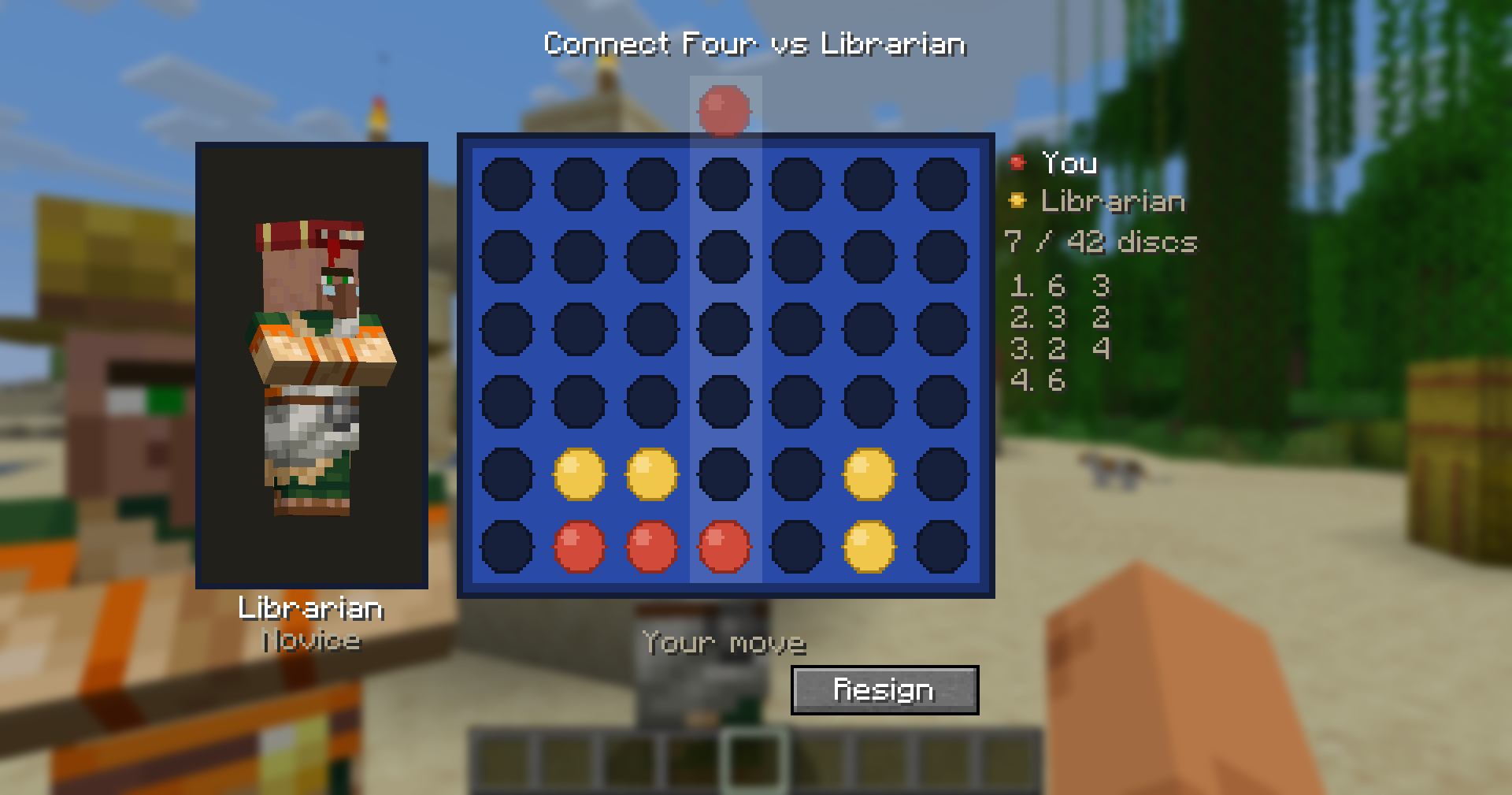
Play Connect Four against villagers! A button on the trade screen starts a full game - their skill scales with trading level, and because the villager drops first, a Master has solved the game and cannot be beaten.
截图
介绍
⬤ Villager Connect Four
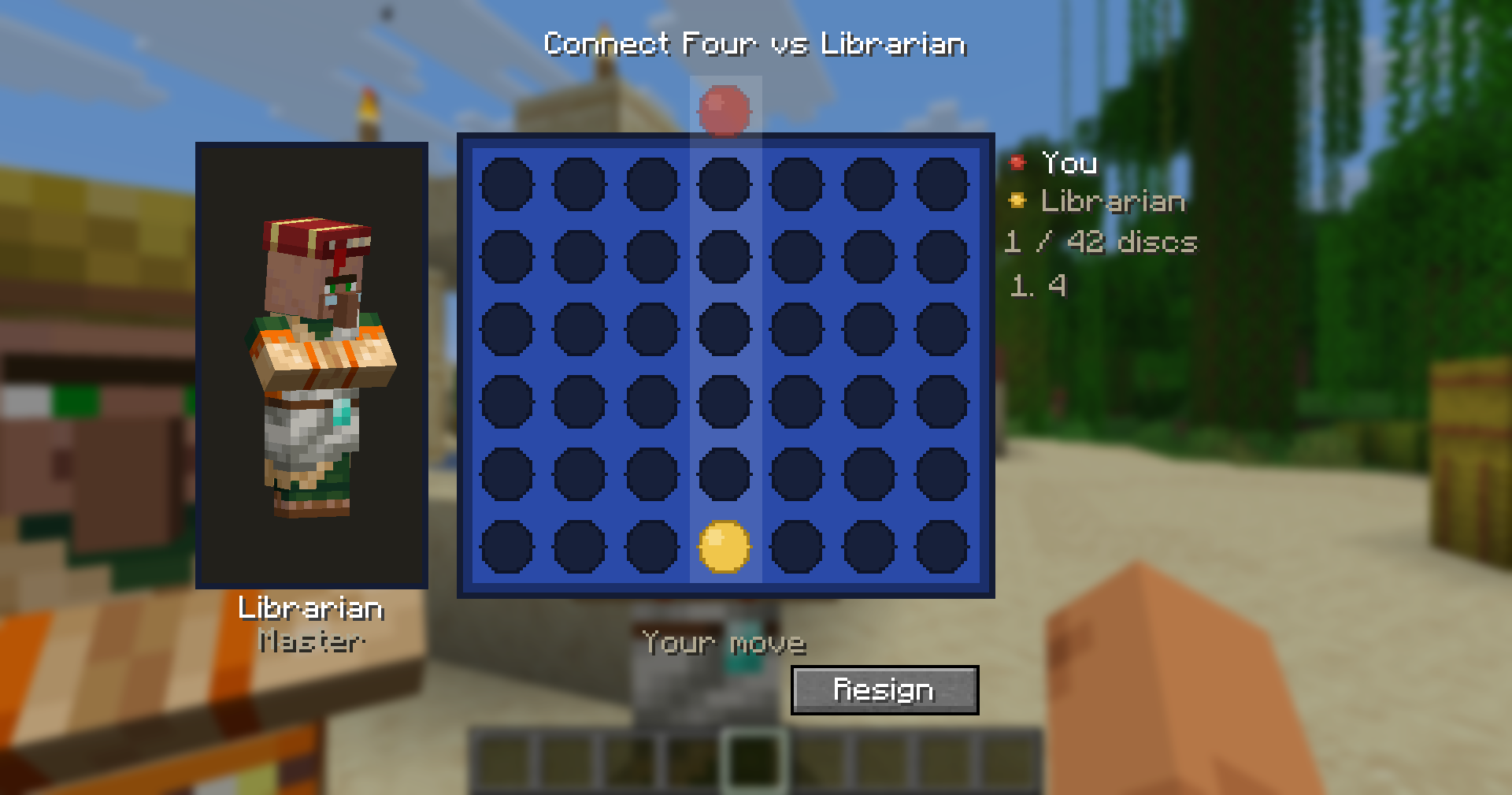
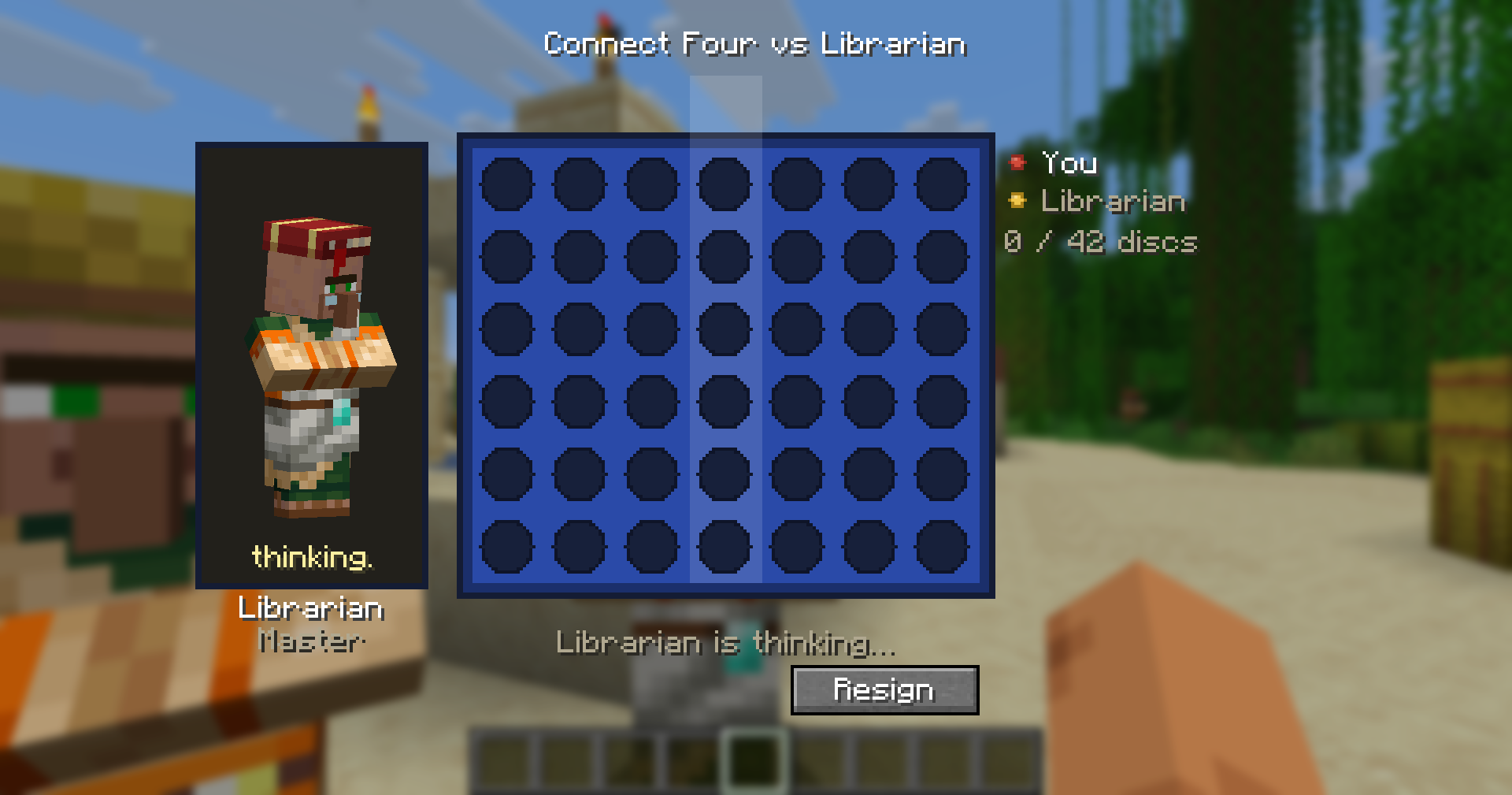
That Master-level librarian drives a hard bargain. They have also solved Connect Four, and they are going first.
Open any villager’s trade screen and hit Connect Four. A full board opens right there – no items, no commands, no setup.
The villager goes first, and that is the point
Connect Four is a solved game. On the standard 7×6 board, the player who drops first can force a win – proved by exhaustive computation, not just observed. Whoever moves first is playing a won game.
So the villager gets it. That means a Master villager isn’t “very strong”: it is unbeatable, and no amount of skill changes that. If you’d rather have the winning side, one line of config hands it to you – see below. Your colour follows the turn order, so whoever drops first plays yellow.
How strong are they?
A villager’s trading level sets its strength – and each level thinks in a genuinely different way, not just deeper:
| Villager level | Connect Four strength |
|—|—|
| Novice | Drops almost at random – won’t take a win, won’t block yours |
| Apprentice | Takes the win in front of it, blocks yours, sees nothing further |
| Journeyman | Never plays into a loss; makes and spots double threats |
| Expert | Understands odd/even threat parity |
| Master | Has solved the game |
The jump from Journeyman to Expert is the interesting one. Every column holds an even number of cells, so in a pure filling race the first player takes the 1st, 3rd and 5th cell of a column and the second player takes the 2nd, 4th and 6th. A threat is therefore only worth something if its row falls to its owner – the same three-in-a-row one row higher can be worthless. A Journeyman counts threats. An Expert counts the ones that will actually be reached.
How to play
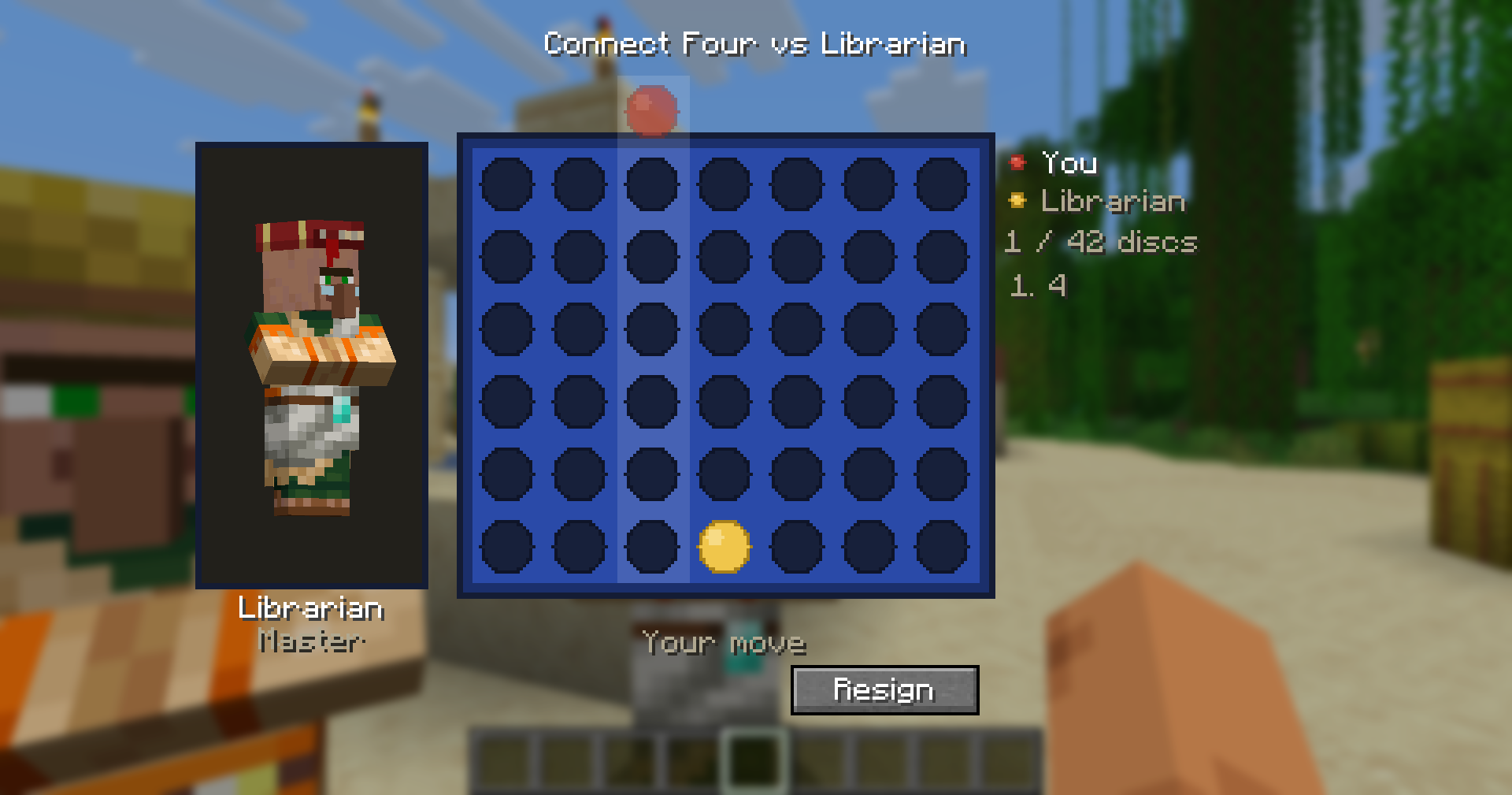
- Click a column – or anywhere above it. A ghost disc hangs over the column you’re pointing at.
- A full column flashes red with a dull note rather than quietly ignoring you.
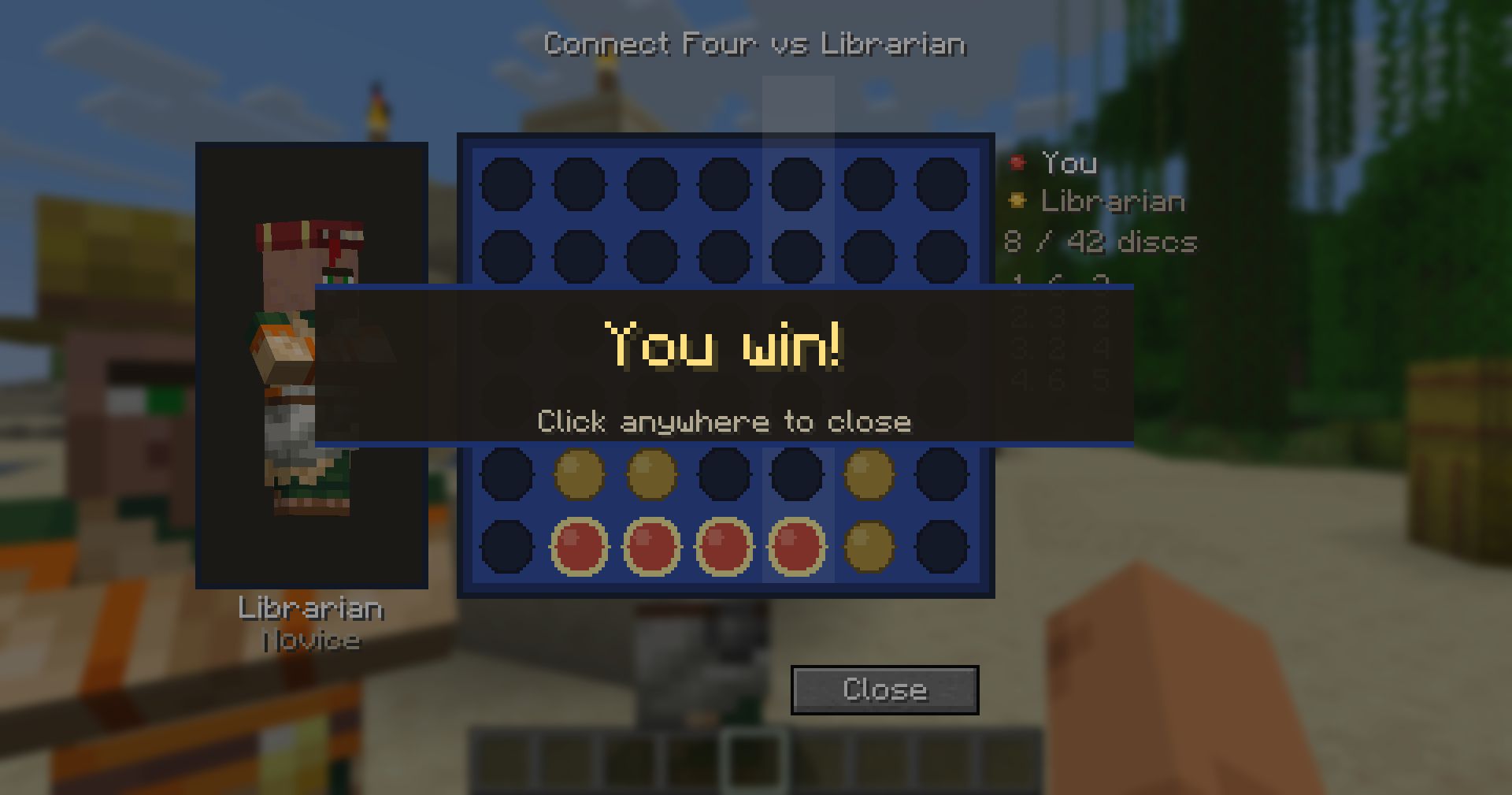
- The winning four are outlined and the rest of the board dims, so a win is visible rather than inferred.
- Resign with the button, or just close the board. Walking more than 16 blocks away, the villager dying, or disconnecting abandons the game.
- No stakes, no rewards – just for fun (and bragging rights).
Configuration
config/villagerconnectfour.properties, written on first run and documented inline:
first-player=player– you drop first, and get the theoretically winning side. The sanctioned way past an unbeatable Master.board-size=7x6– anything from4x4to8x7. This changes the value of the game, not just its scale: several smaller boards are draws with perfect play, so a Master can be held on those.
Under the hood
- A from-scratch pure-Java engine. The board is two bitboards packed into a single 64-bit word, one column per seven bits – the spare bit per column is a sentinel that is always empty, and it’s what lets four-in-a-row be found by and-ing the board with shifted copies of itself with no edge checks at all.
- Scores are counted in discs on the board rather than plies from the search root, which makes them absolute facts about a position. One transposition table is shared by every game on the server, so a Master’s knowledge compounds through a game instead of starting cold on every move.
- Fully server-authoritative – the server owns the game; the client sends a column and nothing else.
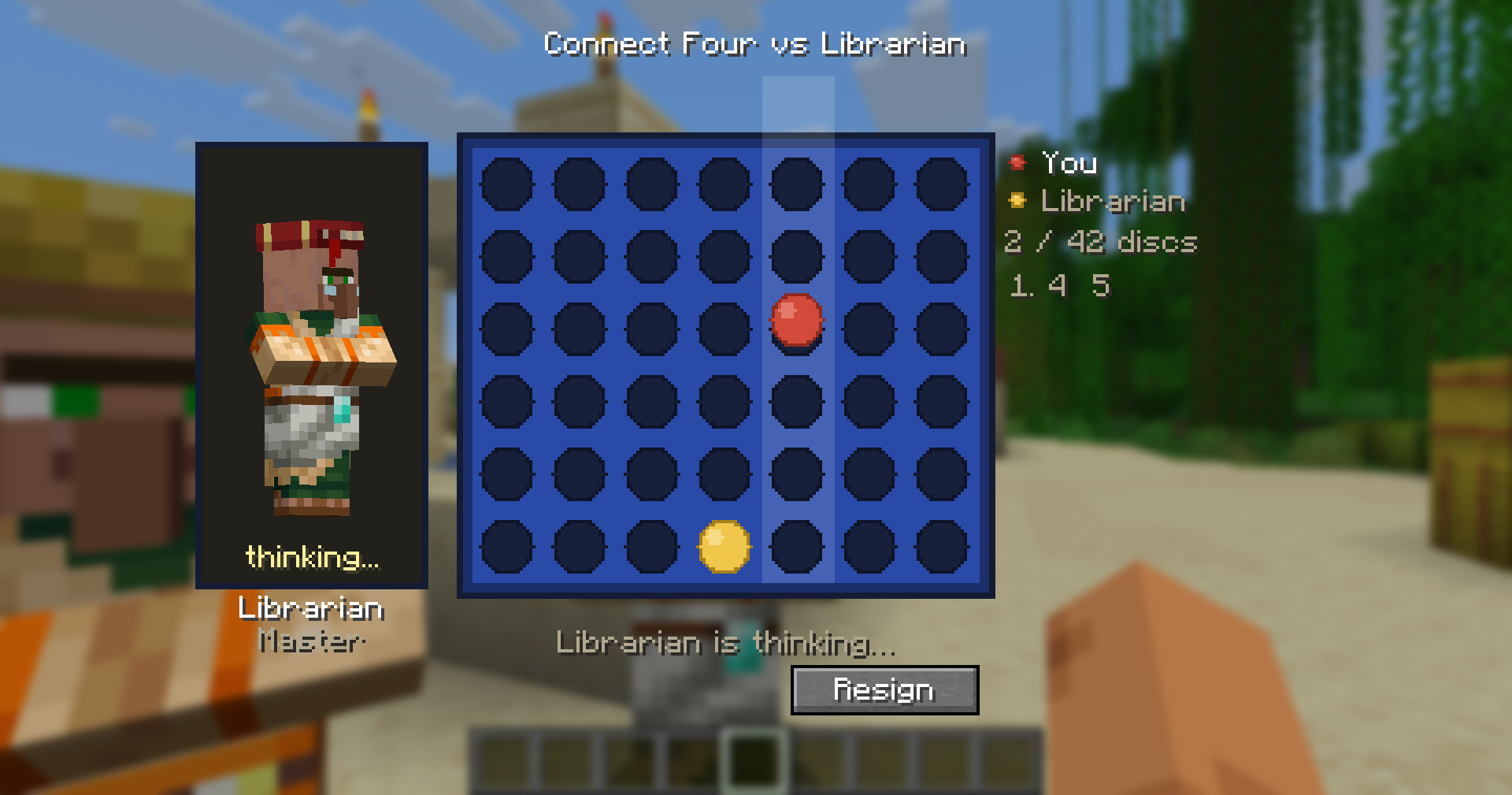
- The engine thinks on a background thread, so the server never stalls.
- Zero art: board, discs, holes and highlights are all drawn procedurally and stay crisp at any size.
Compatibility
Plays nicely with the other Villager Games mods – the trade-screen buttons stack instead of overlapping.
Requires Fabric API. Client and server both need the mod.
常见问题
Villager Connect Four 支持哪些 Minecraft 版本?
Villager Connect Four 支持 Minecraft Java 版 26.2–26.3,共 2 个版本,可用的加载器:Fabric。下载时注意选择和你游戏版本一致的文件。
Villager Connect Four 怎么安装?
先用 PCL2 或 HMCL 启动器安装对应版本的 Fabric,再把下载的 .jar 文件放进游戏目录的 mods 文件夹,重新启动游戏即可。开启了版本隔离的,mods 文件夹在 versions/版本名 下面。运行环境:客户端和服务端都要装。
johnnyscriptt 的其他作品
查看全部 →
Simple AutoClicker
Toggleable left/right autoclicking with per-button timings and an in-game settings screen. Client-side Fabric mod - clicks route through vanilla attack/use logic, pause in menus, and reset when you leave a world.

Stardew Chest Buttons
Stardew Valley-style chest buttons : one click to deposit all your matching items, one to sort and organize any chest.

Villager Chess
Play chess against villagers! A Play Chess button on the trade screen starts a full game - their skill scales with trading level, from Novice pushover to near-unbeatable Master.

Villager Checkers
Play checkers against villagers! A Play Checkers button on the trade screen starts a full game - their skill scales with trading level, from a Novice who walks into every trap to a Master who converts won endings.
评论
登录后评论和评分