Village Names
Backports modern village structures and villager designs, and generates names for villages and villagers, and other entities and structures.
截图


介绍

The Village Names mod backports modern village structures and villager skins, and assigns randomized names to villages and villagers and other structures and entities. The mod offers a lot of customization village generation and entity naming.
Some features developed over the years:
- A new village generator, able to place down road blocks other than gravel, and will even use certain backported Grass Path blocks in 1.7.
- Backported and custom village components
- Highly configurable village size and components
- Highly configurable syllable pools for name generation
- Custom name signs, banners, and preferred colors for each village
- A custom item (Codex) used to generate names for supported non-village structures, obtained either from giving emeralds and iron/gold to Librarians/Cartographers, or found as chest loot
- Configurable list for entities that can receive automatic names when spawning, or names assigned when right-clicked
- Villagers with skin tones that are based on their spawn biome
- Support for a career-like profession subdivision in 1.7
- Modified villager trade pools, and added “treasure” trades for Librarians and Cartographers
- Modular biome-and-profession-based villager outfits
- Backported Cartographer villager to previous versions, and Nitwit where able
- Backported Concrete and Glazed Terracotta to previous versions
- Backported Guardian, Monuments, and Prismarine to 1.7
- Backported Igloos to 1.7 and 1.8
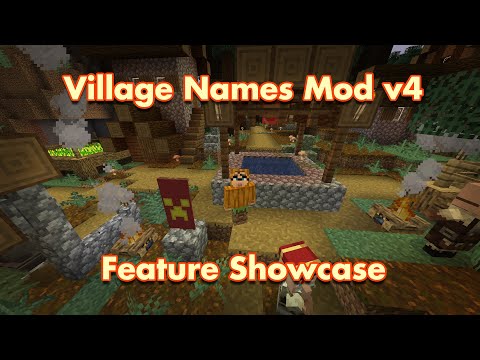
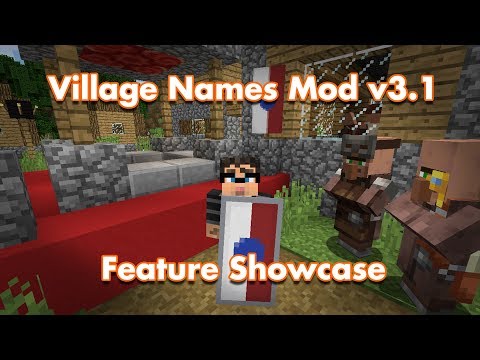
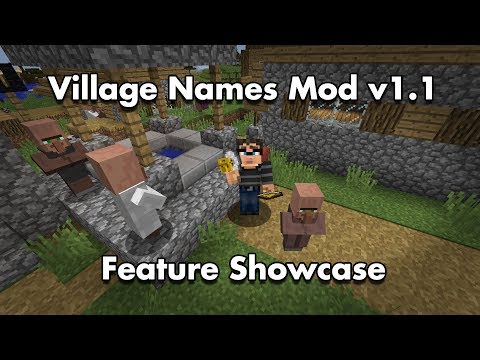
Here is are feature showcase videos:
常见问题
Village Names 支持哪些 Minecraft 版本?
Village Names 支持 Minecraft Java 版 1.7.10–1.12.2,共 6 个版本,可用的加载器:Forge。下载时注意选择和你游戏版本一致的文件。
Village Names 怎么安装?
先用 PCL2 或 HMCL 启动器安装对应版本的 Forge,再把下载的 .jar 文件放进游戏目录的 mods 文件夹,重新启动游戏即可。开启了版本隔离的,mods 文件夹在 versions/版本名 下面。运行环境:客户端和服务端都要装。
AstroTibs 的其他作品
查看全部 →
Village Names
Generate names for villages and villagers, as well as for other entities and structures.

Modernity
将现代原版和模组材质包移植到旧版本

Modernity Adjunct
A collection of backports/updates/adaptations of textures from more modern versions of popular mods. Meant to supplement the Modernity resource pack.

Not Enough Pets
Adds a variety of cats, dogs, and parrots. Parrots are backported to versions older than 1.12.2
评论
登录后评论和评分