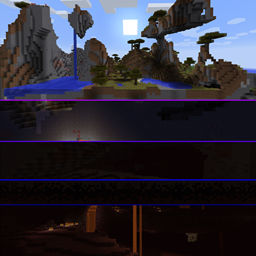
Vertically Stacked Dimensions
Connects dimensions via portals at top and bottom to "fake extend" the build height.
截图
介绍
Overview
Many Minecraft players have probably dreamed of an extended or even near infinite vertical build limit.
Unfortunately making the world extend vertically in the same way it does horizontally would require rewriting most of the game engine and apart from other technical problems it would also make it incompatible with many mods.
So this mod provides a more lightweight alternative of effectively extending the world vertically while only applying minimal changes the game.
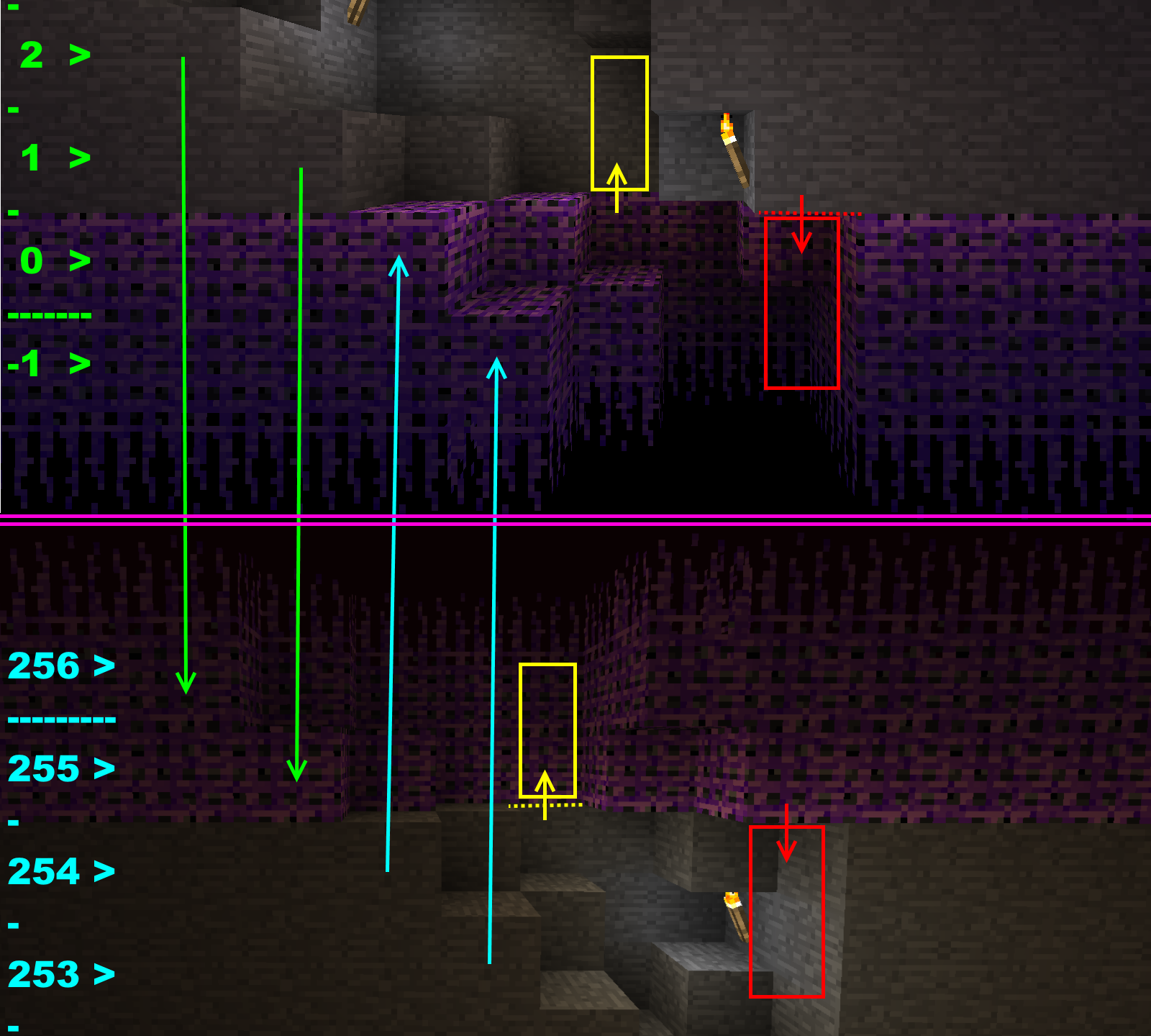
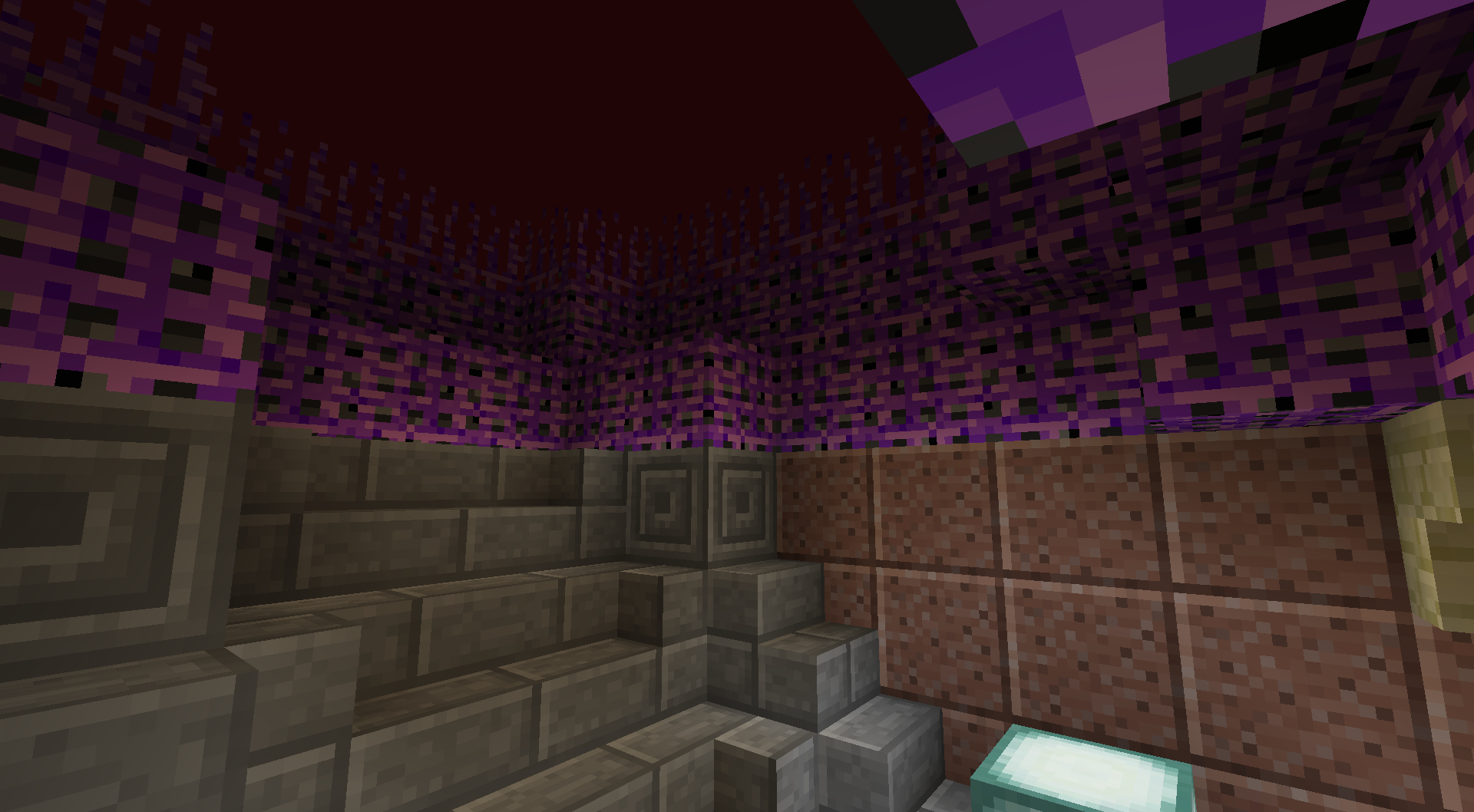
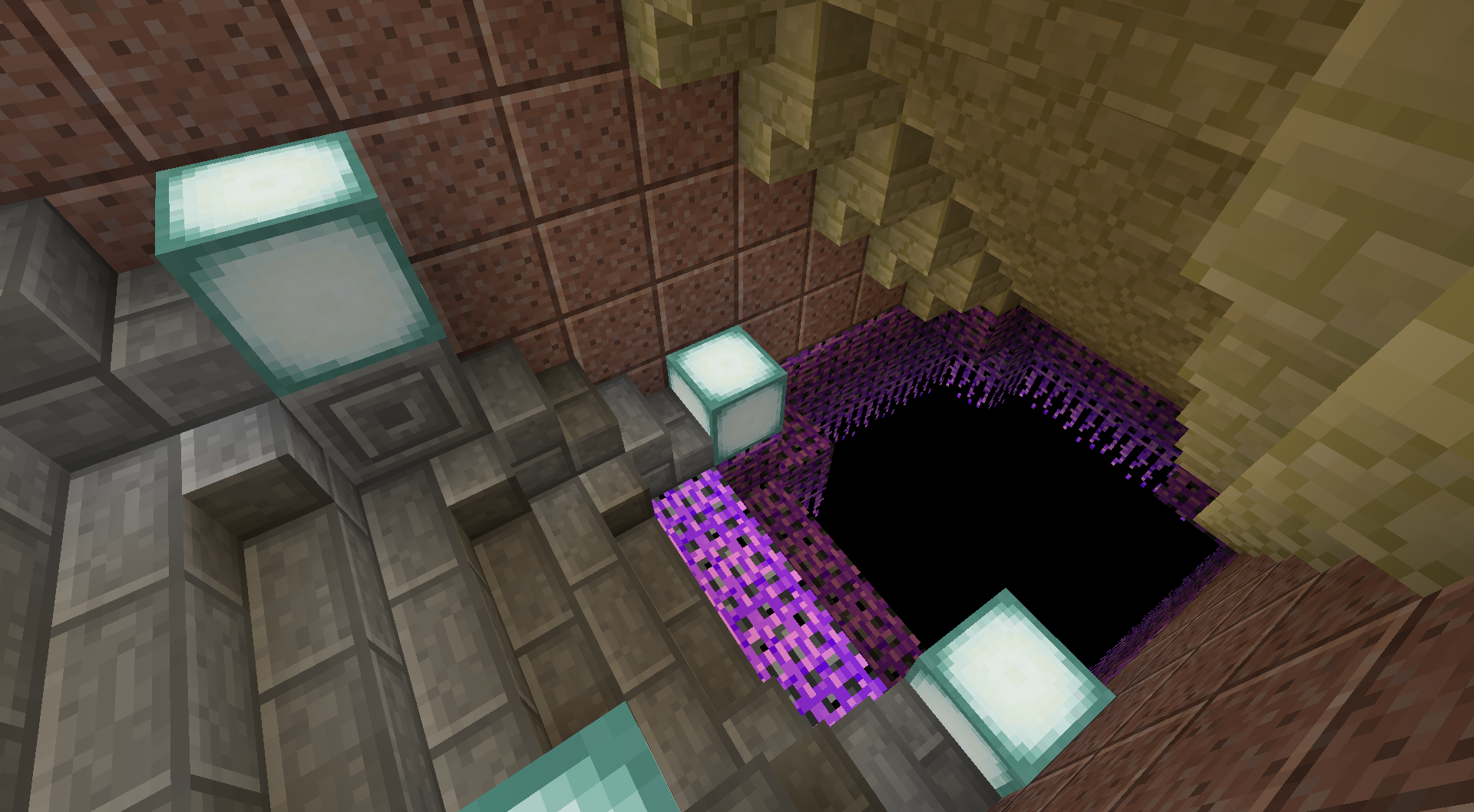
It does this by stacking multiple dimensions on top of each other and connecting them with portals that send you to the next dimension layer when reaching a vertical border.
See the Wiki for more info.
Features
In addition to vertically connecting dimensions to each other this mod also allows:
- modifying the ore generation for individual dimensions (also non even distribution models supported)
- adding custom layers of arbitrary blocks into dimensions (with optional bedrock like out-fading effects)
- replacing certain blocks at certain heights during world generation
- generating nether like terrain into arbitrary dimensions at selectable heights using customizable blocks for terrain.
- more added in the future…
So far this mod doesn’t add its own additional dimensions. This means it relies on dimensions added by other mods. So here is a list of other mods that I think could be very useful in combination with this mod:
General purpose dimension generators:
- Just Enough Dimensions – creation of customizable dimensions + additional configuration
- Dimensional Control – creation of customizable dimensions
- Open Terrain Generator (OTG) – complex and highly customizable world and dimension generation
Unfortunately this mod breaks all terrain generation features from Vertically Stacked Dimensions. That means custom block layers, Nether terrain and automatic dimension transition layers won’t work for dimensions created by OTG and Bedrock has to be removed via OTGs own config or via replacement. Also the in-game dimension stack configuration GUI is unavailable because OTG overrides the world creation screen.
But apart from these “minor issues”, everything works fine. - OTG: Skylands – OTG addon for sky dimensions
Dimension featured mods:
- The Beneath – adds a dark underground cave dimension
- Cavern – adds many different cave dimensions
Miscellaneous:
- No Nether Portals – disables the creation of nether portals
Usage
Installation:
This mod is installed like any other Forge mod:
- Setup a Forge installation
- Add the downloaded files of this mod and the required version of CD4017BE_lib to your mods folder (or add them via launcher features)
- Install any additional mods you also would like to have
- Start the game once to initialize all configuration files
Configuration:
By default if you create a new world this mod will only put the Overworld on top of the Nether dimension. To change this and include other (modded) dimensions there are two options:
- [simple] Click the “Stacked Dimensions” button that was added next to the “Additional World Settings” button when creating a new world and tinker with the dimension stack using the graphical interface.
- [advanced] Edit the configuration file of this mod located under “/config/cd4017be/verticalDimensionStack.rcp” (see wiki for details).
Note: The configuration file offers far more options and features than the in-game GUI although many of them will be added to the GUI as well in the future.
Distribution Permissions:
You are allowed to use this mod for any modpack or server you wish.
If you are providing a copy of this mod’s files somewhere else that is public available (public modpacks for ex.), please mention the Author somewhere and provide a link to where you originally got the file(s) from (Actually this is often automatically handled by pack launchers like Twitch or Multi MC).
常见问题
Vertically Stacked Dimensions 支持哪些 Minecraft 版本?
Vertically Stacked Dimensions 支持 Minecraft Java 版 1.12.2,可用的加载器:Forge。下载时注意选择和你游戏版本一致的文件。
Vertically Stacked Dimensions 怎么安装?
先用 PCL2 或 HMCL 启动器安装对应版本的 Forge,再把下载的 .jar 文件放进游戏目录的 mods 文件夹,重新启动游戏即可。开启了版本隔离的,mods 文件夹在 versions/版本名 下面。
Cd4017be 的其他作品
查看全部 →
CD4017BE Library
模组前置库(自1.16起也添加了微型方块)
Inductive Logistics
进阶的物品与流体运输、分类和存储
Redstone Control
Point to Point Redstone wires, data-flow oriented programmable compact circuits, fancy displays, control interfaces and more ... [WIP]

Automated Redstone
Advanced Redstone-based measurement and control systems
评论
登录后评论和评分