
截图


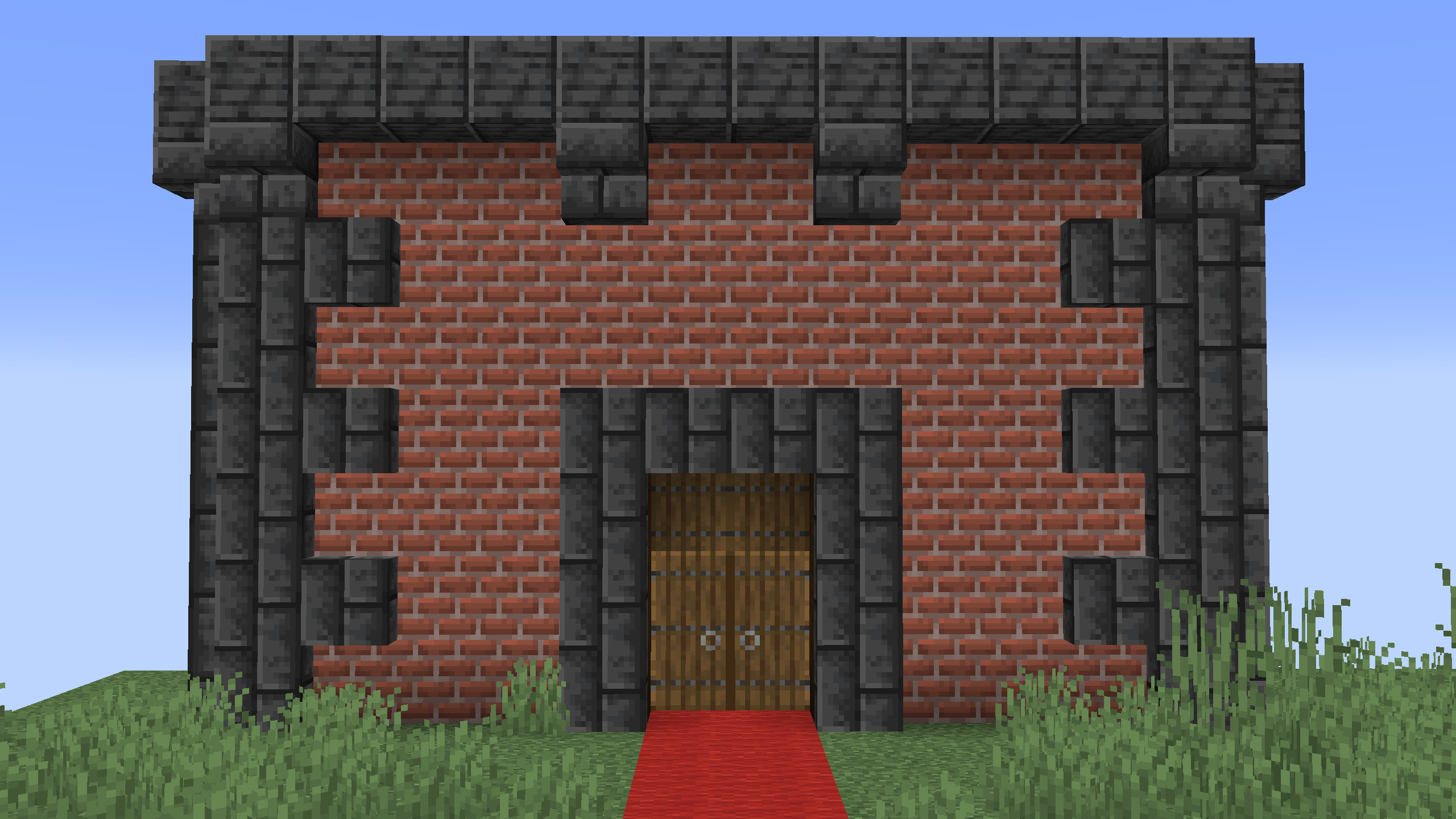
介绍


📖 Description
Introducing a game-changing datapack for vanilla Minecraft building, designed to elevate your building experience with vertical slabs. Explore the seamless functionality in both singleplayer and multiplayer modes.
🛠️ How does it work?
- Crafting the Tool: Craft the
Vertical Slabs Convertertool by placing a book above a stick on the crafting grid.
- Converting slabs: Right-click on any slab of your choice to seamlessly convert it into a vertical slab.
- Rotation slabs: For precise customization, perform additional right-clicks to change the rotation of the vertical slab according to your design preferences.
- Removing slabs: Left-click on a vertical slab to remove it.
⚡️ Important Notes:
- Vertical slabs have the hitbox of a full-sized block.
- You must hold the Vertical Slabs Converter item in your main hand to convert, edit, and remove vertical slabs.
- You cannot build against the vertical slabs.
- Rotation is clockwise.

常见问题
Vertical Slabs 支持哪些 Minecraft 版本?
Vertical Slabs 支持 Minecraft Java 版 1.20.2–26.3,共 18 个版本,可用的加载器:Fabric / Forge / NeoForge / Quilt。下载时注意选择和你游戏版本一致的文件。
Vertical Slabs 怎么安装?
先用 PCL2 或 HMCL 启动器安装对应版本的 Fabric / Forge / NeoForge / Quilt,再把下载的 .jar 文件放进游戏目录的 mods 文件夹,重新启动游戏即可。开启了版本隔离的,mods 文件夹在 versions/版本名 下面。运行环境:客户端 / 服务端。
Vanderflys 的其他作品
查看全部 →
Better Waypoints
A simple, fast, and user-friendly waypoint system for vanilla Minecraft.

World Editor
Make building easier with the World Editor datapack! Datapack has singleplayer and multiplayer support.

Custom Guns
A fully customizable datapack & mod for Minecraft 1.20.5+ that features custom guns that fully integrate with the surrounding world. Anyone can make their own gun with a straightforward command setup.

Better Pets
Customize your Minecraft experience with new pets, offering unique abilities and companionship during your adventures.
评论
登录后评论和评分