
截图
介绍
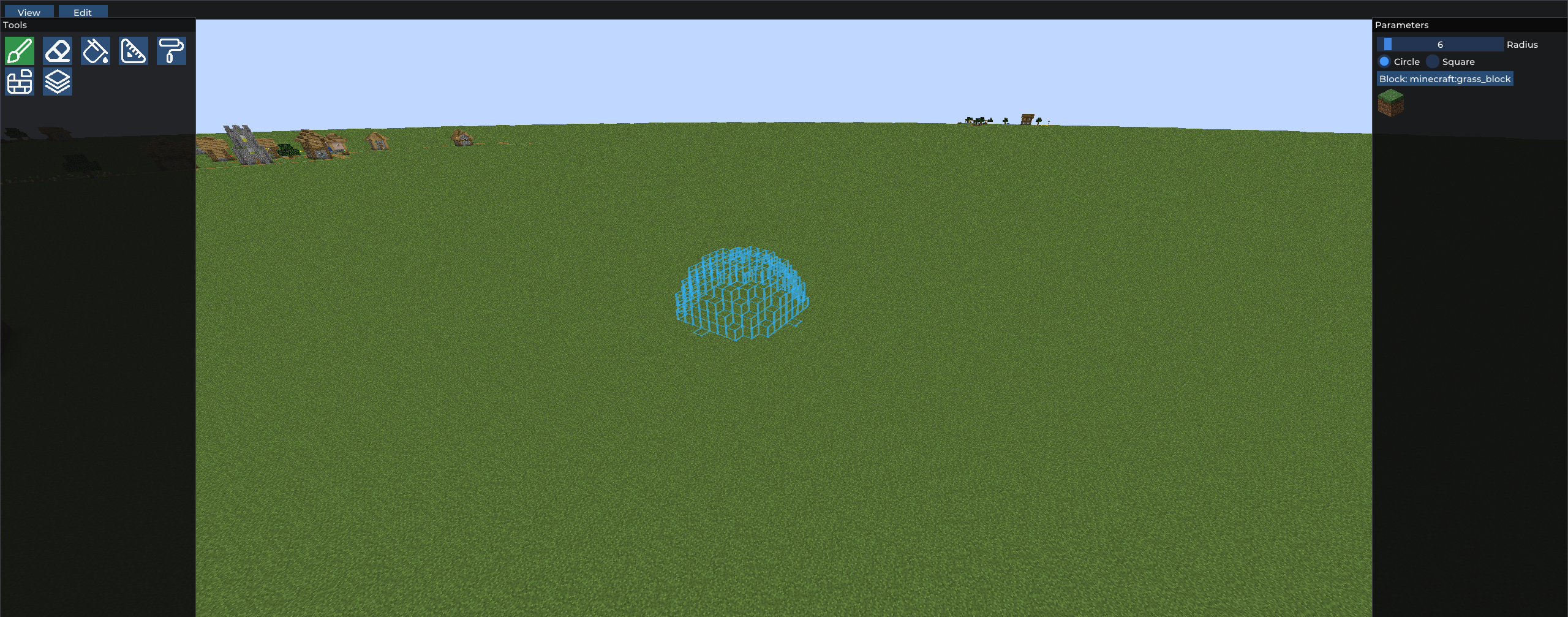
(to access to the menu, press RSHIFT)
VertexEditor – Advanced Terrain Editing for Minecraft (Forge)
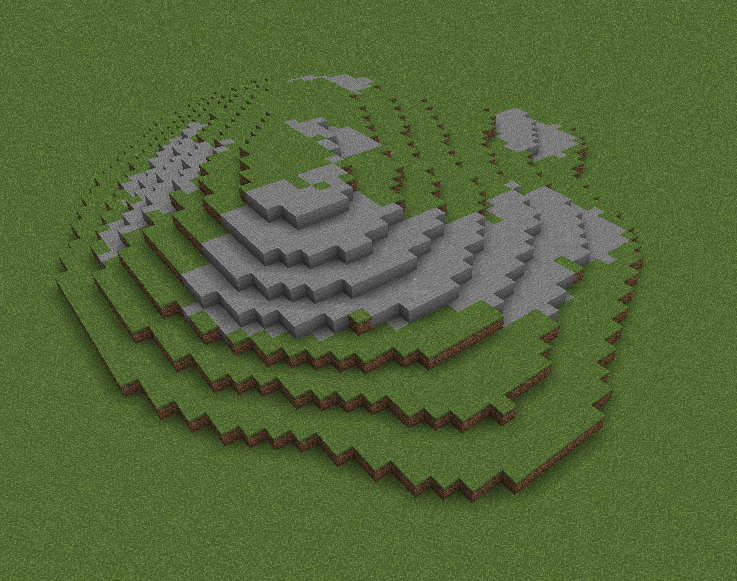
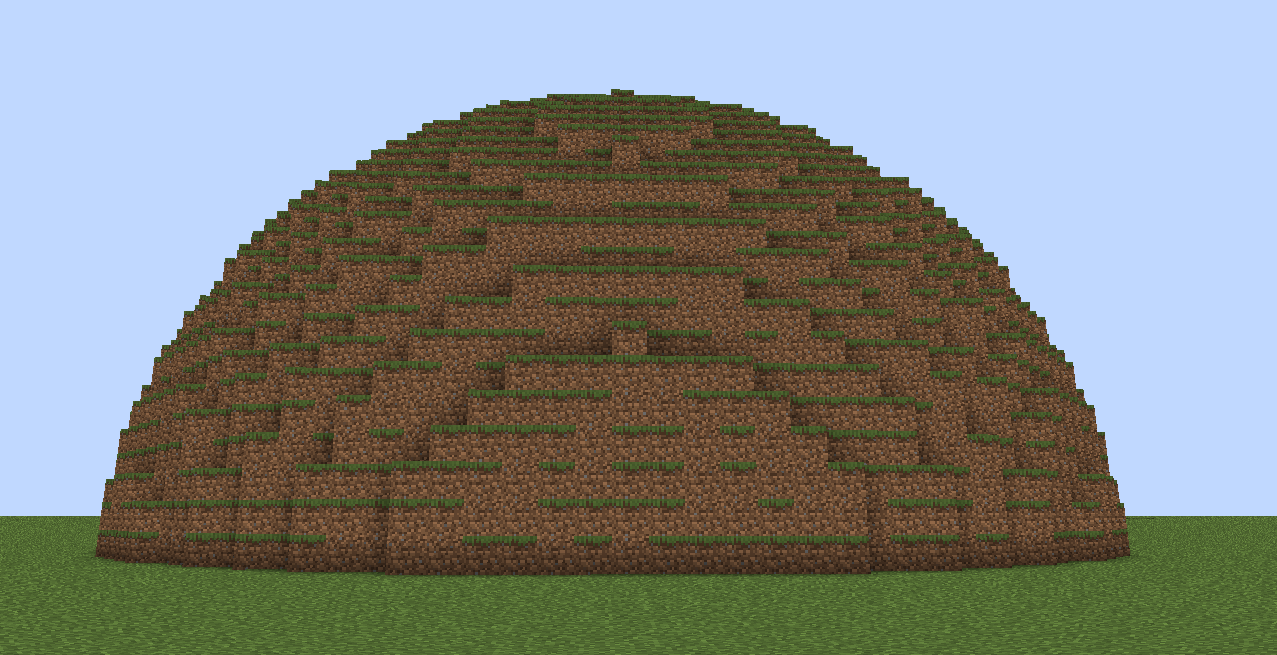
The VertexEditor mod for Minecraft Forge 1.20.1 provides users with a strong terrain editing tool which enables them to create terrain changes through simple and direct methods. The building and mapping tools of this mod allow users to create in-game worlds through its advanced brush-based editing system which was inspired after terrain editors software.
VertexEditor enables you to create smooth natural terrain for your custom maps and landscapes and your extensive projects because it gives you complete control over terrain shaping.
Features
- Brush Tool lets users change terrain at their desired size and strength.
- Smooth terrain tool enables users to instantly create smooth surfaces by applying it to rough and unbalanced landforms.
- The Eraser lets users delete specific terrain elements while leaving the rest of the area untouched.
- The Surface Painter tool enables users to paint blocks directly onto the surface of the terrain.
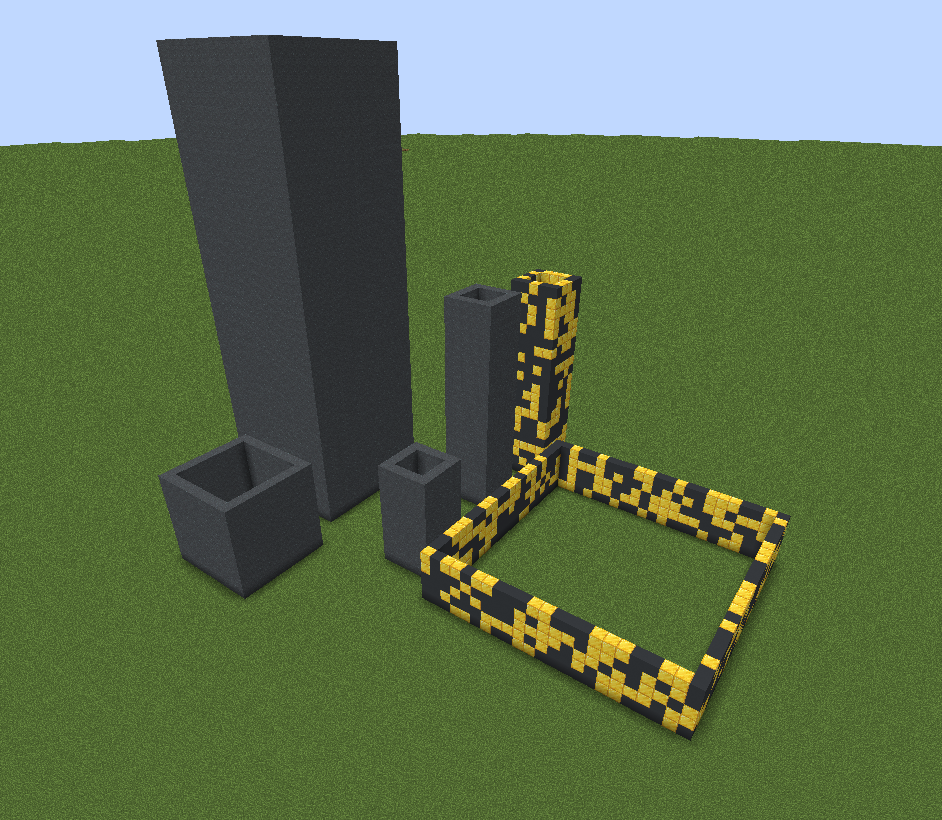
- The Wall Builder tool enables users to create walls which maintain a uniform and good appearance.
- Flatten Tool enables users to create building areas which have uniform height through its ability to flatten land to a specific elevation.
Why VertexEditor?
- The system enables users to manipulate terrain quickly while maintaining productivity.
- Serves as the perfect tool for builders and map makers and server admins.
- and it allows users to carry out precise work on terrain projects.
- VertexEditor support forge, this makes it unique and (perhaps) the only choice for effectively modifying terrain for Forge.
The VertexEditor transforms Minecraft into an authentic landscape design tool which gives users complete artistic control over their creative work.
Credits:
ImGUI-java by SpaiR (integrated into the mod)
- Found a bug? feel free to join the Discord server
常见问题
VertexEditor 支持哪些 Minecraft 版本?
VertexEditor 支持 Minecraft Java 版 1.20.1–1.21.1,共 7 个版本,可用的加载器:Forge。下载时注意选择和你游戏版本一致的文件。
VertexEditor 怎么安装?
先用 PCL2 或 HMCL 启动器安装对应版本的 Forge,再把下载的 .jar 文件放进游戏目录的 mods 文件夹,重新启动游戏即可。开启了版本隔离的,mods 文件夹在 versions/版本名 下面。运行环境:客户端和服务端都要装。
评论
登录后评论和评分