
Version Tooltips
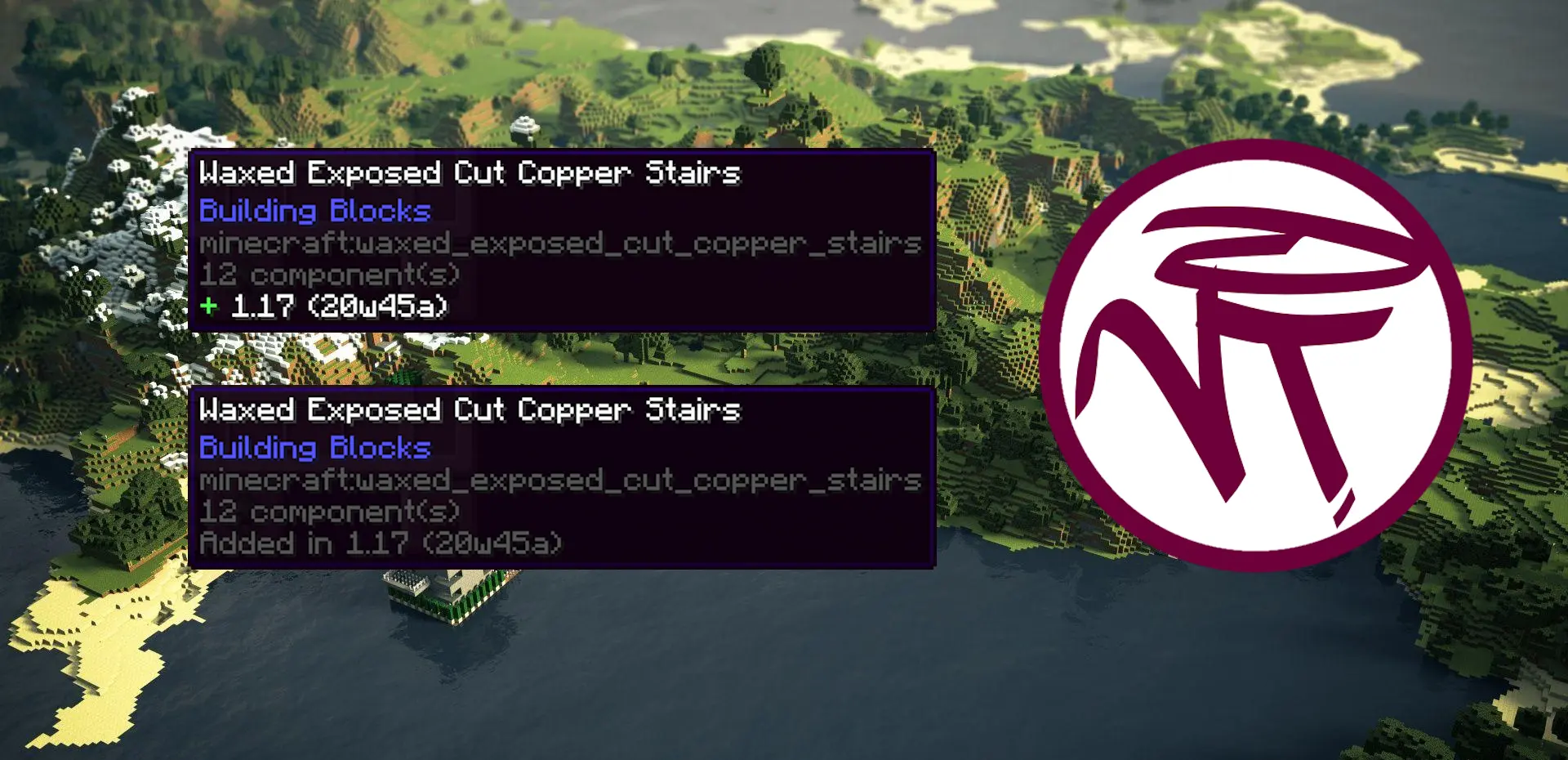
This client-side utility mod adds a tooltip that displays the version and/or snapshot of Minecraft an item was added in.
截图

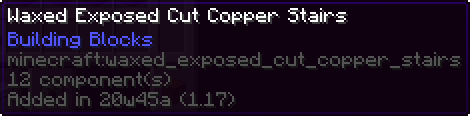
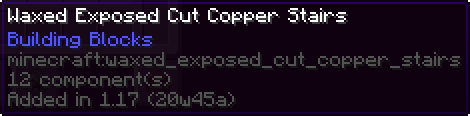
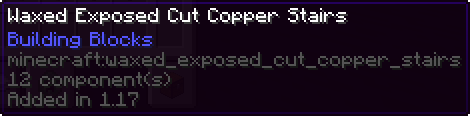
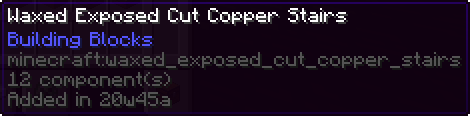
介绍


Overview
VersionTooltips is a simple mod adds the ability to display the version as well as the snapshot an item was first introduced in the game directly inside an in-game tooltip. It is highly customizable with many different features and options and very useful when playing or building in servers that use ViaVersion, ViaFabric, ViaFabricPlus, ViaBackwards, etc. where having the version displayed directly inside the game saves a lot of time.
Supports every vanilla item and handles every special case such as potions, splahs potions, lingering potions, tipped arrows, enchanted books* and paintings**.
Information
- Architectury API is only required when using NeoForge.
- *Enchanted books’ data is coherent with the version/snapshot the respective enchantment was added not the enchanted book item itself.
- **Paintings became data-driven in MC 1.21.5, naturally the data component of the paintings only became usable in that version. Expect prior 1.21.5 MC versions to display the original painting item.
Features
- Universal Mod Toggle
- Show Only on Keybind Press
- Configurable Keybind in Minecraft Options
- Only Show With Advanced Tooltips (F3+H)
- Changeable Style (Vanilla/Modded)
- Changeable Types:
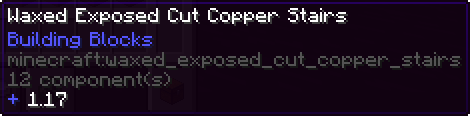
- Version Only
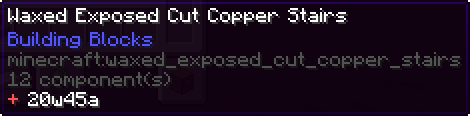
- Snapshot Only
- Version (Snapshot)
- Snapshot (Version)
- Search by version in Creative Menu
- /versiontooltips command to toggle settings on the go
Examples
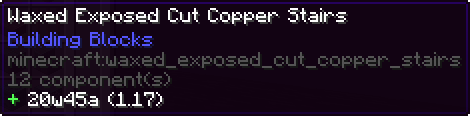
Modded-style Version Tooltip [Snapshot (Version)]

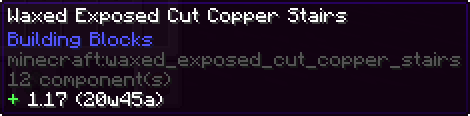
Vanilla-style Version Tooltip [Version (Snapshot)]

(See more)
常见问题
Version Tooltips 支持哪些 Minecraft 版本?
Version Tooltips 支持 Minecraft Java 版 1.20–26.2,共 18 个版本,可用的加载器:Fabric / Forge / NeoForge / Quilt。下载时注意选择和你游戏版本一致的文件。
Version Tooltips 怎么安装?
先用 PCL2 或 HMCL 启动器安装对应版本的 Fabric / Forge / NeoForge / Quilt,再把下载的 .jar 文件放进游戏目录的 mods 文件夹,重新启动游戏即可。开启了版本隔离的,mods 文件夹在 versions/版本名 下面。运行环境:仅客户端。
评论
登录后评论和评分