
Variant Swap
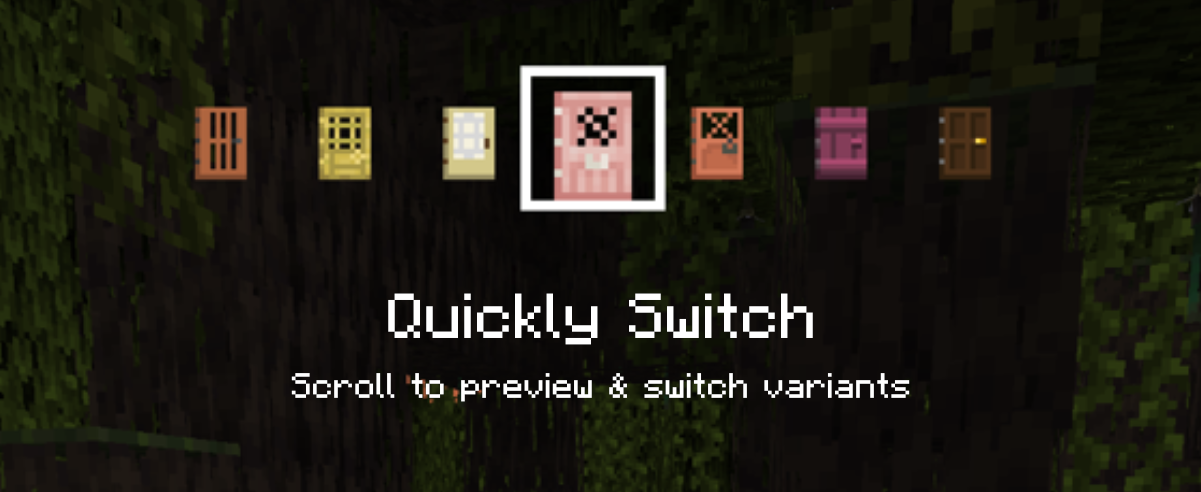
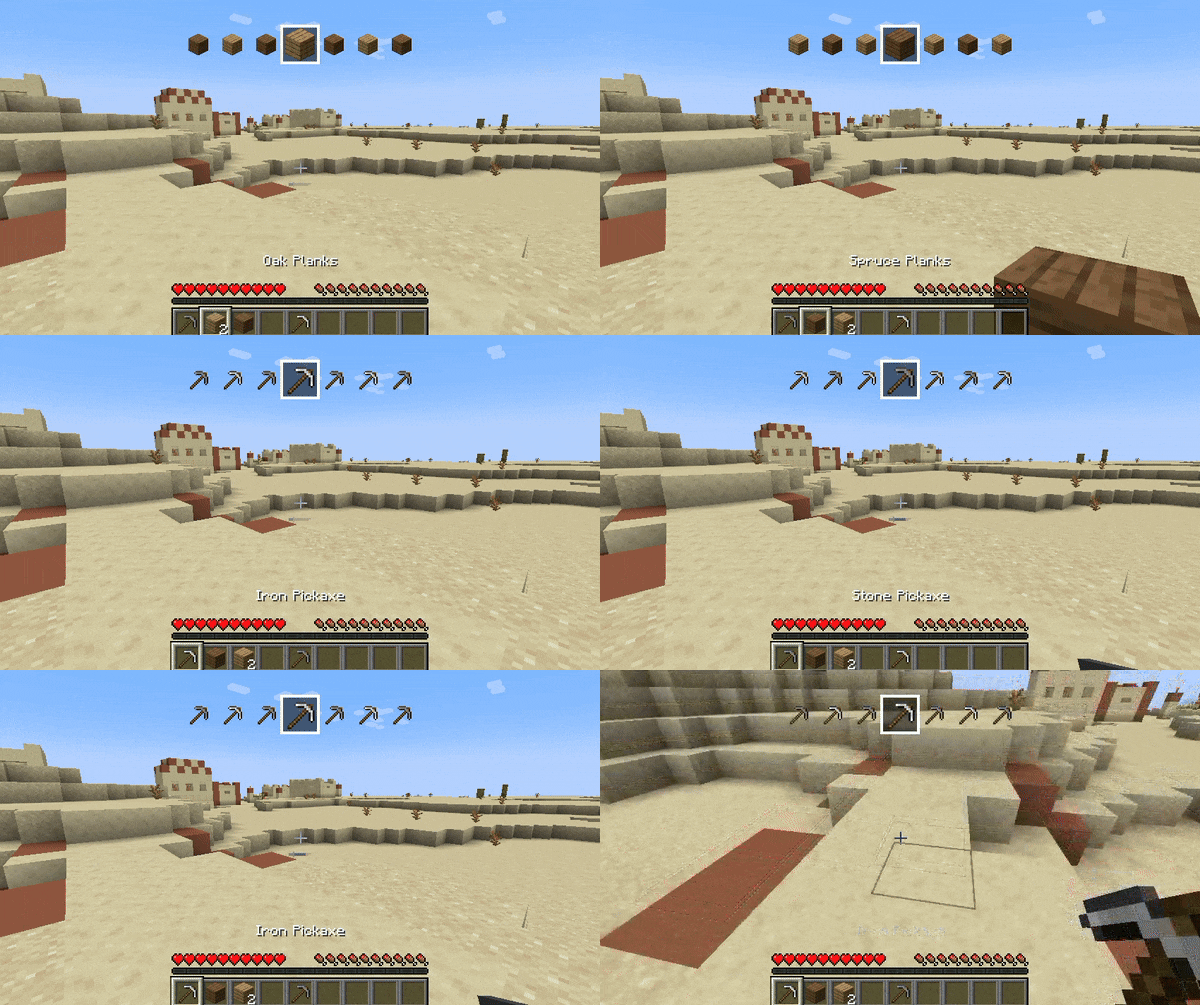
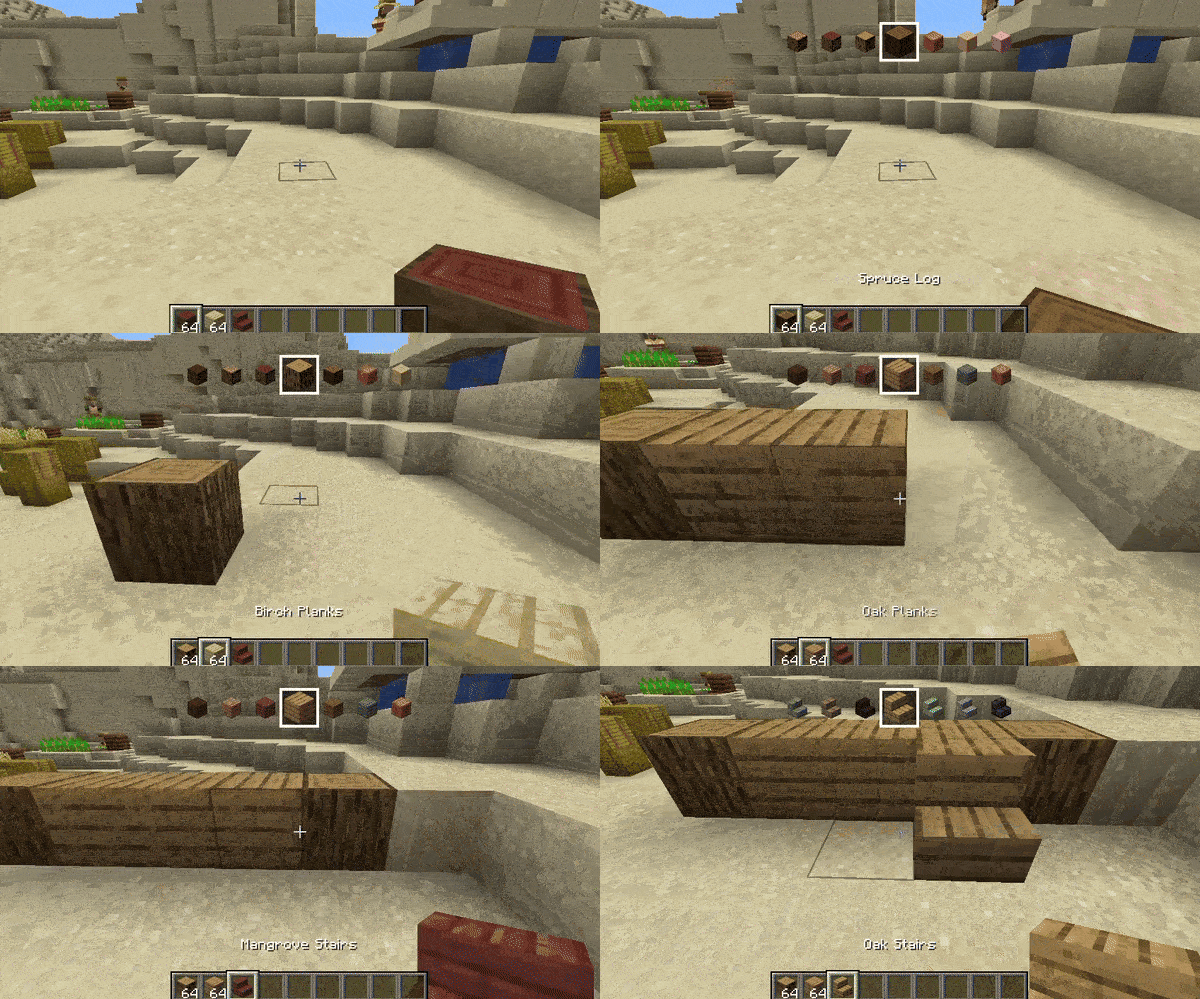
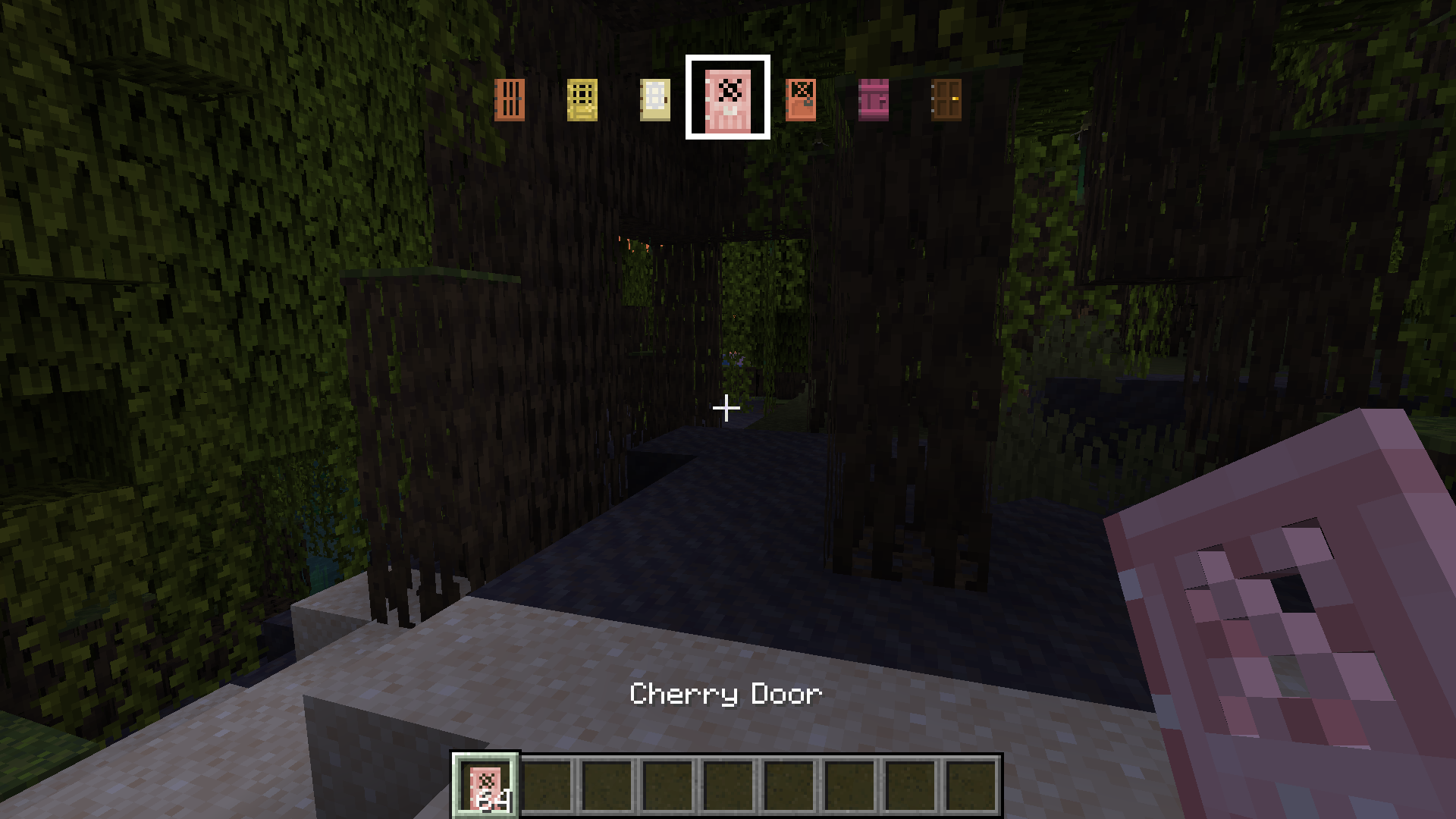
Quickly cycle through block and item variants by holding a key and scrolling your mouse wheel (works with mods too!)
截图
介绍

Variant Swap is a mod that lets you change the variant of the item you’re holding by using a customizable key (Z by default) and scrolling. When you scroll, you’ll also see at the top of the screen a quick preview of what’s before and after the selected item (for a few seconds).
In Creative mode, you can switch through every available variant of the item, while in Survival mode it only shows items you have in your inventory. It works with both vanilla and modded items!

Customization
The mod’s generated mappings and configuration file are located in your Minecraft (or server) folder under /config/Variant Swap/.
Available settings in config.json:
- OP level (4 by default) – for the
/variant-swapcommand - Delay (50ms by default) – this is to throttle the scrolling
On servers it is recommended to change the OP level as desired. The /variant-swap command can be used to reset the delay (cooldown) to its default value or to change it to another value (still in ms).
For Developers
If your mod adds items or blocks and you want to organize them into specific custom categories, add a variant_swap tag to each item/block. This tag will determine the group in which the item is categorized.
For example, imagine you have a mod that adds various furniture items, and you want to categorize them by wood type instead of grouping all chairs together. You could tag all oak items with variant_swap:oak (so oak or whatever you wanna call the category), all spruce items with variant_swap:spruce, and so on.
常见问题
Variant Swap 支持哪些 Minecraft 版本?
Variant Swap 支持 Minecraft Java 版 1.20–1.21.5,共 11 个版本,可用的加载器:Fabric。下载时注意选择和你游戏版本一致的文件。
Variant Swap 怎么安装?
先用 PCL2 或 HMCL 启动器安装对应版本的 Fabric,再把下载的 .jar 文件放进游戏目录的 mods 文件夹,重新启动游戏即可。开启了版本隔离的,mods 文件夹在 versions/版本名 下面。运行环境:客户端和服务端都要装。
Dooji 的其他作品
查看全部 →
Underlay
把任何方块(比如地毯)放进任何东西里!

Omnilib
A framework for enhanced UI elements and customization
CraftSense
Autocomplete for the crafting table. It tracks what you craft, suggests recipes, and lets you take the result from the output slot without placing the rest of the ingredients!

PSX-Core Shader
一款PSX光影,具备仿射纹理映射、抖动、顶点吸附等特性!
评论
登录后评论和评分