
截图
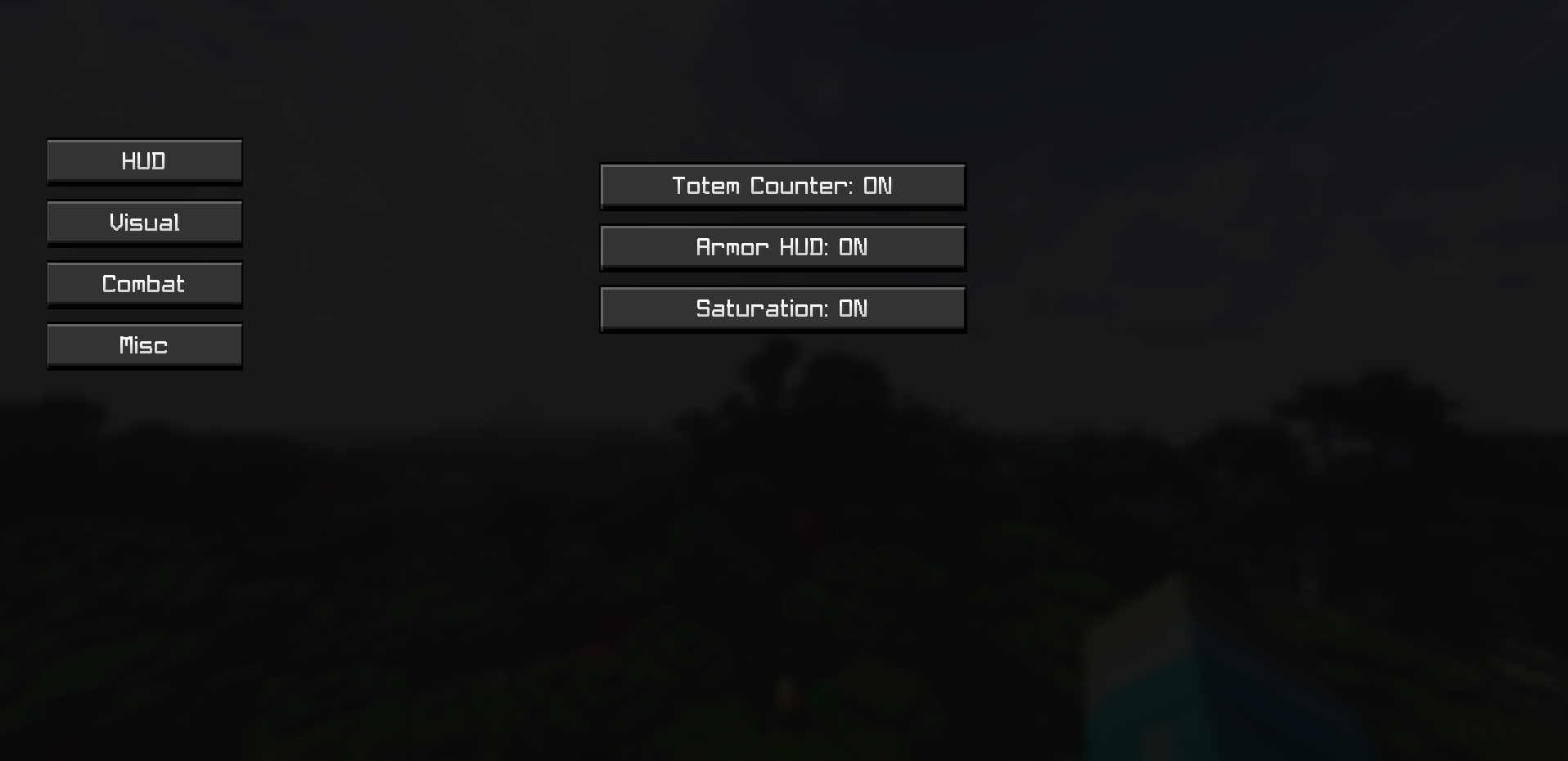
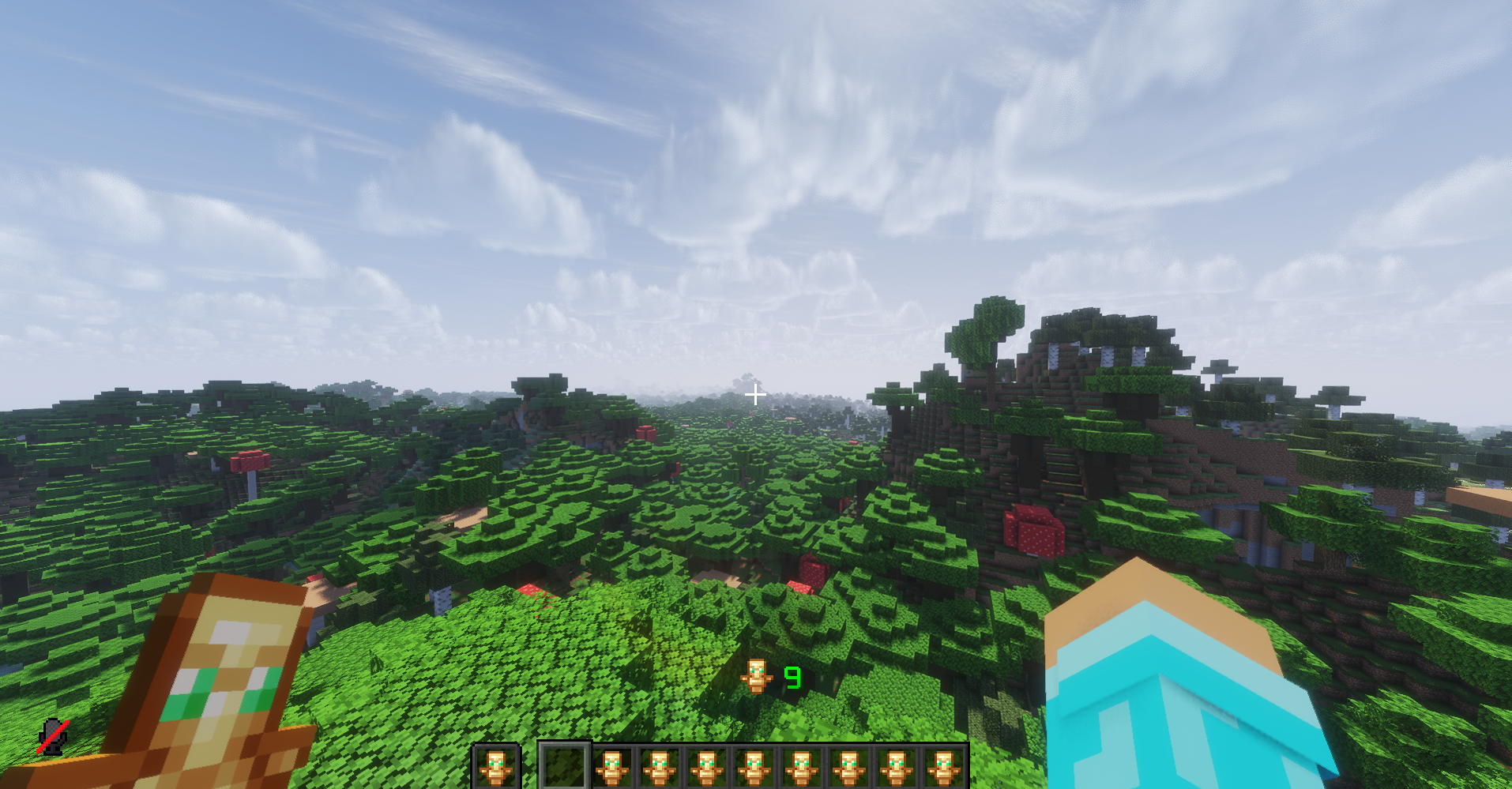
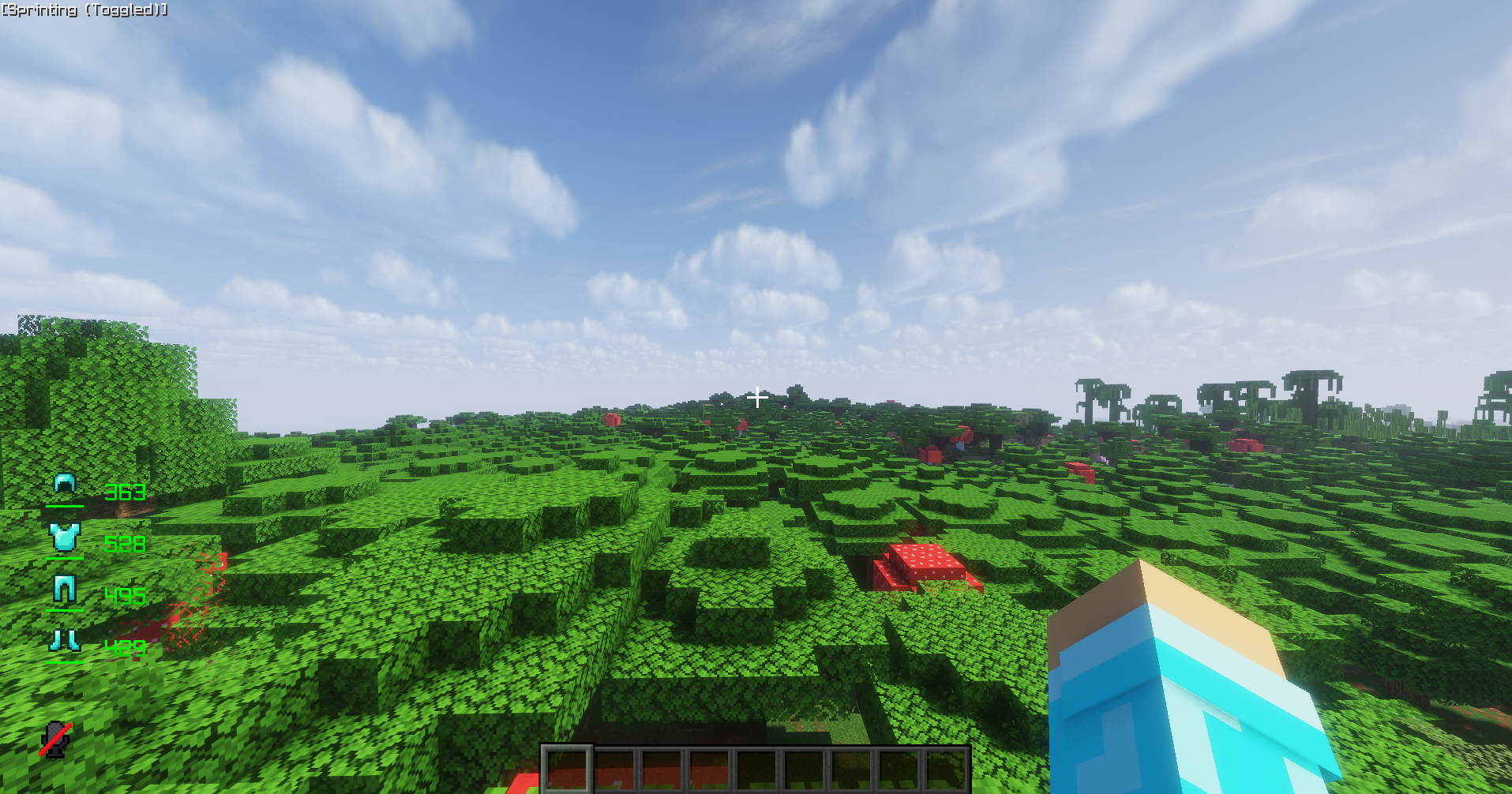
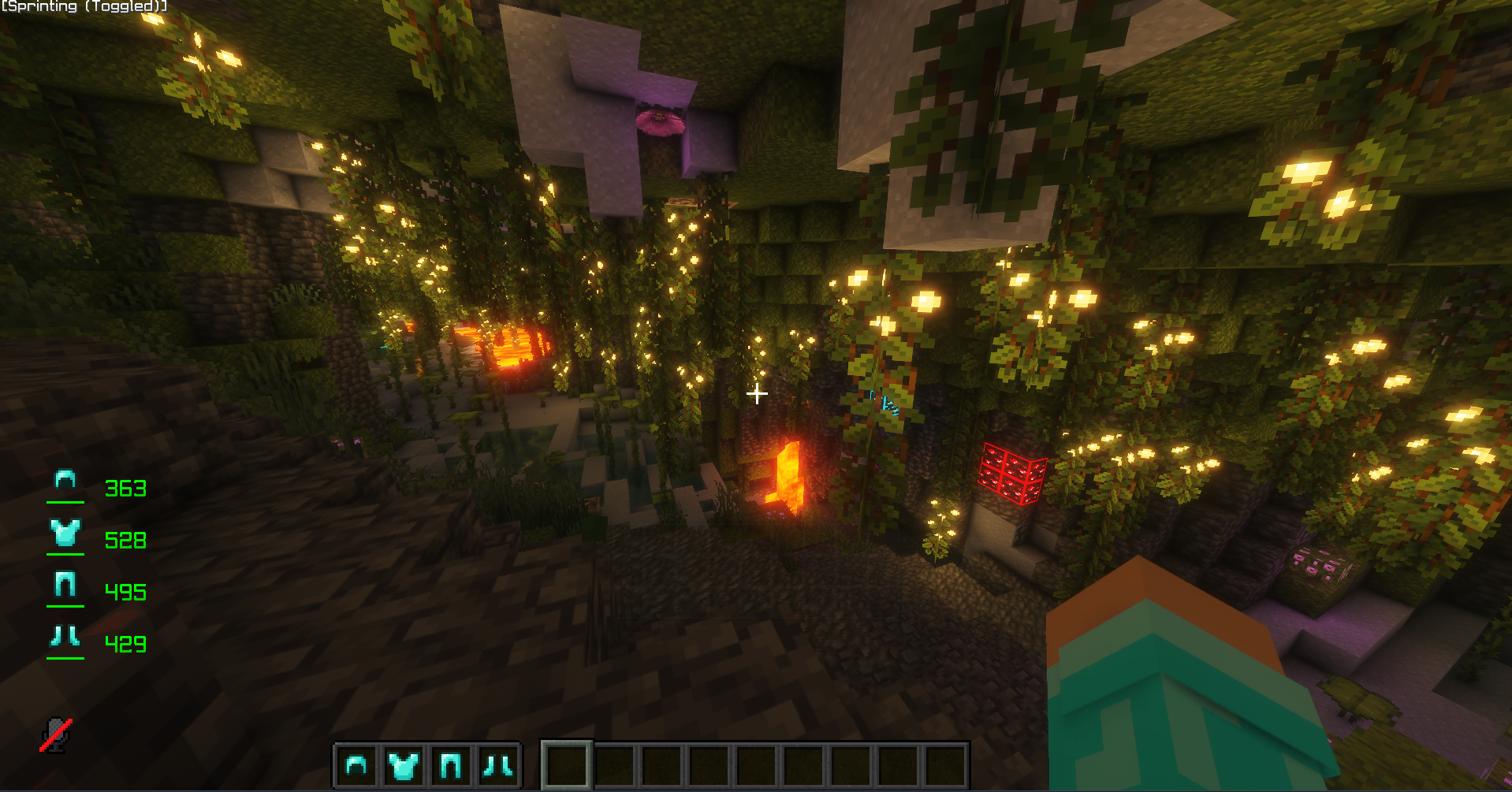
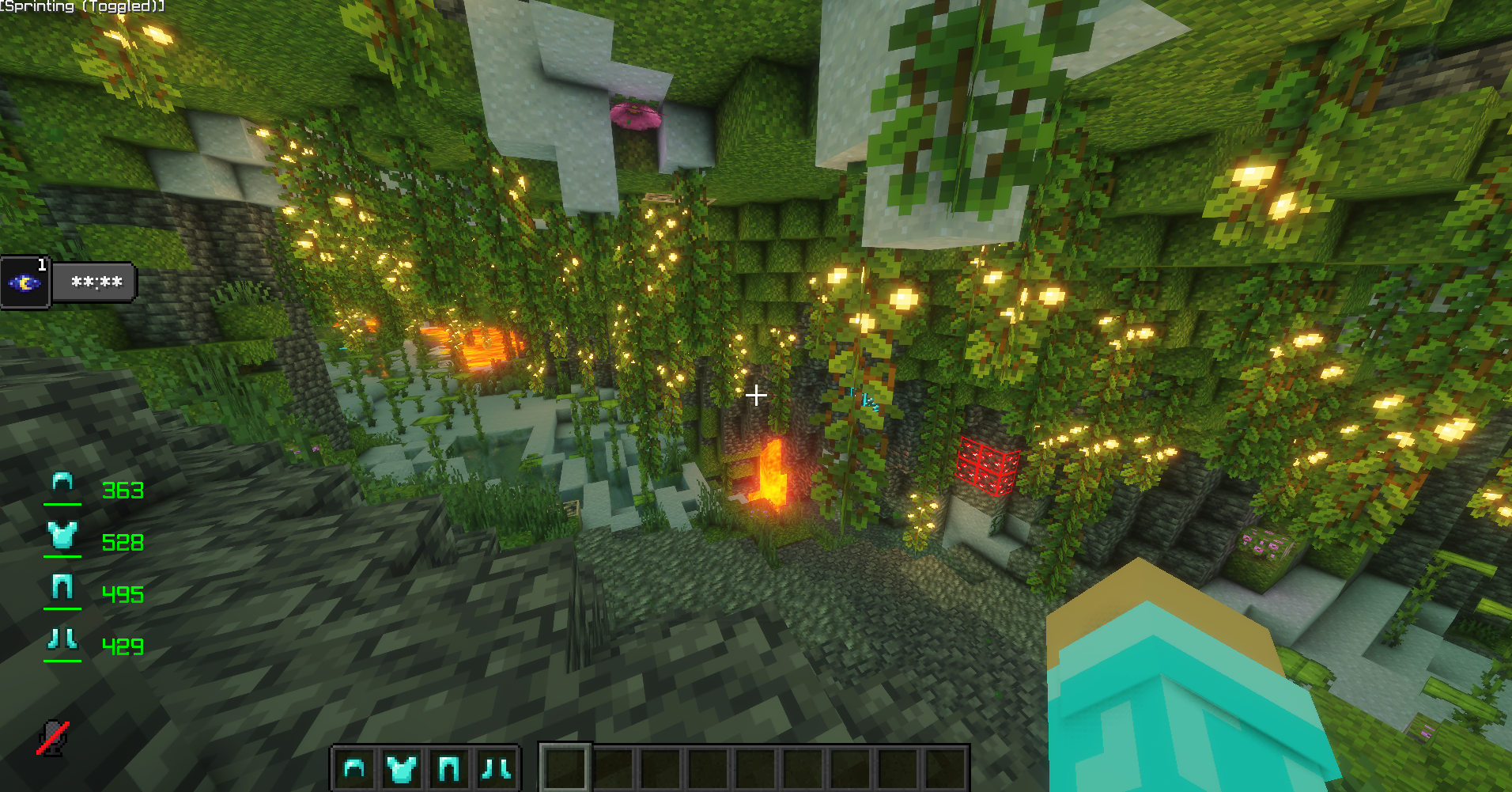
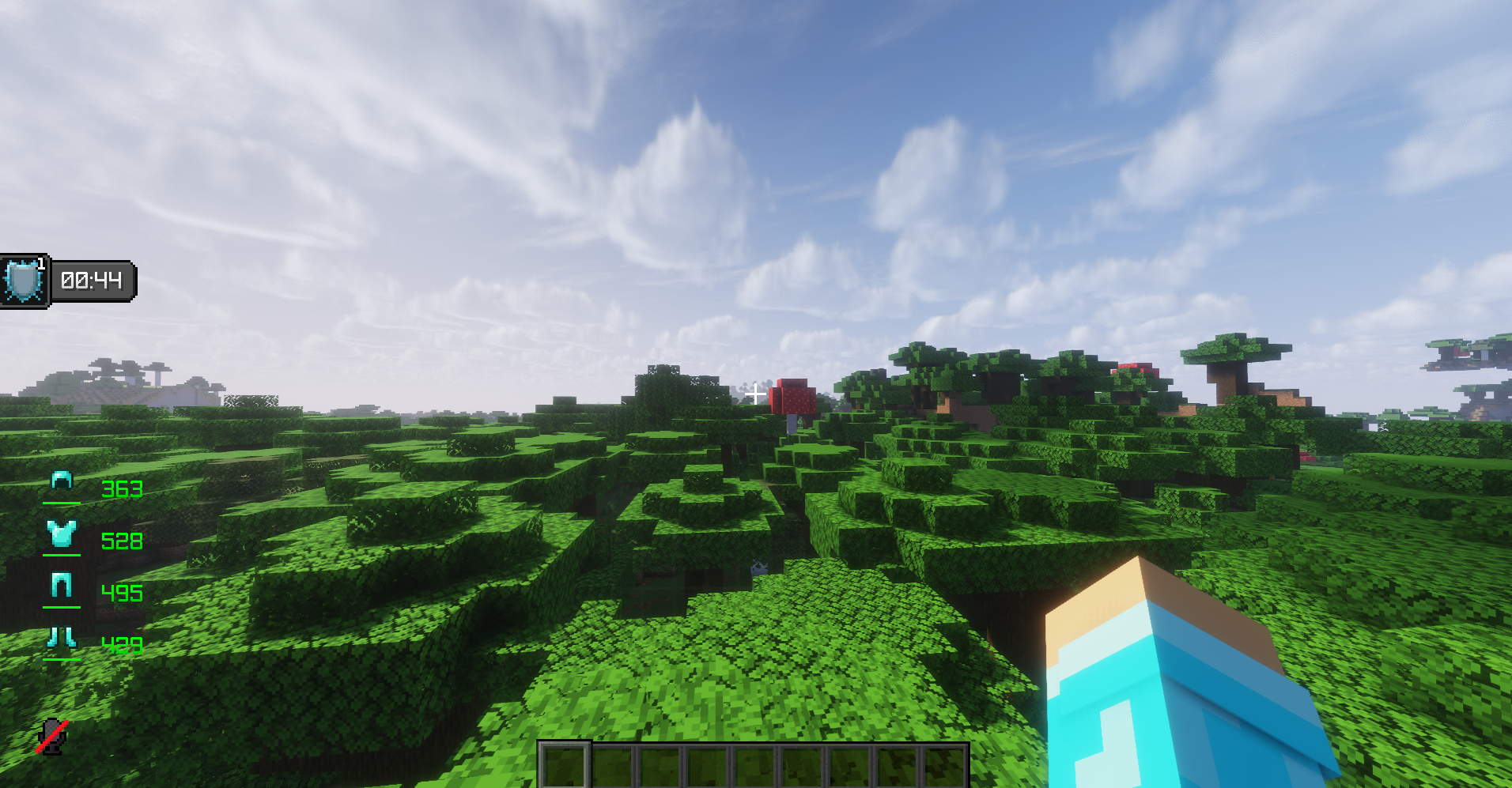
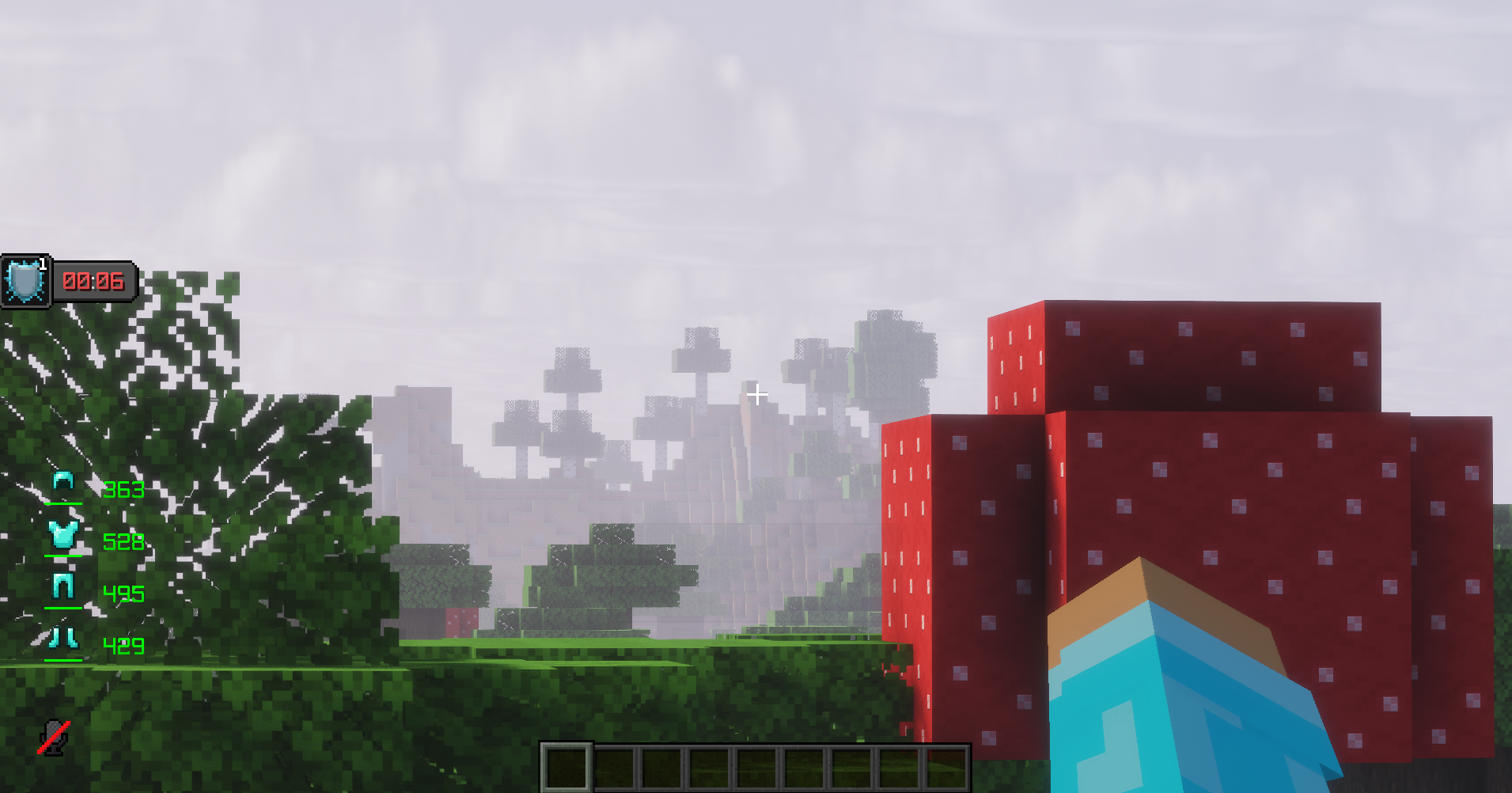
介绍
Vanta Client
A modern, highly customizable Fabric client for Minecraft 1.21.11.
Vanta Client brings together a polished in-game interface, an extensive HUD customization system, visual enhancements, gameplay utilities and integrated mod management — all in one client-side mod.
Built around customization and a cohesive user experience, Vanta lets you configure your Minecraft experience without juggling multiple separate interfaces.
✦ Features
Advanced HUD System
A fully customizable HUD editor that gives you control over your on-screen information.
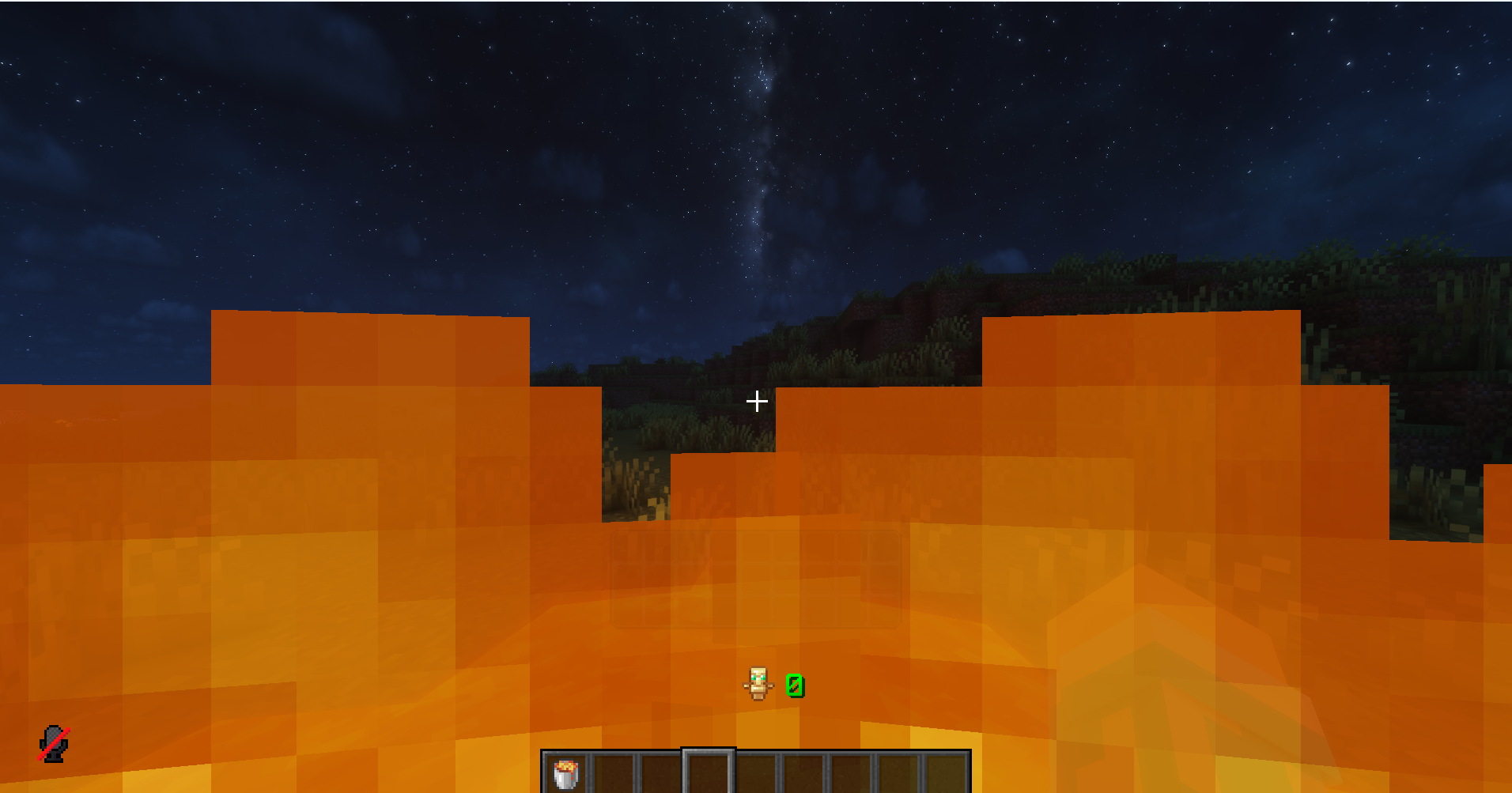
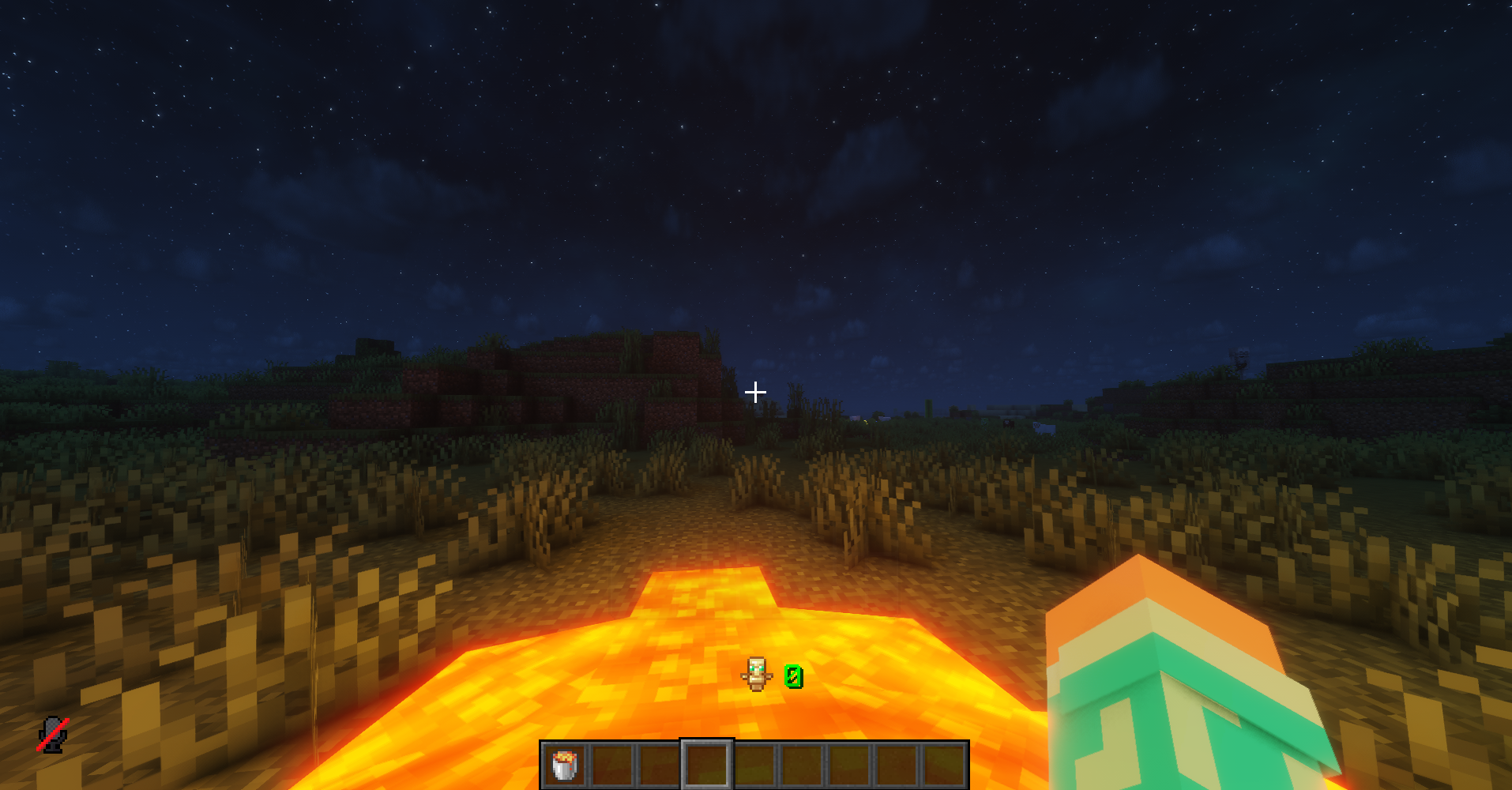
- FPS, Ping, CPS and Keystrokes HUDs.
- Armor, Totem Counter and Potion Effects HUDs.
- Debug and performance information.
- Drag-and-drop positioning for custom HUD elements.
- Move and reposition vanilla Minecraft HUD elements.
- Individual HUD scaling and positioning.
- Grid alignment and snapping.
- Persistent layouts and customization.
- Optional hitbox backgrounds for every HUD element.
- Connect nearby HUD backgrounds to create unified panels.
Visual Enhancements
Customize how Minecraft looks and feels.
- Fullbright.
- Custom Zoom.
- Motion Blur.
- Nametag utilities.
- Visual overlays.
- FarView distant-terrain rendering for singleplayer worlds.
- Configurable animation profiles.
Gameplay & Quality of Life
Useful utilities designed to make everyday gameplay more convenient.
- Toggle Sprint and Toggle Sneak.
- Double-tap sprint controls.
- Chat timestamps.
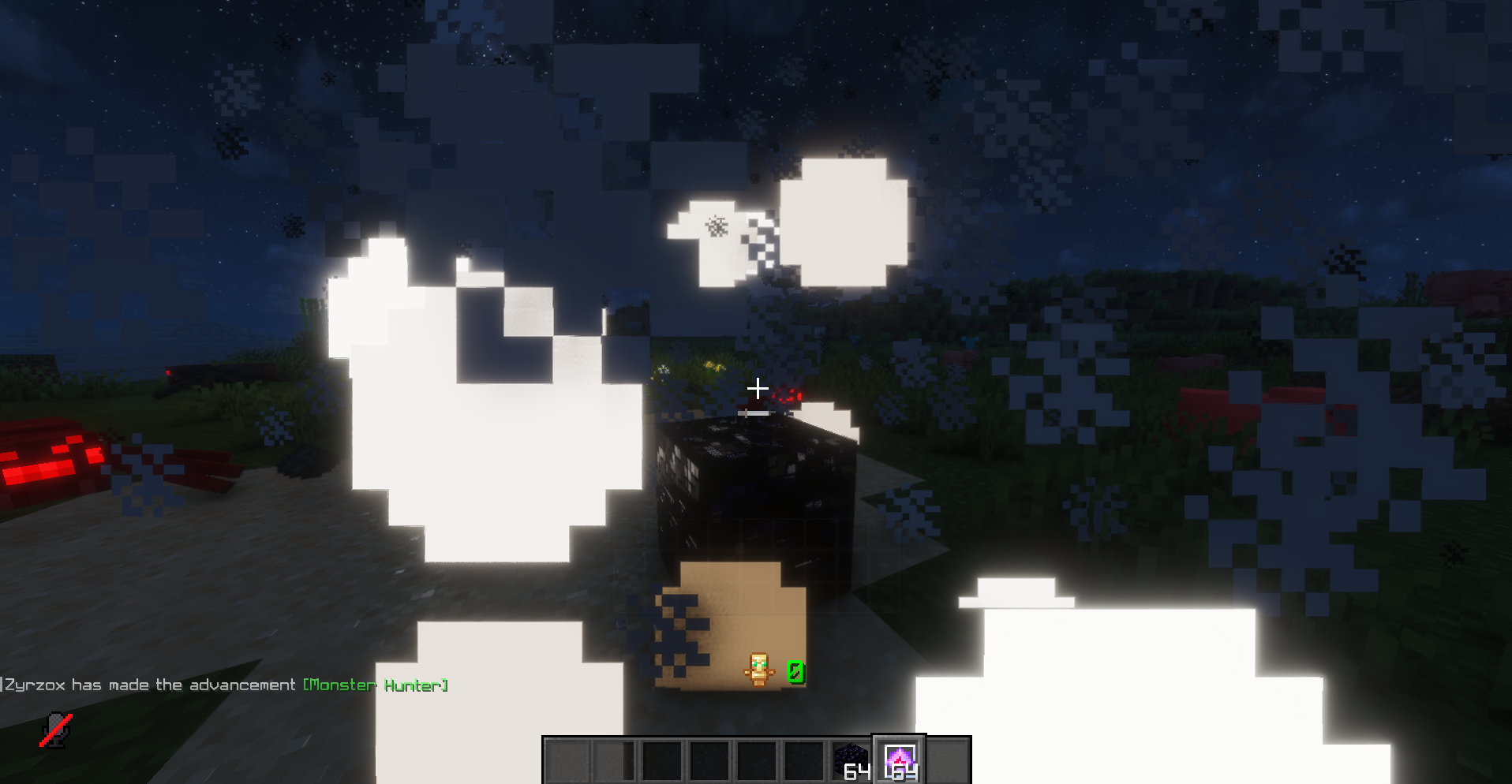
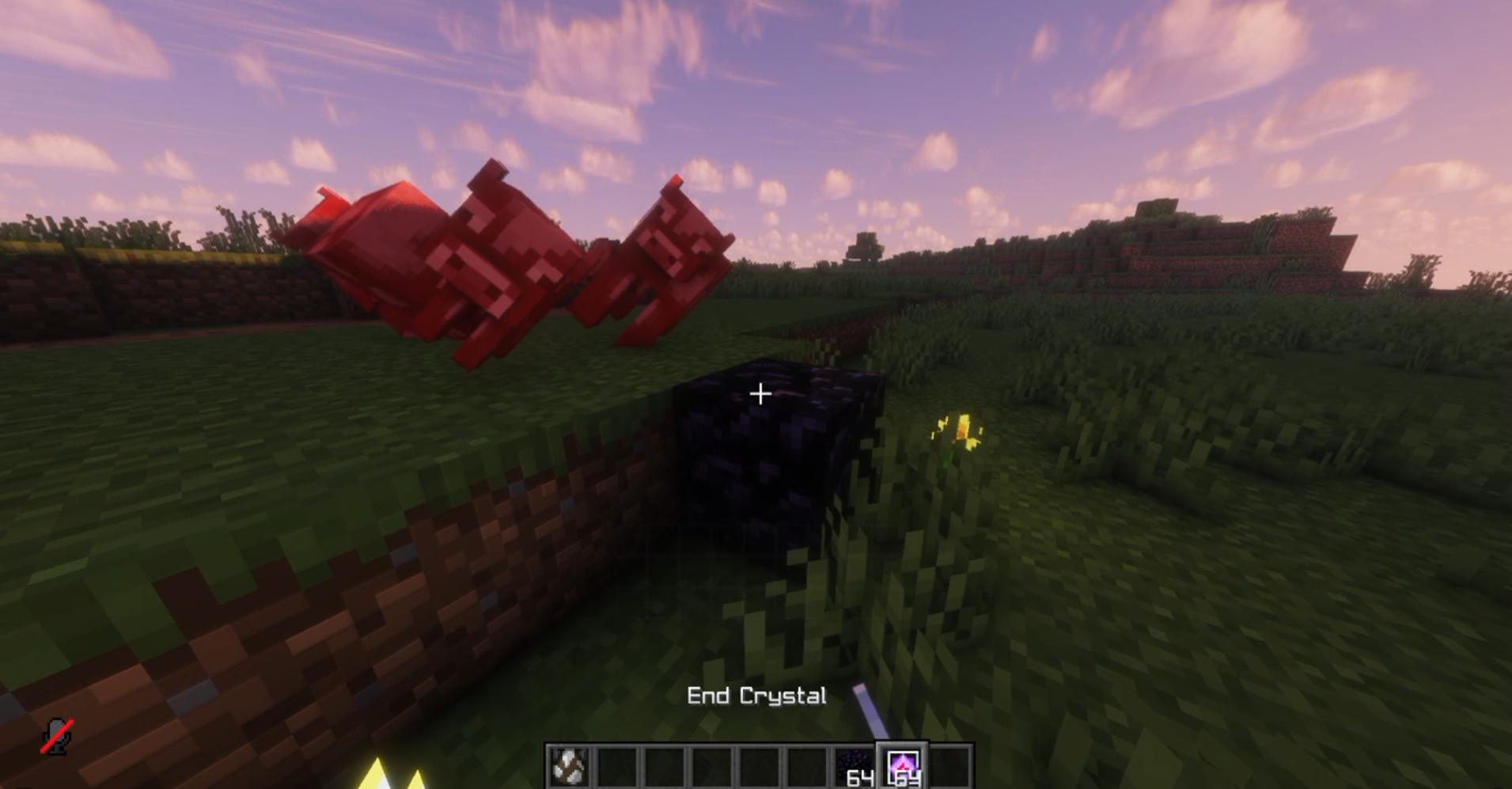
- Respawn Anchor optimization and explosion prediction.
- Low Fire.
- Explosion effect controls.
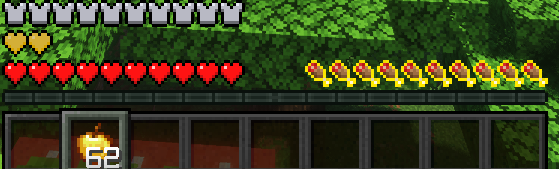
- Saturation display.
- Additional gameplay and visual utilities.
Integrated Mod Manager
Manage your installed mods without leaving Minecraft.
- Browse your installed Fabric mods.
- Search and favorite mods.
- View individual mod information and details.
- Access compatible mod configuration screens.
- Hot-loading support through an experimental session-loading system.
- Integrated Modrinth browser.
- Search and install compatible Fabric projects.
- Dependency-aware mod installation.
Custom Vanta Interface
A unified interface built around a custom UI framework.
- Modern dark interface with customizable accent colors.
- Animated navigation and interactions.
- Dedicated settings pages.
- Integrated mod library.
- Custom HUD editor and element inspector.
- Configurable UI scaling and panel opacity.
- Custom typography and vector-style icons.
- Persistent appearance preferences.
Developer Integration API
Vanta also provides a public addon API for third-party Fabric mods.
- Typed setting definitions.
- Integration-specific configuration screens.
- Boolean, integer, decimal, string and enum settings.
Compatibility
- Minecraft: 1.21.11
- Mod Loader: Fabric
- Required: Fabric Loader and Fabric API
- Java: 21
- Side: Client
Mod Menu is optional.
Installation
- Install Fabric Loader for Minecraft 1.21.11.
- Install Fabric API.
- Download Vanta Client.
- Place the JAR inside your Minecraft instance’s “mods” folder.
- Launch Minecraft and open Vanta using its configured GUI key.
Important Notes
FarView currently provides coarse distant base-terrain rendering in singleplayer. It does not render distant structures, trees or caves, and does not extend multiplayer simulation distance.
The experimental mod session-loading feature has limitations compared to a normal Fabric startup. Restarting Minecraft is recommended after changing installed mod files.
Vanta Client — Your Minecraft, your configuration.
常见问题
Vanta Client 支持哪些 Minecraft 版本?
Vanta Client 支持 Minecraft Java 版 1.21.11–26.1.2,共 4 个版本,可用的加载器:Fabric。下载时注意选择和你游戏版本一致的文件。
Vanta Client 怎么安装?
先用 PCL2 或 HMCL 启动器安装对应版本的 Fabric,再把下载的 .jar 文件放进游戏目录的 mods 文件夹,重新启动游戏即可。开启了版本隔离的,mods 文件夹在 versions/版本名 下面。运行环境:仅客户端。
评论
登录后评论和评分