
截图
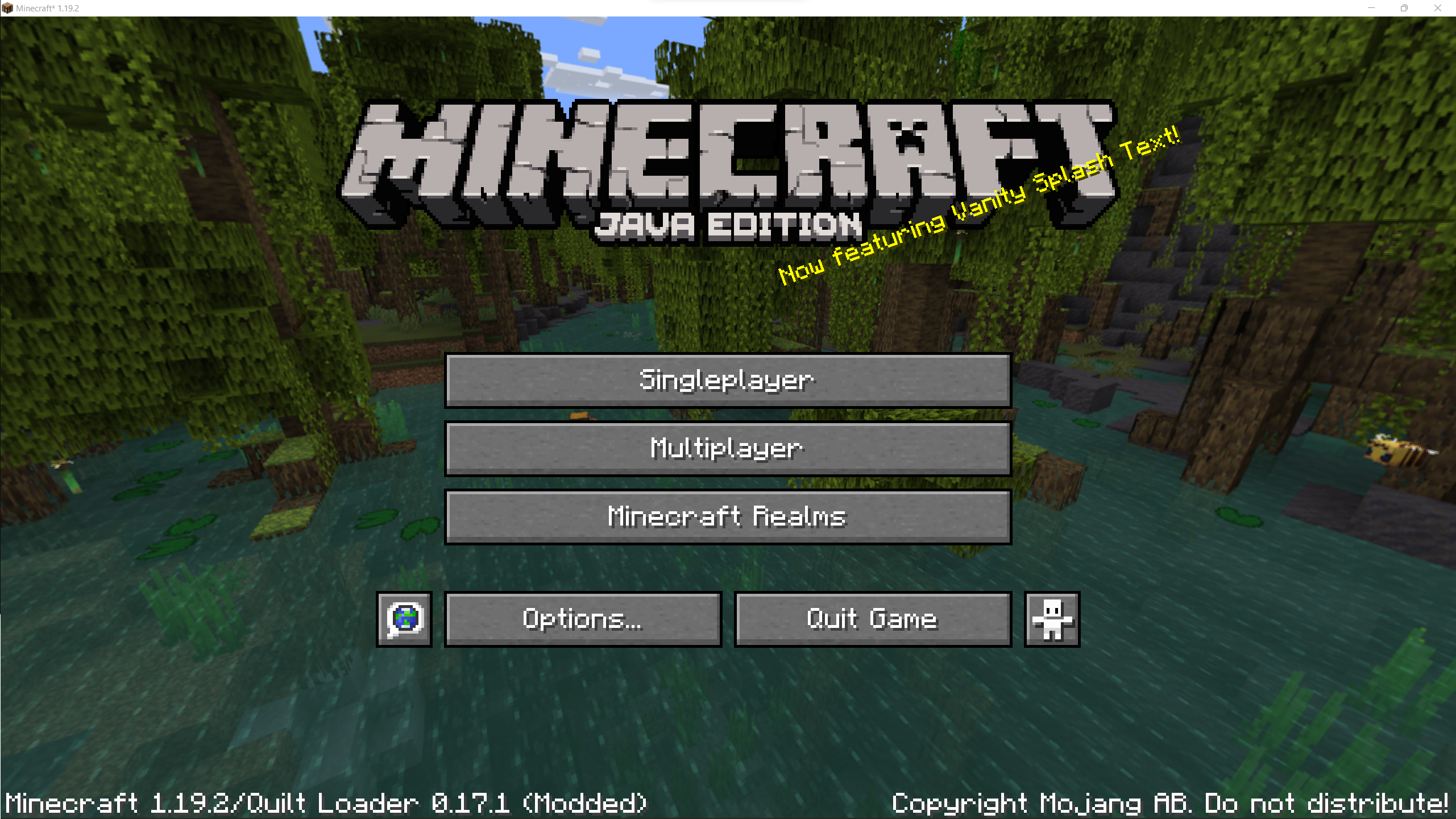
介绍
Have you ever discovered a modpack, seen the twenty-page list of mods, and decided to play without knowing exactly what
mods are you using? This mod is the solution to all your nightmares: it replaces the splash screen random texts with a
message that announces one of the mods that you’re using. The message is randomized, and thus helps you slowly discover
the mods that you are playing with.
⚙️ Configuration
There are a couple of options you can play with in .minecraft/config/vanity_splash_text/config.toml. It is really
recommended for creators of modpacks to adjust the ignore_modid_regexs option to ensure that it has the expected
behaviour.
📚 Modpacks
This mod has been designed with modpacks in mind, so i’ll be very glad if you include it in yours. (Using this mod is also a great way to credit the mods in your modpack)
🎉 ModFest: Singularity
This mod is my submission to ModFest: Singularity!

常见问题
[QUILT] Vanity Splash Text 支持哪些 Minecraft 版本?
[QUILT] Vanity Splash Text 支持 Minecraft Java 版 1.19–1.20.1,共 7 个版本,可用的加载器:Quilt。下载时注意选择和你游戏版本一致的文件。
[QUILT] Vanity Splash Text 怎么安装?
先用 PCL2 或 HMCL 启动器安装对应版本的 Quilt,再把下载的 .jar 文件放进游戏目录的 mods 文件夹,重新启动游戏即可。开启了版本隔离的,mods 文件夹在 versions/版本名 下面。


评论
登录后评论和评分