
Universal Voice Chat
Discord-powered proximity voice chat that works without relying on a server.
截图


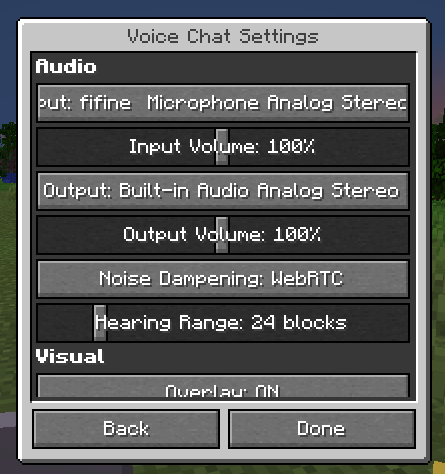

介绍
Universal Voice Chat
Discord-powered proximity voice chat that works without relying on a server.
Usage
First-Time Setup
Only one person has to follow these steps, after which everyone else can utilize the application ID.
- Go to the Discord Developer Dashboard and create a new developer team
- Create a new application and assign it to that team
- Go to the OAuth2 tab and add
http://127.0.0.1/callbackas a redirect URL, and togglePublic Client - Go to Games > Social SDK and fill out the form
- Go back to Overview > General Information and copy the application ID
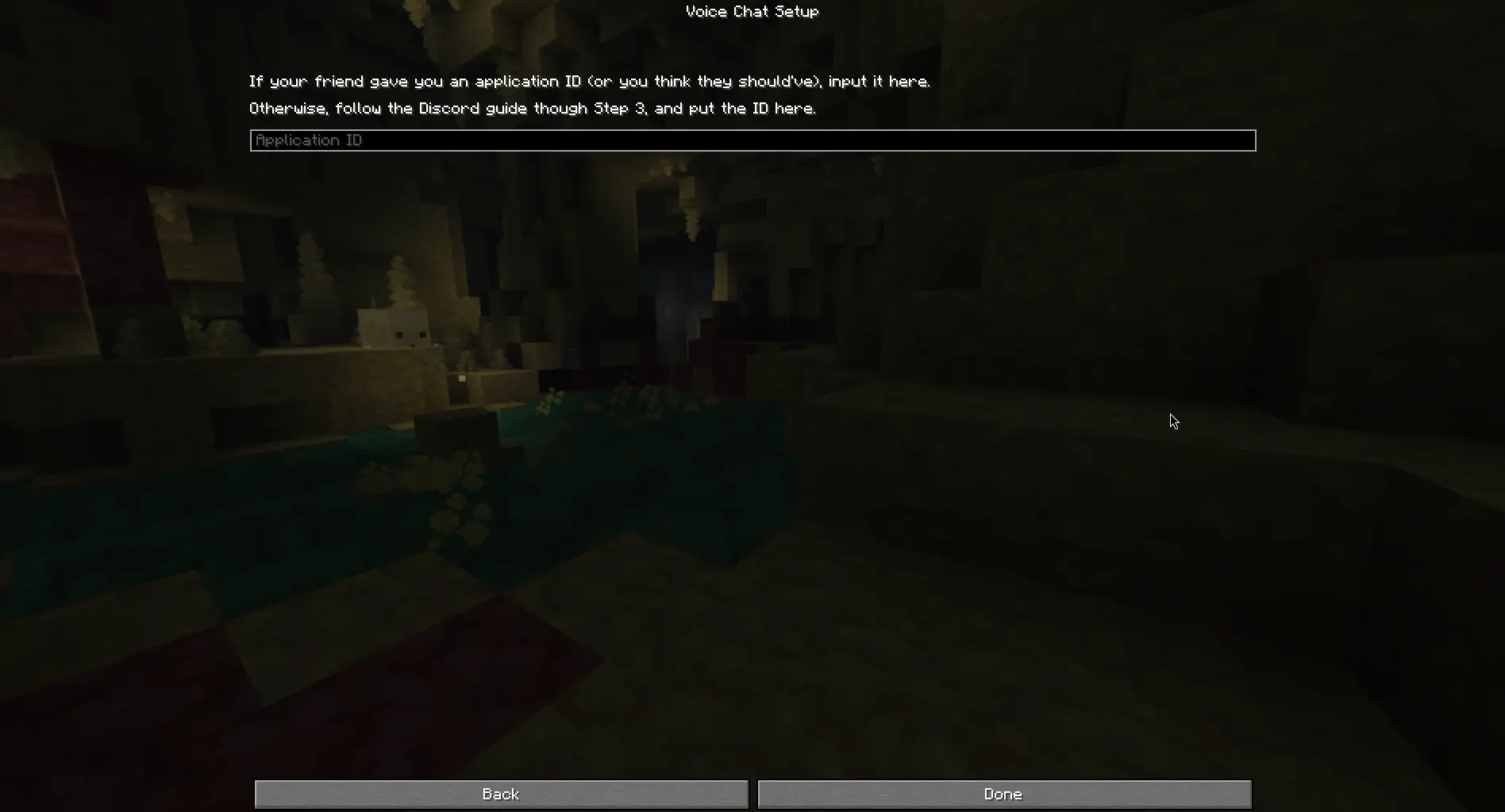
After this, send the application ID to everyone you want to speak with and paste it into the setup screen. Discord will open and ask you for authorization, and you should scroll down until you can click “Authorize”.
Lobbies
You can only hear/speak to people in your lobby. The lobby secret can be basically anything, as long as your friends can type it in.
Input the secret into the menu and click “Join Lobby”.

Notes
This mod is a bit of a proof-of-concept. If you are looking for something to use on your server, use Simple Voice Chat or Plasmo Voice— they will work better there.
Only use this mod with people you trust! There are several places where bad actors could impersonate others or crash your game due to how the Social SDK is designed with client-side lobbies.
Credits
- Discord – UVC uses the Discord Social SDK to handle voice chat
- Simple Voice Chat – UI inspiration (nothing directly copied, but I’ve used it too much not to accidentally take inspiration)
常见问题
Universal Voice Chat 支持哪些 Minecraft 版本?
Universal Voice Chat 支持 Minecraft Java 版 26.2,可用的加载器:Fabric。下载时注意选择和你游戏版本一致的文件。
Universal Voice Chat 怎么安装?
先用 PCL2 或 HMCL 启动器安装对应版本的 Fabric,再把下载的 .jar 文件放进游戏目录的 mods 文件夹,重新启动游戏即可。开启了版本隔离的,mods 文件夹在 versions/版本名 下面。运行环境:仅客户端。
sylvxa 的其他作品
查看全部 →
PetProtect
防止驯服的生物在 PvP 中受到伤害。

noglow
disable the rendering of the glowing effect, primarily targeted at computers that may have issues rendering it

Server-Side Waystones
Polymer-based server sided Waystone mod, with Geyser and vanilla client support.

Item Count Background
Simple mod that adds a configurable background to item counts.
评论
登录后评论和评分