
截图

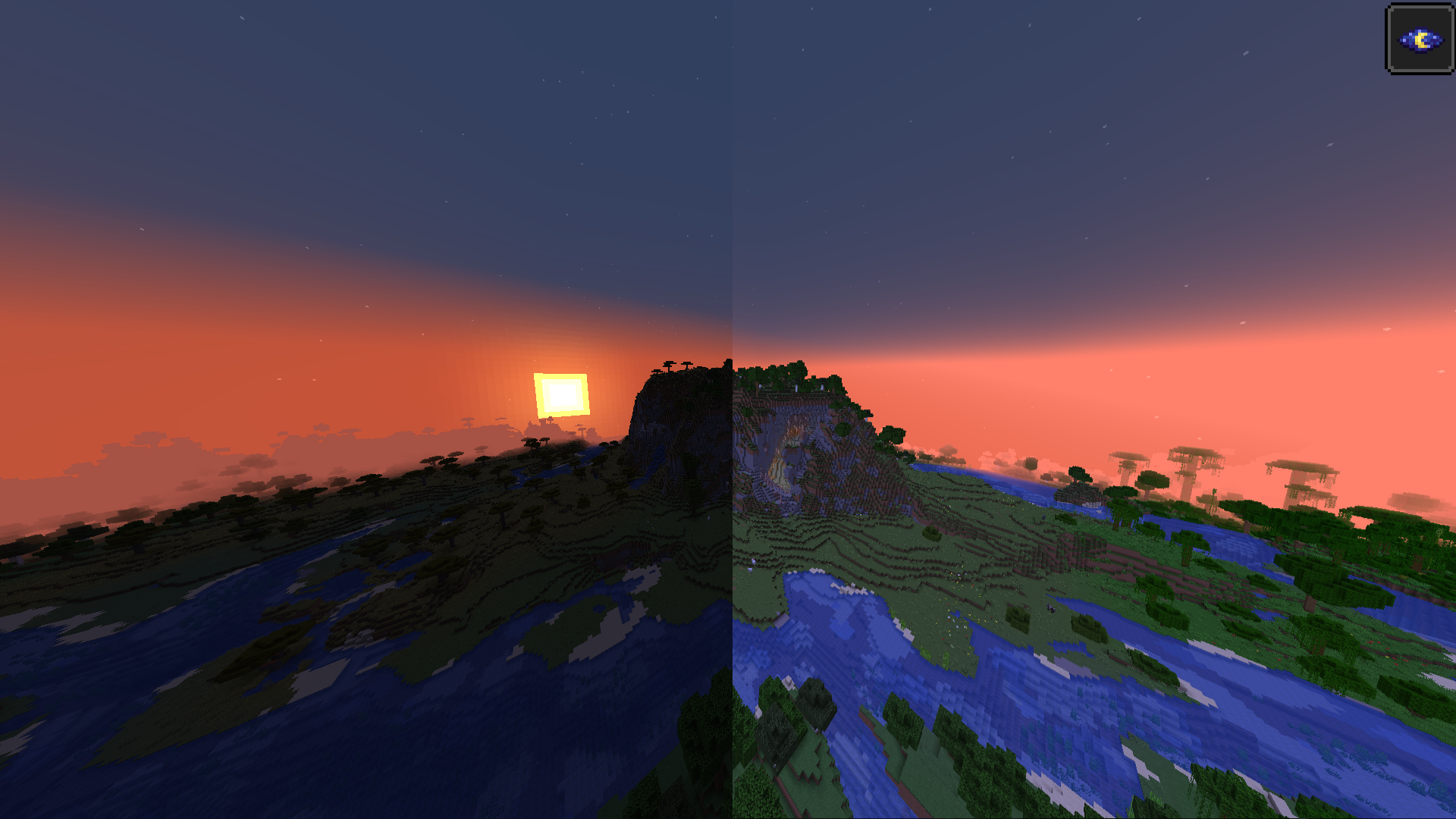
介绍
New Fabric mod. I’m going to upgrade this mod regularily.
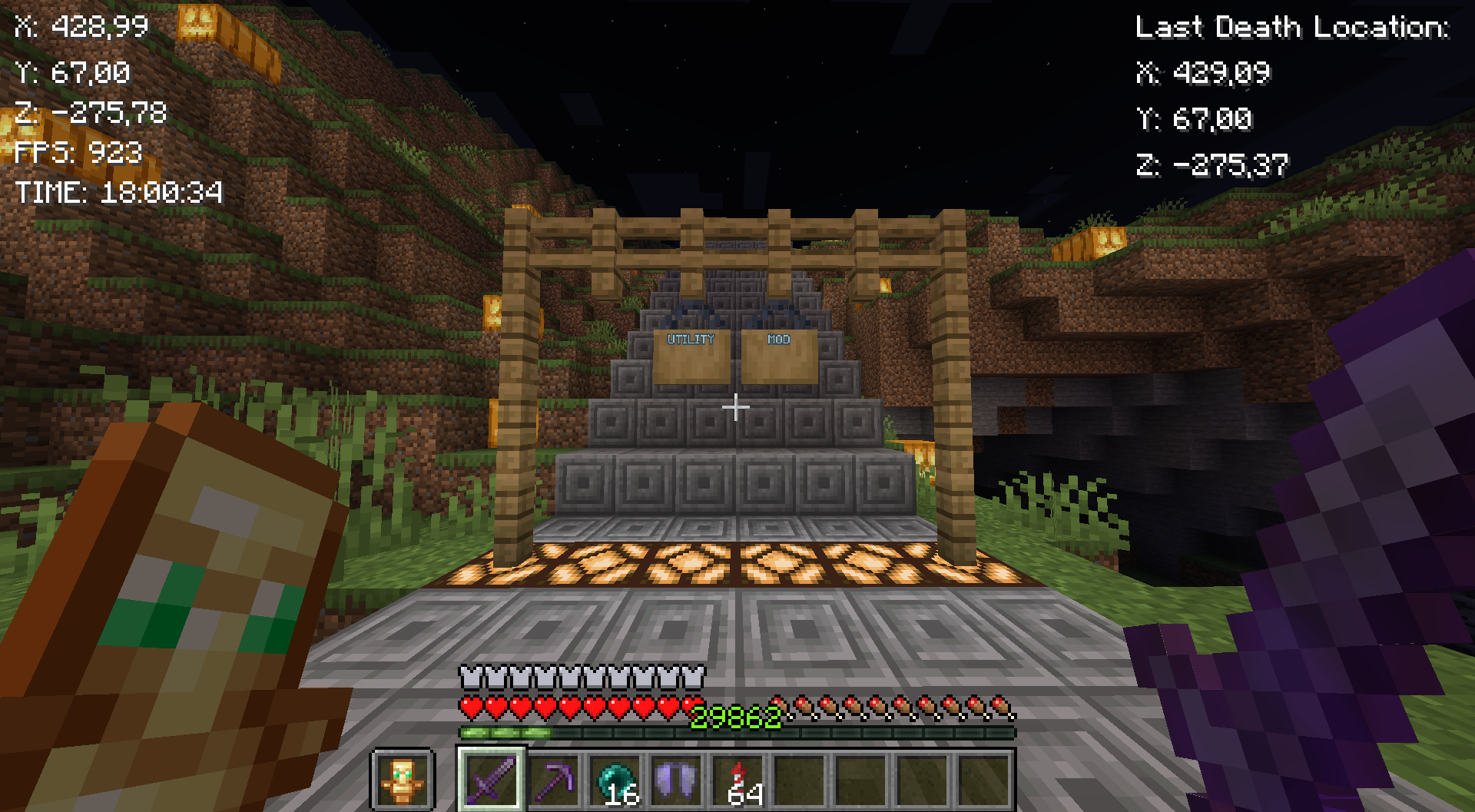
It has button {B} with it you can Go to GUI (Graphical User Interface) And {G} to copy current coordinates. I will keep this mod up for some time and upgrade it.
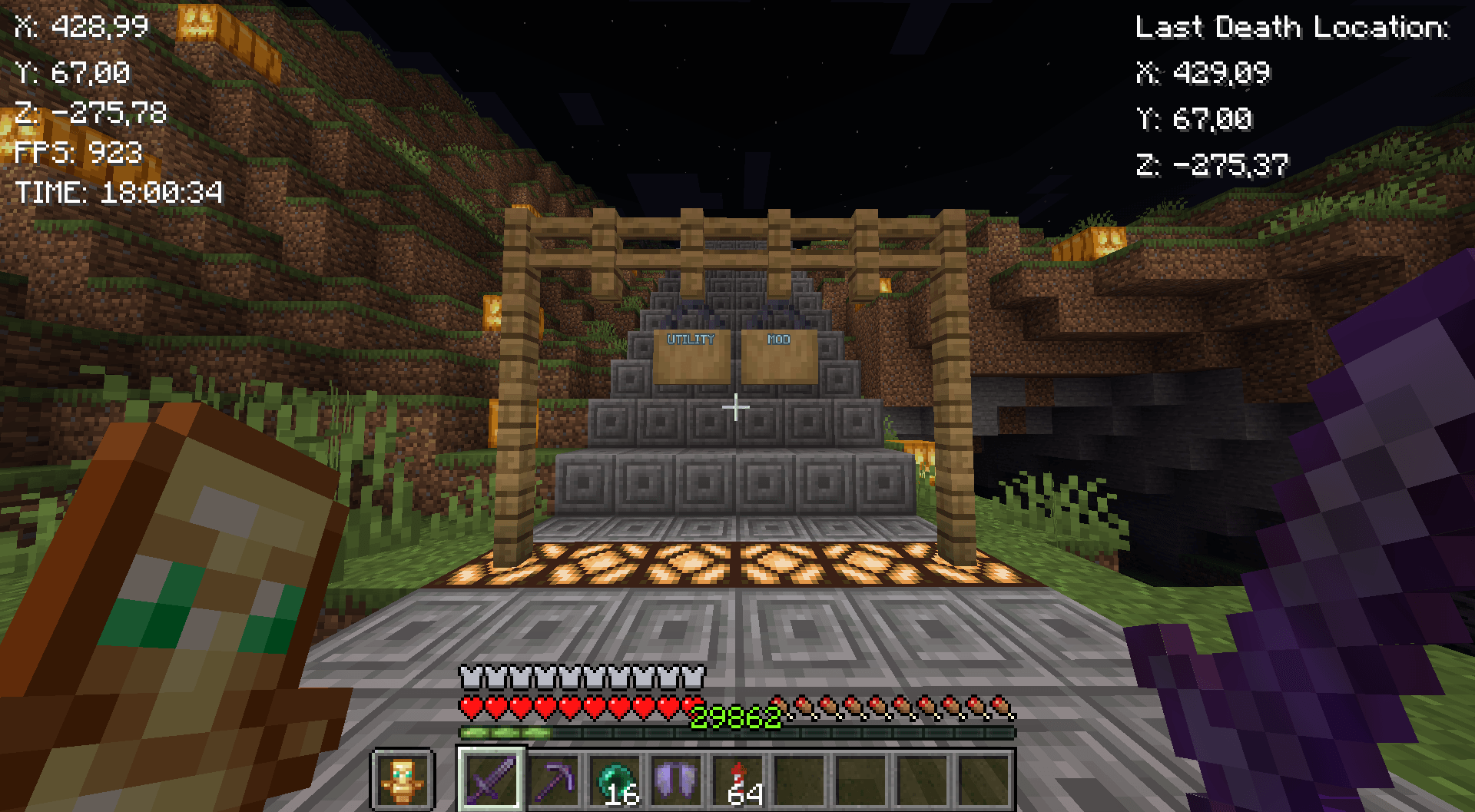
Mod features:
Customizable button {B}
Coordinates
Copy coordintes {G}
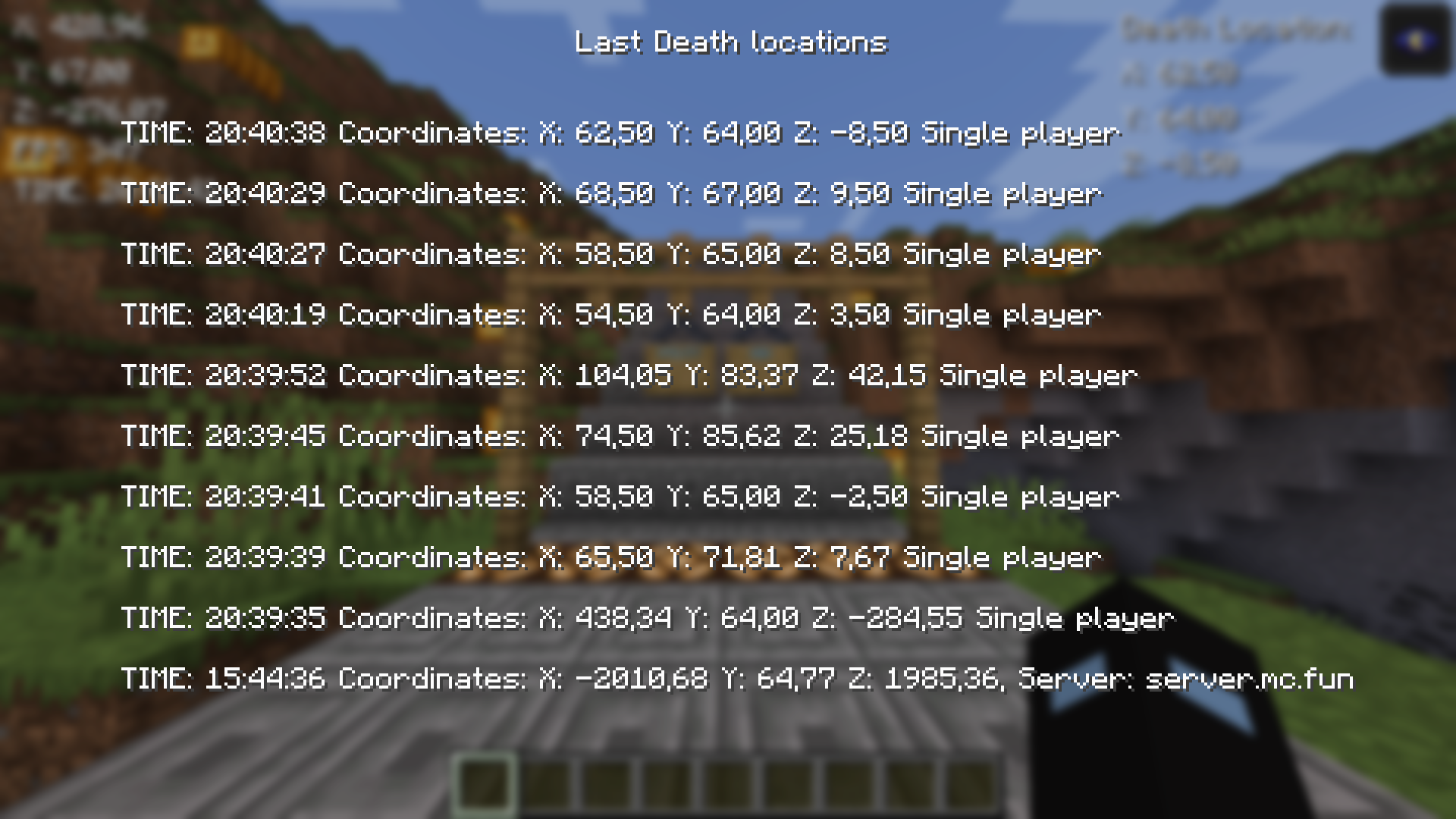
10 last death locations in GUI {L}
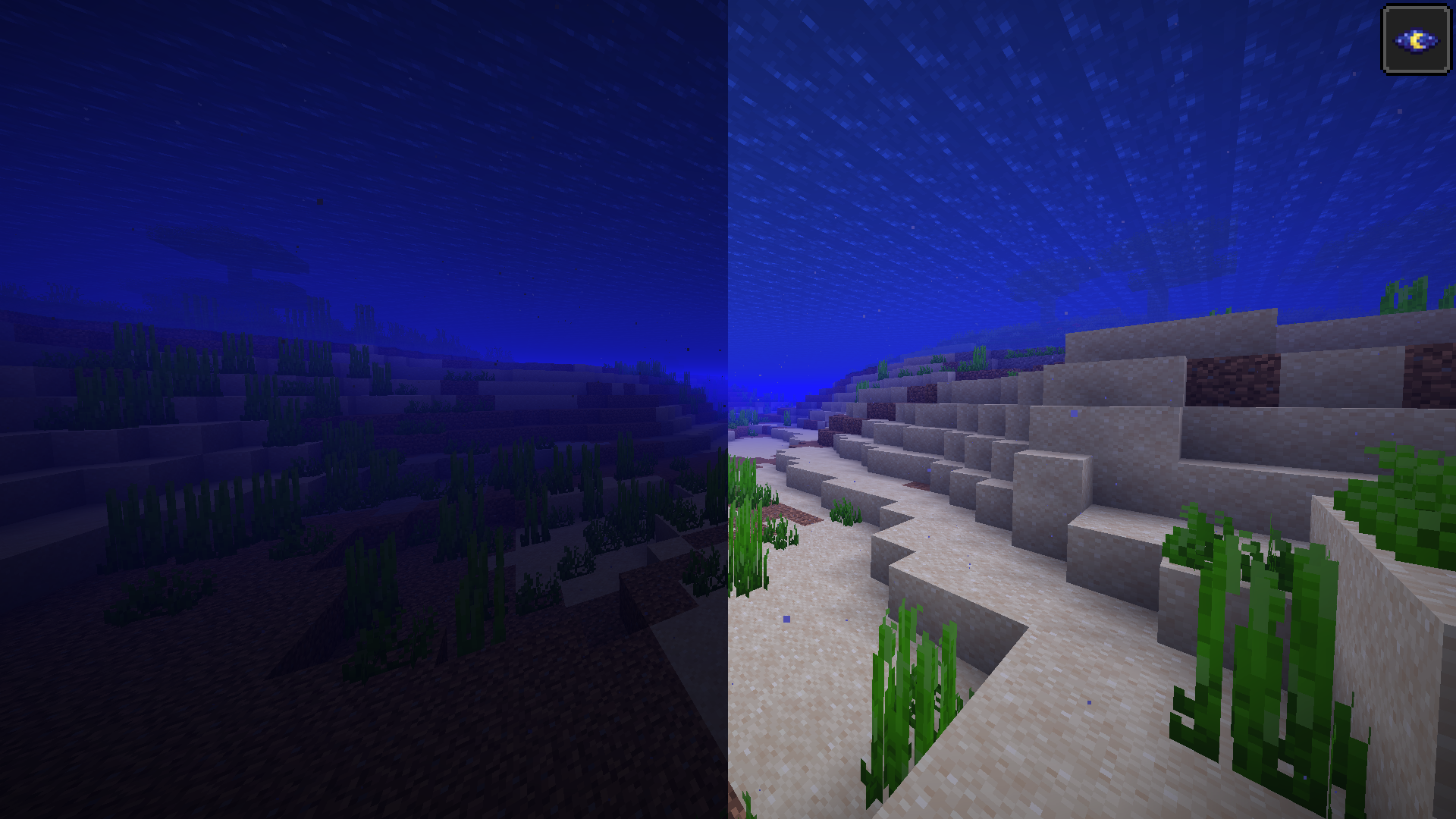
Fullbright
FPS
Time
GUI
Fabric loader version: 0.16.7 or newer!
Quick guide:
Press B to go to GUI
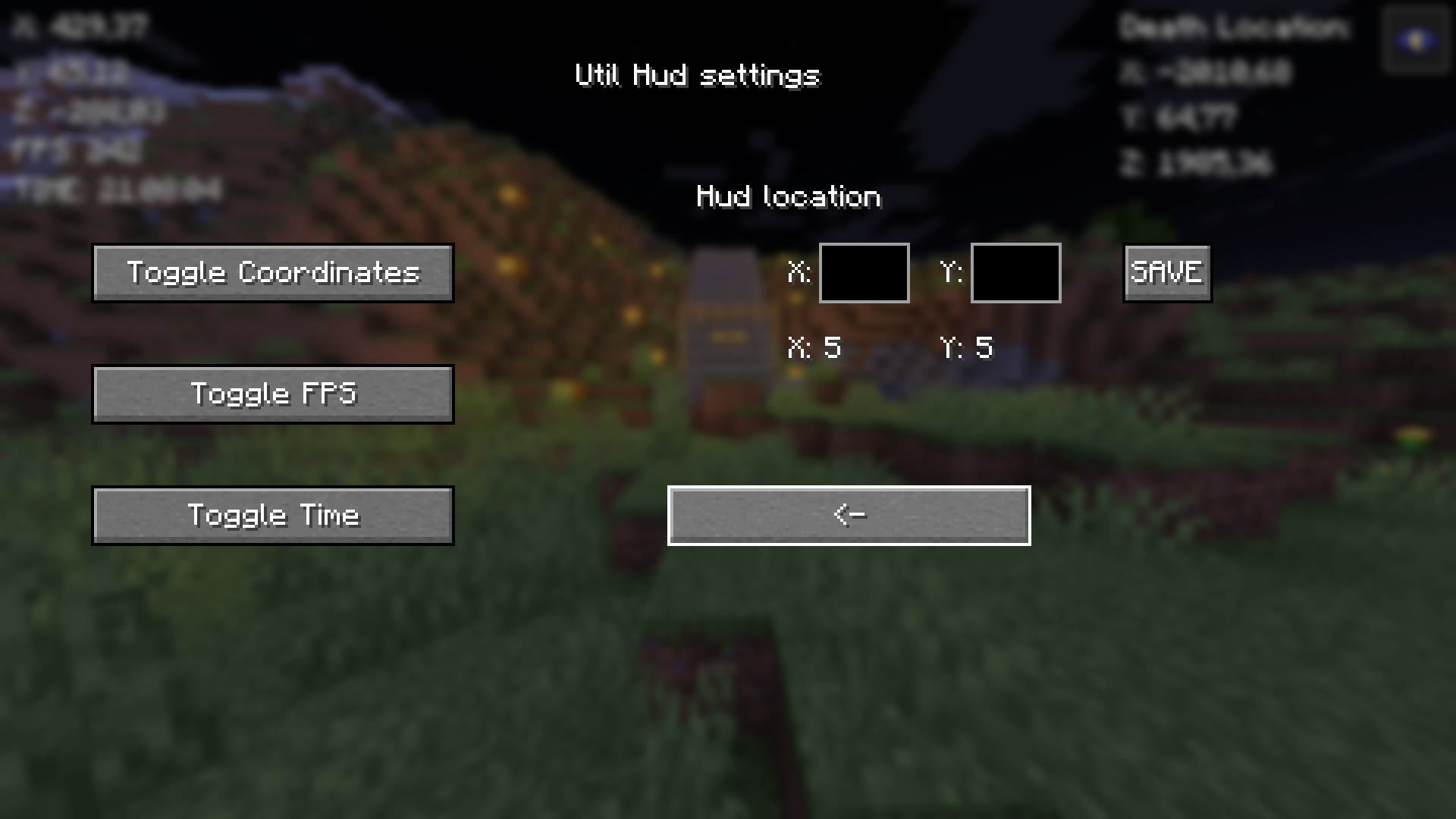
Press the Toggle HUD to turn the hud on
Then turn on things you want to see on HUD
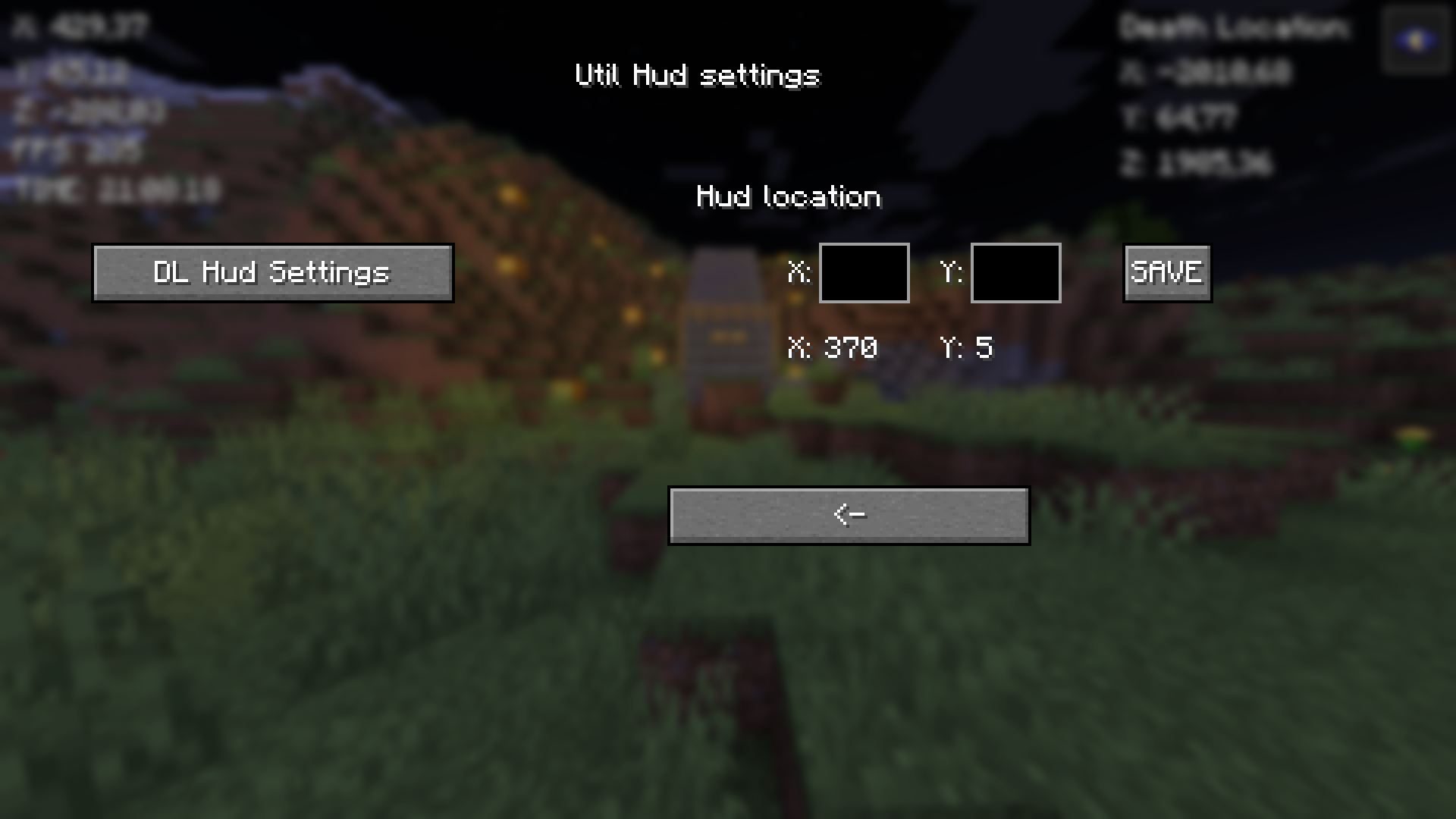
Lastly configure the positions of the HUDs
Copy your death-coordinates-util-hud.txt path with Button in GUI (Show death locations)
You will have to go then to file explorer and paste the path to search bar or press windows key + R and paste the path there and press enter. You will see the following info:
Tips:
X: 5 & Y: 5 in GUI means the current position of the HUD
Be aware of the last death position that If you died in other world it will show you those coordinates I will update this in future!
Visit regularily curseforge.com/minecraft/mc-mods/utility-mod to see new updates first
Notice:
If you remove/rename the file called util-hud-config.json, you will have to do things in quick guide again!
— I will take all feedback and ideas. Fabric mod — This Mod was programmed by NSI21 —
Support me at: ko-fi.com/nsi21![Util HUD]
常见问题
UTIL HUD 支持哪些 Minecraft 版本?
UTIL HUD 支持 Minecraft Java 版 1.21–1.21.4,共 5 个版本,可用的加载器:Fabric。下载时注意选择和你游戏版本一致的文件。
UTIL HUD 怎么安装?
先用 PCL2 或 HMCL 启动器安装对应版本的 Fabric,再把下载的 .jar 文件放进游戏目录的 mods 文件夹,重新启动游戏即可。开启了版本隔离的,mods 文件夹在 versions/版本名 下面。运行环境:仅客户端。
NSI21 的其他作品
查看全部 →
Armor Durability HUD
这个模组会显示盔甲和物品的耐久度。

Fullbright Ultimate
Lightweight fabric mod

UTIL HUD (Coordinates, Fullbright, Fps, time, Last Death location)
This mod has Hud what has coordinates, fps, time and last Death location.

Fullbright Ultimate
This mod will help you see in dark
评论
登录后评论和评分