
截图


介绍
Are you distressed with so many books in your chest?
what a mass in that chest!
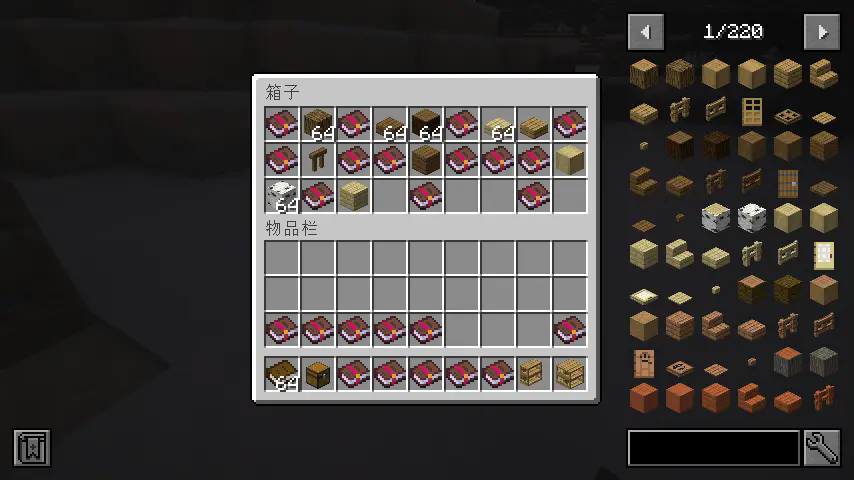
how I wish I could find a better place to store all my enchanting books.
Here! there is a nice thing for you, my bookshelves!

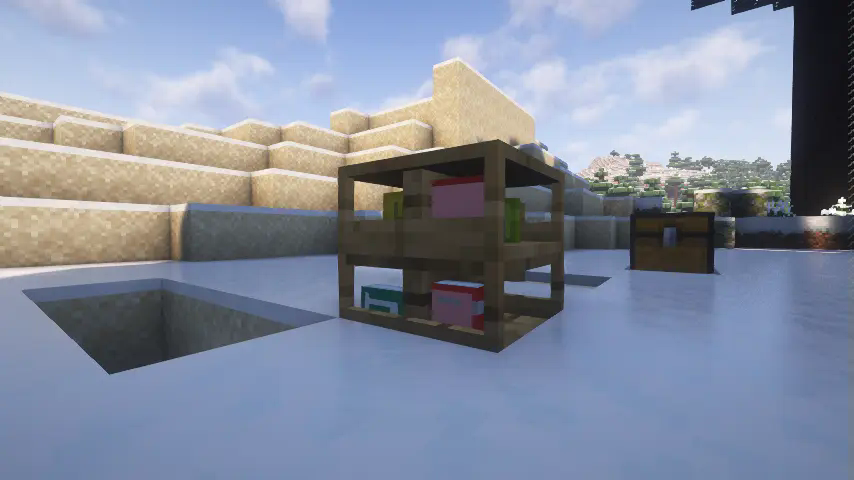
a special container to store books
the bookshelves can store a little bit more than a normal chest
each slot with unique 3d model and details
when you put a book in a slot you could notice a book model displayed in the bookshelves
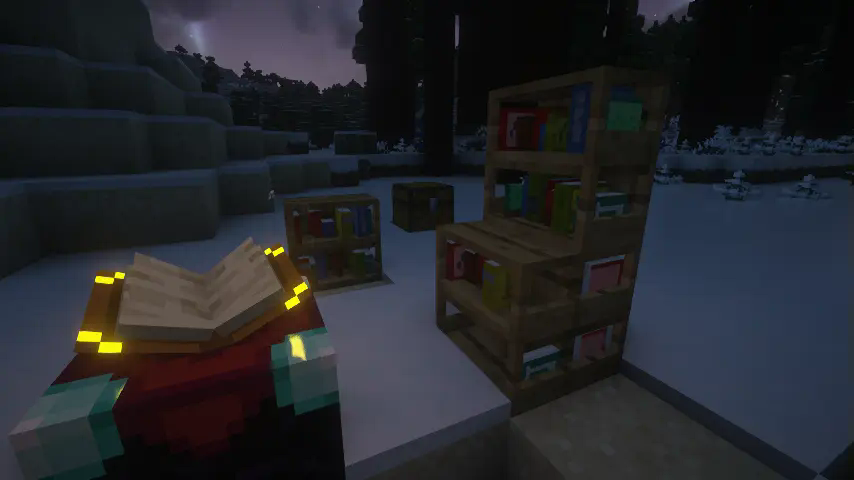
compatible with enchant table
just like the minecraft:bookshelf, my bookshelves did provide ability of enchanting
can I store other mod’s book in it?
yes,we have two way to make it
the eaziest,you hold the book you want to store in your main hand and hold “Paper” in your off hand, then “shift + left click” any useful bookshelf. you’ll find you can store the book then.
the harder, manualy write the book’s description id to mod’s common config file, the id looks like “item.minecrafts.tick”,you could press “F3” + “H” in the game and hover your cursor in any items to get the id.
How to install
first, you download the latest version file. then just put it in your mods folder
Future
- more bookshelves with different types and materials crafted by different planks even in iron block
- order or disorder book’s model
常见问题
Useful Bookshelves 支持哪些 Minecraft 版本?
Useful Bookshelves 支持 Minecraft Java 版 1.21.1,可用的加载器:NeoForge。下载时注意选择和你游戏版本一致的文件。
Useful Bookshelves 怎么安装?
先用 PCL2 或 HMCL 启动器安装对应版本的 NeoForge,再把下载的 .jar 文件放进游戏目录的 mods 文件夹,重新启动游戏即可。开启了版本隔离的,mods 文件夹在 versions/版本名 下面。运行环境:客户端和服务端都要装。
评论
登录后评论和评分