
UPaint
作者:nnka3
Paint your Minecraft skin in-game. Live, with a full editor, screen pipette, and instant multiplayer sync.
截图
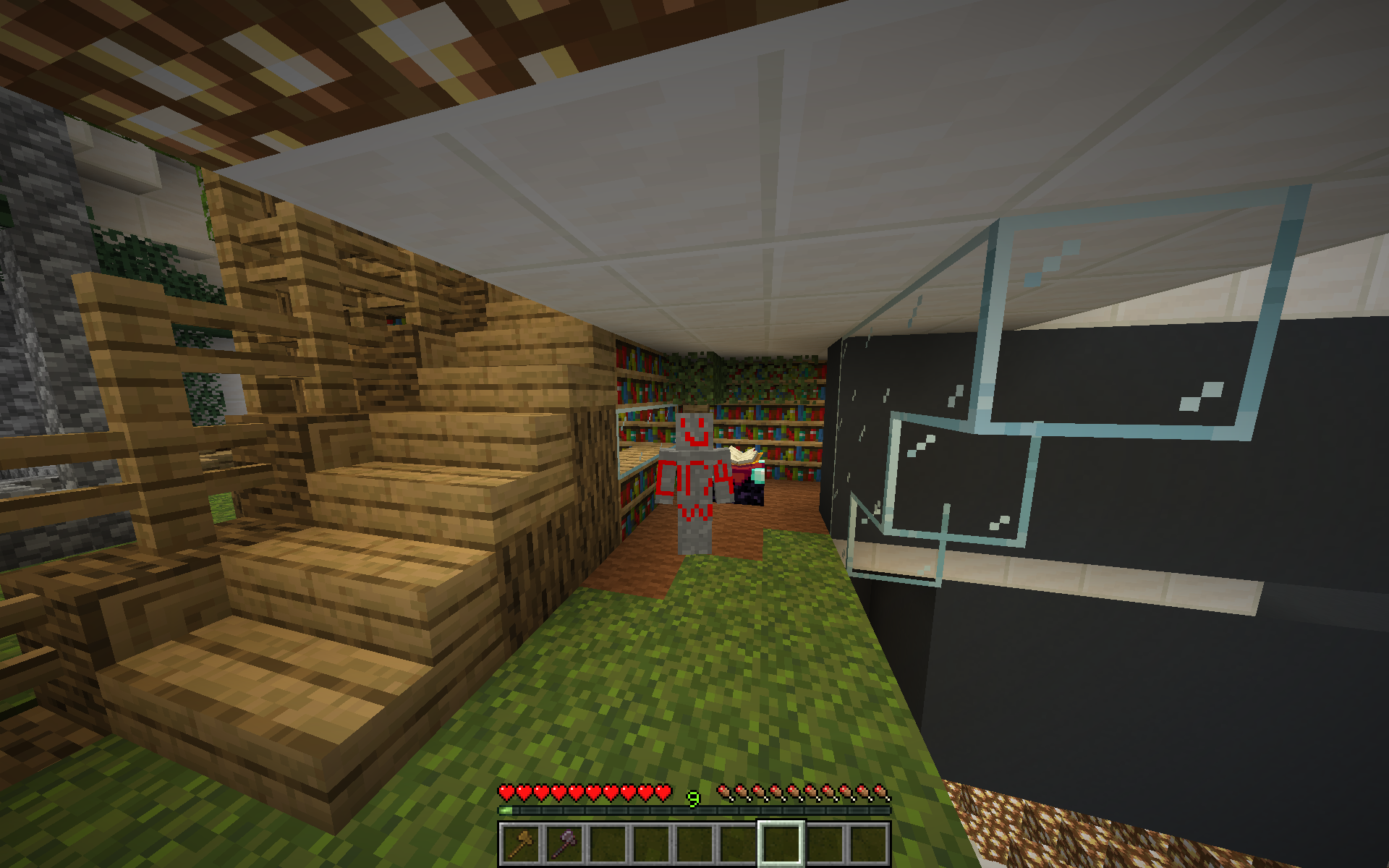
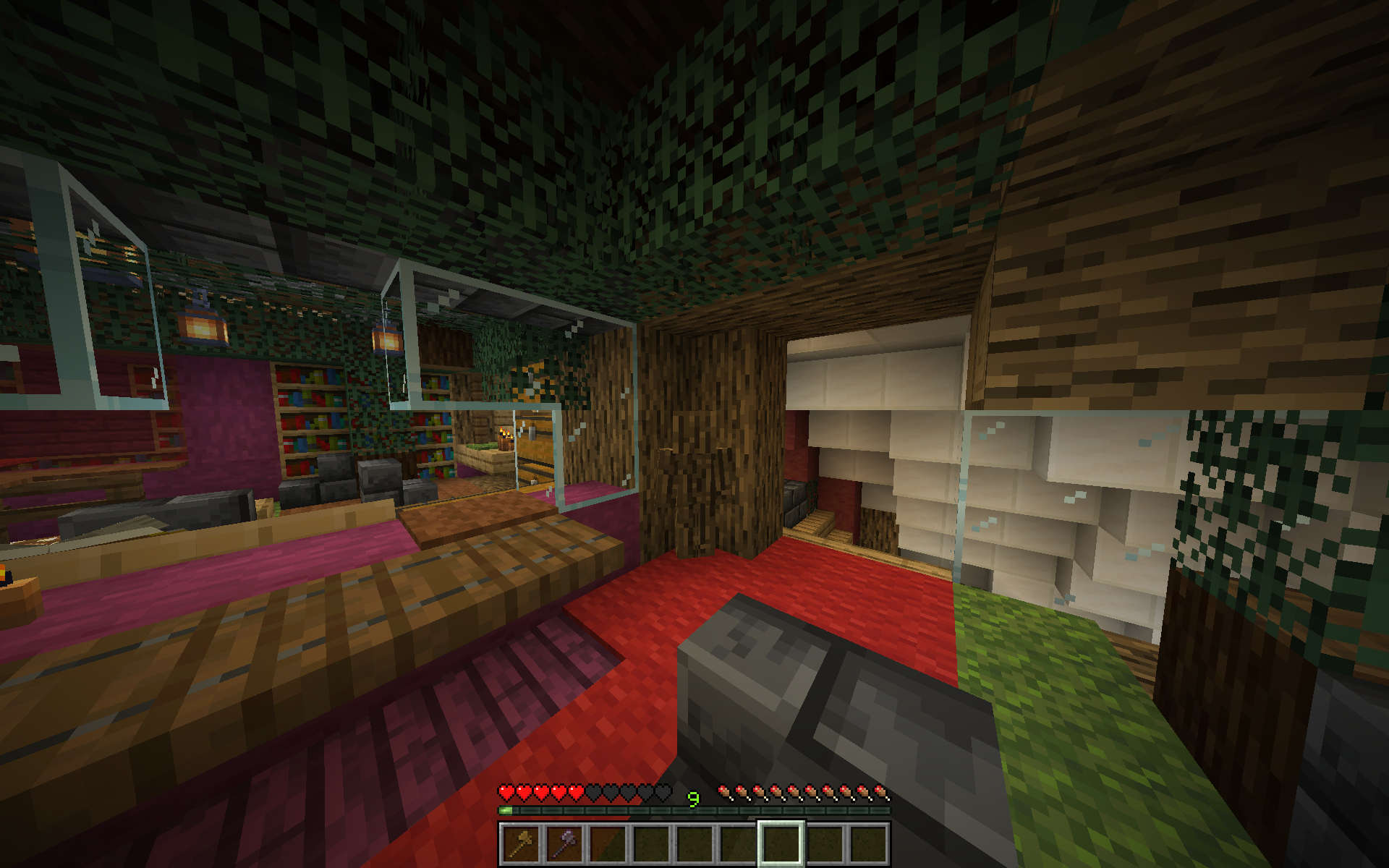
介绍
中文介绍正在准备中,下面暂时显示原文。
This mod allows you to edit, create, and load skins for your character directly while playing Minecraft.
Basically you:
- Open your inventory.
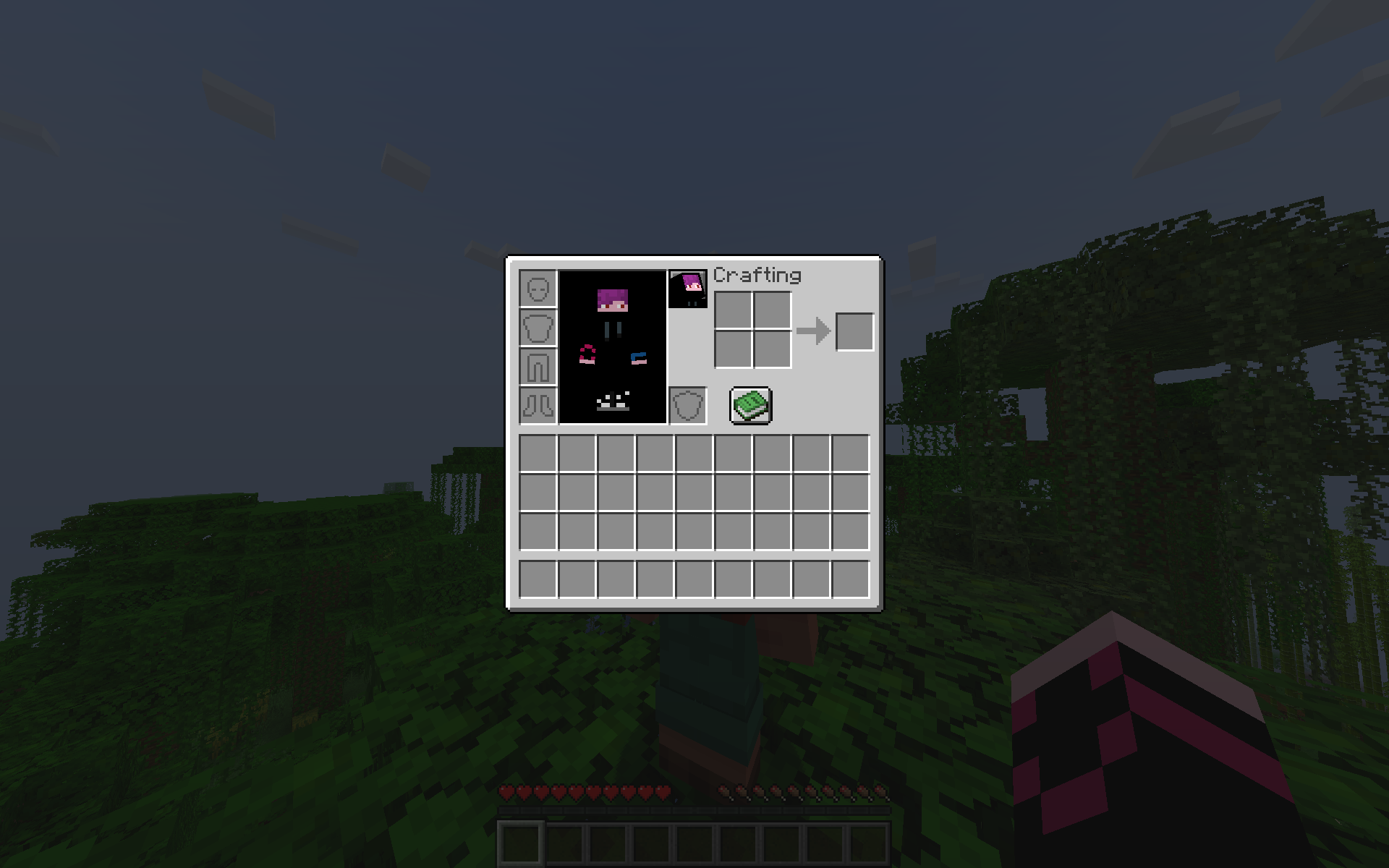
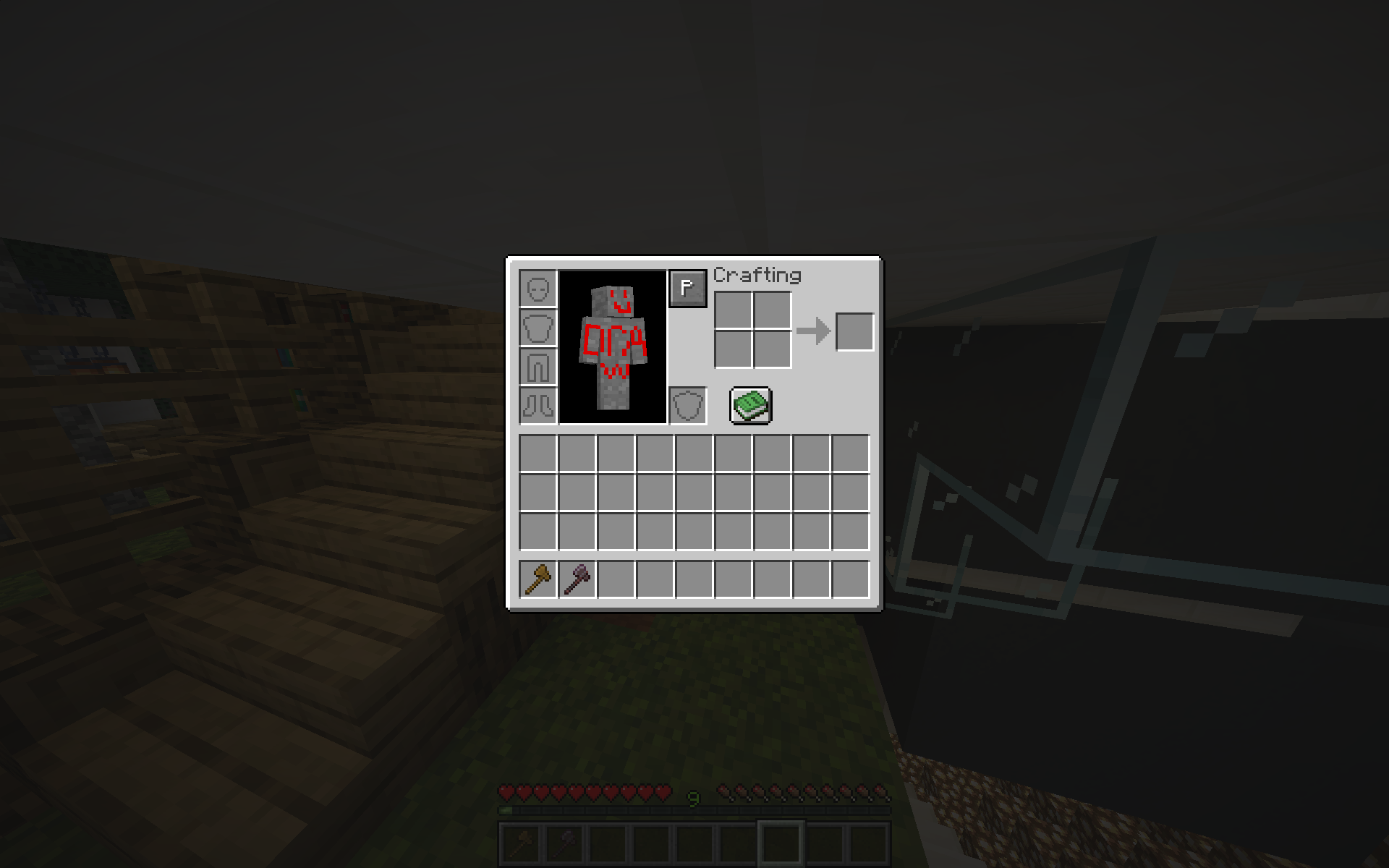
- Click the button next to your character preview.
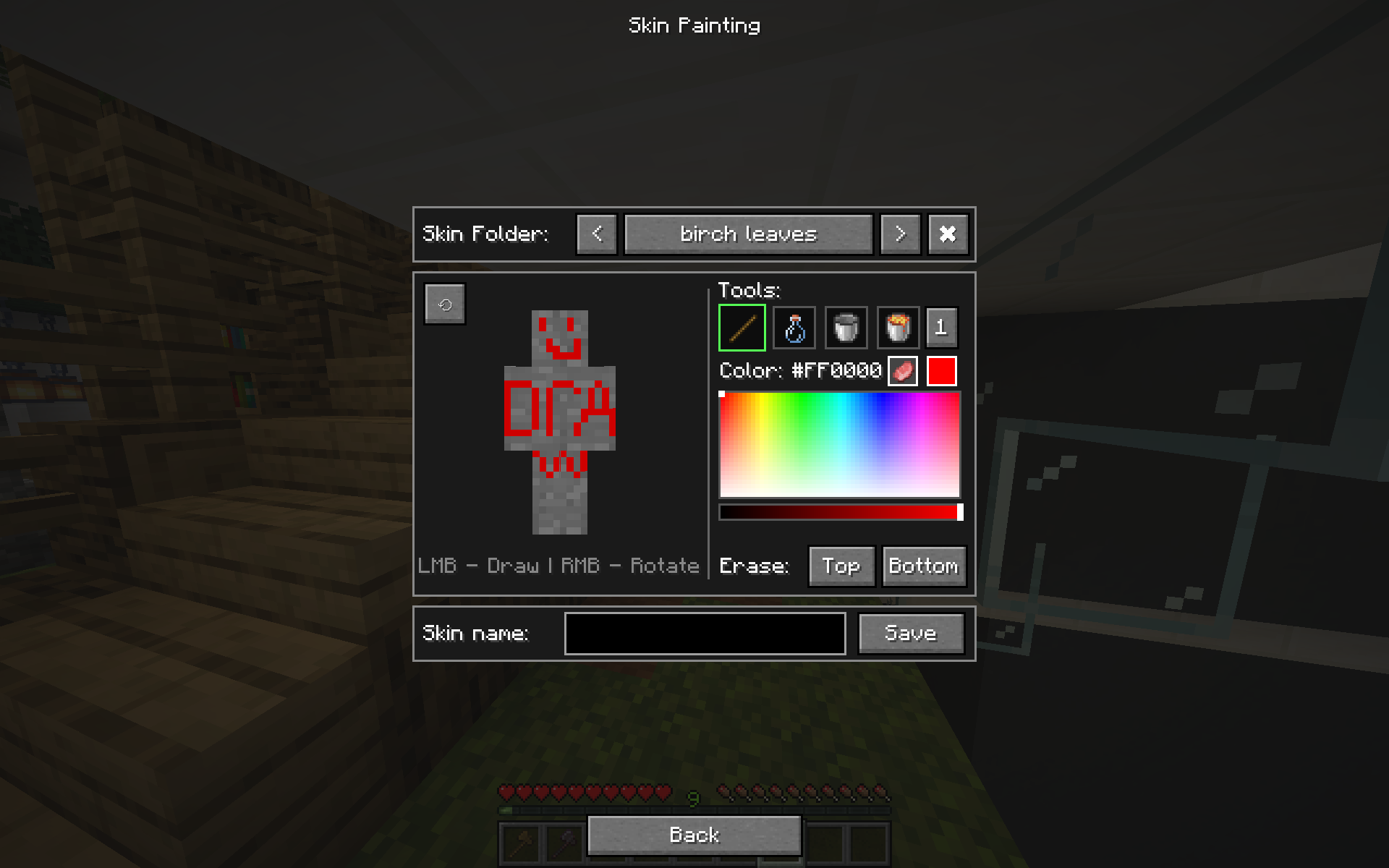
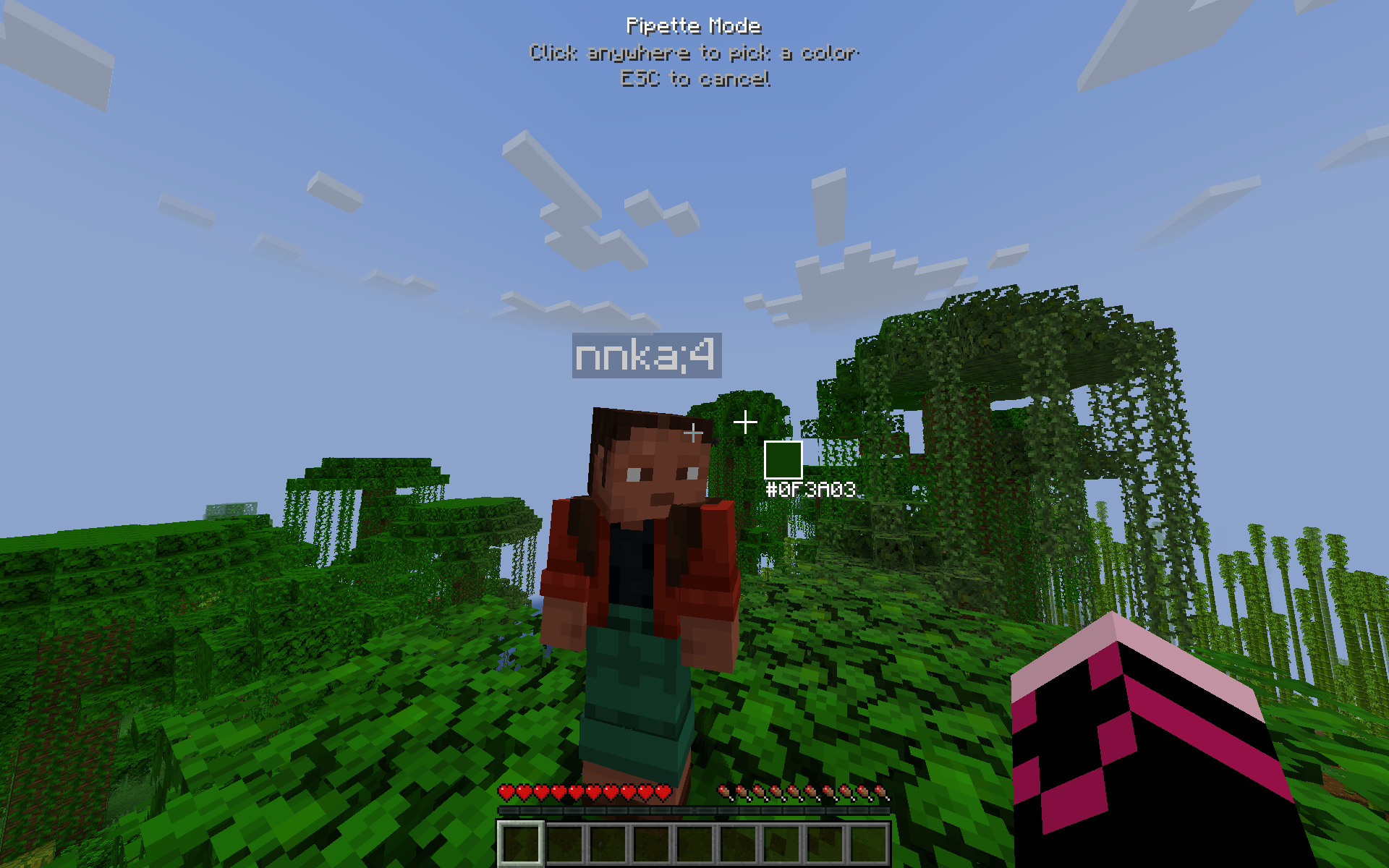
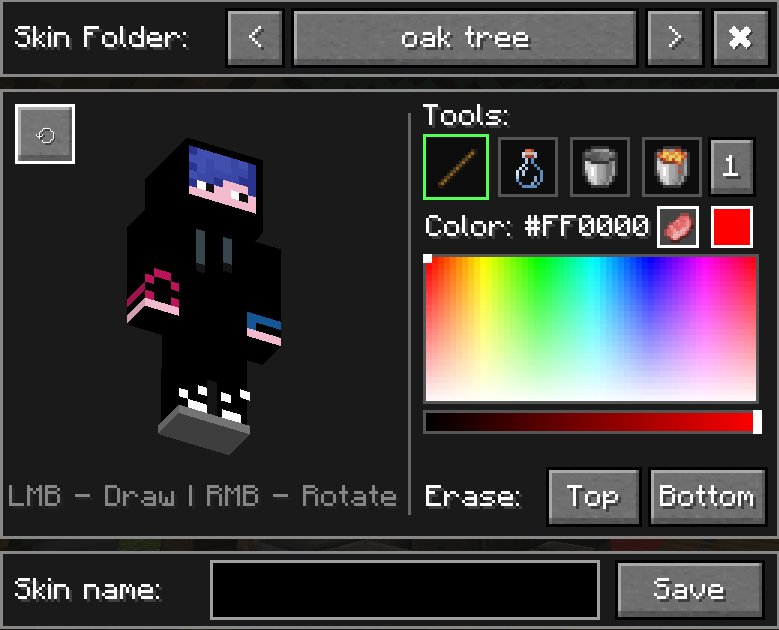
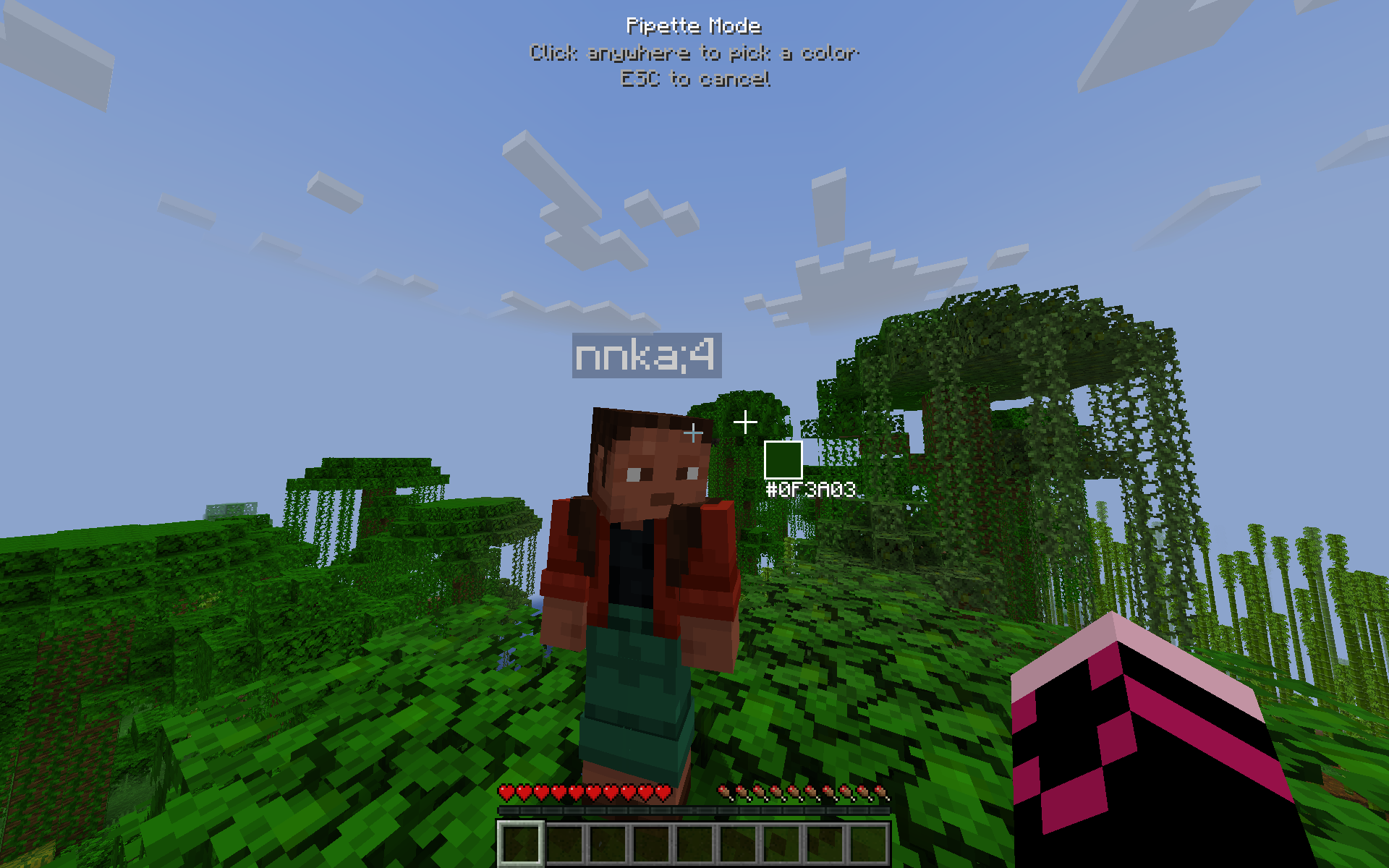
- Use the color palette and tools to paint your skin. Possibly use screen pipette if playing hide&seek.
- Click “Back”, and you’re done, and everybody else instantly sees your changes without you leaving the world. As easy as it sounds.
Key Features:
- Built-in Editor: Features a full color palette and a set of tools.
- Screen Pipette: It is great for hide&seek. You can sample colors from your surroundings and paint your skin to blend in.
- Save & Load: Save and load your skins to/from a
skinsfolder inside your.minecraftdirectory under custom names, without ever leaving the game. - Undo/Redo: Use Ctrl+Z for Undo and Ctrl+Shift+Z for Redo.
Important notes:
- To display your custom skin on a server, this mod MUST be installed on the server as well. Otherwise it wont work.
- This mod will not work on TLauncher because their mod
tl skin capeoverrides vanilla skin mechanics, breaking skin mods. Use legacy launcher, prism launcher or vanilla minecraft launcher to avoid issues.
常见问题
UPaint 支持哪些 Minecraft 版本?
UPaint 支持 Minecraft Java 版 1.20–1.20.4,共 5 个版本,可用的加载器:Fabric。下载时注意选择和你游戏版本一致的文件。
UPaint 怎么安装?
先用 PCL2 或 HMCL 启动器安装对应版本的 Fabric,再把下载的 .jar 文件放进游戏目录的 mods 文件夹,重新启动游戏即可。开启了版本隔离的,mods 文件夹在 versions/版本名 下面。运行环境:客户端和服务端都要装。
评论
登录后评论和评分