
Universal Portals (Portals to anywhere)
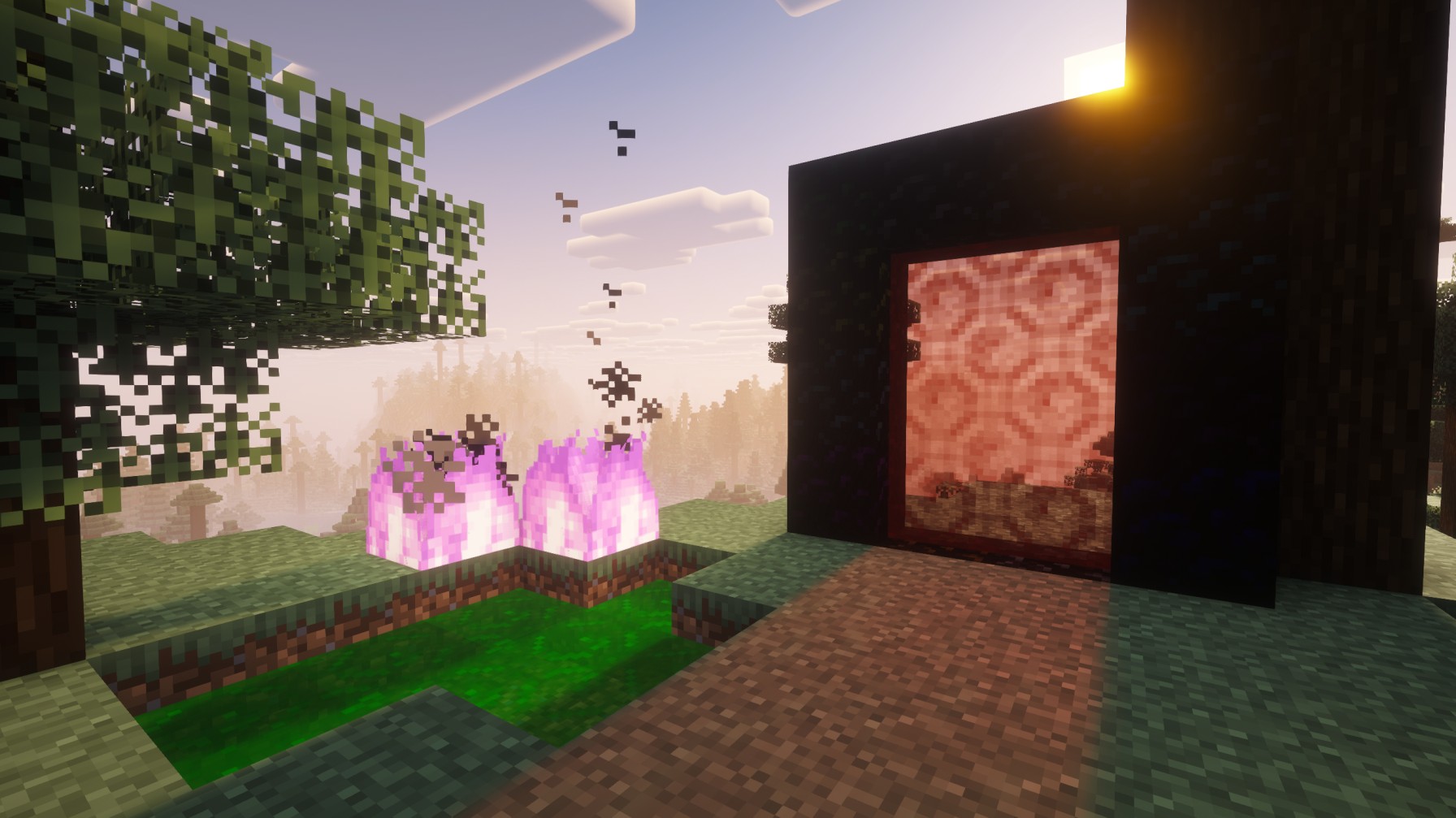
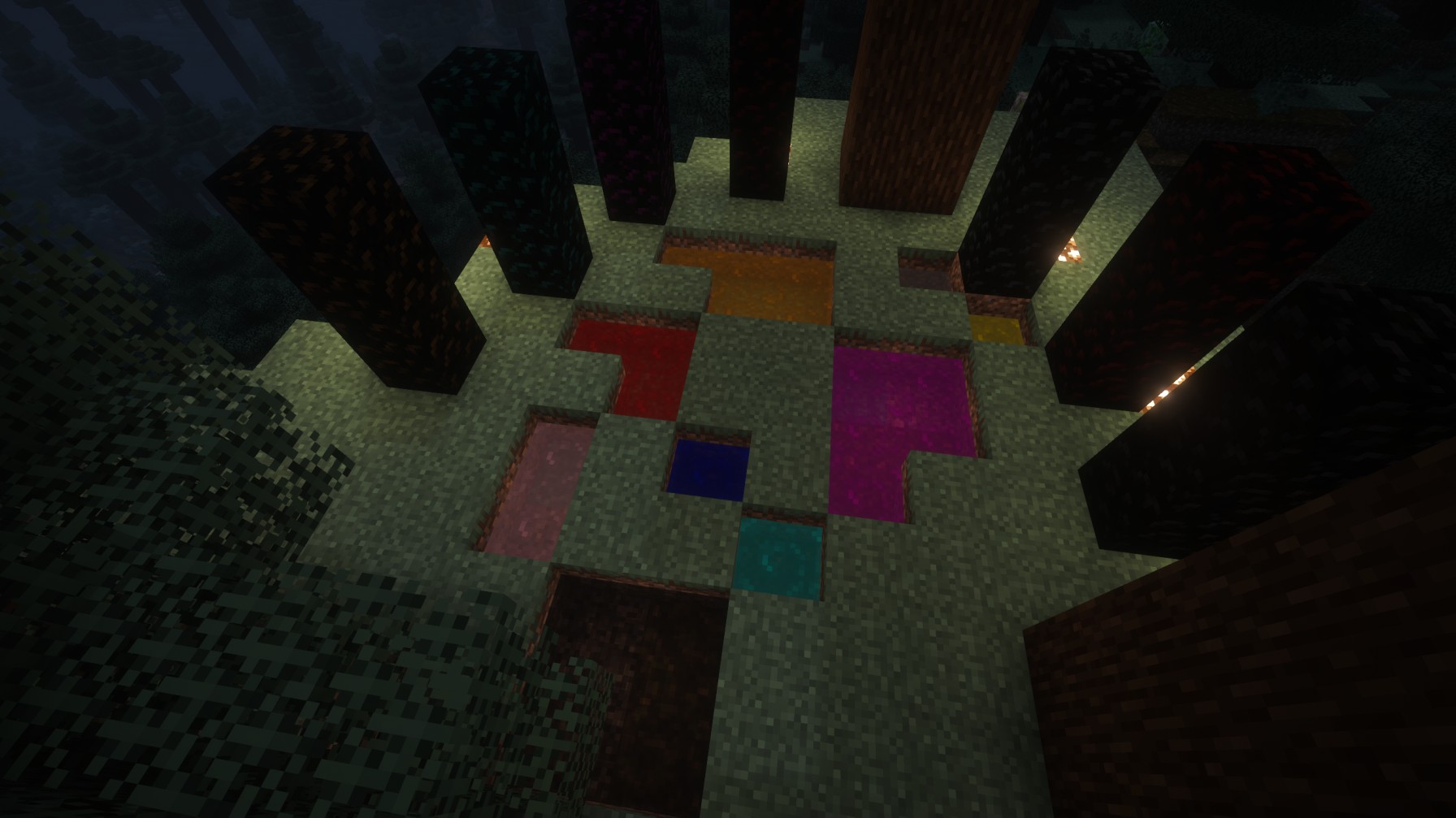
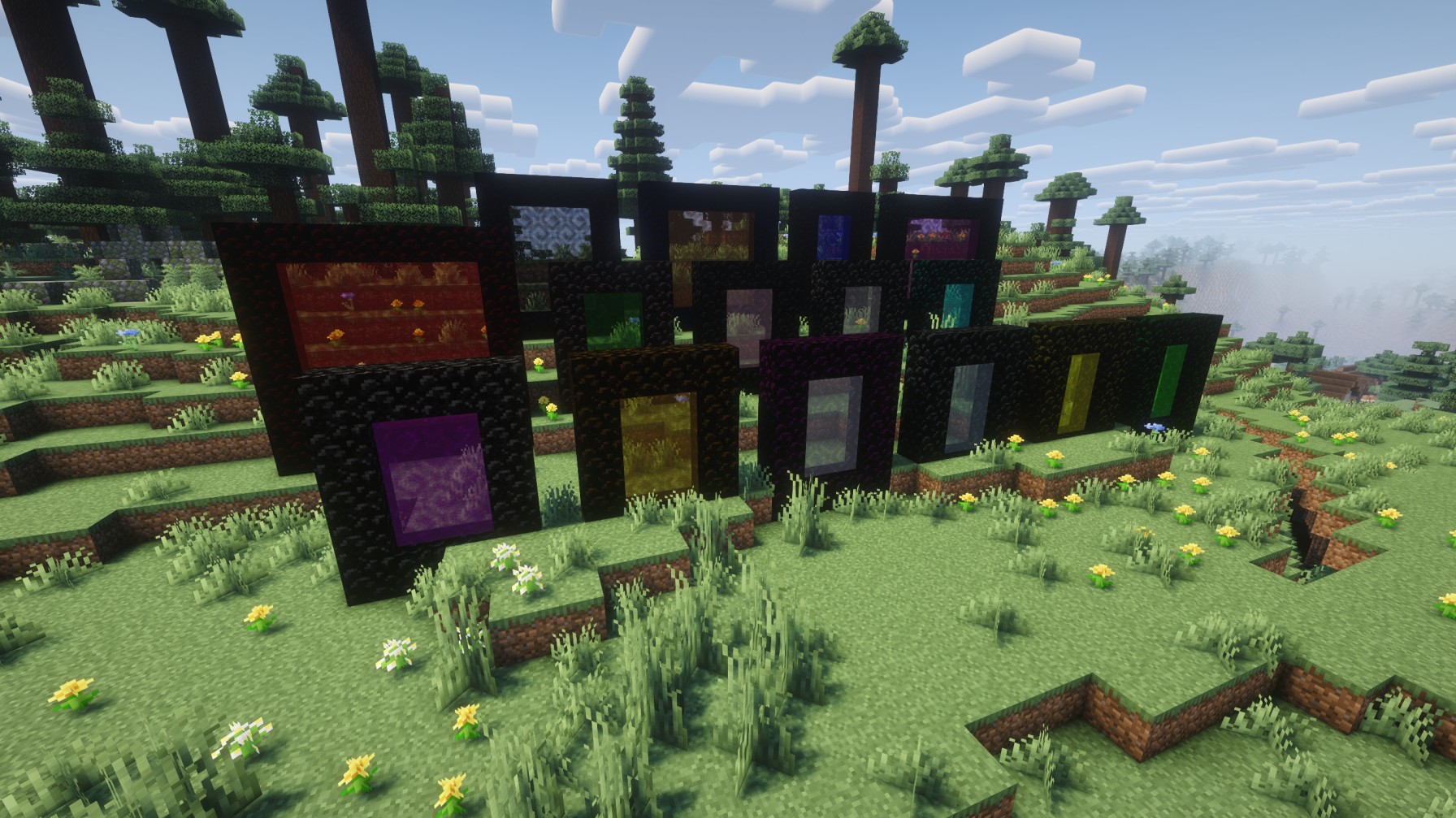
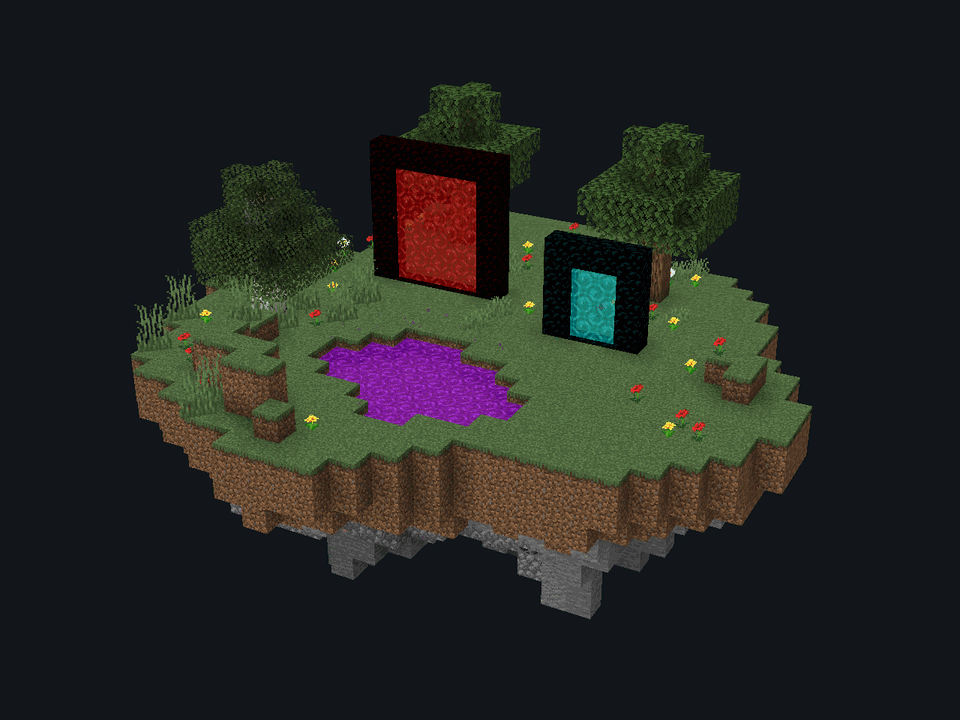
Universal Portals 为 Minecraft 添加 16 种全新彩色传送门。传送门既可以竖立放置,也可以横向平放在地面上。
截图


介绍
[![https://erozeq.click/mods/mod?id=universal-portals]()](https://erozeq.click/mods/mod?id=universal-portals)

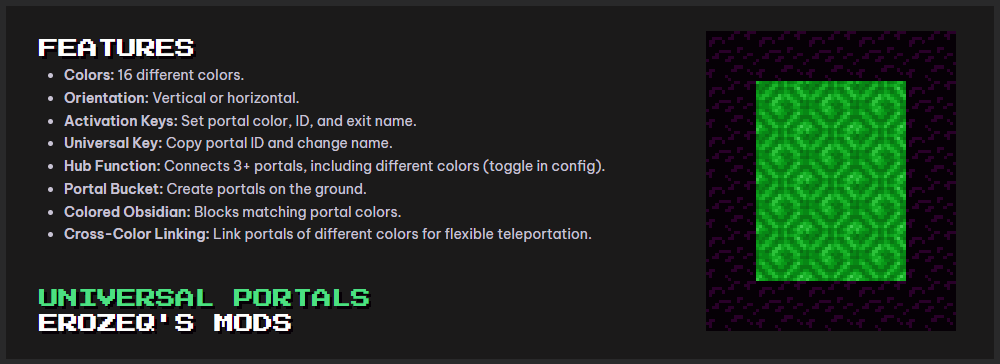
FEATURES
- Colors: 16 different colors
- Orientation: Vertical or horizontal
- Activation Keys: Set portal color, ID, and exit name
- Universal Key: Copy portal ID and change name
- Hub Function: Connects 3+ portals, including different colors (toggle in config)
- Portal Bucket: Create portals on the ground
- Colored Obsidian: Blocks matching portal colors
- Cross-Color Linking: Link portals of different colors for flexible teleportation
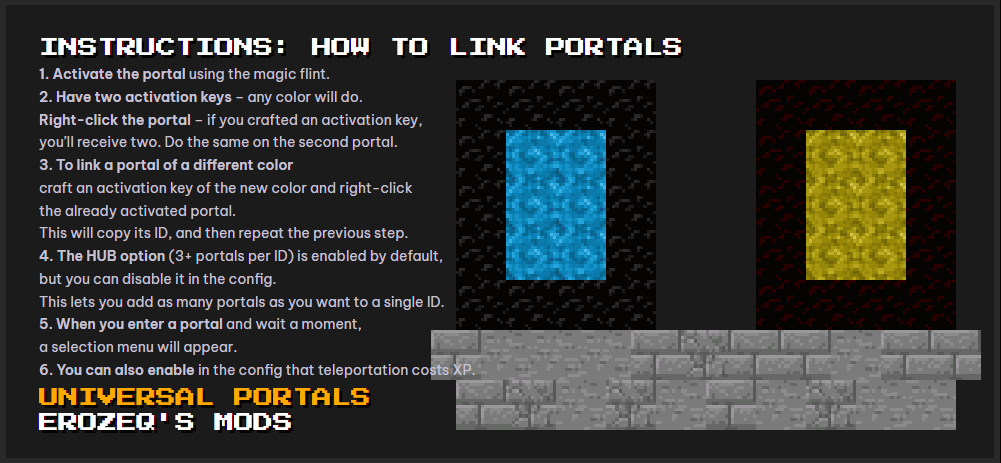
INSTRUCTIONS: HOW TO LINK PORTALS
- Activate the portal using the magic flint
- Have two activation keys (any color) Right-click the portal → if you crafted an activation key, you’ll receive two Do the same on the second porta
- To link a portal of a different color Craft an activation key of the new color Right-click the already activated portal (this copies its ID) Repeat step 2 on the second portal
- **HUB option (3+ portals per ID) **Enabled by default Can be disabled in the config Allows multiple portals to share a single ID
- When you enter a portal and wait a moment, a selection menu will appear
- Optional: teleportation can cost XP (config setting)
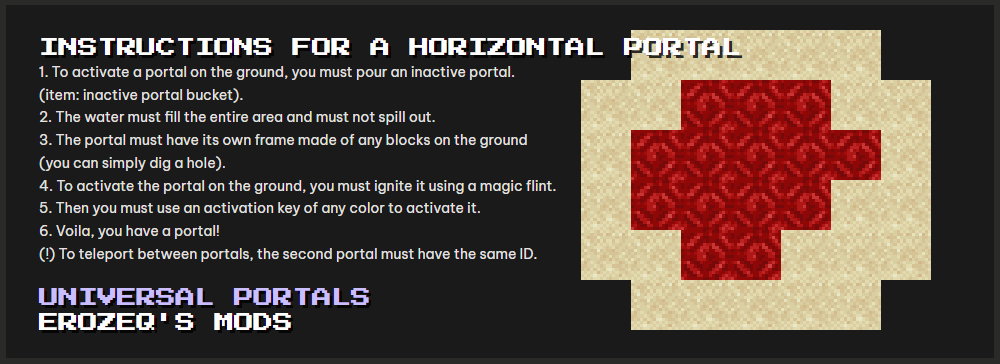
INSTRUCTIONS FOR A HORIZONTAL PORTAL
- Pour an inactive portal using:
inactive portal bucket
- The liquid must Fill the entire area Not spill outside
- The portal needs a frame made of any blocks on the ground (you can simply dig a hole)
- Ignite the portal using a magic flint
- Use an activation key (any color)
- Done – you have a portal
Important
To teleport between portals, the second portal must have the same ID
常见问题
Universal Portals (Portals to anywhere) 支持哪些 Minecraft 版本?
Universal Portals (Portals to anywhere) 支持 Minecraft Java 版 1.20.1–26.3,共 6 个版本,可用的加载器:Fabric / Forge / NeoForge。下载时注意选择和你游戏版本一致的文件。
Universal Portals (Portals to anywhere) 怎么安装?
先用 PCL2 或 HMCL 启动器安装对应版本的 Fabric / Forge / NeoForge,再把下载的 .jar 文件放进游戏目录的 mods 文件夹,重新启动游戏即可。开启了版本隔离的,mods 文件夹在 versions/版本名 下面。运行环境:客户端和服务端都要装。
EroZeq 的其他作品
查看全部 →
TNT Logic – Realistic Explosion Physics
爆炸现在会引发逼真的逐块结构坍塌。看着整栋建筑一块接一块地崩塌吧。
Universal Portals (Portals to anywhere)
Universal Portals adds 16 new colored portals to Minecraft. These portals can stand up (vertical) or lie down on the ground (horizontal).

Enchanted Shears
Two new enchantments, Shearing and Pruning, which increase the drop rates of wool from sheep, as well as leaves and apples from trees.
CubeAtlas 3D Map
Shows the world you've explored as a 3D map built from its real blocks, full-screen or as a minimap in the corner of your screen. Displays mobs and other players, and lets you set waypoints to find your places again.
评论
登录后评论和评分