universal HUD editor
Universal HUD editor Mode is a Minecraft HUD customization system that lets players move, resize, hide, and show HUD elements such as the chat, scoreboard, and boss bar. It provides an easy, flexible way to fully customize the Minecraft interface.
截图
介绍
Customize Your HUD
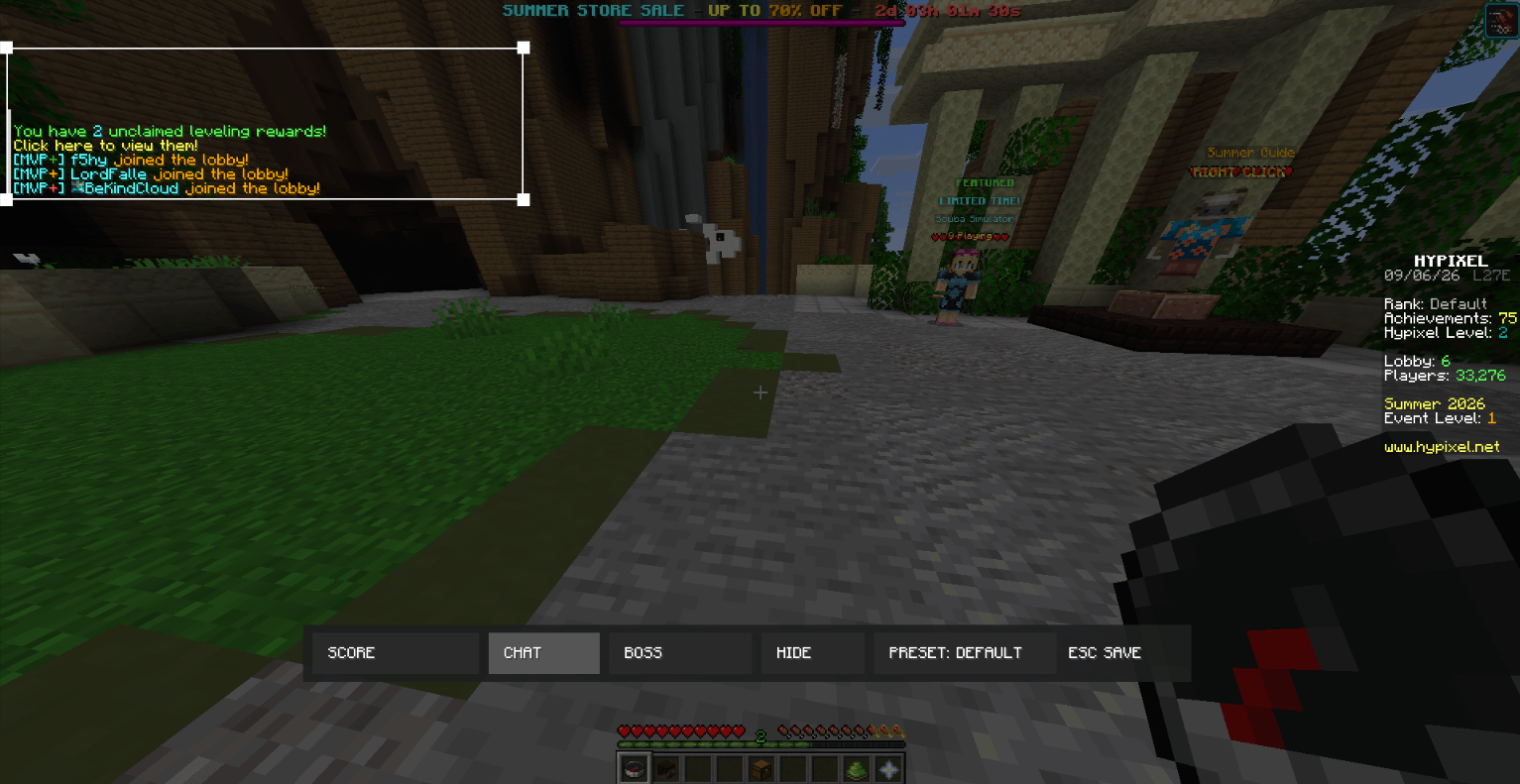
Take full control of your Minecraft HUD with an easy-to-use customization mod. Move, resize, hide, or show supported HUD elements to create a layout that works best for you.
The mod lets you customize elements such as the **Chat, Scoreboard, and Boss Bar**, giving you more control over where they appear and how much space they take up on your screen.
Features
Move supported HUD elements anywhere on the screen
Resize supported HUD elements
Hide or show HUD elements whenever you want
Customize the Chat
Customize the Scoreboard
Customize the Boss Bar
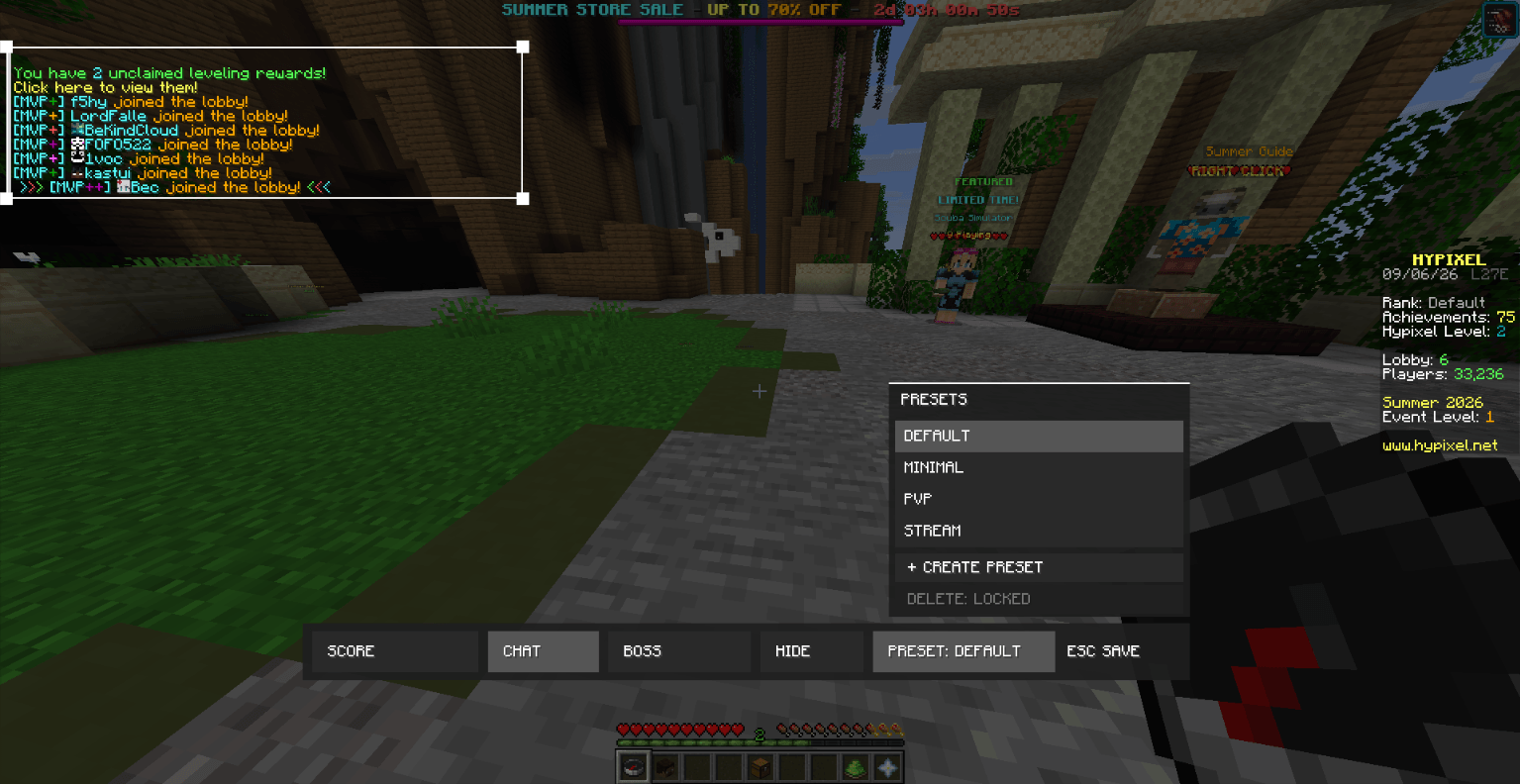
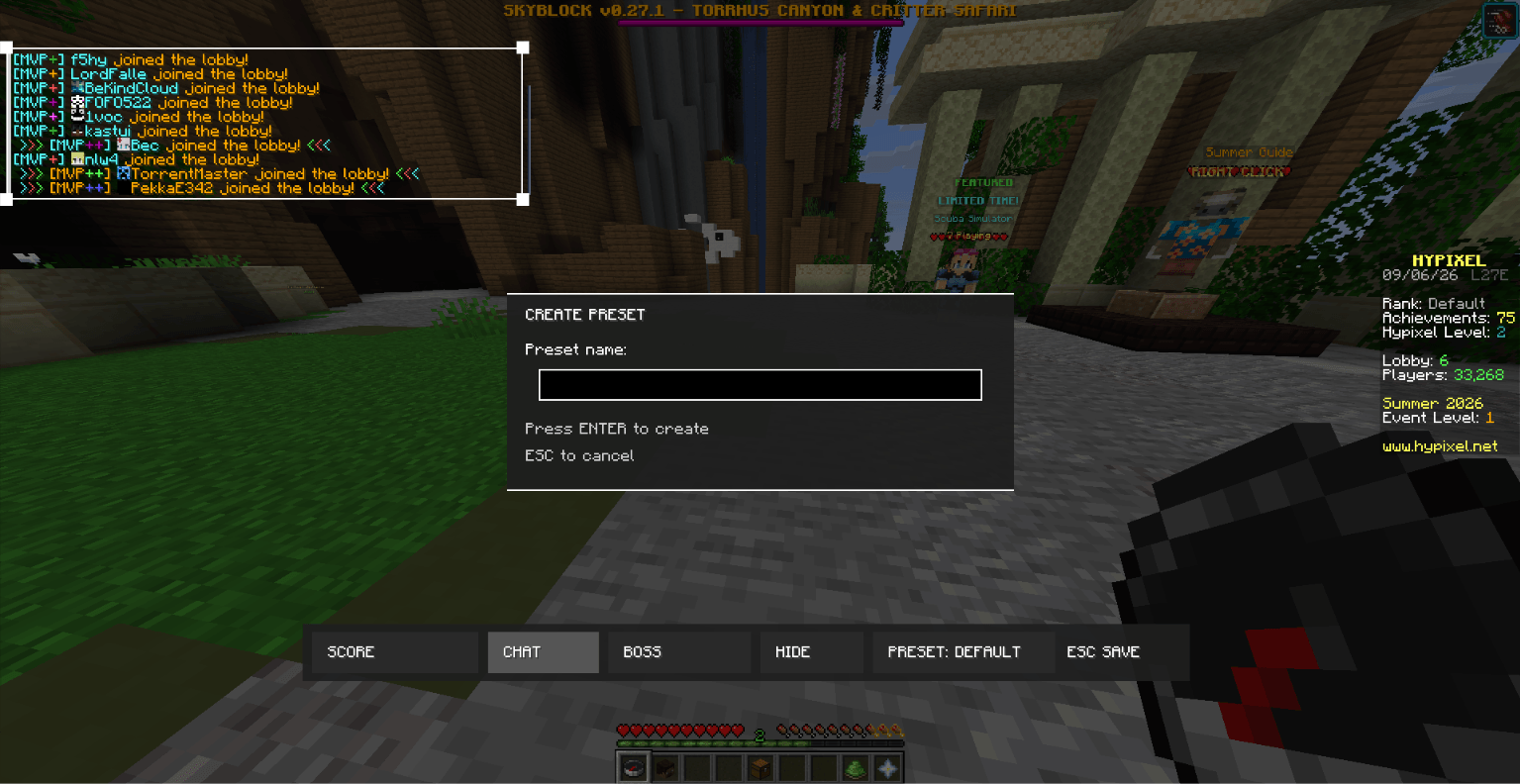
Use presets to quickly switch between saved layouts
Simple in-game HUD editor
Designed for easy and convenient customization
Controls
Right Shift — Open the HUD Editor
Esc — Close the editor and save your changes
website
https://universalhudeditor.vercel.app/
Create your own HUD layout and adjust your interface exactly the way you want it.
This mod focuses on HUD customization and does not add gameplay advantages or alter Minecraft’s core gameplay.
常见问题
universal HUD editor 支持哪些 Minecraft 版本?
universal HUD editor 支持 Minecraft Java 版 26.1–26.2,共 2 个版本,可用的加载器:Fabric。下载时注意选择和你游戏版本一致的文件。
universal HUD editor 怎么安装?
先用 PCL2 或 HMCL 启动器安装对应版本的 Fabric,再把下载的 .jar 文件放进游戏目录的 mods 文件夹,重新启动游戏即可。开启了版本隔离的,mods 文件夹在 versions/版本名 下面。
评论
登录后评论和评分