
截图
介绍
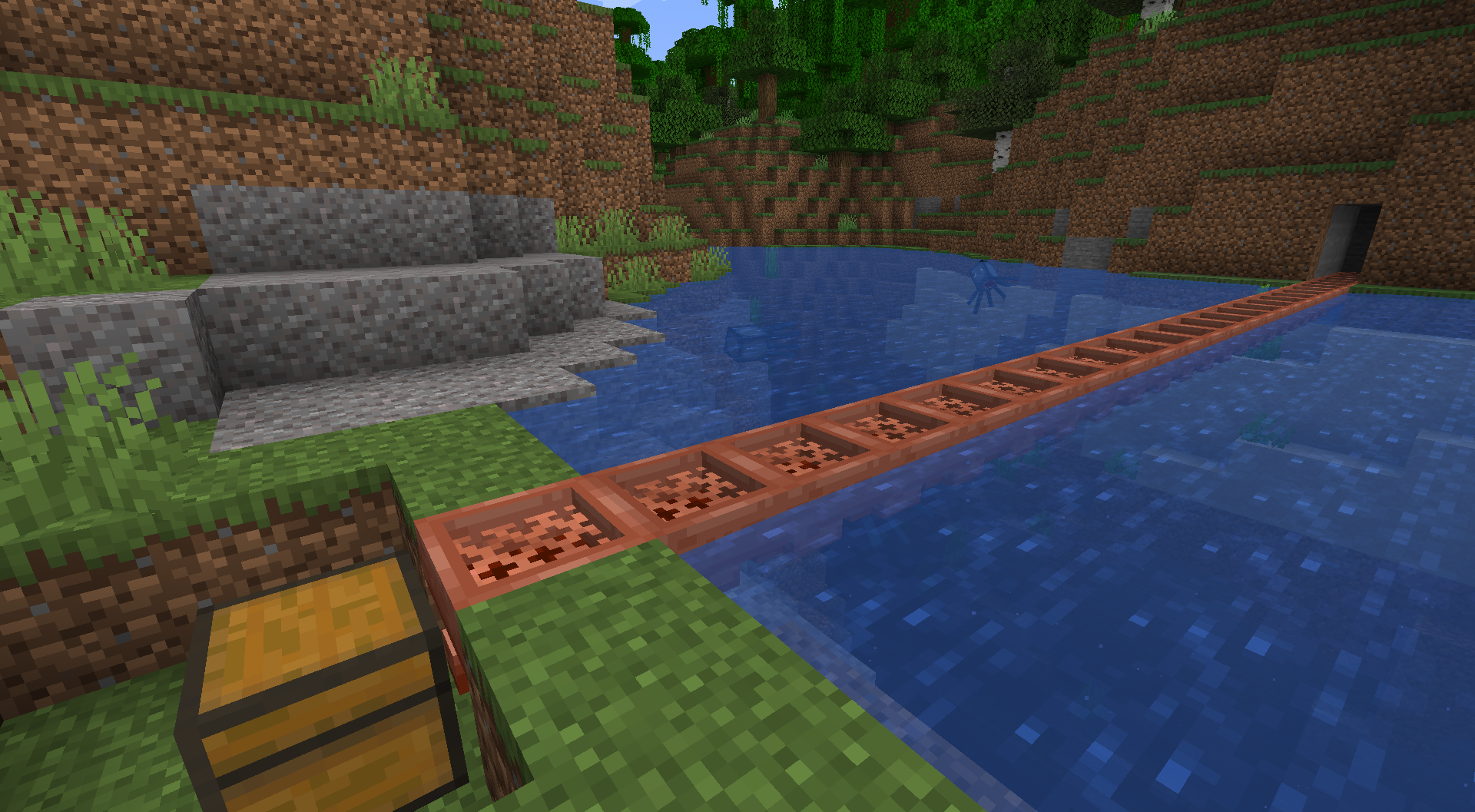
A Unihopper is an early-game variant of the hopper you’re probably familiar with. It has only one slot, hence its name, and transfers items more slowly than a standard hopper, but benefits from item filtering, waterlogging, and piston movement. As a copper-based item, it also oxidizes.
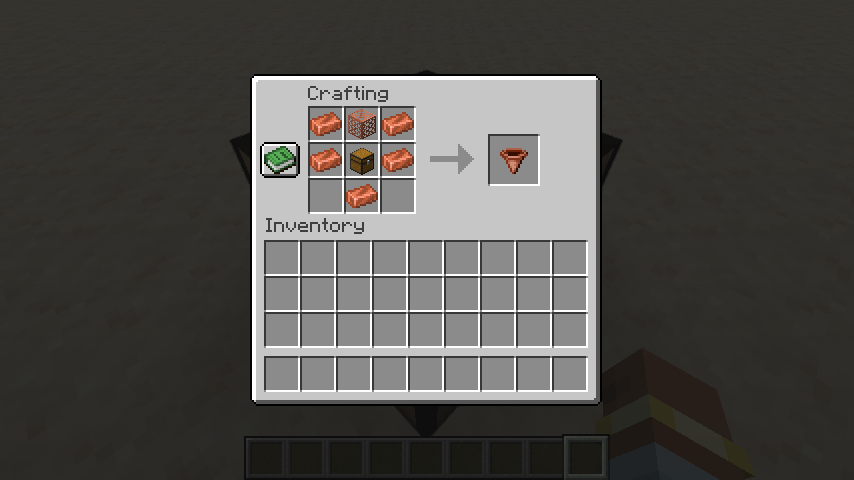
Crafting a Unihopper requires only early-game items. Because sometimes you’re in a world where you can’t find a lot of iron nearby, but you’re up to your neck in copper.
Unihopper Functionality: Item Filtering
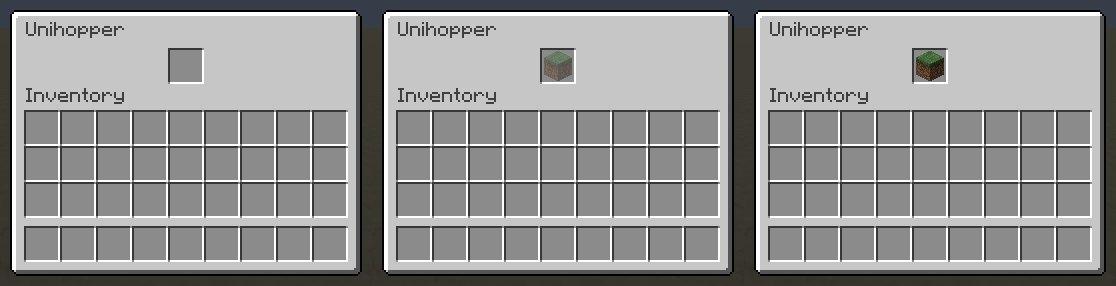
If an item filter is set, only that type of item can enter a unihopper. To set an item filter, simply place an item in the unihopper, as you normally would. If you’d like the put that item in the unihopper, click a second time. If you’d like to put an item in a unihopper without setting a filter, you’ll want to toss it in (outside the inventory). Waxing and axe-scraping will reset your item filter. Item filtering can be disabled in the config.
Unihopper Functionality: Transfer Cooldown
While a standard vanilla hopper has an 8-tick transfer cooldown, a unihopper’s cooldown is based on its oxidation state, as follows:
- Unaffected: 10 ticks waxed, 12 ticks unwaxed
- Exposed: 14 ticks waxed, 16 ticks unwaxed
- Weathered: 18 ticks waxed, 20 ticks unwaxed
- Oxidized: 22 ticks waxed, 24 ticks unwaxed
Unihoppers will always have a 10-tick cooldown if alone and adjacent to a lightning rod or if they are part of a chain of unihoppers in which the first is adjacent to a lightning rod.
To leave Feedback or a Bug Report, click “Report Issues” on the right and then click “New Issue”. You are also welcome to leave a comment or a suggestion, or ask a question.
Permissions
- Please do not upload this mod to other websites.
- Feel free to use this in modpacks, if they are shared on Modrinth.
Mod authoring is difficult and time-consuming. Please consider donating, if you enjoy the mod.
Credits
Thanks to Commoble on the NeoForge Discord for help with block variant log warnings.
My Projects


常见问题
Unihopper 支持哪些 Minecraft 版本?
Unihopper 支持 Minecraft Java 版 1.21.4–1.21.5,共 2 个版本,可用的加载器:NeoForge。下载时注意选择和你游戏版本一致的文件。
Unihopper 怎么安装?
先用 PCL2 或 HMCL 启动器安装对应版本的 NeoForge,再把下载的 .jar 文件放进游戏目录的 mods 文件夹,重新启动游戏即可。开启了版本隔离的,mods 文件夹在 versions/版本名 下面。运行环境:客户端和服务端都要装。
exxtralife 的其他作品
查看全部 → Verdant Mulch
Mulch that harvests and replants your crops!
Selectweaks
Tweaks to the block selection box.
Builder’s Thurible
Craft a Builder's Thurible to paint random block patterns into existing surfaces!
评论
登录后评论和评分