
介绍






A retained-mode UI toolkit for Minecraft mods.
Build interfaces from widgets, then render them in screens, overlays, and HUD layers.
Version-Agnostic Core
UniGUI is engineered for seamless portability across different Minecraft versions and underlying graphics APIs. A UI designed for 1.7.10 can be deployed to modern versions with minimal modifications to the core logic.
Production-Grade Architecture
Designed with high-end architectural standards, the library draws direct inspiration from industry frameworks like Unigine UI, NoesisGUI, and Dear ImGui. The core implements proven UI paradigms, layout systems, and rendering methods.
Active Development
The toolkit is continuously evolving. New widgets are regularly introduced, and existing components are optimized to ensure a smooth and intuitive developer experience.
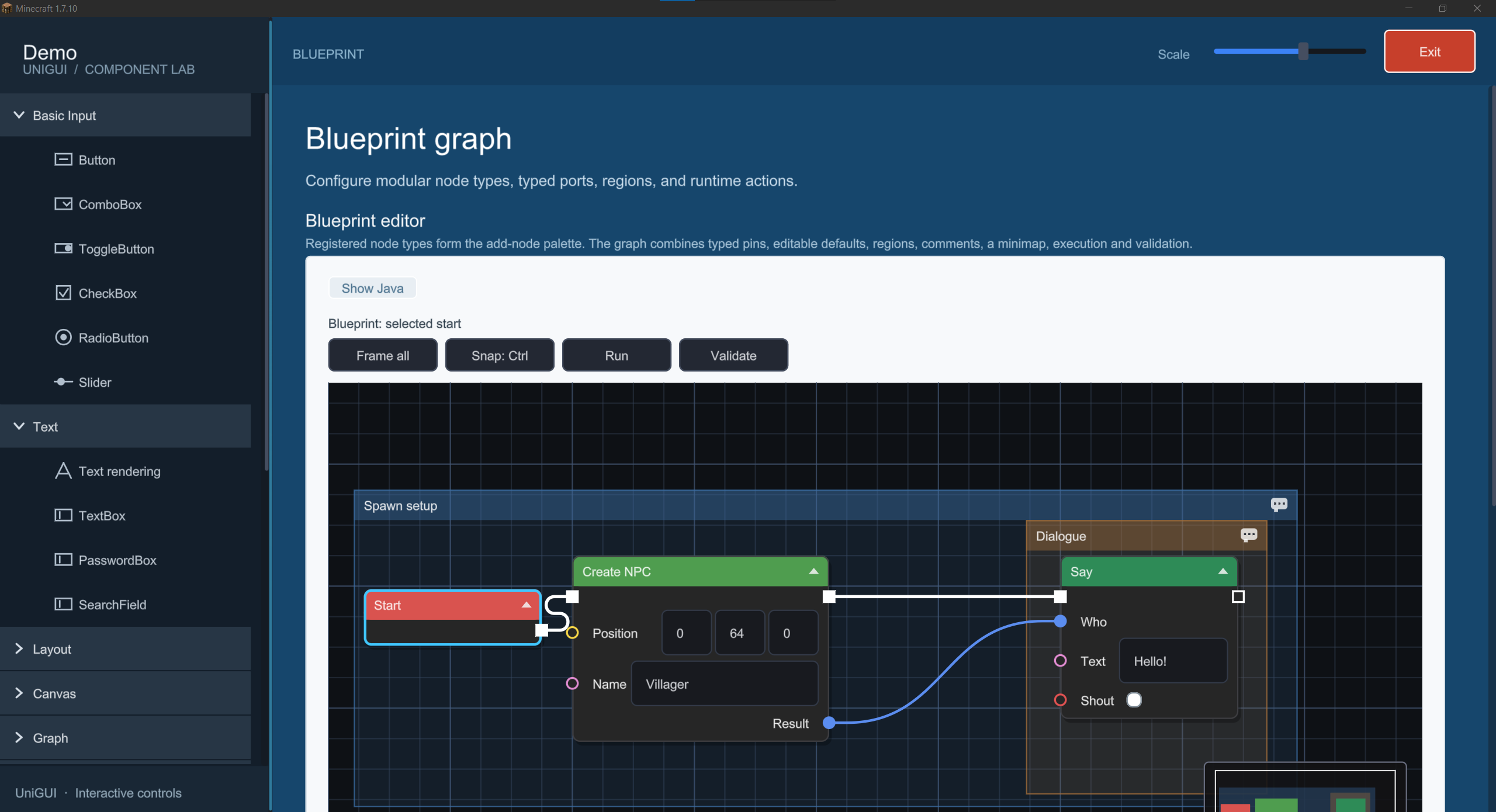
In-Game Component Gallery
Includes a comprehensive interactive Demo Screen accessible via the /unigui command. This acts as a live catalog of all available widgets and provides quick access to implementation templates.
Showcase
| | |
|:—:|:—:|
|  |
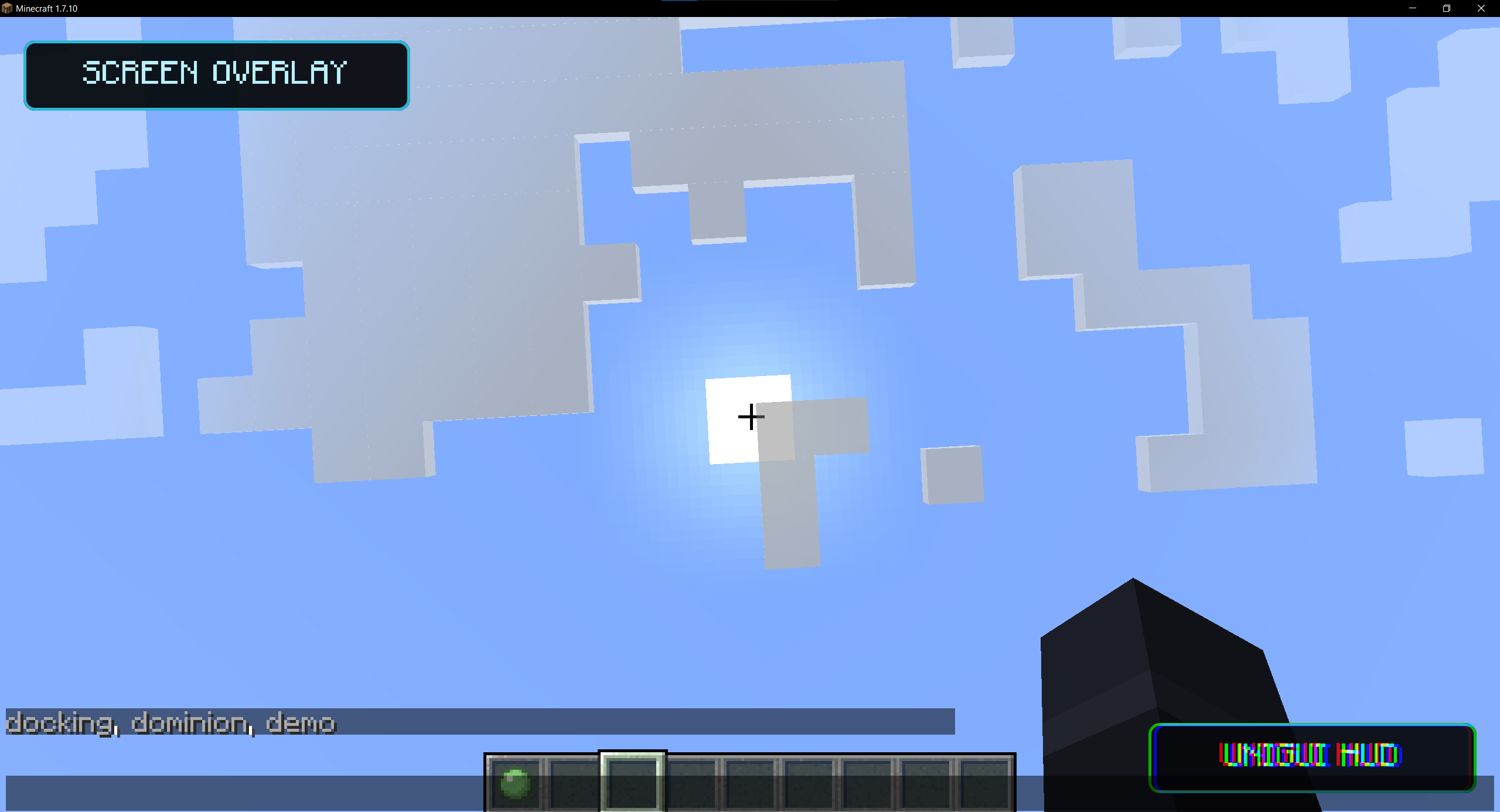 |
| In-game widget catalog demo | Native screen and HUD overlays |
|  |
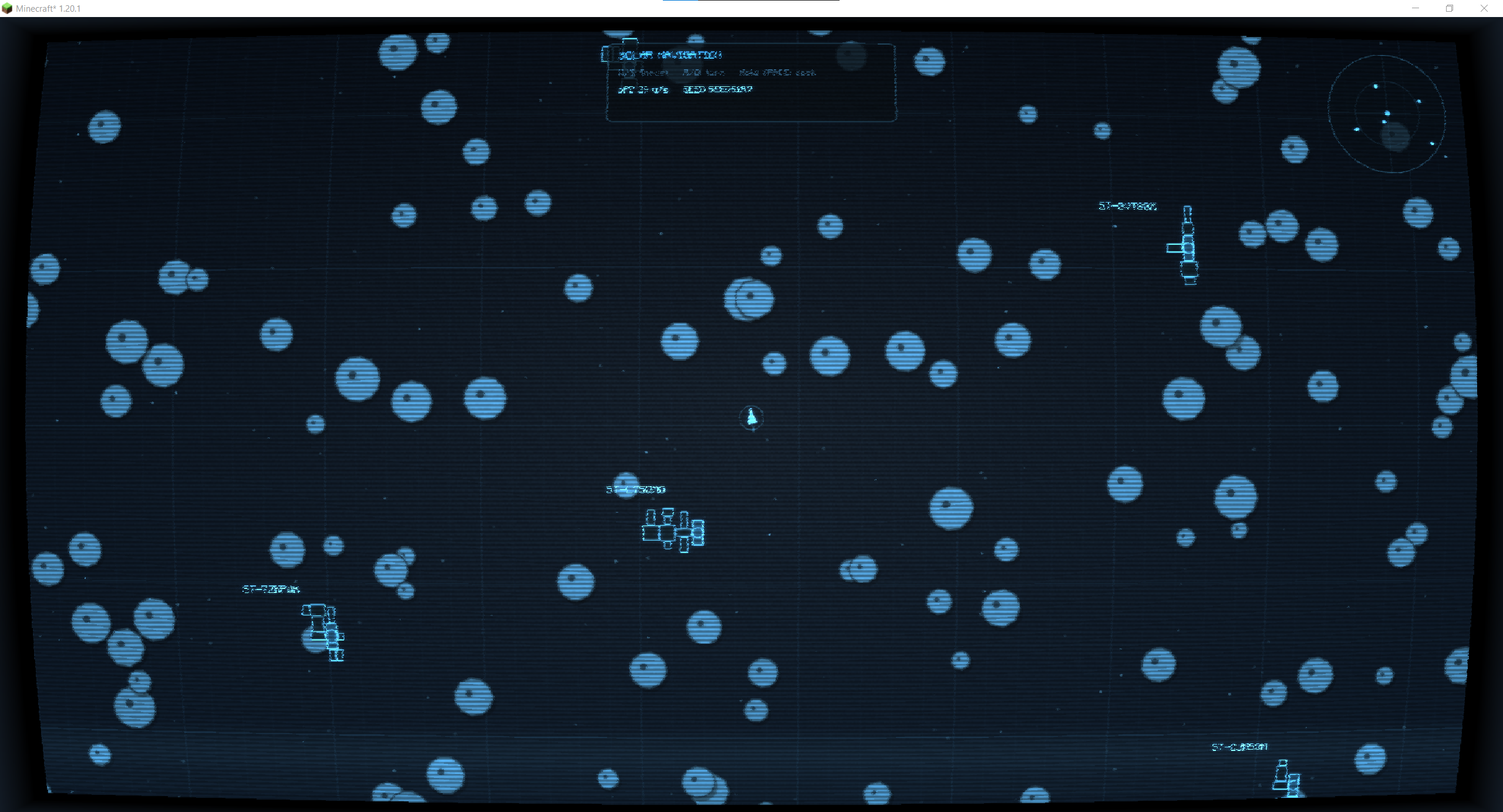 |
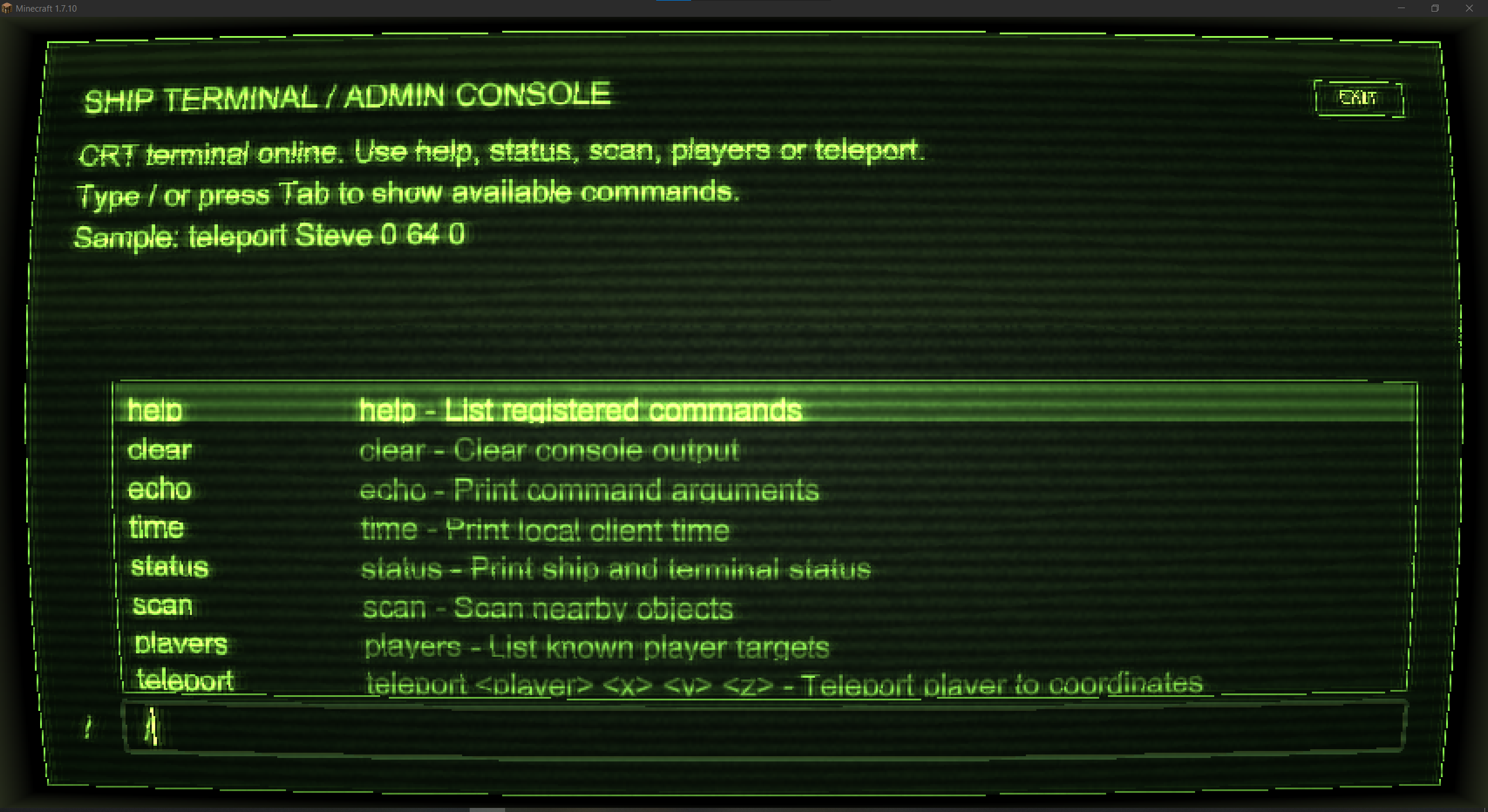
| Retro terminal interface | Complex spacecraft navigation interface |
| 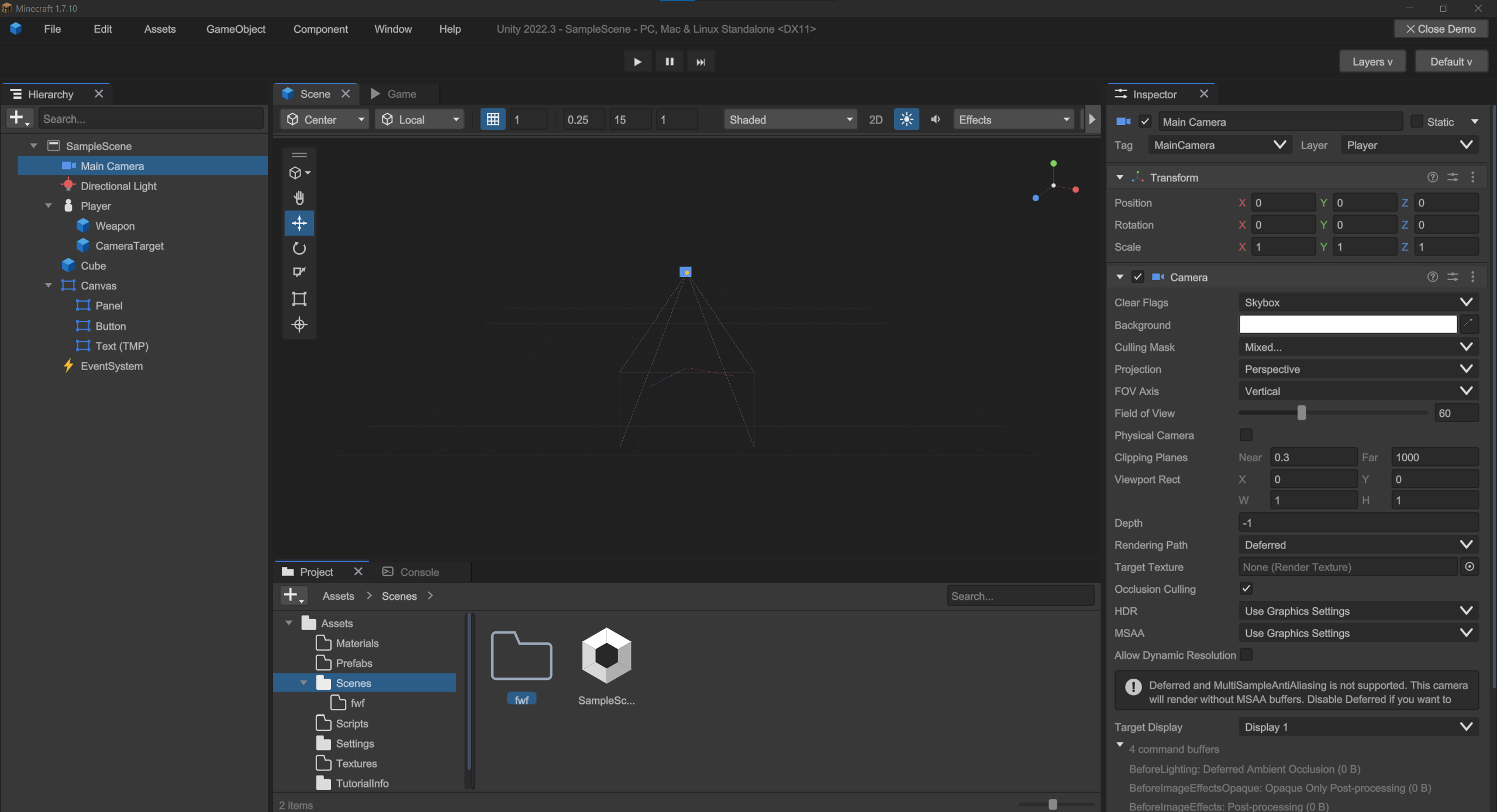 | |
| Structurally complex Unity-inspired interface | |
常见问题
Uni GUI 支持哪些 Minecraft 版本?
Uni GUI 支持 Minecraft Java 版 1.7.10–1.21.1,共 4 个版本,可用的加载器:Fabric / Forge / NeoForge。下载时注意选择和你游戏版本一致的文件。
Uni GUI 怎么安装?
先用 PCL2 或 HMCL 启动器安装对应版本的 Fabric / Forge / NeoForge,再把下载的 .jar 文件放进游戏目录的 mods 文件夹,重新启动游戏即可。开启了版本隔离的,mods 文件夹在 versions/版本名 下面。运行环境:客户端和服务端都要装。
Sixik 的其他作品
查看全部 →
SDM UI Lib [Forge/Fabric]
一个能简化 GUI 创建流程的简易前置库

SDM UI Lib
一个能简化界面创建过程的简单前置库

SDM Shop (Legacy)
用于在整合包或服务器中创建经济系统的多功能商店
SDM Shop [Forge/Fabric] (Legacy)
一个多功能商店,用于在整合包或服务器中构建经济系统
评论
登录后评论和评分