
截图
介绍
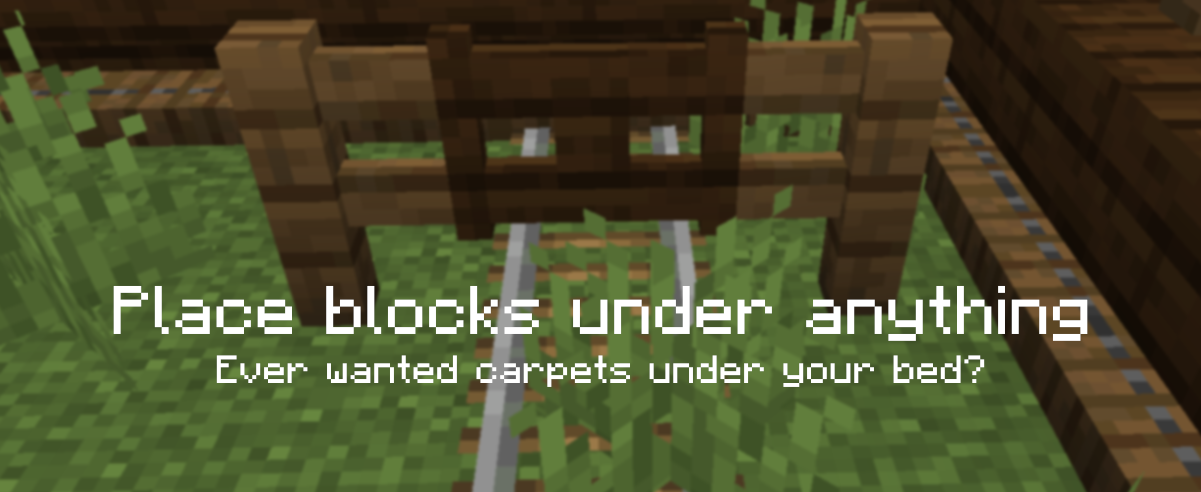
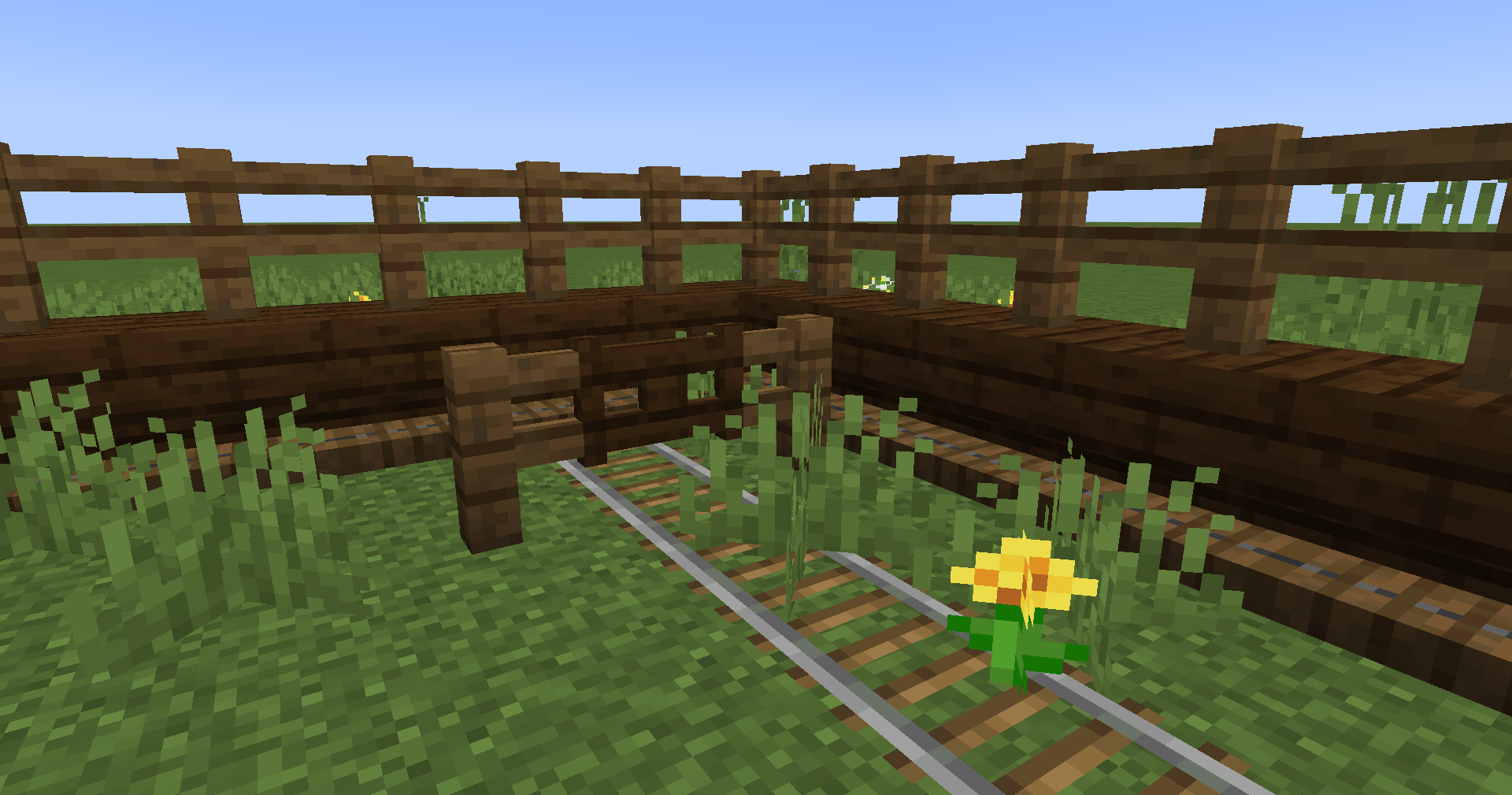
Underlay 是一个 Minecraft 模组,可以让你在任何下方有空间的方块(例如箱子、床、告示牌、火把等)下方放置地毯(以及其他任何物品)!
只需手持方块右键点击方块面即可放置(例如倒置楼梯的下方),完成!再次手持其他物品右键点击即可快速替换,左键点击即可移除。生存模式同样可用!
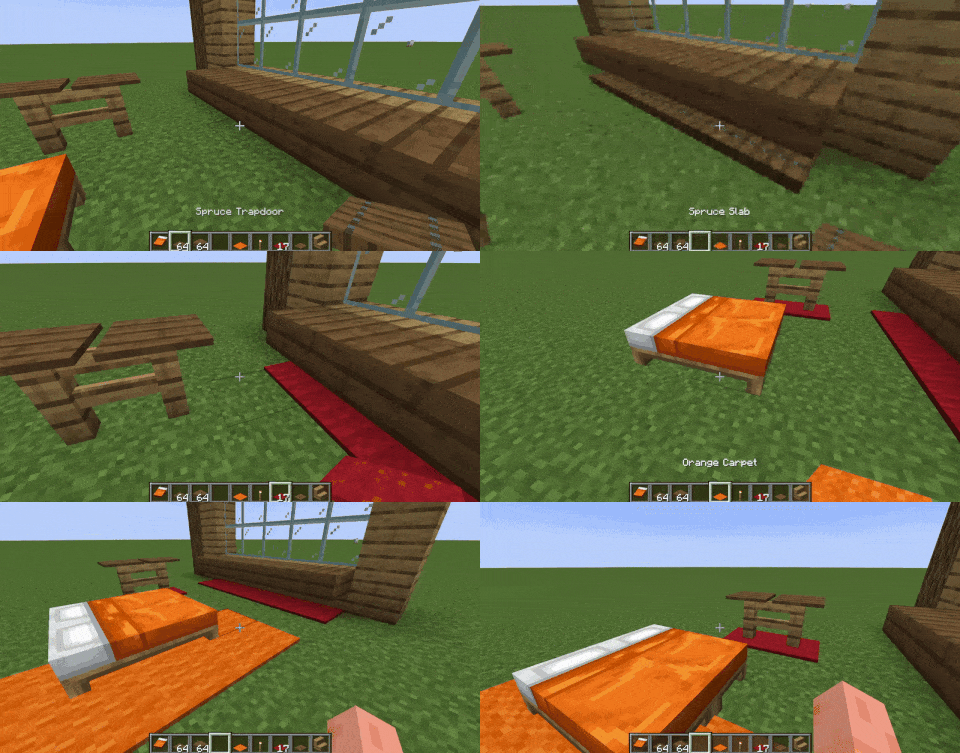
默认情况下,你可以将以下方块放置为覆盖层:地毯、活板门、按钮、铁轨、台阶和压力板。若要扩展对其他方块的支持,例如草方块,请参阅“如何添加对更多方块的支持(或排除某些方块)”。
加入 Discord 服务器,抢先了解即将推出的更新!

这是如何实现的?
它们不是方块实体!
Underlay 添加了这些被称为“覆盖层”的东西,不过其实它们更像是“底衬层”xd,本质上是你放置物品的伪装版本——这样就能在同一个方块空间中放置两个物品!
如何添加对更多方块的支持(或排除某些方块)
你可以在 Minecraft 文件夹中找到 config/Underlay/underlay.json。使用 overlay_blocks 添加方块,使用 exclude_blocks 排除方块;如果不希望覆盖层被放置在某些方块上,则使用 target_exclude_blocks,示例如下:
{
  "overlay_blocks": [
    "minecraft:short_grass",
    "mymod:shiny_block"
  ],
  "exclude_blocks": [
    "minecraft:oak_button",
    "minecraft:rail"
  ],
  "target_exclude_blocks": [
    "minecraft:oak_door",
    "minecraft:spruce_door"
  ]
}
模组联动
常见问题
Underlay 支持哪些 Minecraft 版本?
Underlay 支持 Minecraft Java 版 1.12.2–26.3,共 20 个版本,可用的加载器:Fabric / Forge / NeoForge。下载时注意选择和你游戏版本一致的文件。
Underlay 怎么安装?
先用 PCL2 或 HMCL 启动器安装对应版本的 Fabric / Forge / NeoForge,再把下载的 .jar 文件放进游戏目录的 mods 文件夹,重新启动游戏即可。开启了版本隔离的,mods 文件夹在 versions/版本名 下面。运行环境:客户端和服务端都要装。
Dooji 的其他作品
查看全部 →
Omnilib
用于增强界面元素与自定义功能的框架
CraftSense
Autocomplete for the crafting table. It tracks what you craft, suggests recipes, and lets you take the result from the output slot without placing the rest of the ingredients!

PSX-Core Shader
一款PSX光影,具备仿射纹理映射、抖动、顶点吸附等特性!

CraftSense
Autocomplete for the crafting table. It tracks what you craft, suggests recipes, and lets you take the result from the output slot without placing the rest of the ingredients!
评论
登录后评论和评分