
Ultimate DayCounter
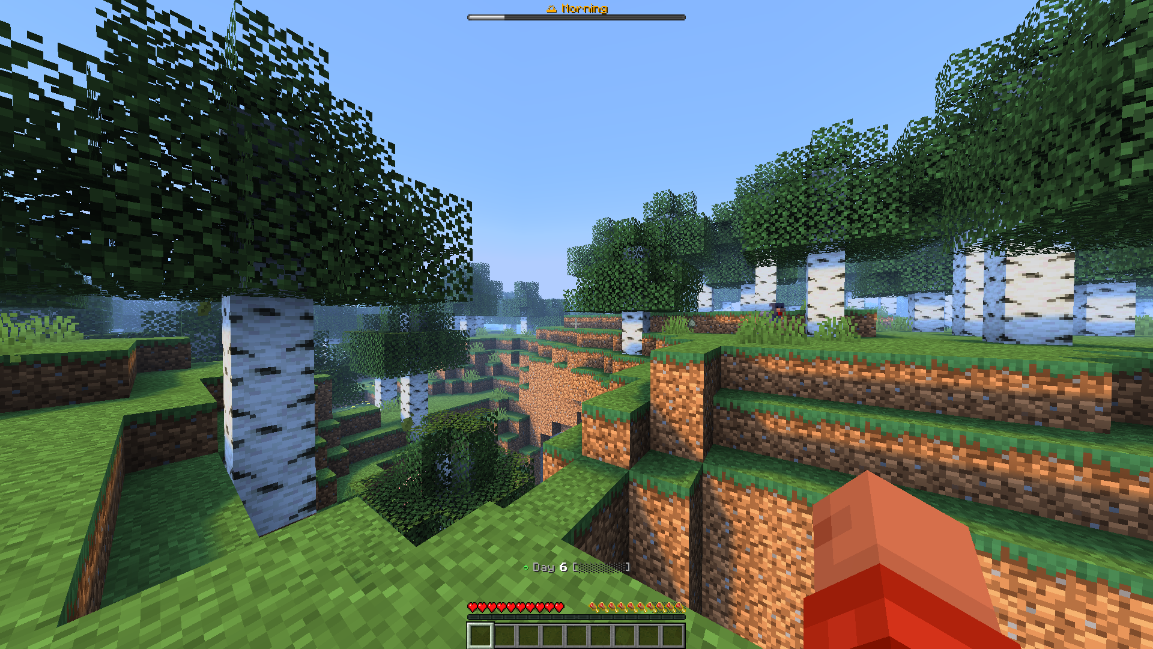
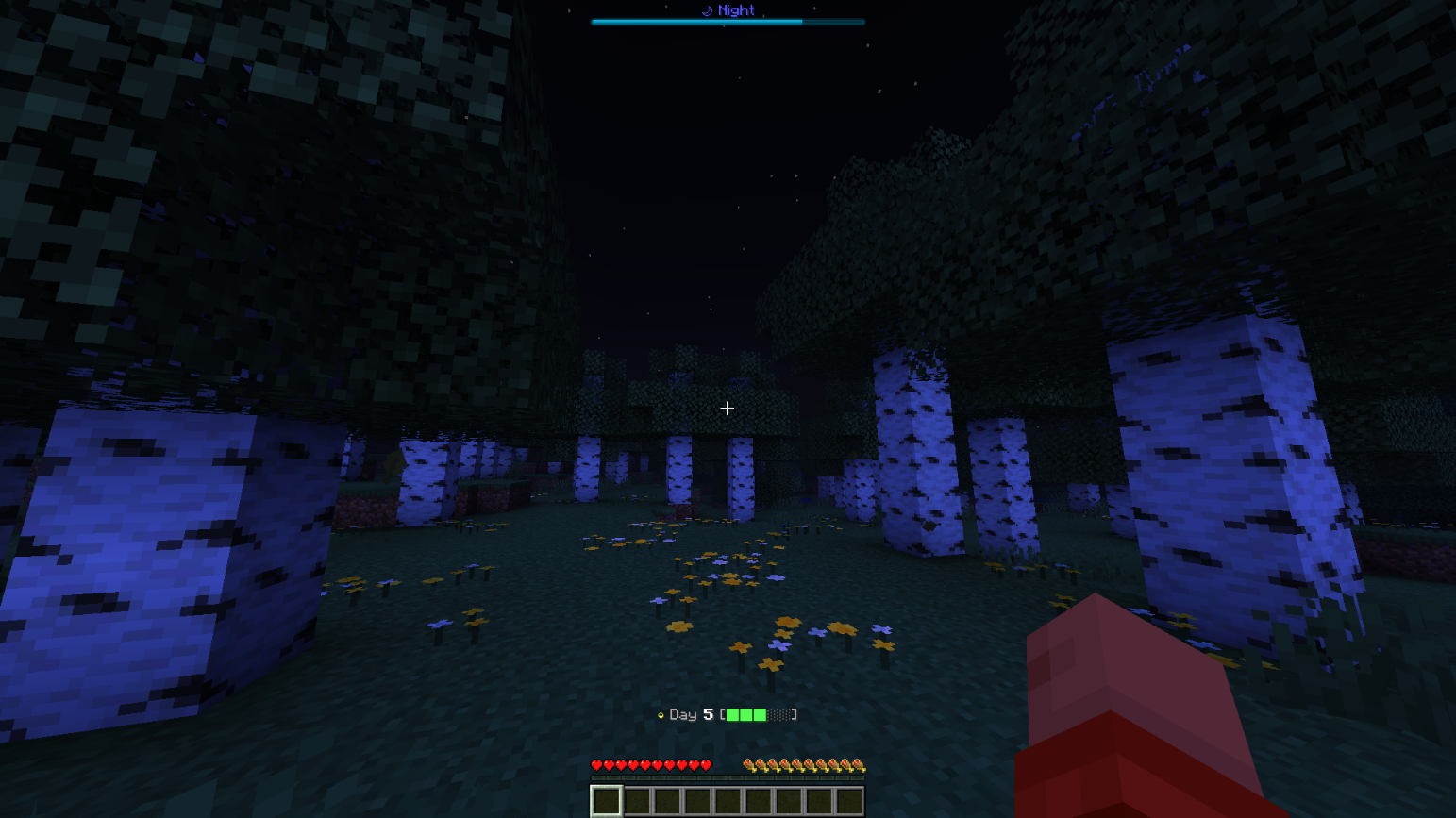
A fully customizable day-counter datapack with an interactive dialog GUI, animated bossbar/actionbar, live progress, and new-day celebrations.
截图
介绍
Ultimate Day Counter
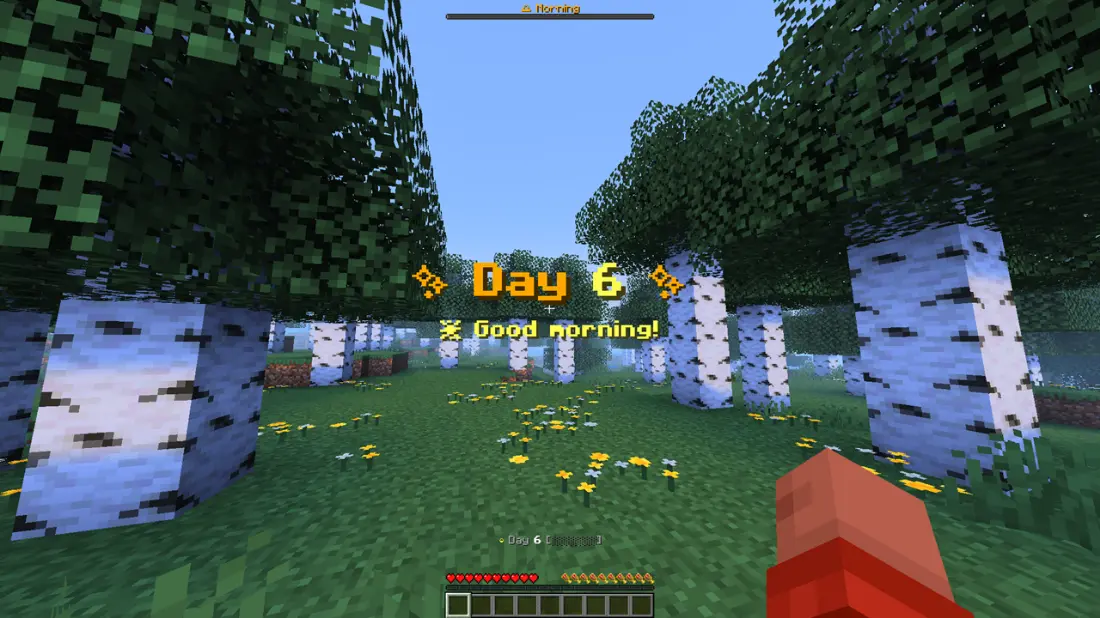
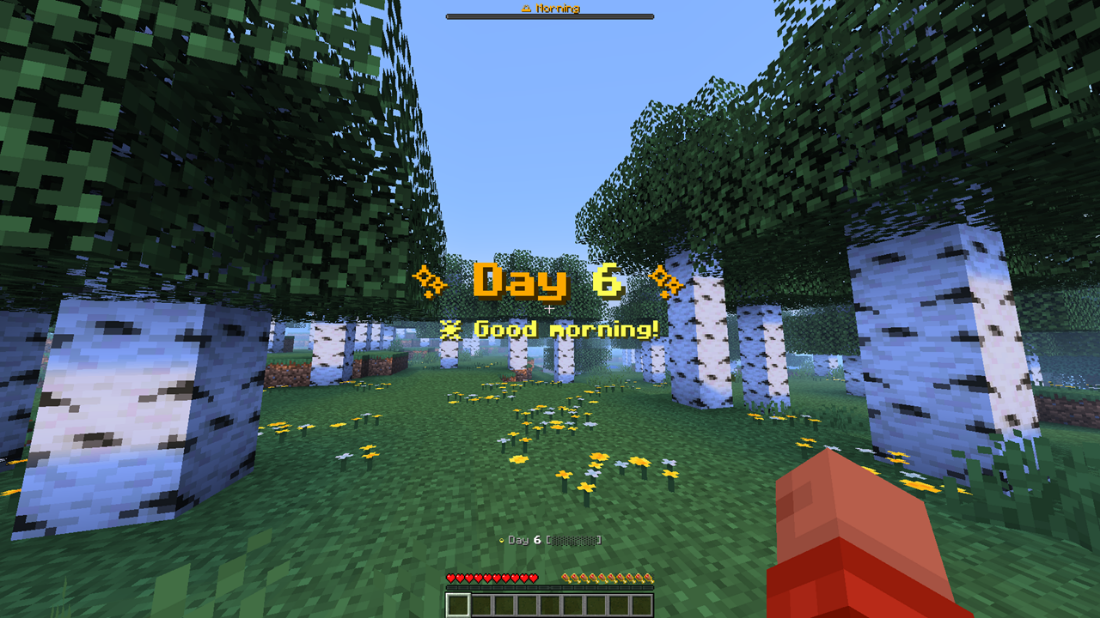
A colorful, animated Minecraft day-counter datapack with a proper dialog GUI. It tracks the in-game day and shows it with rich colors, a live progress bar, an animated spinner, a new-day celebration, and an interactive menu, all without any required operator commands.
Features
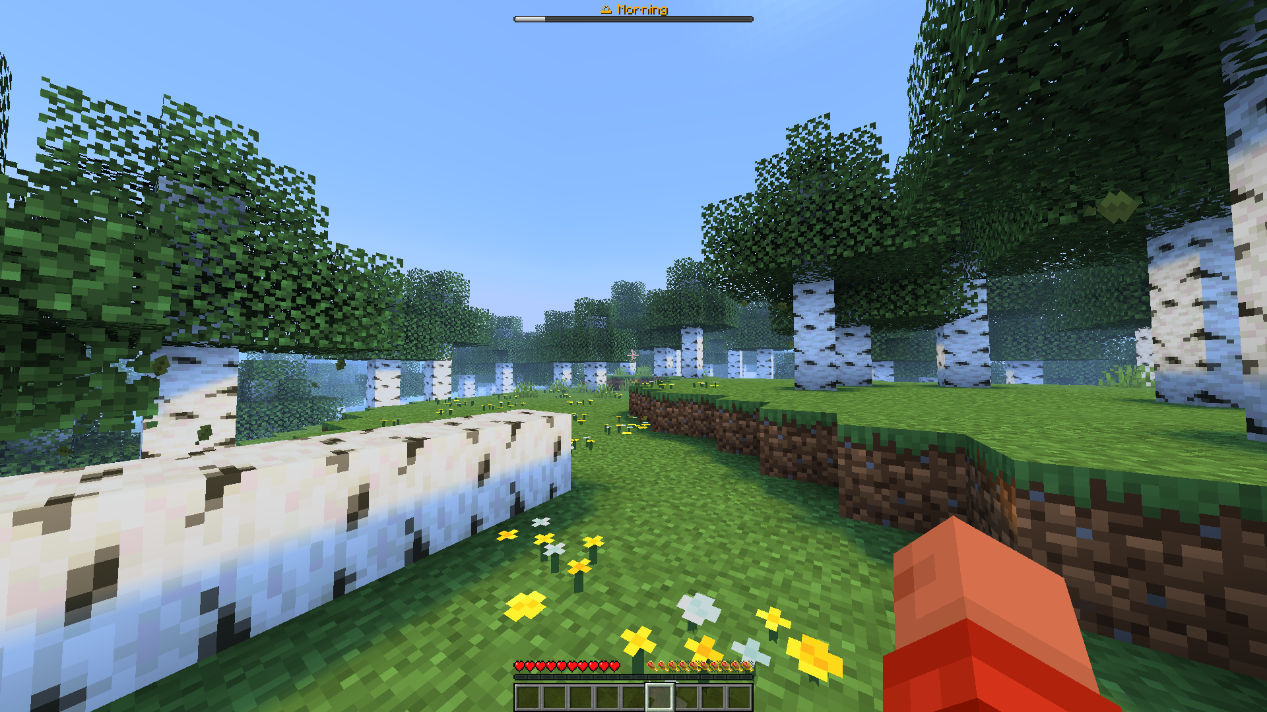
- Color-coded bossbar: a time-of-day progress bar that changes color by phase.
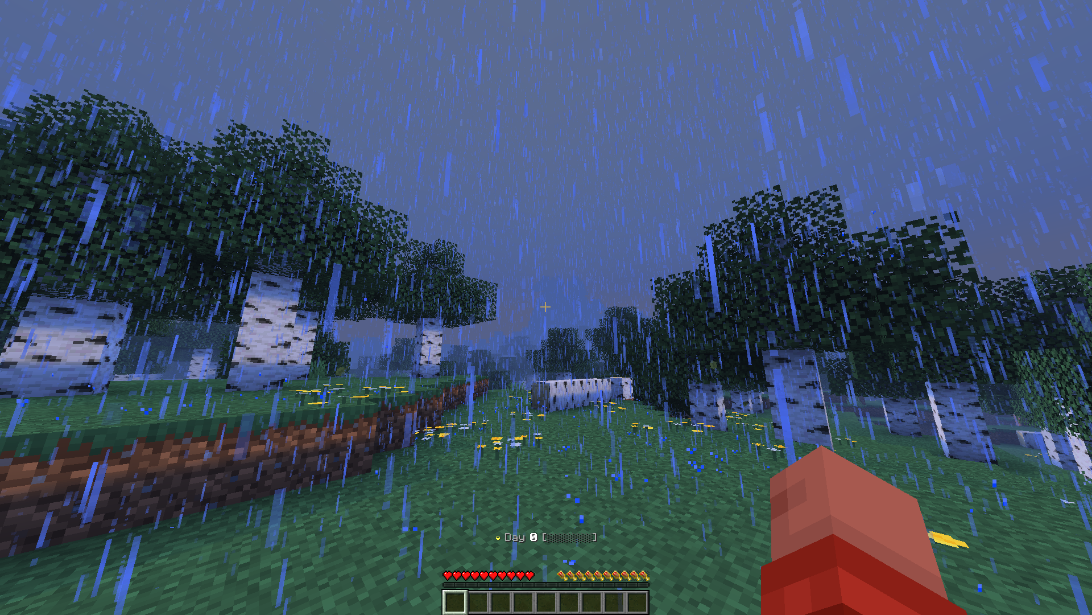
- Animated actionbar: a rotating spinner whose color cycles, next to the live day number and a filling progress bar that mirrors the bossbar.
- New-day celebration: a title and subtitle animation with fireworks particles and a launch sound at the start of every day.
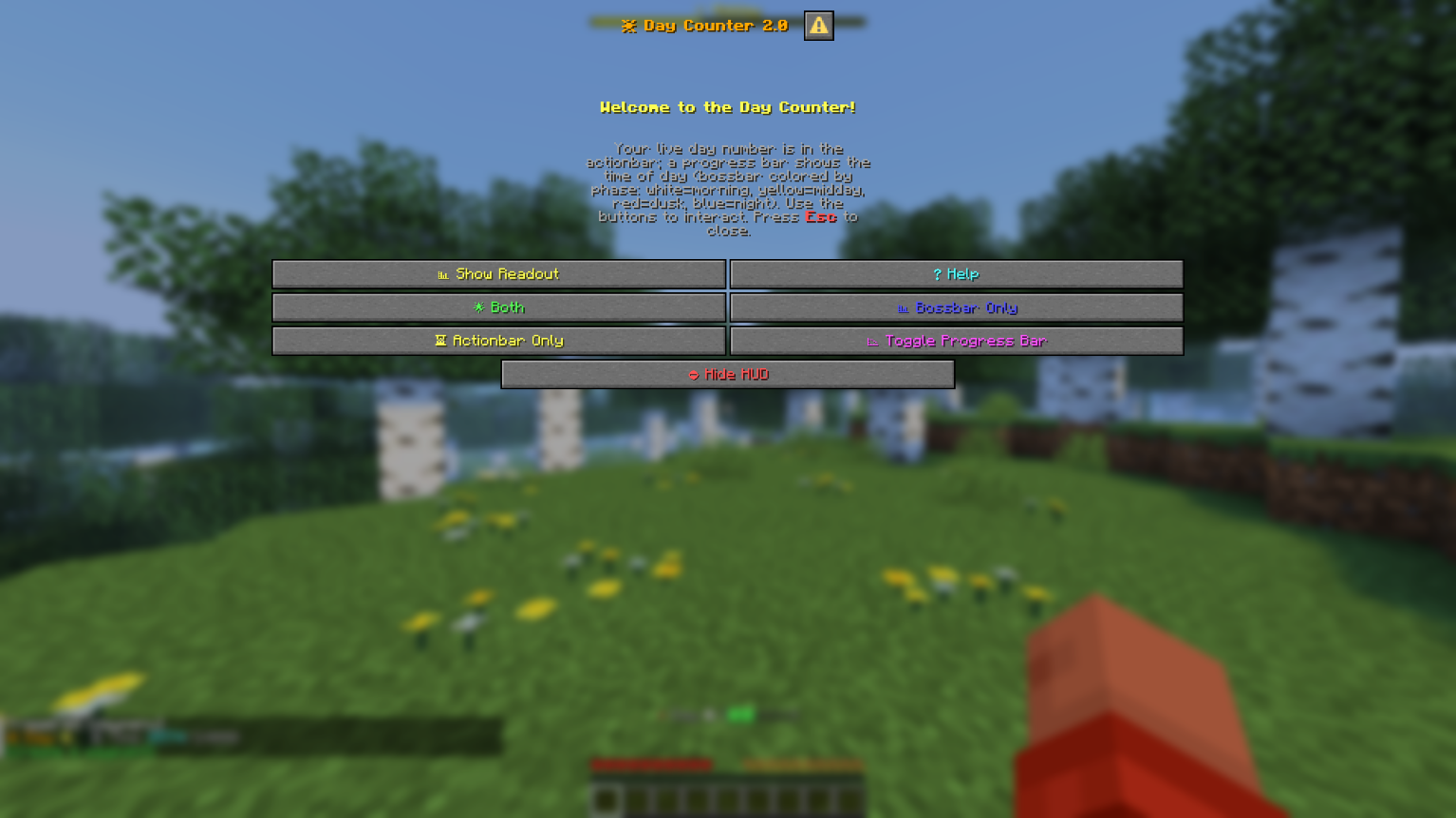
- Dialog GUI: open an interactive panel with buttons for a live day readout, help, HUD mode (Both / Bossbar / Actionbar / Hide)
Usage
Type these in chat (no cheats or operator required):
/trigger daymenu     # open the Day Counter GUI panel
/trigger daytoggle   # show / hide the HUD (bossbar + actionbar)
Example Uses
- YouTubers: let viewers see the current day of your survival series.
- Challenge runs: track days survived without building a clock.
- Casual players: celebrate milestones and watch the day roll by.
Installation
- Put the
Ultimate DayCounterfolder or .zip file into your world’sdatapacks/directory.
常见问题
Ultimate DayCounter 支持哪些 Minecraft 版本?
Ultimate DayCounter 支持 Minecraft Java 版 1.21.6–26.3,共 11 个版本,可用的加载器:Fabric / Forge / NeoForge / Quilt。下载时注意选择和你游戏版本一致的文件。
Ultimate DayCounter 怎么安装?
先用 PCL2 或 HMCL 启动器安装对应版本的 Fabric / Forge / NeoForge / Quilt,再把下载的 .jar 文件放进游戏目录的 mods 文件夹,重新启动游戏即可。开启了版本隔离的,mods 文件夹在 versions/版本名 下面。运行环境:客户端 / 服务端。
MinexInd 的其他作品
查看全部 →
PVP Bot practice world
与能提升你PvP水平的AI对战

No Lunge Cooldown
Removes cooldown from spears having lunge enchantment

Op Dirt
Holding a dirt block grants you creative mode
Op Dirt
Holding a dirt block grants you creative mode
评论
登录后评论和评分