
截图

介绍
About ultimate-crosshairs
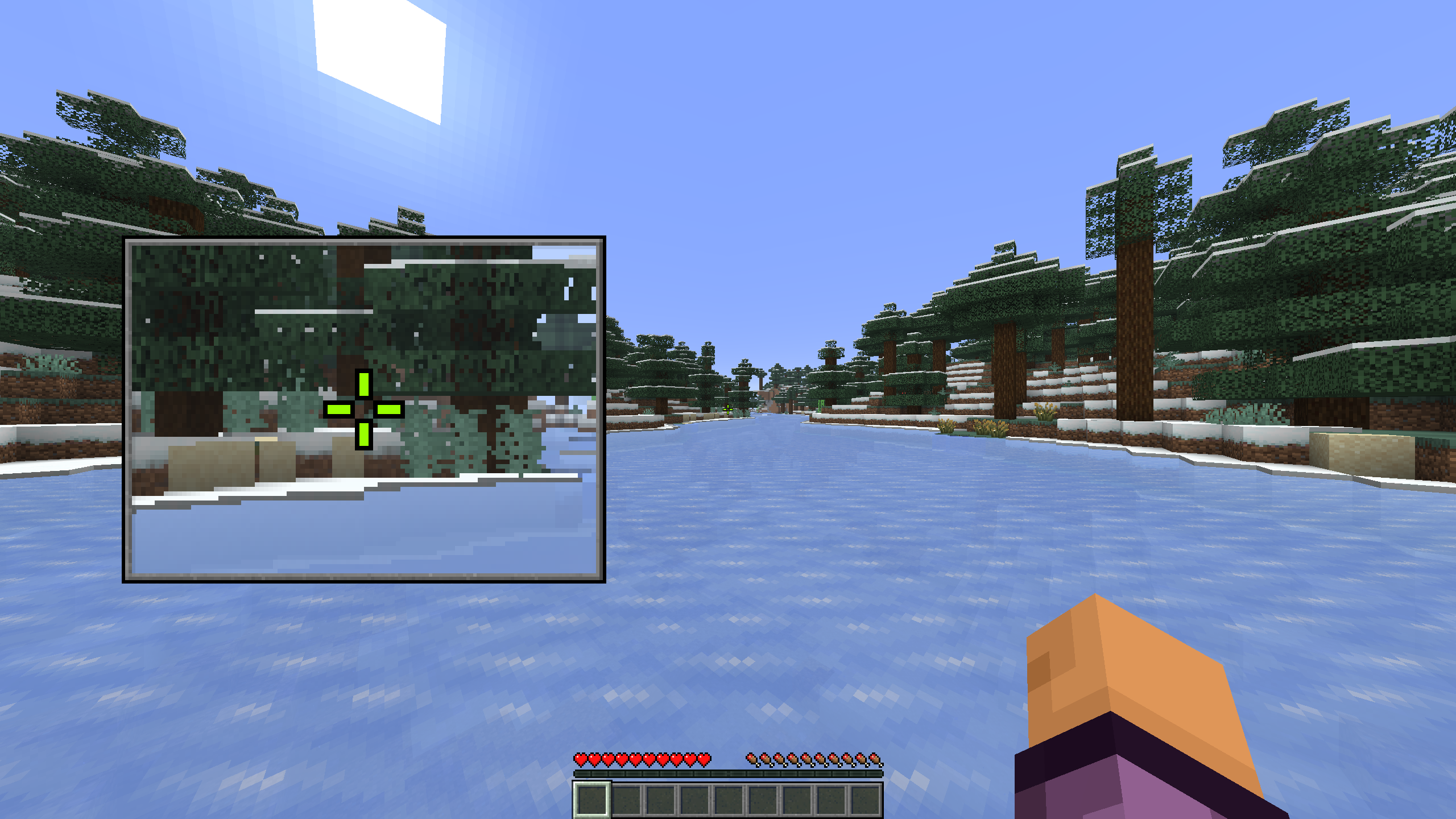
This mod replaces Minecraft’s plain default crosshair with a highly customizable, precise, and dynamic one. Designed to keep your screen looking clean while providing useful information, whether you’re building, fighting mobs, or dominating a PvP fight.
Development Status
Development focuses primarily on the newest Minecraft versions. New features added to current releases may not be backported to older versions of the mod.
_Note: Ultimate Crosshairs is currently in Early Access, so this mod may not represent the final product, things may change in future updates!_
Features of the mod
- Center Dot: Toggle on or off, adjust the size, and change the color
- Inner Lines: Independently toggle the top line, enable or disable all lines, and customize color, offset, horizontal/vertical length, and thickness
- Outer Lines: Identical settings to inner lines
- Outlines: Customizable thickness and color
More is coming soon…
Compatibility
Coming soon…
Dependencies
Coming soon…
FAQ
Am I allowed to add this mod to a modpack?
Of course buddy, but keep in mind to add credits!
Why did you create another crosshair mod?
For the love of the game! And because I am currently working on a utility client, I thought it would be cool to release at least some features of it as standalone mods!
Am I the only one reading this description?
Probably, but I don’t quite know.
Nice, 2h 45min and a few typos later and this site is set up. And the best thing, probably noone will ever see it.
lowr3 out \micdrop\
常见问题
Ultimate Crosshairs 支持哪些 Minecraft 版本?
Ultimate Crosshairs 支持 Minecraft Java 版 26.2–26.3,共 2 个版本,可用的加载器:Fabric / Quilt。下载时注意选择和你游戏版本一致的文件。
Ultimate Crosshairs 怎么安装?
先用 PCL2 或 HMCL 启动器安装对应版本的 Fabric / Quilt,再把下载的 .jar 文件放进游戏目录的 mods 文件夹,重新启动游戏即可。开启了版本隔离的,mods 文件夹在 versions/版本名 下面。运行环境:仅客户端。
评论
登录后评论和评分