
Ultimate Browser
A fully functional Chromium web browser inside Minecraft, with multiple tabs, Picture-in-Picture mode, fullscreen browsing, a chat link interceptor, and admin commands.
截图
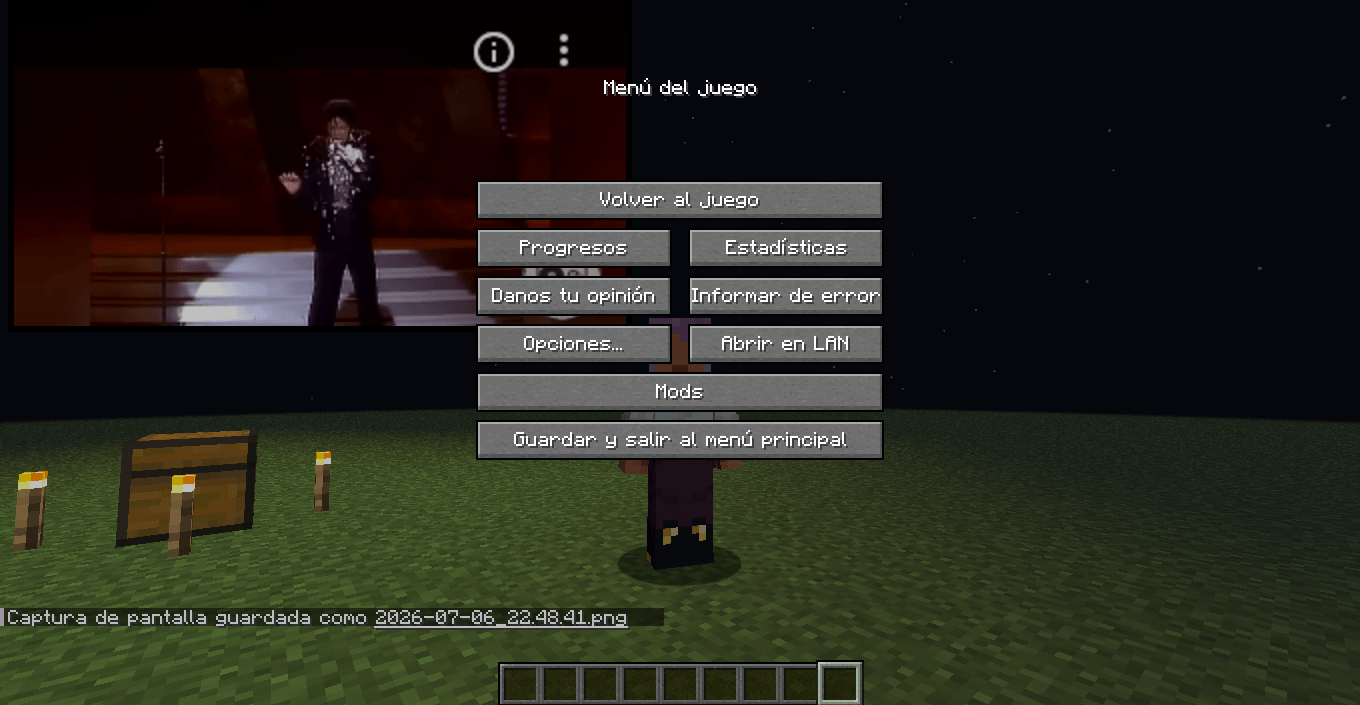
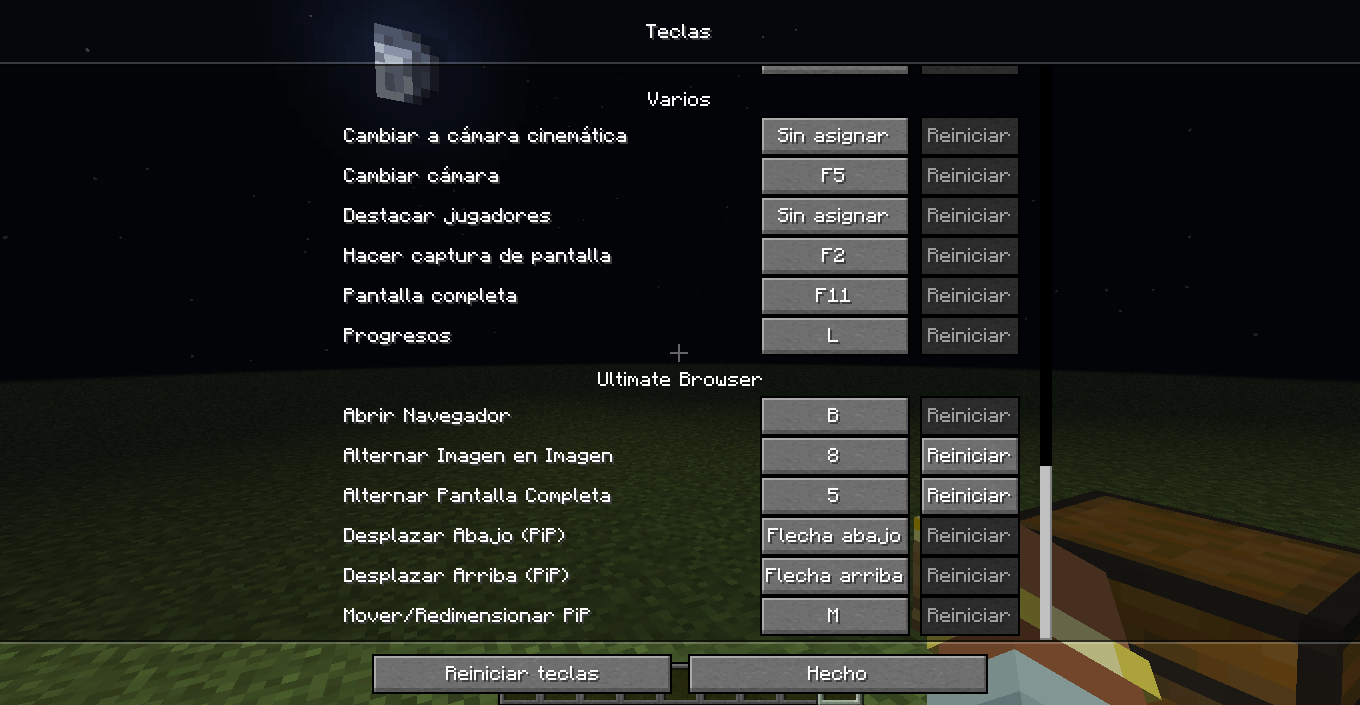
介绍
Ultimate Browser
A fully functional Chromium web browser inside Minecraft, with multiple tabs, Picture-in-Picture mode, fullscreen browsing, a chat link interceptor, and admin commands.
Features
- Real Chromium browsing — powered by MCEF, so actual websites (Google, YouTube, GitHub, etc.) render and work inside the game, not a fake in-game “web page.”
- Multiple tabs — open, switch, and close tabs from a tab strip at the top of the browser screen, just like a normal desktop browser.
- Fullscreen browser mode — a full in-game screen with an address bar, back/forward/reload buttons, and a “+” button for new tabs.
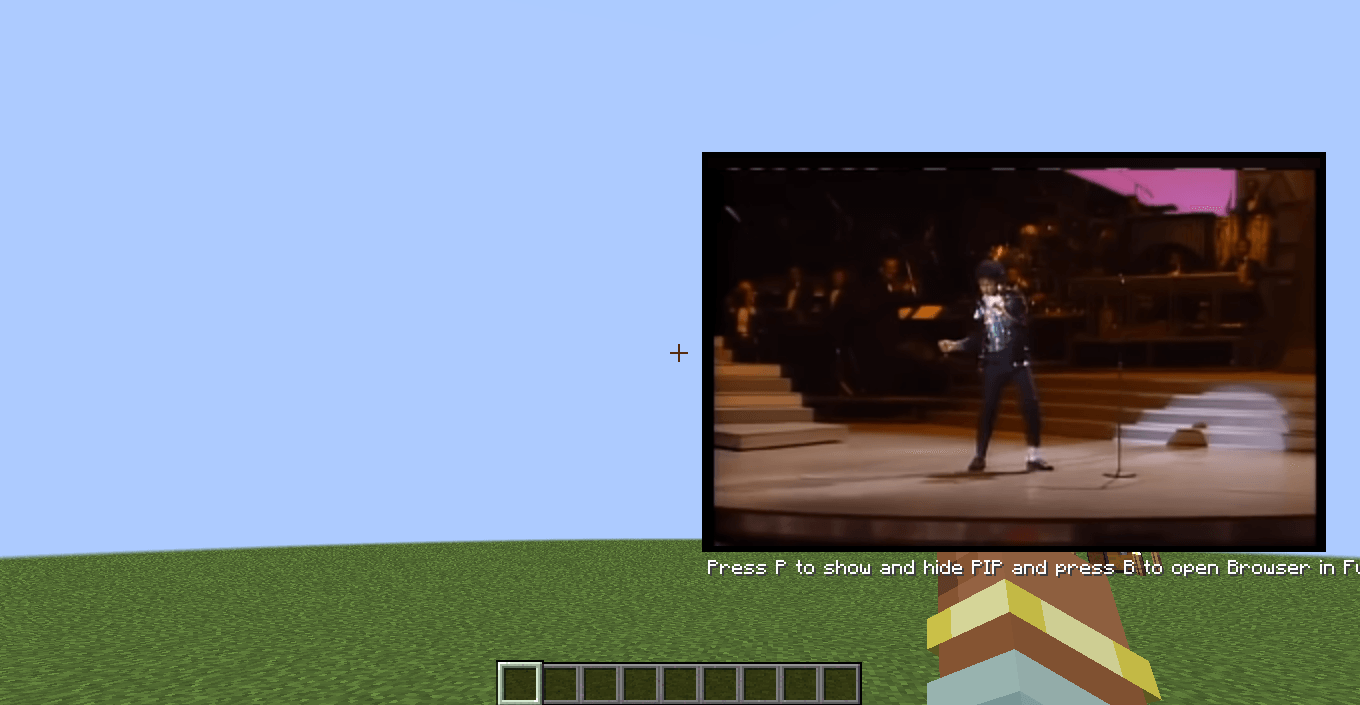
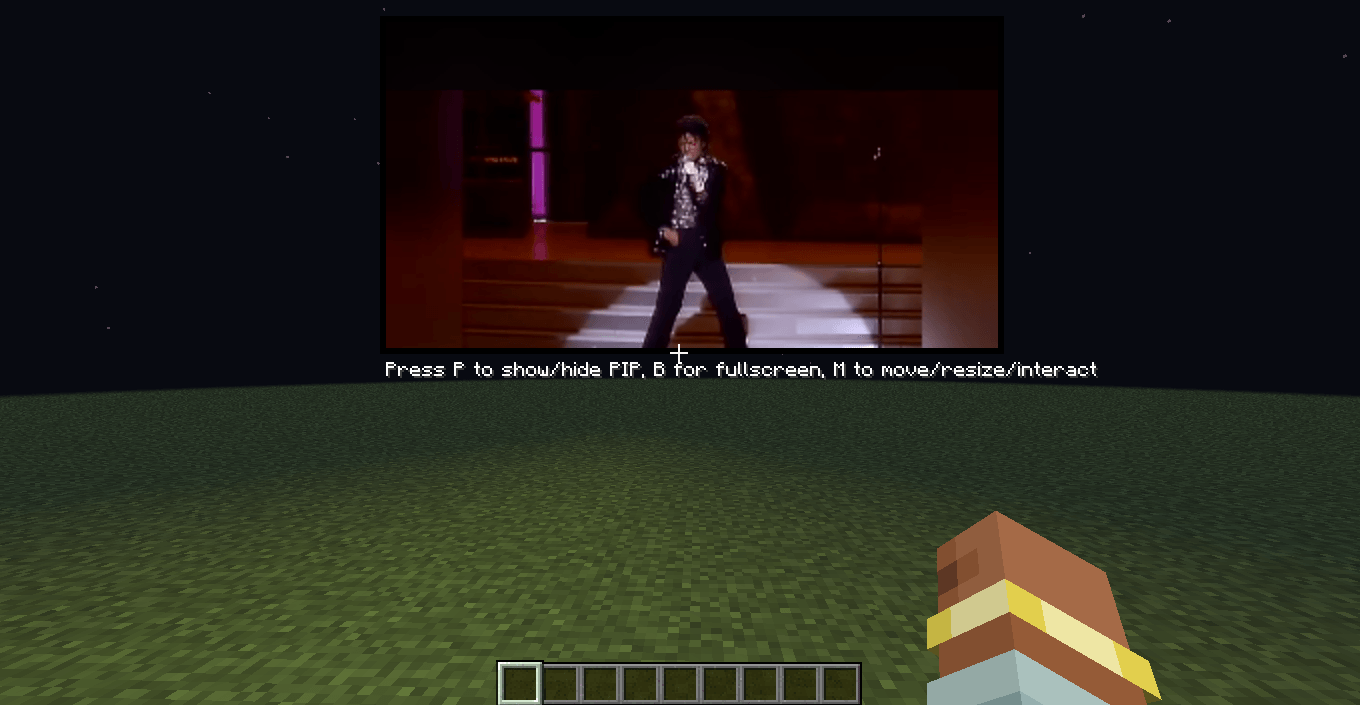
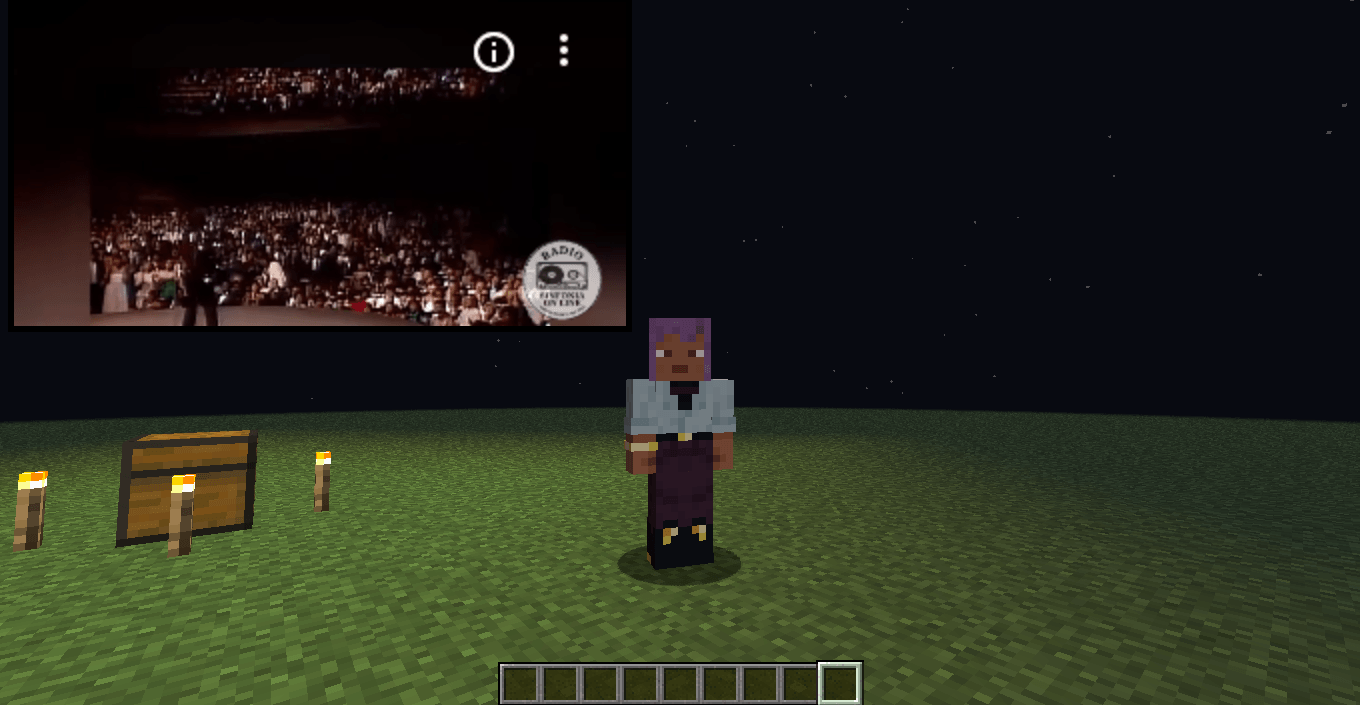
- Picture-in-Picture (PiP) mode — keep a page playing/visible in the corner of your screen while you keep playing Minecraft.
- Draggable and resizable: move the PiP window anywhere on screen and resize it to whatever size fits your setup.
- Fully interactive: click, scroll, and type directly into the page without leaving the game.
- Automatically clamps to your window size, so it never covers more of the screen than it should.
- Chat link interceptor — links posted in chat can be clicked to open directly in the browser instead of copy-pasting URLs.
- Admin commands — server operators can open a browser or navigate a specific player to a URL remotely.
- Persistent state — open tabs and PiP position/size are saved and restored between sessions.
- Localized — available in English and Spanish (Spain, Mexico, Argentina).
Keybinds
| Key | Action |
|---|---|
B |
Open/close the fullscreen browser |
P |
Toggle Picture-in-Picture mode |
M |
Move / resize / interact with the PiP window |
↑ / ↓ |
Scroll the page while in PiP |
F12 |
Toggle fullscreen while the browser screen is open |
All keybinds are rebindable from Minecraft’s Controls menu.
Commands
Requires operator permission level 2.
/ub web <player> <url>— opens a specific URL for the target player./ub browser <player>— opens the browser (to its current tab) for the target player.
Requirements
- Minecraft 1.21.1
- NeoForge 21.1.220+
- MCEF (bundled/required dependency for Chromium Embedded Framework support)
Notes
Ultimate Browser renders a real, interactive Chromium instance inside the game — treat it like any other web browser: be mindful of what you load and who has access to the admin commands on your server.
常见问题
Ultimate Browser 支持哪些 Minecraft 版本?
Ultimate Browser 支持 Minecraft Java 版 1.21–26.3,共 5 个版本,可用的加载器:NeoForge。下载时注意选择和你游戏版本一致的文件。
Ultimate Browser 怎么安装?
先用 PCL2 或 HMCL 启动器安装对应版本的 NeoForge,再把下载的 .jar 文件放进游戏目录的 mods 文件夹,重新启动游戏即可。开启了版本隔离的,mods 文件夹在 versions/版本名 下面。
NadienDev 的其他作品
查看全部 →
Construction Wands Revived
建筑魔杖让建造更轻松!(建筑之杖的全新演绎)已移植至 1.21.1 NeoForge

Mekanism Elements
一个为通用机械增添更多科学元素的模组
KubeJS NeoVitae
为 NeoVitae 添加 KubeJS 配方支持,可直接通过脚本创建 Hellfire Forge、Tabula Vitae、Athanor、Alchemy Array 和 Ara Vitae 的配方。

Mango’s MultiBlock Library Revived
提供了一些用于建造多方块结构的实用工具
评论
登录后评论和评分