
截图
介绍
About
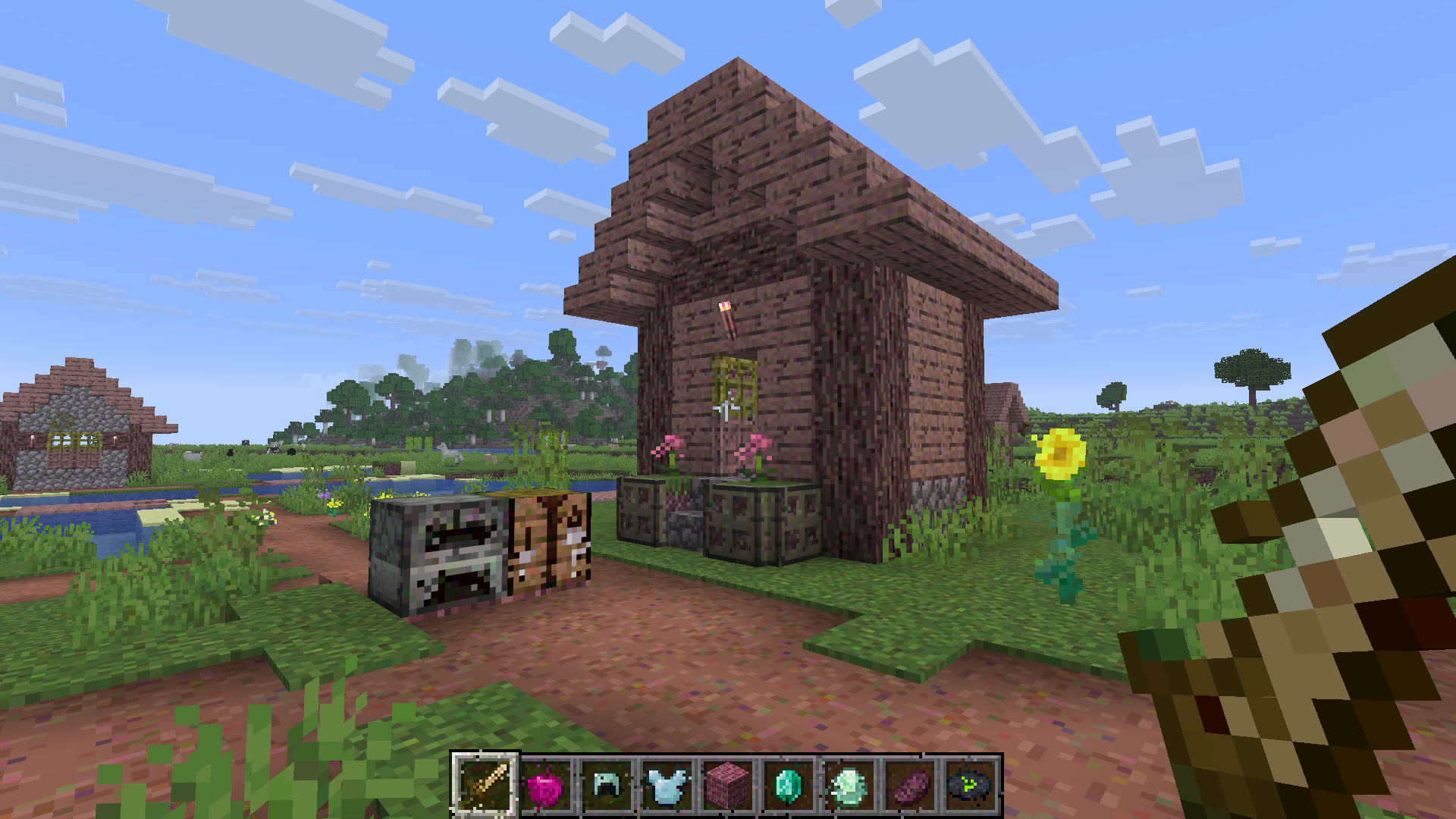
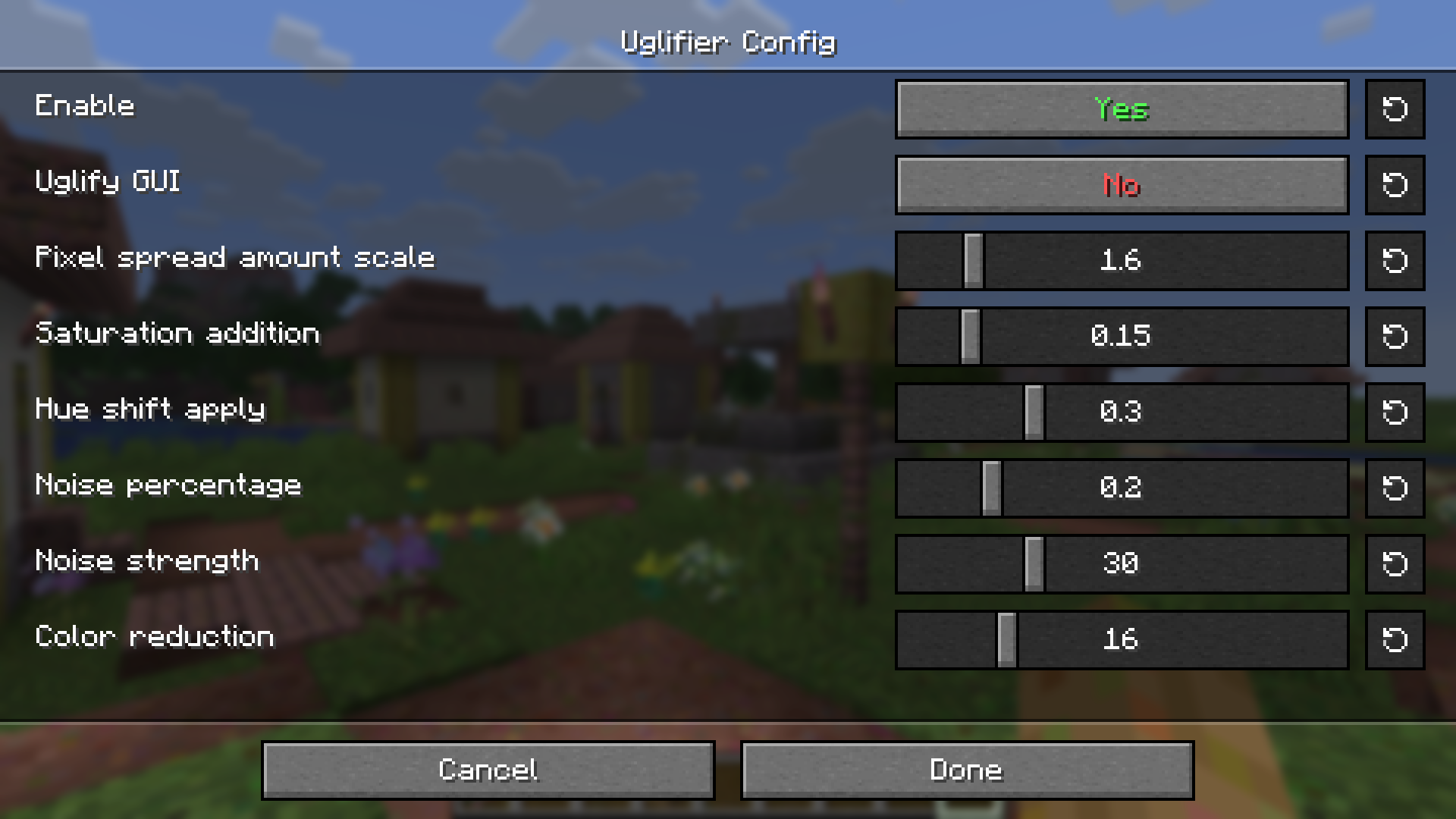
Uglifier is a lightweight client‑side mod that transforms Minecraft textures to make them ugly. It modifies textures at startup or on reload at runtime, it is fully compatible with modded textures and resource packs, and it has configurations.
Why It Exists
There is a phenomenon that occurs when you use terrible textures and then remove them after playing for a while; the Minecraft textures will look clear and crisp. Useful if you need to get readjusted to Minecraft’s default texture after playing too much high-definition block game like Hytale or Vintage Story.
How It Works
Uglifier modifies textures through several steps:
- Pixel Spreading: randomly swaps nearby pixels.
- Hue Shifting: alters color tones and increases saturation.
- Noise Injection: adds some random noise to pixels.
- Color Reduction: lower color resolution for textures.
These processes make sure that every texture in the game looks terrible.
常见问题
Uglifier 支持哪些 Minecraft 版本?
Uglifier 支持 Minecraft Java 版 1.21.11,可用的加载器:Fabric / NeoForge。下载时注意选择和你游戏版本一致的文件。
Uglifier 怎么安装?
先用 PCL2 或 HMCL 启动器安装对应版本的 Fabric / NeoForge,再把下载的 .jar 文件放进游戏目录的 mods 文件夹,重新启动游戏即可。开启了版本隔离的,mods 文件夹在 versions/版本名 下面。运行环境:仅客户端。
andeditor7 的其他作品
查看全部 →
ValleyCraft
Farming & cooking overhaul with a dash of exploration!

ValleyCraft
Farming & cooking overhaul with a dash of exploration!

Cozy Cabincore – C3
Redwoods, flowers, cabin logs, and more!

Uglified
A resource pack that have ugly Minecraft texture
评论
登录后评论和评分