
介绍
中文介绍正在准备中,下面暂时显示原文。
TwitchLink
Link Twitch and Minecraft together
Getting started
To get started, download the mod from Modrinth or CurseForge or the Releases Tab. Make sure to also have Fabric 1.20.1 and the dependencies installed!
When in-game, type /twitchlink and a list of sub commands should appear!
Commands
-
/twitchlink
- connect [channel] – Connect to a Twitch Channel
- disconnect [channel] – Disconnect from a Twitch Channel
- list – List all the connected Channels
- enable – Enable the Twitch Chat Link
- disable – Disable the Twitch Chat Link
Todo:
-
Let the user input oauth tokens and such to:
- send messages in chat
- get other events
常见问题
TwitchLink 支持哪些 Minecraft 版本?
TwitchLink 支持 Minecraft Java 版 1.20.1,可用的加载器:Fabric。下载时注意选择和你游戏版本一致的文件。
TwitchLink 怎么安装?
先用 PCL2 或 HMCL 启动器安装对应版本的 Fabric,再把下载的 .jar 文件放进游戏目录的 mods 文件夹,重新启动游戏即可。开启了版本隔离的,mods 文件夹在 versions/版本名 下面。
cosrnic 的其他作品
查看全部 →
Enderite
by cosrnic
A Minecraft mod that adds Enderite - Fabric
3,512
5 年前
CurseForge
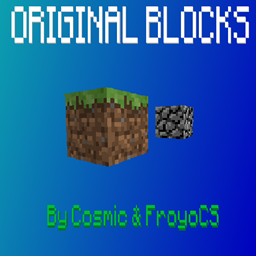
Original Blocks
by cosrnic
Adds the original block textures to the game with the new textures!
965
5 年前
CurseForge
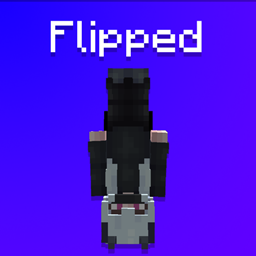
Flipped
by cosrnic
A Fabric 1.19 mod that flips you upside down, similar to Dinnerbone's player model.
341
4 年前
CurseForge
评论
登录后评论和评分