
TwitchierChat
Server side fabric mod to make minecraft chat more like twitch's. Adds emotes, name colors, replies and much more.
介绍
Showcase
- Emotes can be added by operators and managers, they can be animated and can be used in chat, signed books, anvil, signs. They will autocomplete on chat.
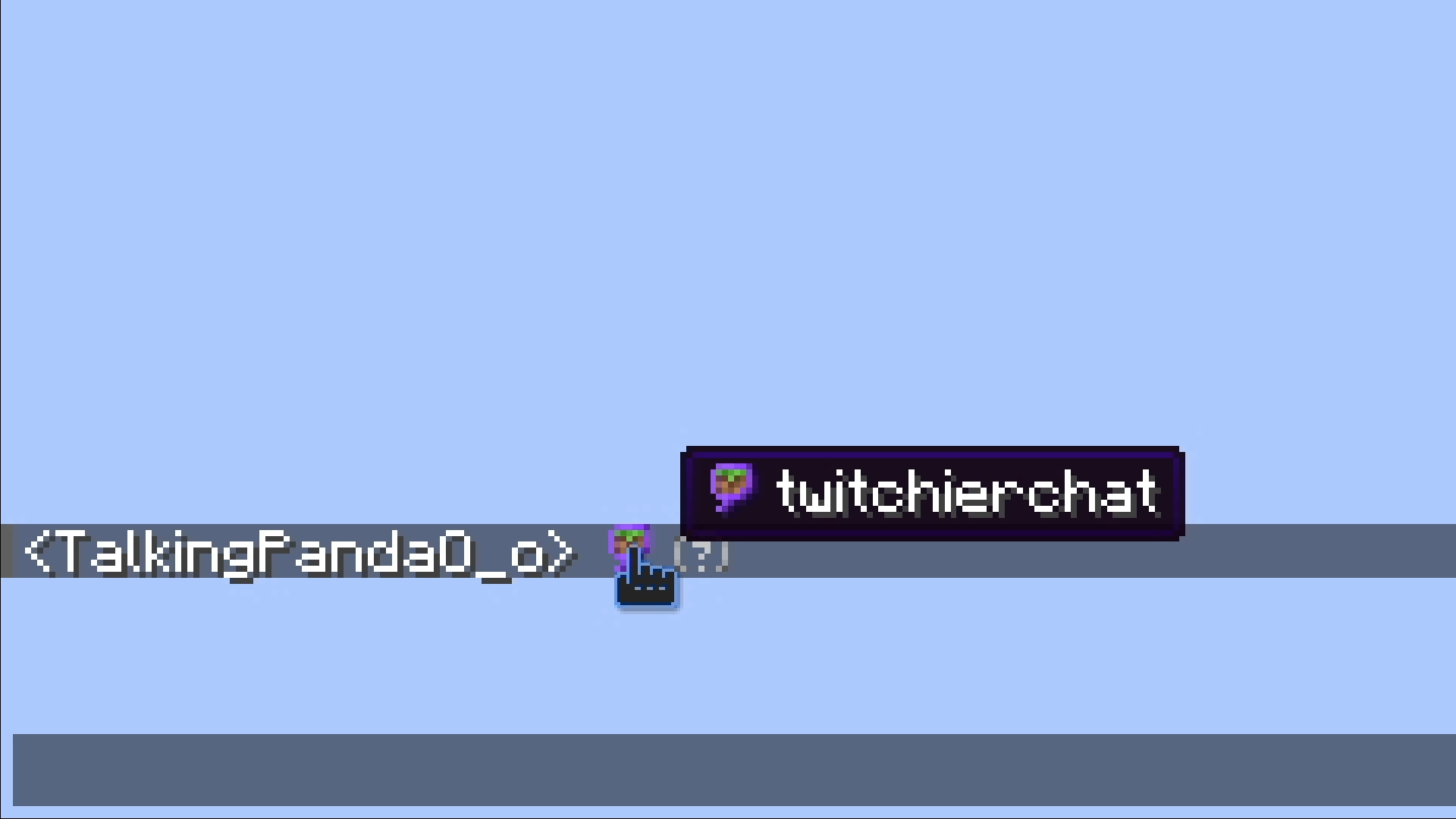
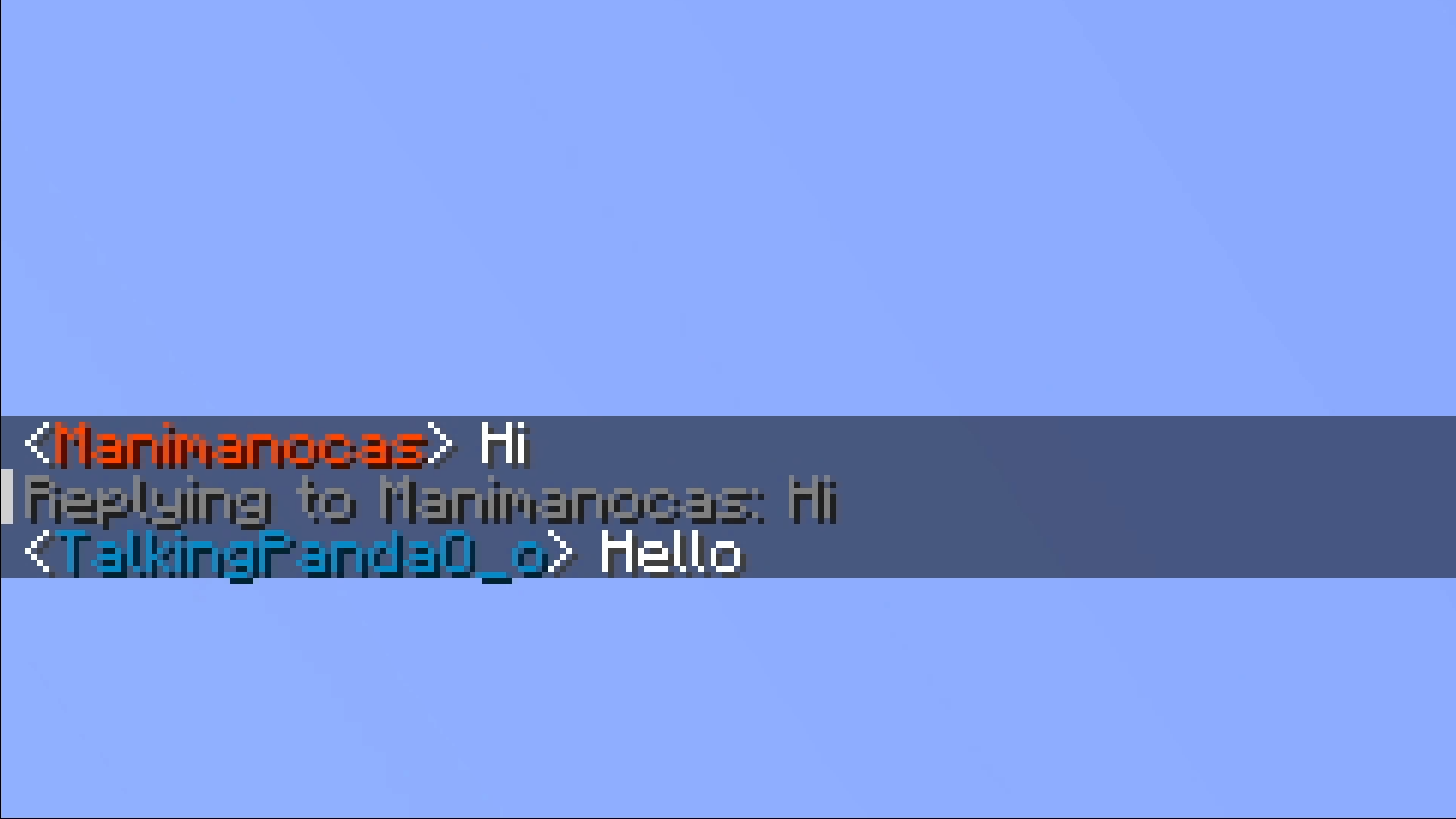
- You can reply to messages by clicking on them
- You can change your name color to any of the twitch name colors or any hex color

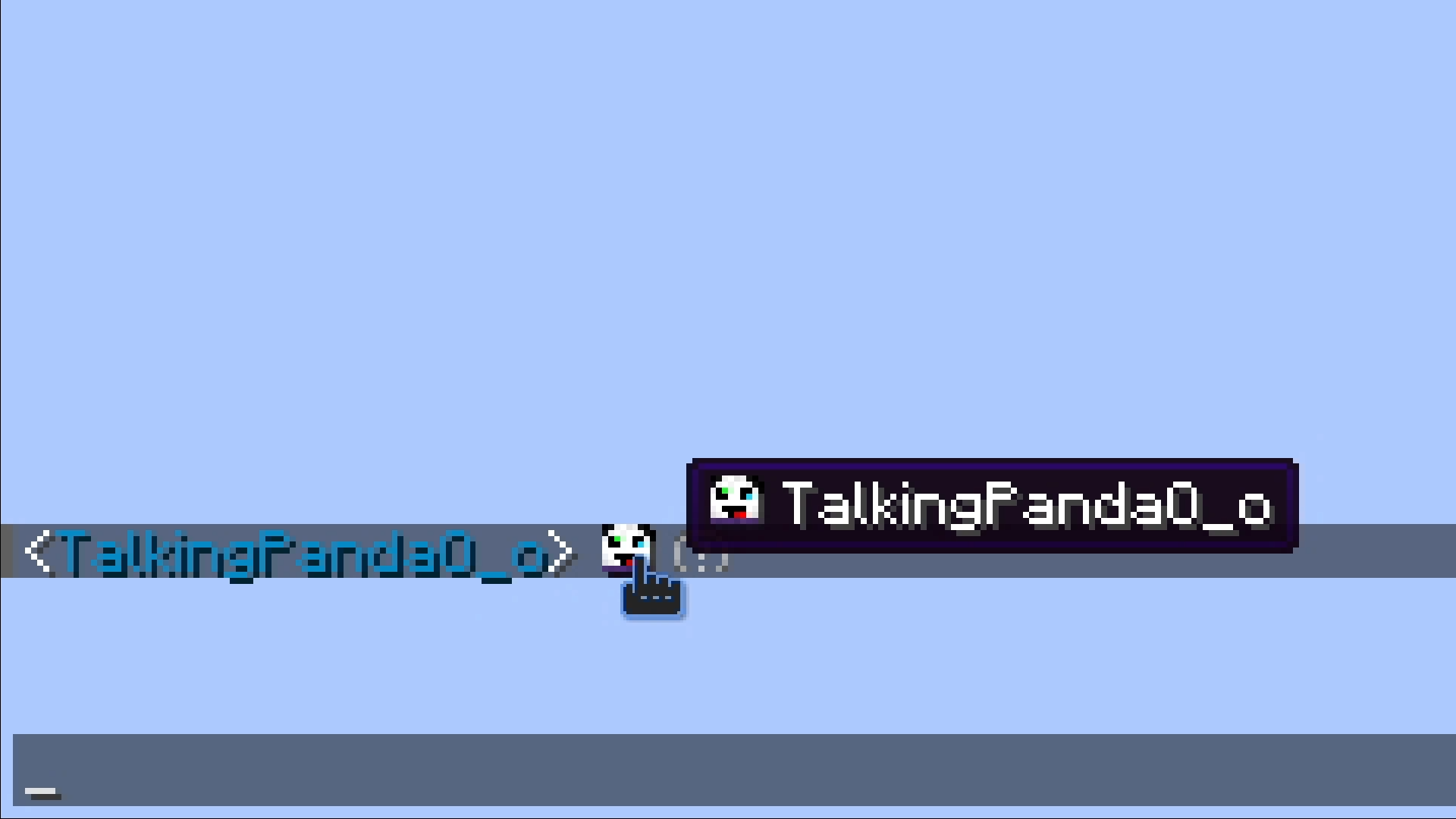
- You can put a players head in chat if you put their name between
< >, they don’t need to be on the server or even online.
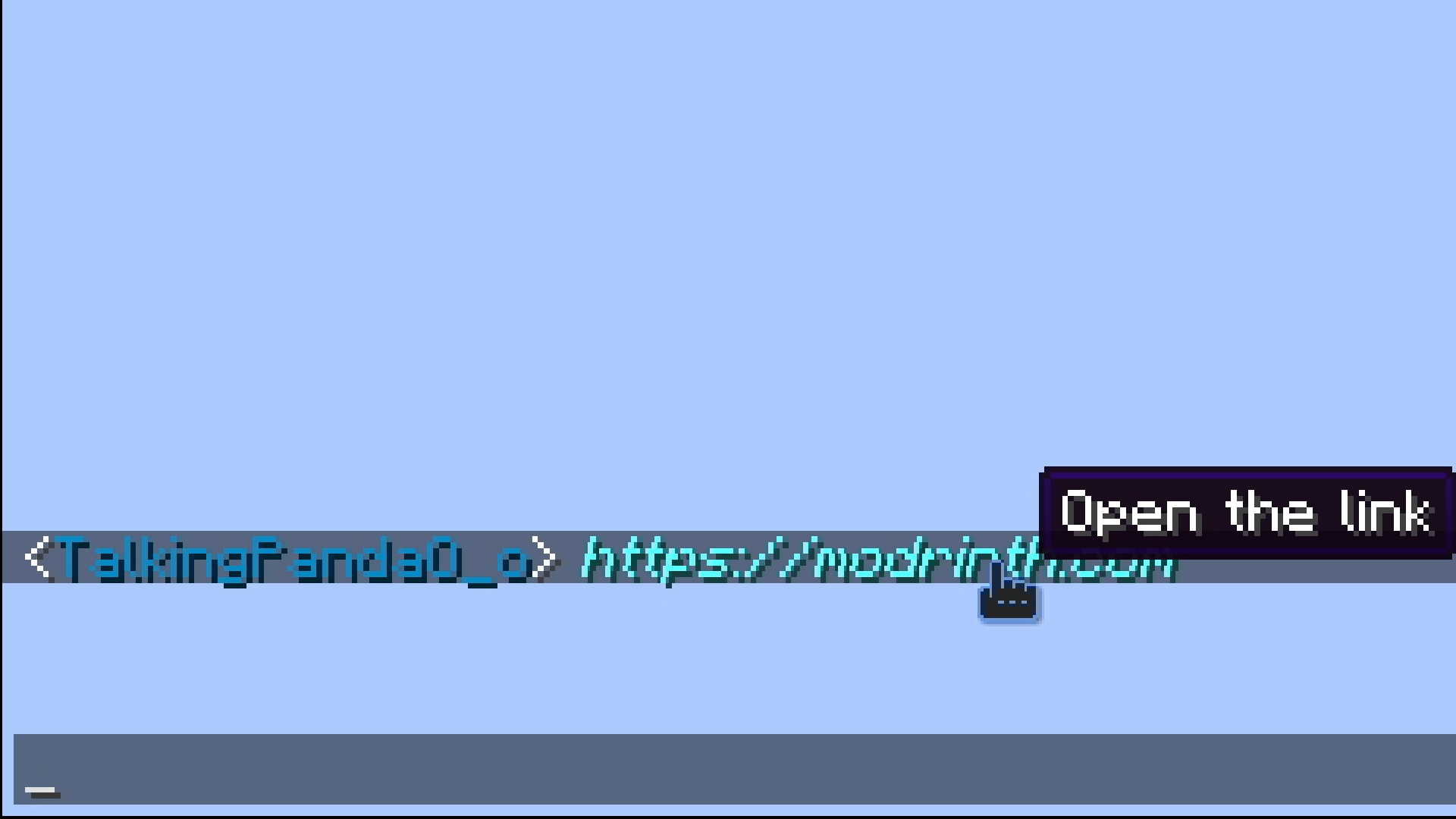
- Any url typed in chat will become clickable
Setup
- Needs ffmpeg to be installed and on path on the server.
- You need to set your server’s address for the resource pack.
Commands
Twitchierchat
/twitchierchat server <address> <port>
Sets the server address used for the emote resource pack. Requires operator priviliges.
<address> needs to be the address players are using to join your server.
<port> will be set to the port you have in server.properties if empty.
/twitchierchat managers
Lists current managers.
/twitchierchat managers add <player>
Will make <player> a manager.
Managers can remove and add emotes they can’t add or remove other managers. Requires operator priviliges.
/twitchierchat managers remove <player>
Will remove <player> from managers.
Emotes
/emotes add <emote> <sourceUrl> <showLogs> <tileSize> <fps>
Adds emote with name <emote> from <sourceUrl> with size <tileSize> and framerate <fps>. Can be run by operators or managers.
<emote> can’t be longer than 14 characters.
/emotes remove <emote>
Removes emote with name <emote>. Can be run by operators or managers.
/emotes reload
Reloads the emotes from the resource pack file.
/emotes update
Sends the resource pack to the person running it.
/emotes list
Shows a list of every emote.
Pings
/ping
Shows your current ping status.
ping on|off
Turns pings on or off.
/ping reply on|off
Turns pings on or off for replies.
/ping alias
Lists your current aliases.
/ping aliases add <alias>
Adds <alias> to your aliases.
/ping aliases remove <alias>
Removes <alias> from your aliases.
/ping sound
Will show and play your current ping sound.
/ping sound <sound>
Sets your ping sound <sound>.
/ping resetSound
Resets your ping sound.
/ping blocked
Shows the players you currently have blocked.
/ping block <player>
Prevents <player> from pinging you.
/ping unblock <player>
Allows <player> to ping you again.
常见问题
TwitchierChat 支持哪些 Minecraft 版本?
TwitchierChat 支持 Minecraft Java 版 26.2–26.3,共 2 个版本,可用的加载器:Fabric。下载时注意选择和你游戏版本一致的文件。
TwitchierChat 怎么安装?
先用 PCL2 或 HMCL 启动器安装对应版本的 Fabric,再把下载的 .jar 文件放进游戏目录的 mods 文件夹,重新启动游戏即可。开启了版本隔离的,mods 文件夹在 versions/版本名 下面。运行环境:仅服务端。
评论
登录后评论和评分