Twin Hotbar
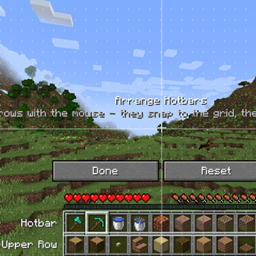
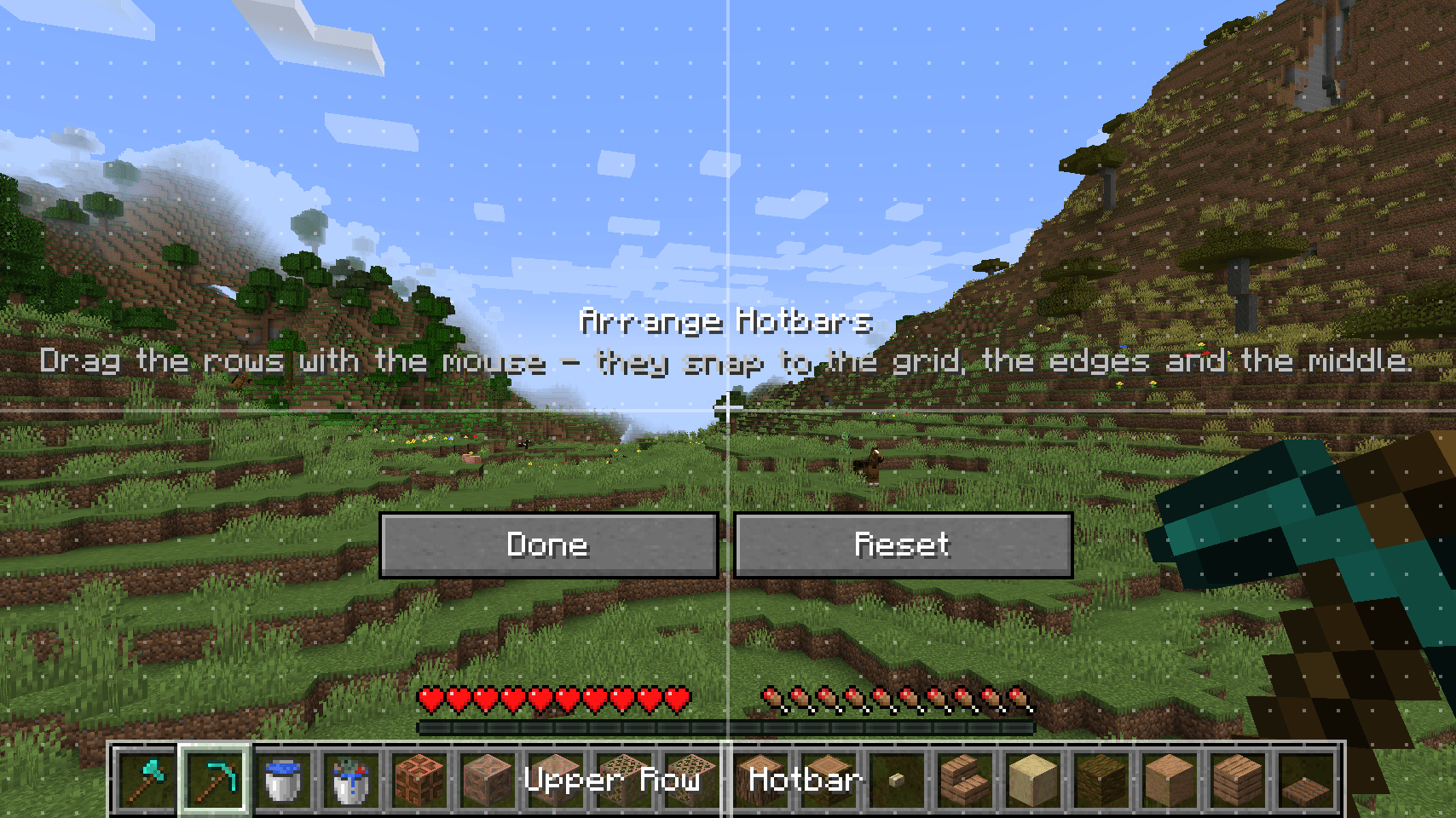
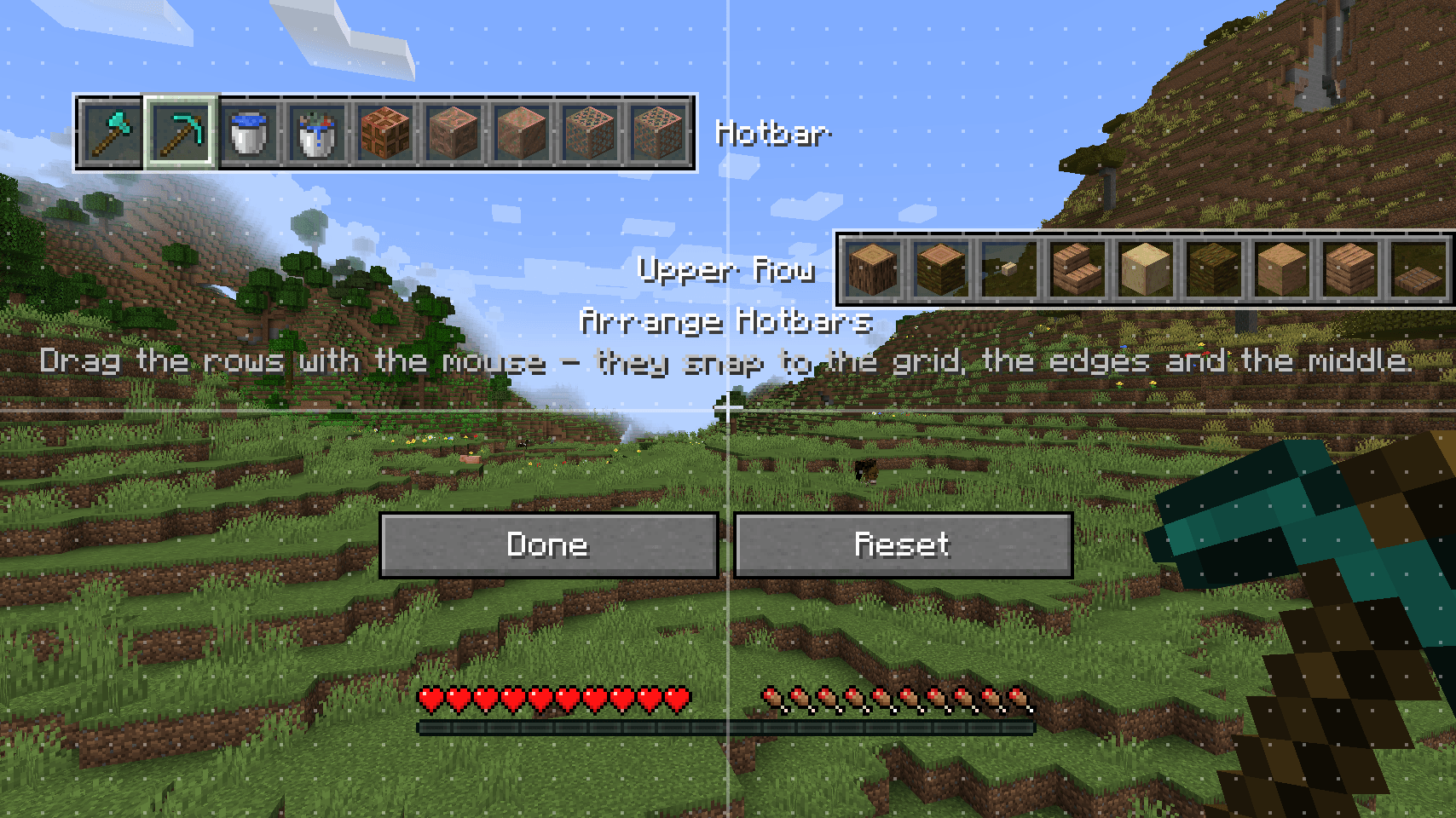
The cramped 9-slot vanilla hotbar always annoyed me, so I made this: a second hotbar row you can select directly (scroll or Alt+1-9), no toggling. Drag both rows anywhere on screen, your inventory always stays sorted.
截图
介绍
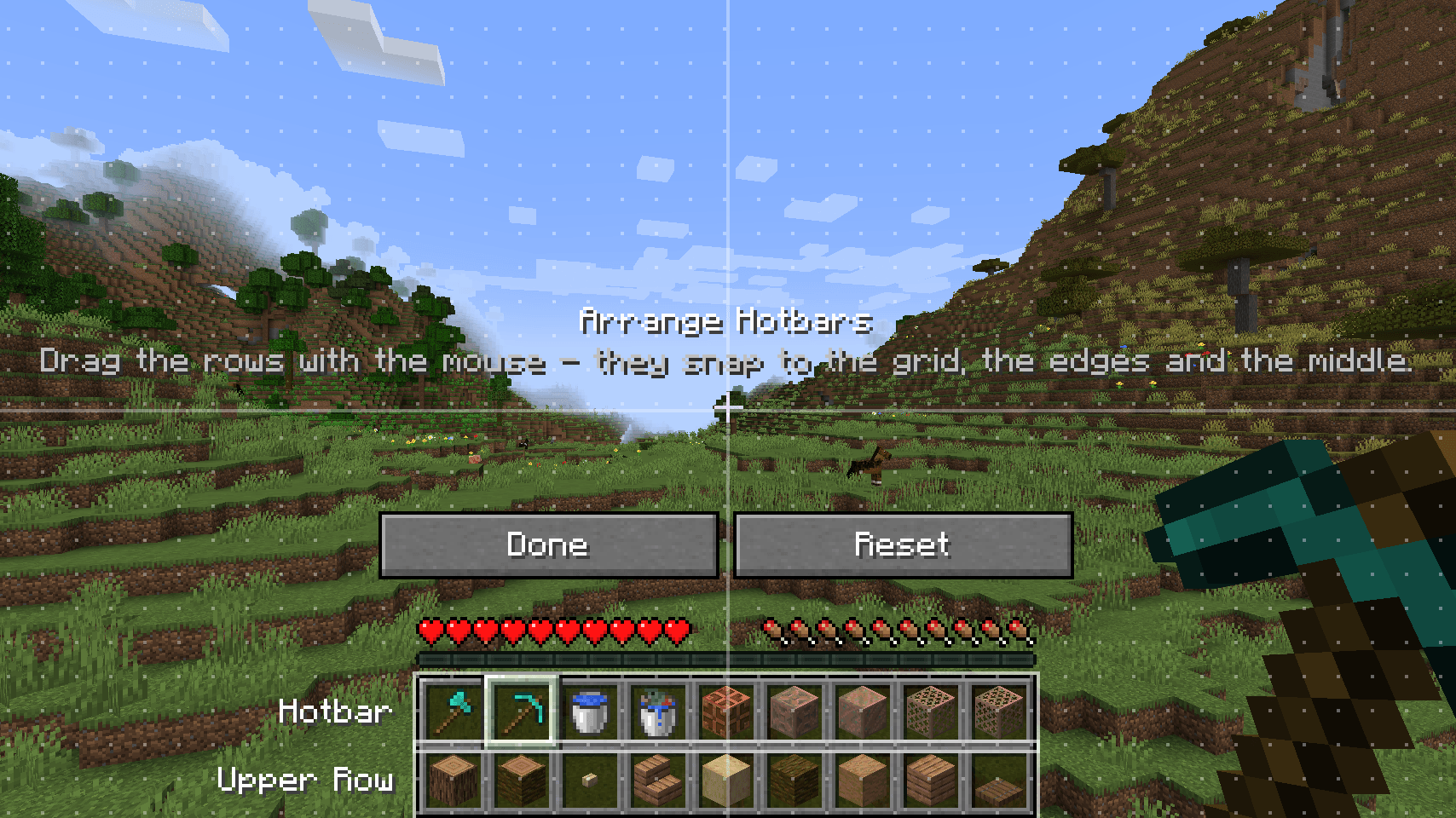
The 9 slots of the vanilla hotbar always annoyed me, so I made this mod. It adds a second hotbar row above the normal one, and you can pick from both directly. No switching between bars.
The upper row is just a row of your inventory (the one right above the hotbar; you can change it in the config). Items picked from it work normally: mining, placing, eating and so on. Your inventory always stays sorted the way you left it.
Controls
– Mouse wheel: goes through all 18 slots
– 1–9: lower row
– Alt + 1–9: upper row
– H: move the two rows wherever you want on the screen (they snap to each other and to a grid)
All keys can be changed in the controls menu.
Install
Minecraft 1.21.1, NeoForge 21.1.247 or newer. Put it on the server and on the clients. If the server doesn’t have it, the upper row just doesn’t show up.
常见问题
Twin Hotbar 支持哪些 Minecraft 版本?
Twin Hotbar 支持 Minecraft Java 版 1.21.1,可用的加载器:NeoForge。下载时注意选择和你游戏版本一致的文件。
Twin Hotbar 怎么安装?
先用 PCL2 或 HMCL 启动器安装对应版本的 NeoForge,再把下载的 .jar 文件放进游戏目录的 mods 文件夹,重新启动游戏即可。开启了版本隔离的,mods 文件夹在 versions/版本名 下面。
zero96x 的其他作品
查看全部 →
Create Additions – Sable Compat
这是一个小型模组,可让 Create Crafts and Additions 的电线兼容 Sable Sub-Levels。

Sable x Xaero Bridge
让你的 Sable 子层显示在 Xaero 的世界地图和小地图上!

Create Cardan Shafts
新增兼容机械动力的万向轴连接器,可在移动的 Sable 子层级之间传递旋转动力。

Copycat Sails and Compat
介绍可调节升力和推力的仿制帆。
评论
登录后评论和评分