
截图
介绍
🚀 Quick Start
- Install the mod and its dependencies.
- Launch the game and press
Zto open the configuration GUI. - Enable desired features and optionally assign hotkeys to them.
⚠️ Note: All features are disabled by default. You must manually enable the ones you need.
✨ Feature Overview
🛠️ Generic
| Feature | Default | Description |
|———|:——-:|————-|
| Open Config GUI | Z | Hotkey to open the Tweelix configuration interface. |
| Spectator Mode | ❌ | Prevents breaking/placing blocks and damaging entities – useful for server tours. |
| Copy Crosshair Target Info | ❌ | Copies the registry name (ID), display name, or coordinates of the targeted block, entity, or inventory item. |
| Default Toggle State | ❌ | Provides a default value for features that do not have individual toggle controls. |
| Execute Sign Commands | ❌ | Right‑click the back of a sign to run commands starting with / or !!. |
| Auto Line Wrap for Sign Edit | ❌ | Automatically wraps pasted text on signs according to pixel width. |
| Unlimited Backside Sign Paste | ❌ | Ignores the client‑side text length limit when pasting on the back of a sign (useful with the execute command feature). |
🖥️ Display
| Feature | Default | Description |
|———|:——-:|————-|
| Command Suggestions | ❌ | Shows parameter hints while typing commands (requires the built‑in resource pack). |
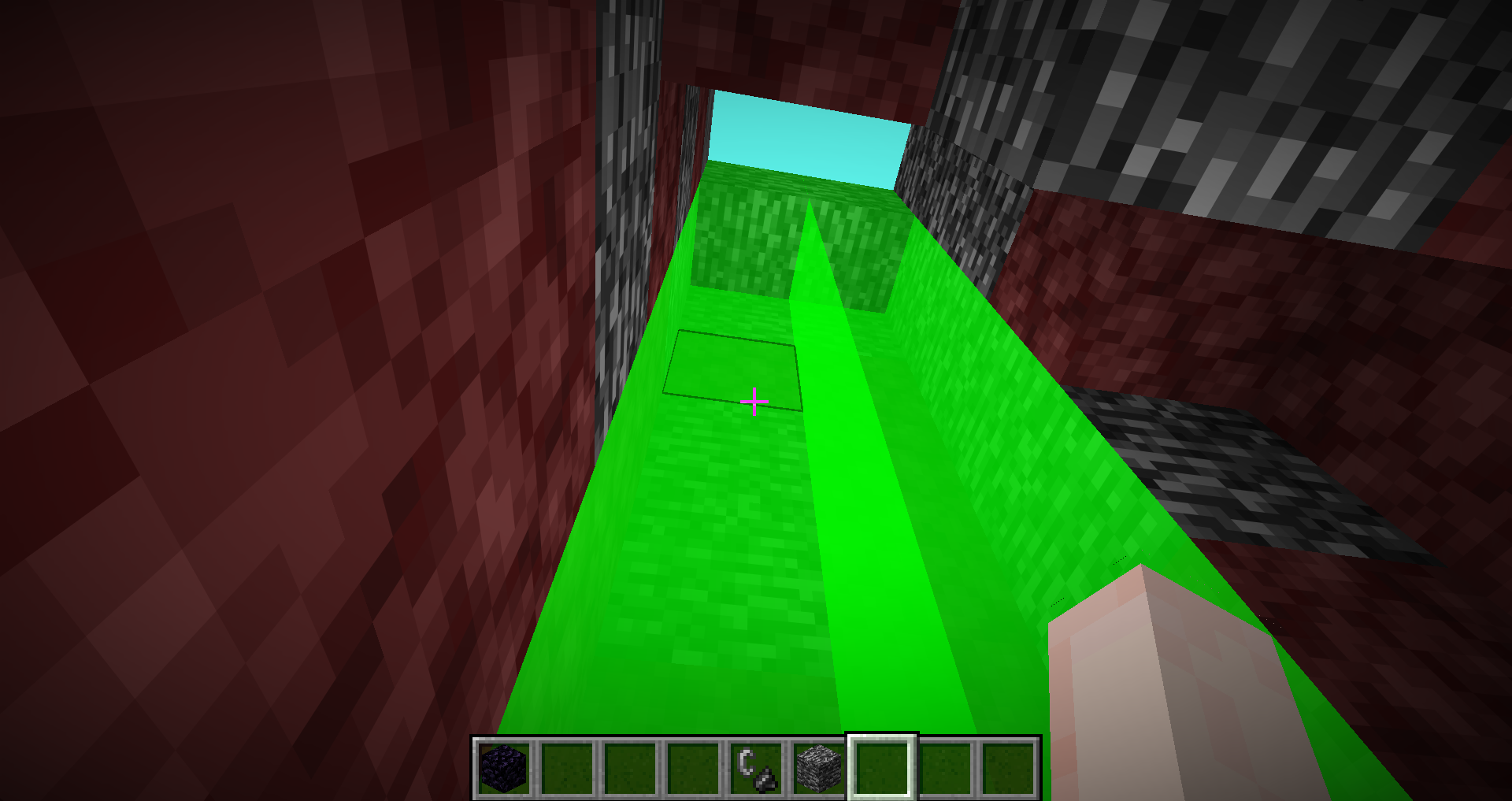
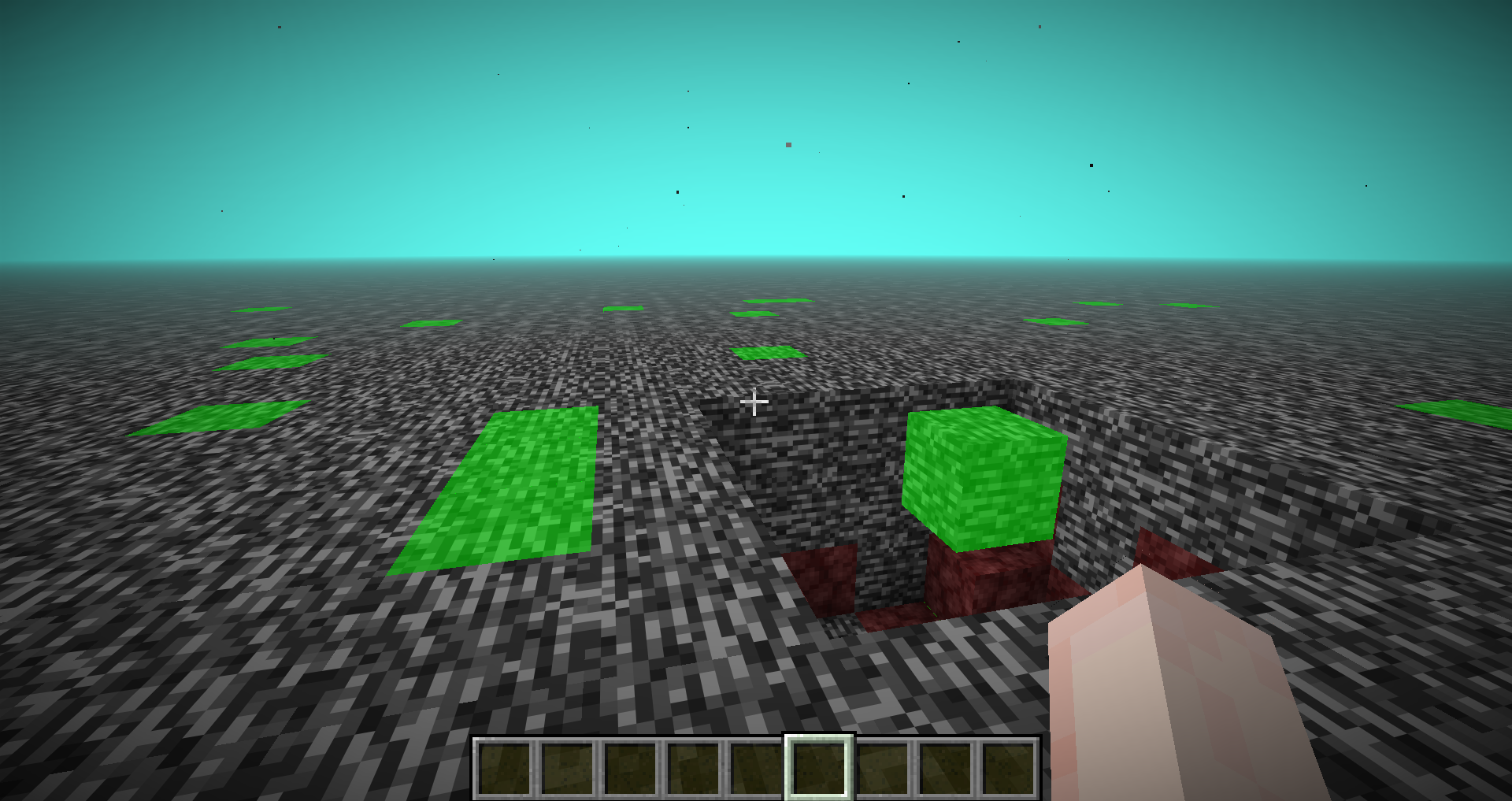
| Show Single-Layer Bedrock | ❌ | Highlights bedrock that is only one layer thick at the top of the Nether. |
| Custom Gamemode Switching | ❌ | Customises the F3+F4 gamemode switcher behaviour; allows configuring commands for each mode. |
| Refresh LAN Port | ❌ | Adds a refresh button to the “Open to LAN” screen. |
| Show Shader Packs Button | ❌ | Adds a Shader Packs button below the Resource Packs button in the Options screen. |
| Hide Cross‑Team Player Names | ❌ | Press F1 to toggle hiding nameplates of players on other teams. |
| Show Litematica Folder Button | ❌ | Adds a button to open the Litematica project folder from the Litematica main menu. |
| Infinite Night Vision | ❌ | Grants permanent Night Vision with adjustable brightness intensity. |
🔧 Tweaks
| Feature | Default | Description |
|———|:——-:|————-|
| Flat Mining | ❌ | When not sneaking, prevents breaking blocks that are lower than the player’s height. |
| Wall Mining | ❌ | When not sneaking, prevents mining blocks that are directly below configured blocks. |
| Add Mining Cooldown | ❌ | Limits digging speed to prevent rapid block breaking. |
| Remove Mining Cooldown | ❌ | Removes the default 5‑game‑tick mining cooldown in Survival mode. |
| Freecam | ❌ | Acts like the vanilla spectator mode, allowing free movement and observation. |
| Protect Suspicious Blocks | ❌ | When not sneaking, prevents breaking suspicious sand/gravel. |
| Empty Inventory (one‑key) | ❌ | Press a hotkey to quickly drop configured items; supports filter rules. |
| Mining Blacklist | ❌ | Prevents mining blocks that are on the configured blacklist. |
⌨️ Commands
All commands are accessed via the /tweelix root command.
📋 Action Commands
| Command | Description |
|———|————-|
| /tweelix openConfigGui | Opens the configuration GUI. |
| /tweelix crosshairCopy | Triggers copying of crosshair‑target data. |
| /tweelix emptyInventory | Empties the inventory (requires the feature to be enabled). |
| /tweelix exportkeys | Exports all translation keys of commands to exports/command_keys.json. |
⏱️ Delayed Execution
/tweelix delay <command1> <time> <command2>常见问题
Tweelix 支持哪些 Minecraft 版本?
Tweelix 支持 Minecraft Java 版 1.21.6–26.3,共 9 个版本,可用的加载器:Fabric / NeoForge。下载时注意选择和你游戏版本一致的文件。
Tweelix 怎么安装?
先用 PCL2 或 HMCL 启动器安装对应版本的 Fabric / NeoForge,再把下载的 .jar 文件放进游戏目录的 mods 文件夹,重新启动游戏即可。开启了版本隔离的,mods 文件夹在 versions/版本名 下面。运行环境:仅客户端。
评论
登录后评论和评分