
Turtle Client
A lightweight and customizable Minecraft Java client focused on utility, visuals, clean UI, and performance improvements. Turtle Client includes various built-in features and HUD modules designed to improve gameplay and customization.
截图

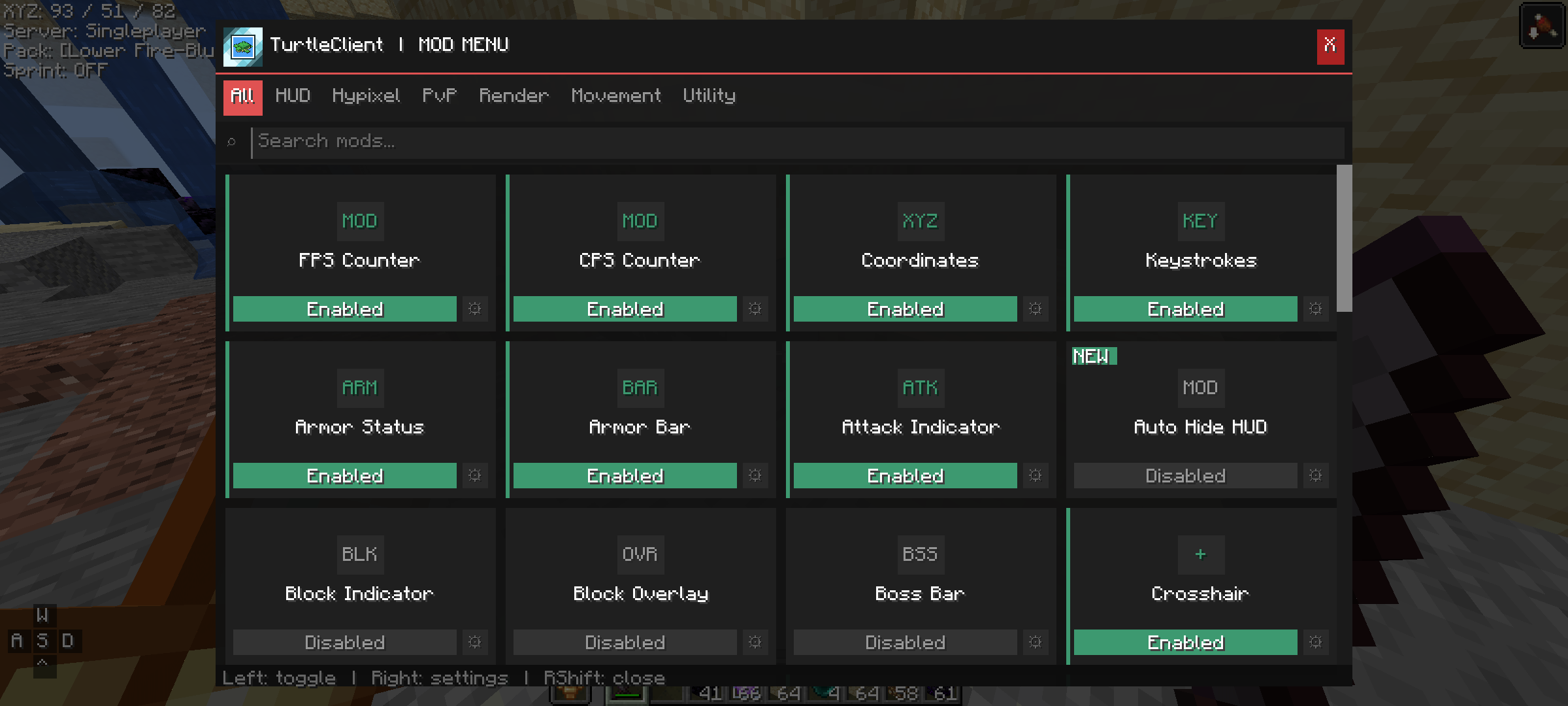
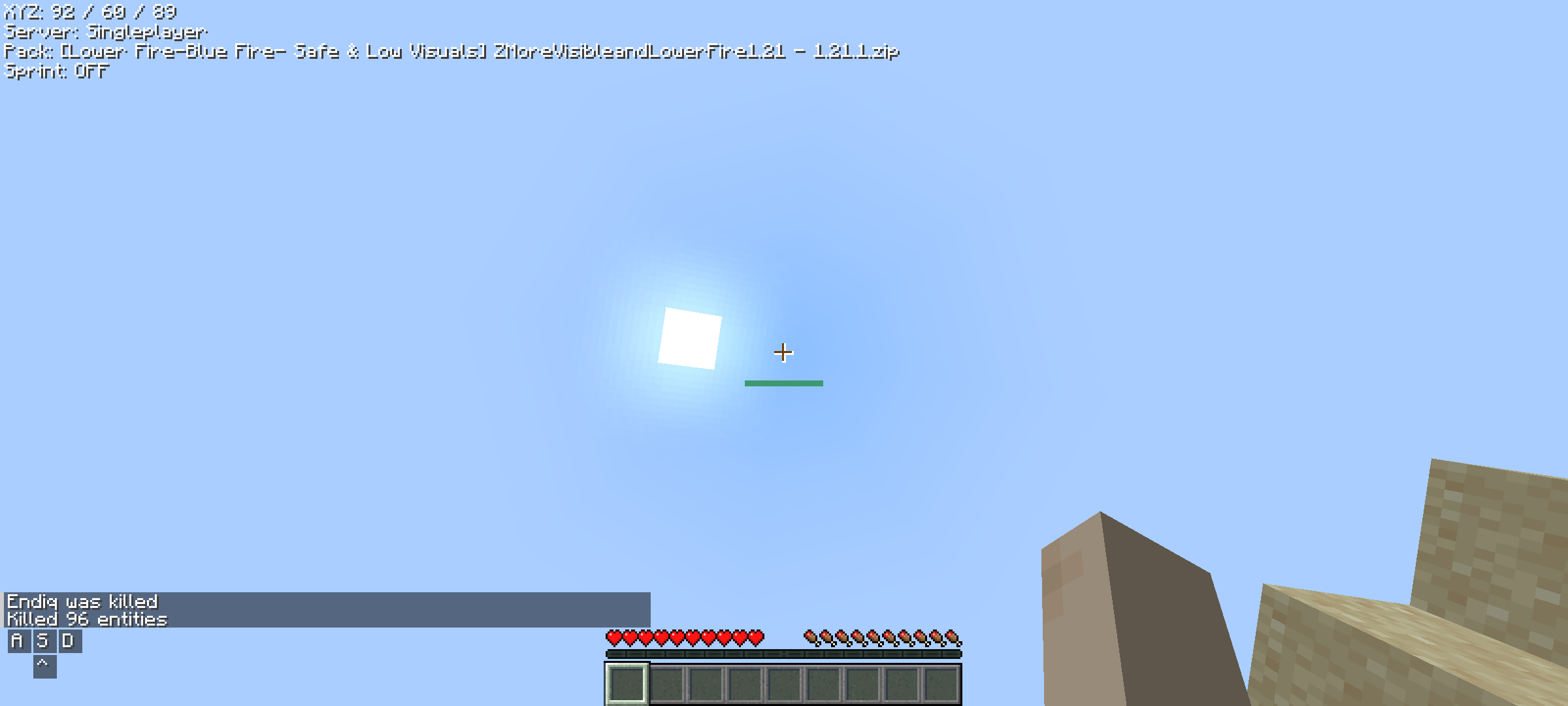
介绍
🐢 Turtle Client – A Minecraft Java Client
A lightweight and customizable Minecraft Java client focused on utility, visuals, clean UI, and performance improvements.

«Note: The name of this project was inspired by a Minecraft Bedrock client.»
Their licence: https://github.com/TurtleUtilityPack/turtle-client
✨ Features
Turtle Client includes various built-in features and HUD modules designed to improve gameplay and customization.
Included Features
- FPS Counter
- CPS Counter
- Coordinates HUD
- FullBright
- Freelook
- Combo Counter
- Clock
- Direction HUD
- Armor Status
- Attack Indicator
- Block Overlay
- Chat Improvements
- Discord RPC
- Custom Crosshair
- HUD Customization
- Perspective Toggle
- UI Customization
- Animation Tweaks
🤔 Why Turtle Client?
Turtle Client is designed for players who want:
- A clean and modern interface
- Useful built-in modules
- Lightweight gameplay enhancements
- Easy customization
- Better visual experience
The client focuses on simplicity while still providing useful features for everyday gameplay.
📥 Installation
💻 PC
- Download the TurtleClient-x.x.x.jar file
- Place the file inside your Minecraft mods folder
- Launch the game using Fabric Loader
📲 Android / Mobile Java Launchers
- Download the TurtleClient-x.x.x.jar file
- Place the file inside your mods folder
- Launch Minecraft using your preferred Java launcher
💥 Compatibility
✔️ Supported
- Fabric
❌ Not Supported
- Forge
- NeoForge
- Feather Client
- Lunar Client
- Some custom Minecraft clients may be incompatible
📋 Credits
- Endiq — Developer
常见问题
Turtle Client 支持哪些 Minecraft 版本?
Turtle Client 支持 Minecraft Java 版 1.20.1–26.2,共 10 个版本,可用的加载器:Fabric。下载时注意选择和你游戏版本一致的文件。
Turtle Client 怎么安装?
先用 PCL2 或 HMCL 启动器安装对应版本的 Fabric,再把下载的 .jar 文件放进游戏目录的 mods 文件夹,重新启动游戏即可。开启了版本隔离的,mods 文件夹在 versions/版本名 下面。运行环境:仅客户端。
评论
登录后评论和评分