
截图
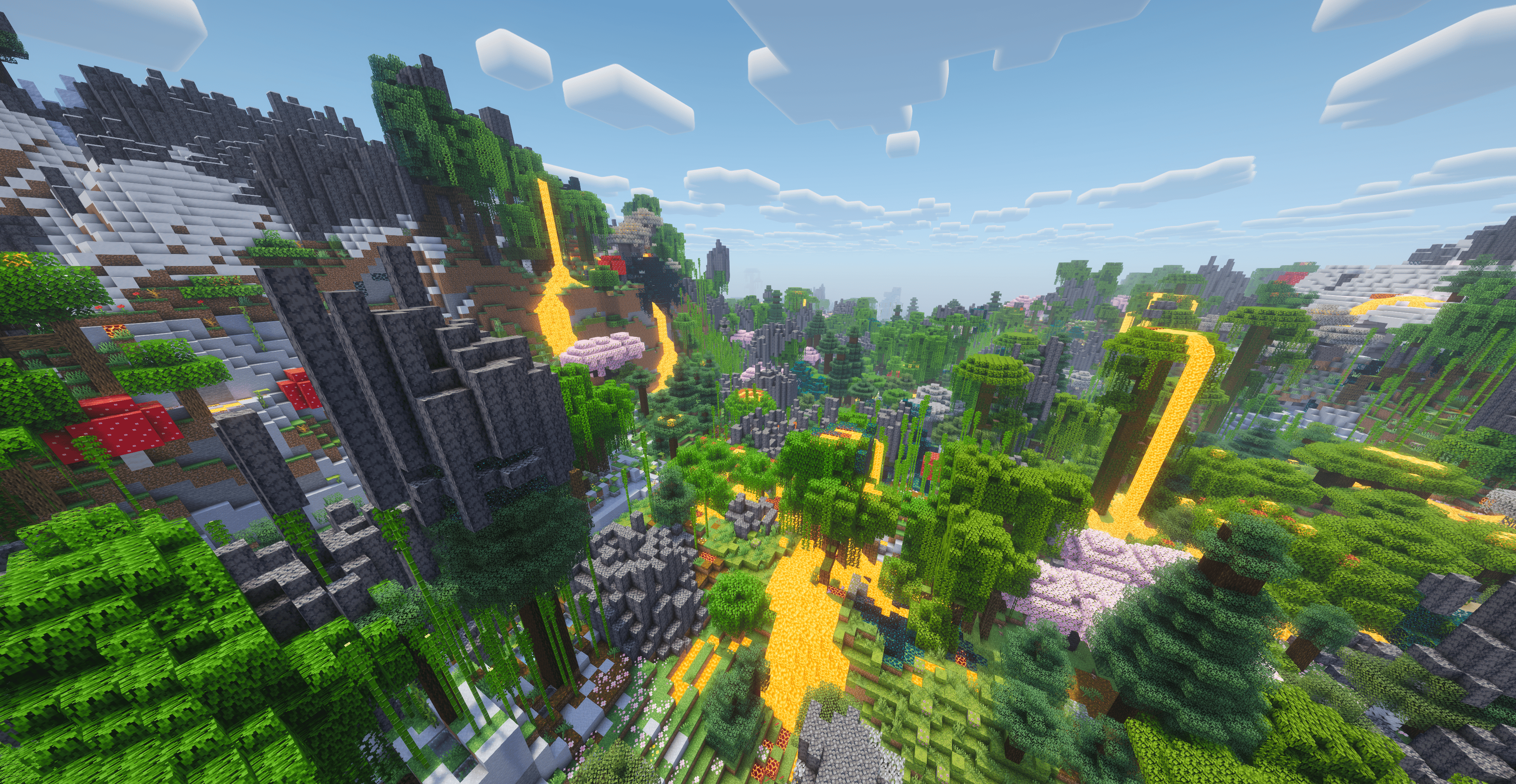
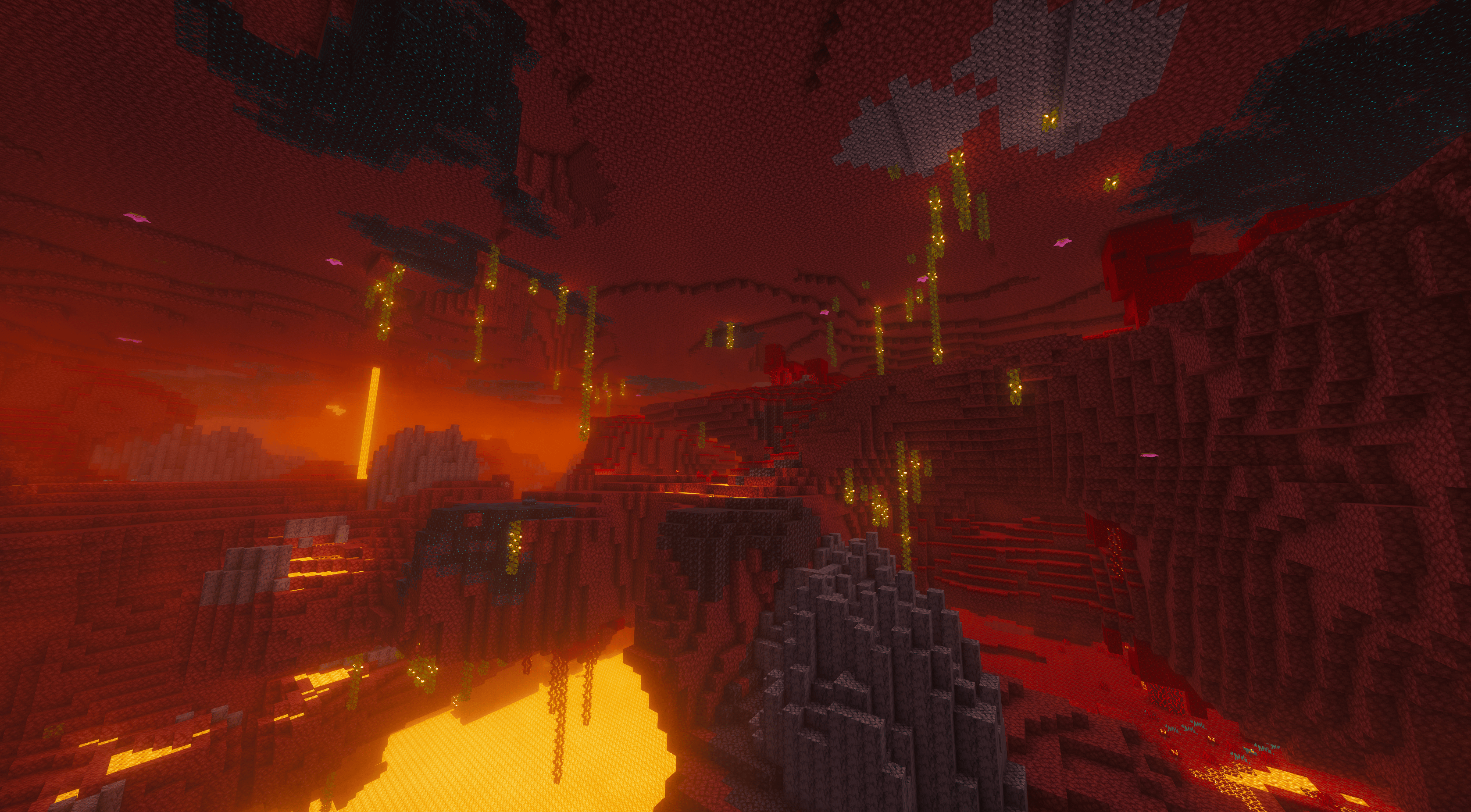
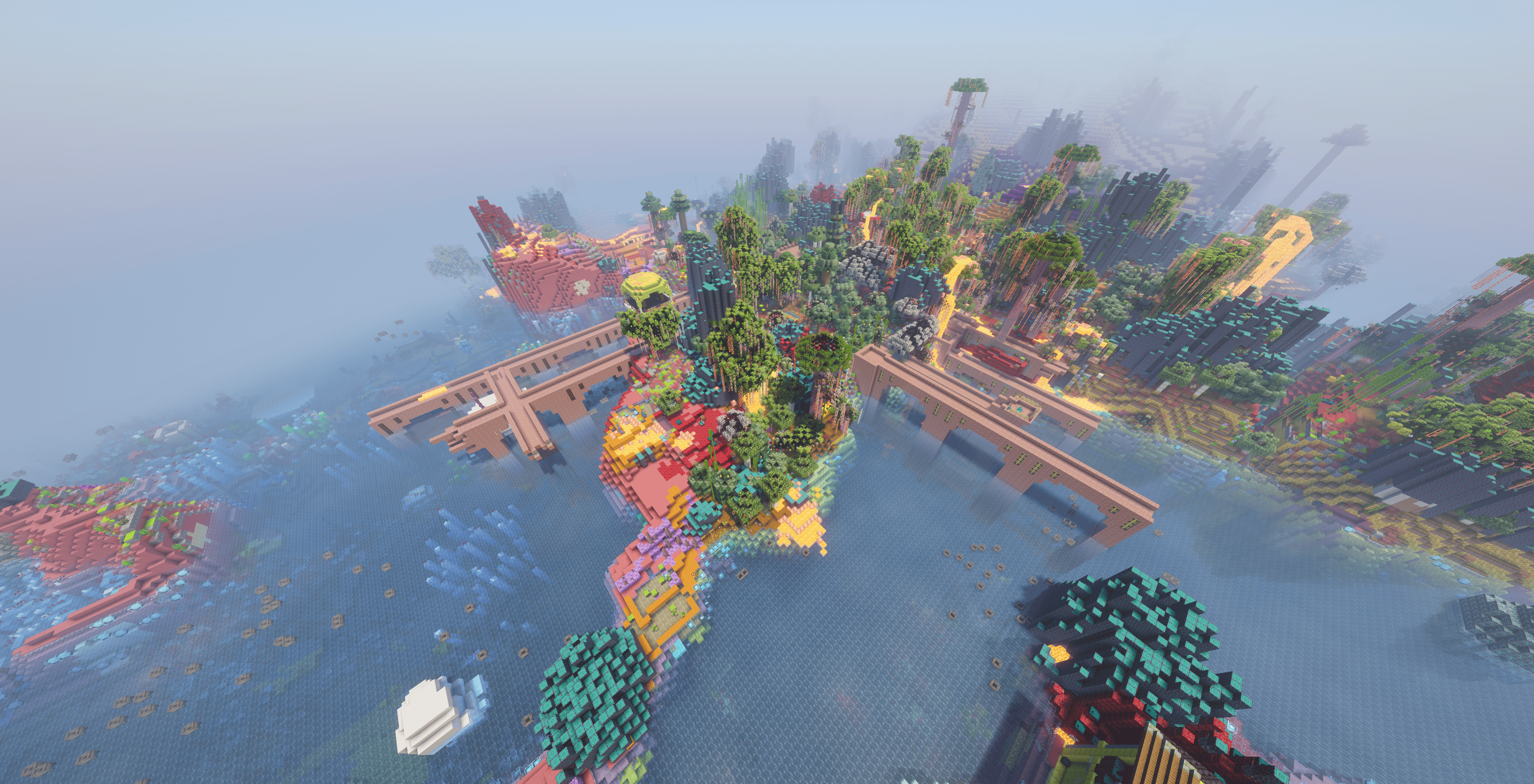
介绍
TrulyRandom – Randomise the World


Choose which modules should be randomised for the world through three main categories: Worldgen Modules, General Modules, and Client Modules. You can access the module configurations during world creation or in-game via the designated keybind (g) to open the Randomiser GUI.
Modules & Settings
- Block Models: Randomises the models of blocks that share the same shape and states.
- Settings allow you to force all instances of a block state to share the same model as the default state.
- You can also choose to ignore model occlusion and state properties, though this may cause rendering quirks or FPS lag.
- Item Models: Randomises the models of items.
- You can enable “Match Block Model Randomisation” to force the random item model to match its block counterpart.
- Loot Tables: Randomises the loot tables of blocks, entities, chests, and more.
- You can configure this to swap loot tables entirely (recommended for consistency) or to produce random items with random quantities.
- Recipes: Randomises the crafting recipes of items.
- Individual settings are available to toggle randomisation for Crafting, Smelting, Blasting, Smoking, Campfire Cooking, Stonecutting, and Smithing.
- Villager Trades: Randomises the traded items of villagers.
- This randomisation includes emeralds.
- Structures: Each structure will be replaced with a different structure where it would normally generate (excluding strongholds).
- The
/locatecommand will be unreliable with this enabled. - Settings include a toggle to use the legacy randomiser (which allows all structures to generate everywhere) and an option to nerf elytra durability to 0 in end cities.
- Features: Each feature will be replaced with another feature where possible (e.g., placing an iceberg instead of a tree).
- Block Palette: Each type of block will be replaced with another type of block.
- Settings allow you to ignore state properties, collision shapes, and occlusion shapes.
- You can choose to “Keep Stone As Stone” to allow overworld surface rules to apply. This is recommeneded.
- Warning: This module may lead to unstable worlds and cannot be changed once set.
Note on Worldgen Modules:
- Worldgen modules like Structures, Features, and Block Palette cannot be changed once they are set during world creation.
Loot Tracker
- Opened from the Red Book in the survival inventory.
- Displays entries of items you have triggered the loot tables for (even if they didn’t drop).
- Entries open a graph showing their sources up to a depth of 20.
- Hovering a source displays the full path to get to the entry.
- Holding shift while hovering an item will show which loot tables you have discovered that drop said item.
- The tracker book now also supports tracking “Hero of the Village” gifts across all villager professions.
Server Setup
In the root folder of the server create a json file called trulyrandom.json with the following content:
{
    "<module_name>": {
      "enabled": <true/false>, // optional (defaults to false)
      "seed": <number>, // optional (defaults to random)
      "type": "<state_id>", // mandatory
      "<additional_settings>": <value> // optional (see config schema below)
    }
}
This file will only be read exactly once before the world is generated, and then further updates won’t be considered.
If you wish to enable worldgen modules, they MUST be done in this file; other modules can be configured through the Randomiser GUI.
Config Schema
| Module | State Id | Options |
|—————–|—————————–|——————————————————————————————————————————————————————————————————————————|
| block_models | trulyrandom:block_model | force_states_to_use_same_model (boolean) defaults to falseignore_model_occlusion (boolean) defaults to falseignore_state_properties (boolean) defaults to false |
| item_models | trulyrandom:item_model | match_block_model_randomisation (boolean) defaults to false |
| loot_tables | trulyrandom:loot | use_other_loot_tables (boolean) defaults to true |
| recipes | trulyrandom:recipe | enabled_recipe_types: see below |
| trades | trulyrandom:standard | N/A |
| structures | trulyrandom:structure | use_legacy_randomiser (boolean) defaults to falsenerf_elytra (boolean) defaults to false |
| features | trulyrandom:standard | N/A |
| block_palette | trulyrandom:block_palette | ignore_state_properties (boolean) defaults to falseignore_collision_shape (boolean) defaults to falseignore_occlusion_shape (boolean) defaults to falsekeep_stone_as_stone (boolean) defaults to true | |
Recipe Types
Enabling / Disabling recipe types follows the format of "namespace:type": <boolean>. For example:
{
  "enabled_recipe_types": {
    "minecraft:smoking": true,
    "minecraft:stonecutting": true,
    "minecraft:smelting": true,
    "minecraft:crafting": true
  }
}
An example config can be found here: trulyrandom.json
To view a complete sample config, don’t provide one, and the mod will generate the one used for the server as a template.
To re-use this config, delete the world folder, make the changes you wish, and then restart your server.
Teams
Every player by default starts on their own team where they are the owner, you can invite other players to join your team
via /trulyrandom team invite <player>, and the invited person will be sent a message where they can accept.
Additional team configuration commands exist in-game under the /trulyrandom team command.
常见问题
TrulyRandom 支持哪些 Minecraft 版本?
TrulyRandom 支持 Minecraft Java 版 1.21–26.3,共 8 个版本,可用的加载器:Fabric。下载时注意选择和你游戏版本一致的文件。
TrulyRandom 怎么安装?
先用 PCL2 或 HMCL 启动器安装对应版本的 Fabric,再把下载的 .jar 文件放进游戏目录的 mods 文件夹,重新启动游戏即可。开启了版本隔离的,mods 文件夹在 versions/版本名 下面。运行环境:客户端和服务端都要装。
Bawnorton 的其他作品
查看全部 →
Neruina – Ticking Entity Fixer
防止因实体刻相关崩溃导致世界损坏的模组

All The Trims
允许任何物品作为盔甲纹饰材料,并使所有盔甲都可以添加纹饰。

Better Trims
让每种盔甲纹饰材料在穿戴时都拥有独特效果

Configurable
允许模组分散管理设置的配置前置库
评论
登录后评论和评分