
Tritium Music
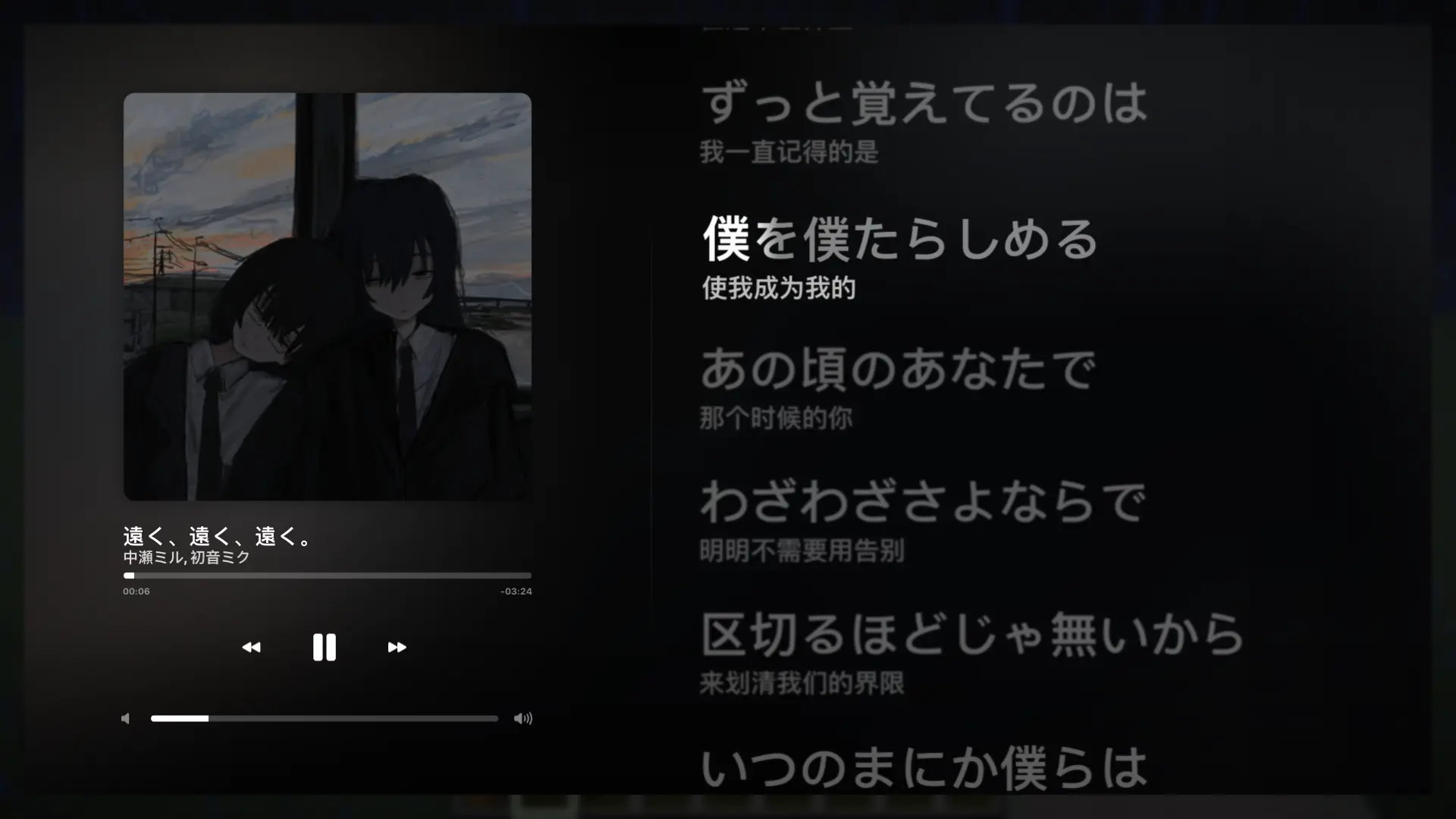
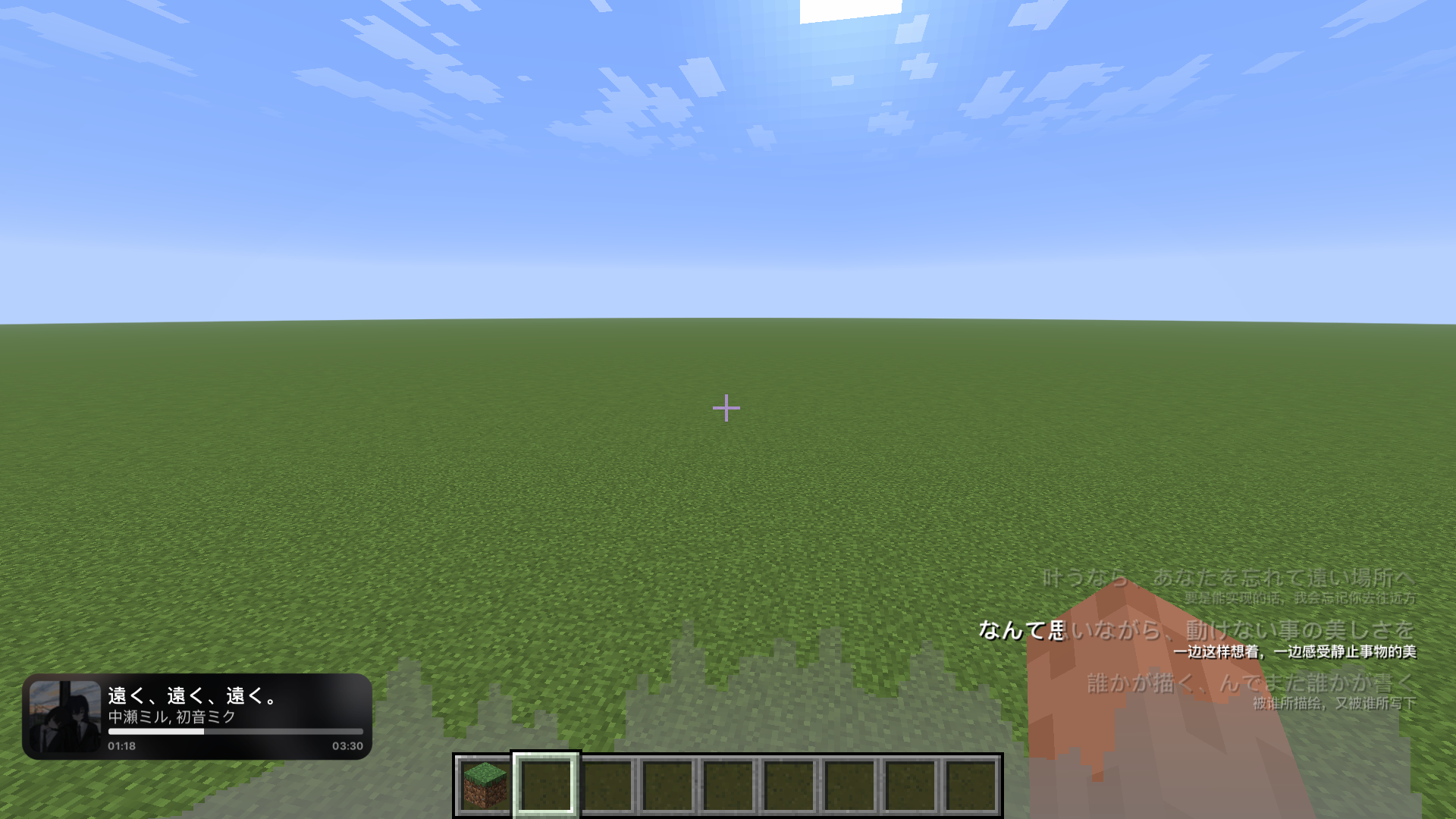
This project lets you play your own NetEase Cloud Music (A Chinese music streaming service) playlists within the client and display the lyrics. 这个项目允许你在客户端内播放自己的网易云音乐歌单并显示歌词。
截图
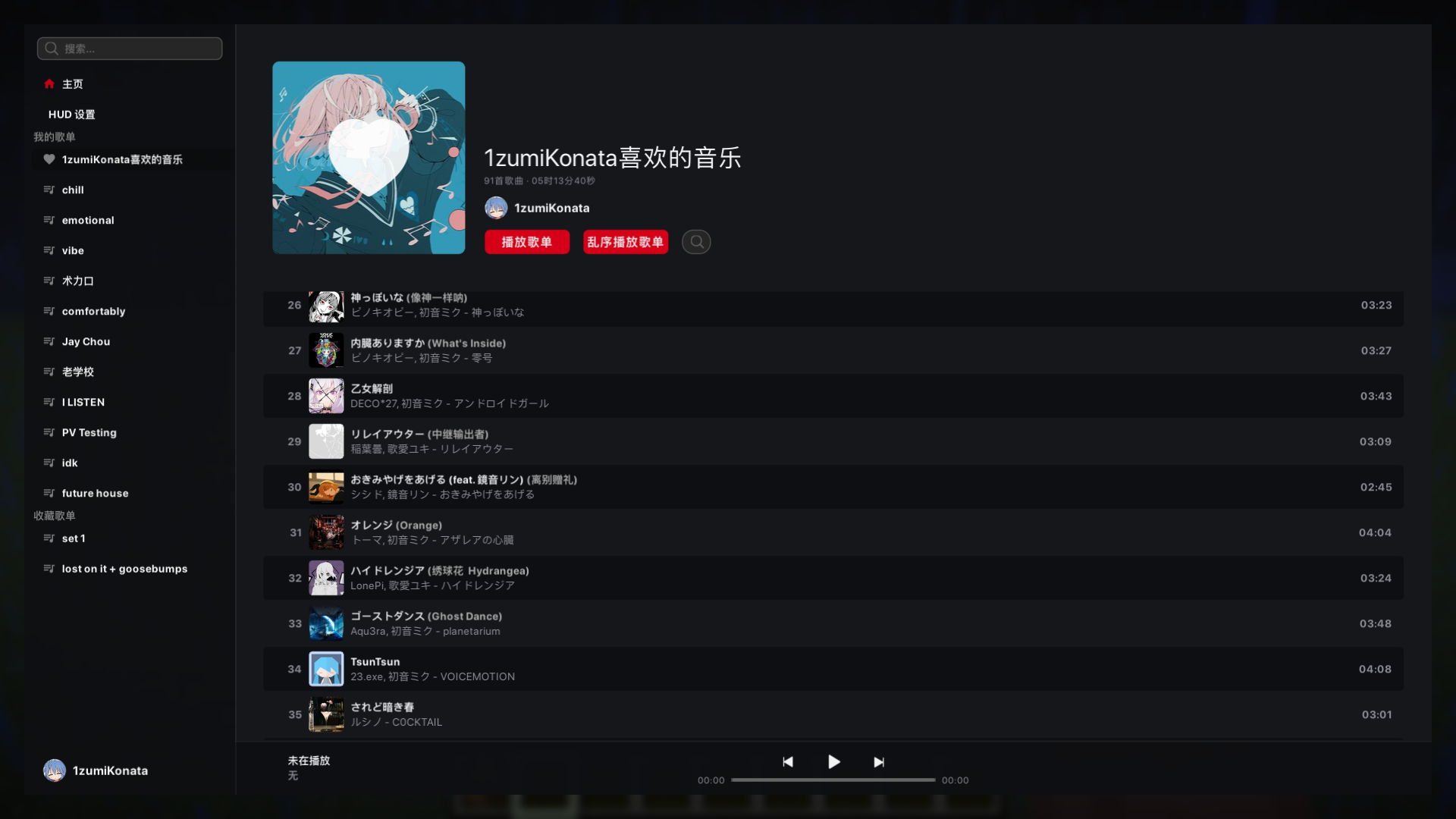
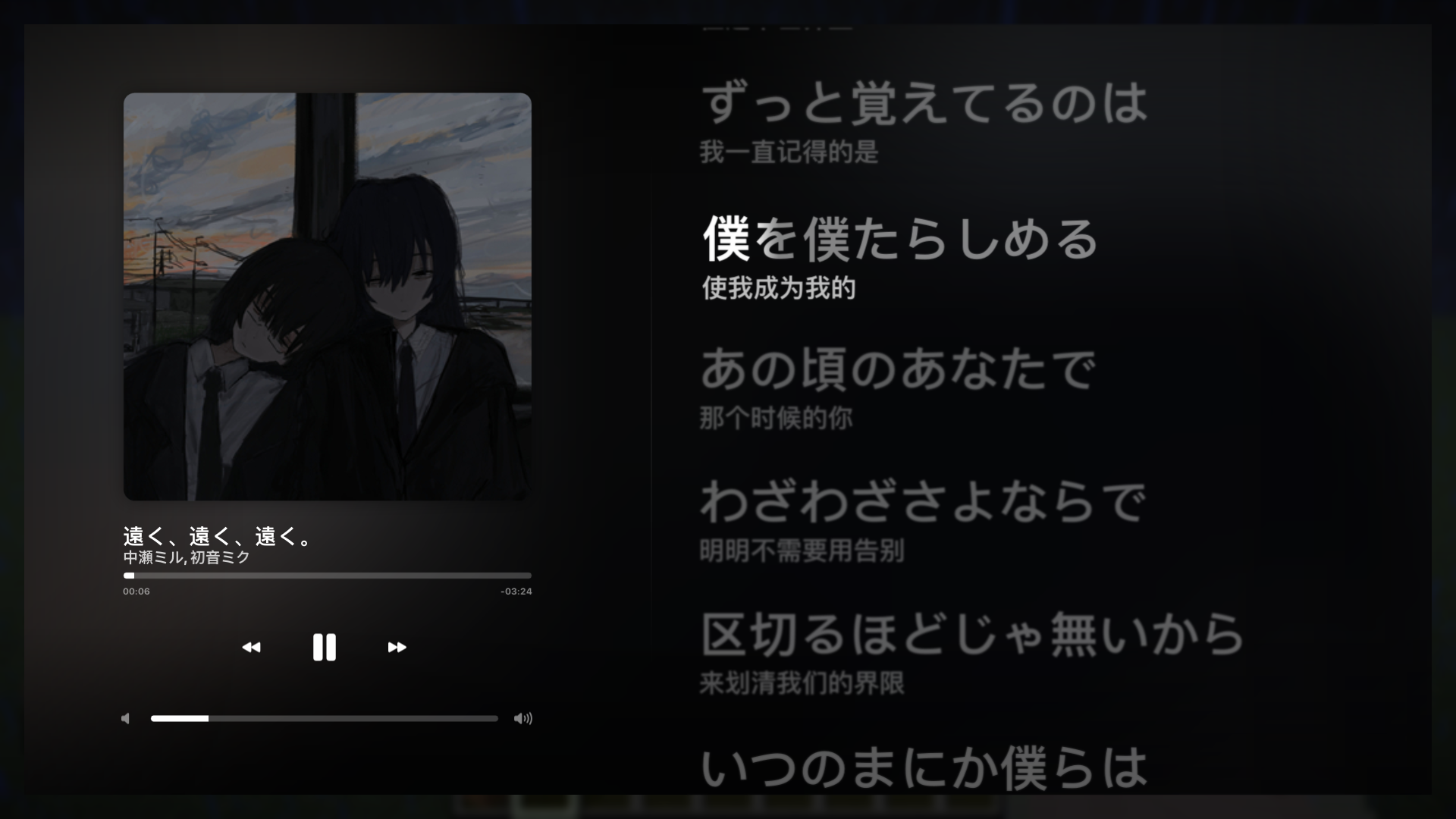
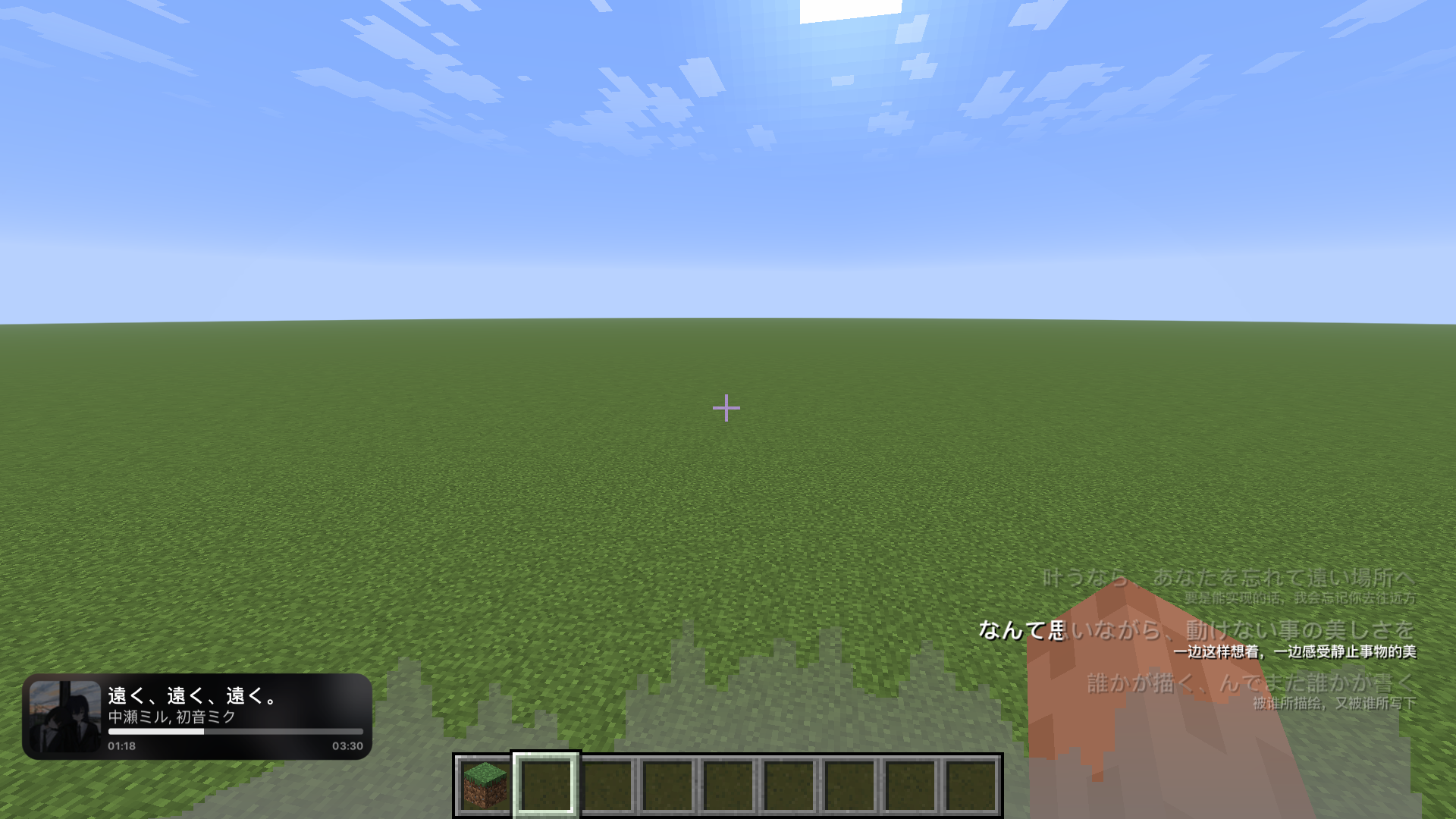
介绍
Tritium Music
An experimental project for playing NetEase Cloud Music (A Chinese music streaming service) within the client.
It supports word-for-word lyrics.
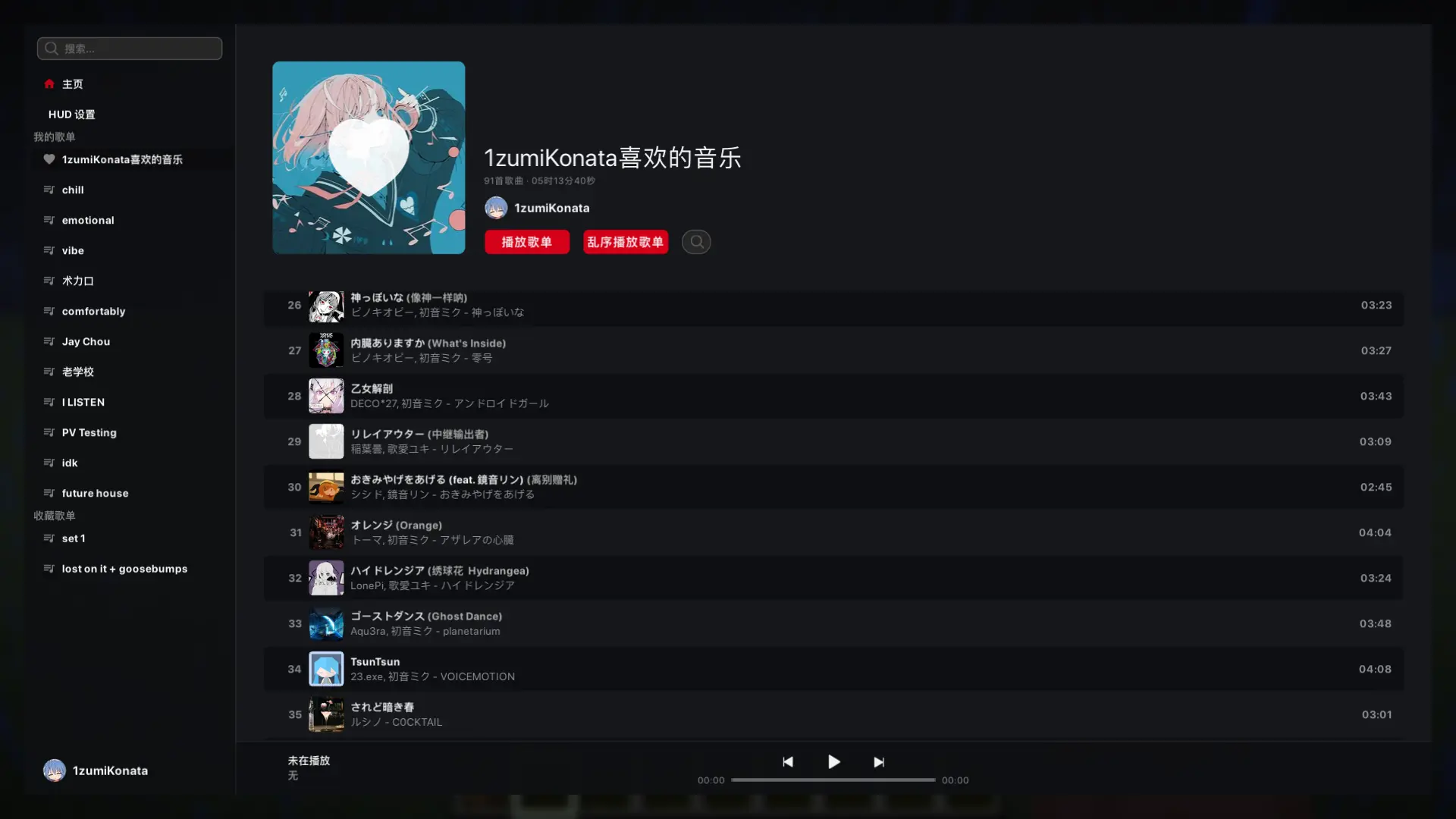
By default, press M to open the player interface. After scanning the QR code to log in, you can view your playlists, edit them, search for songs, and more.
一个用于在客户端内播放网易云音乐的实验性项目。
支持逐字歌词,并且可以拉取 AMLL 仓库及 QQ 音乐的歌词
默认按下 M 打开播放器界面。扫码登录后,可以查看自己的歌单、修改歌单以及搜索歌曲等操作
Precautions Before Use / 使用前注意
- This mod uses a Chinese music streaming service provider; the user experience outside of China may be degraded.
- This mod is not an official NetEase Cloud Music product and does not bypass membership, regional, or copyright restrictions. Whether “grayed-out” songs or membership-exclusive songs can be played depends on your account permissions and the resources provided by NetEase Cloud Music.
- 本模组仅支持扫码登录
- 本模组不是网易云音乐官方产品,也不会绕过会员、地区或版权限制。灰色歌曲、会员歌曲能否播放,取决于你的账号权限和网易云音乐提供的资源。
If you’d like to integrate other music streaming services with this mod, you can submit a pull request to the repository.
如果您想要为这个 mod 接入其它的音乐流媒体服务提供商,您可以前往仓库提交 pr.
Screenshots / 游戏内截图
常见问题
Tritium Music 支持哪些 Minecraft 版本?
Tritium Music 支持 Minecraft Java 版 1.20.1–26.3,共 10 个版本,可用的加载器:Fabric / Forge / NeoForge。下载时注意选择和你游戏版本一致的文件。
Tritium Music 怎么安装?
先用 PCL2 或 HMCL 启动器安装对应版本的 Fabric / Forge / NeoForge,再把下载的 .jar 文件放进游戏目录的 mods 文件夹,重新启动游戏即可。开启了版本隔离的,mods 文件夹在 versions/版本名 下面。运行环境:仅客户端。
评论
登录后评论和评分